
Written by Kayleigh
Edited on
3 July 2025
·
13:47
How do you register your Brother printer for MPS Essential?
Did you purchase a Brother printer that's suitable for MPS Essential? You can save a lot on your printing costs if you register your printer for this print service. You'll automatically receive new cartridges or toner cartridges before they're empty. You also get other advantages, like a repair service on location. On this page, we'll tell you how to register your Brother printer for Brother MPS Essential.
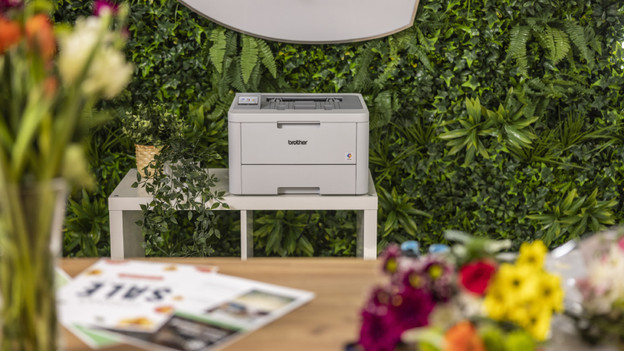
Register a Brother printer in 4 steps
Check whether your Brother printer is suitable for MPS Essential first. Keep in mind that the price you pay per page differs per printer:
- Step 1. Fill out the registration form.
- Step 2. Connect the printer to your network.
- Step 3. Confirm your subscription via phone.
- Step 4. Receive the invoice via email every 3 months.
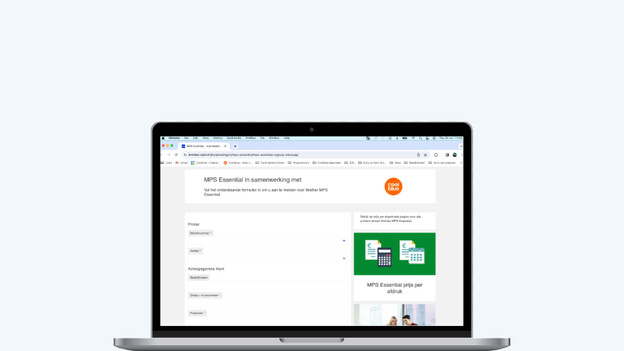
Step 1: fill out the registration form
Go to the registration form on the Brother website via the link on this page. Enter het model number of your printer and indicate the number of printers you want to register for the print service. Enter your personal information as well. Once you've filled in everything, you agree on the terms and conditions and click Send.

Step 2: connect the printer to your network
Once you've received the printer, you connect it to your network. This makes your printer visible in the Brother system. Can't set up a connection between your Brother printer and your WiFi network? Read the article on this page to find out how to connect your printer to the WiFi.

Step 3: confirm your subscription via phone
After you've installed the printer in the network, Brother will contact you via phone. You can complete the activation together with Brother. You're now registered and can start to print right away. When you're almost out of ink, your printer will automatically order new cartridges or toner cartridges. Make sure your printer is always connected to the network, otherwise the printer can't order new ink.
Step 4: receive the invoice via email
You'll receive the first MPS Essential invoice 3 months after the registration. You'll receive this invoice via email. This is how you pay too. After that, you'll receive an invoice every 3 months for the prints you've made. On the Brother portal, you can see how many pages you print. That way, you can easily keep an eye on your printing costs.
Article by Kayleigh
Printer Expert.
