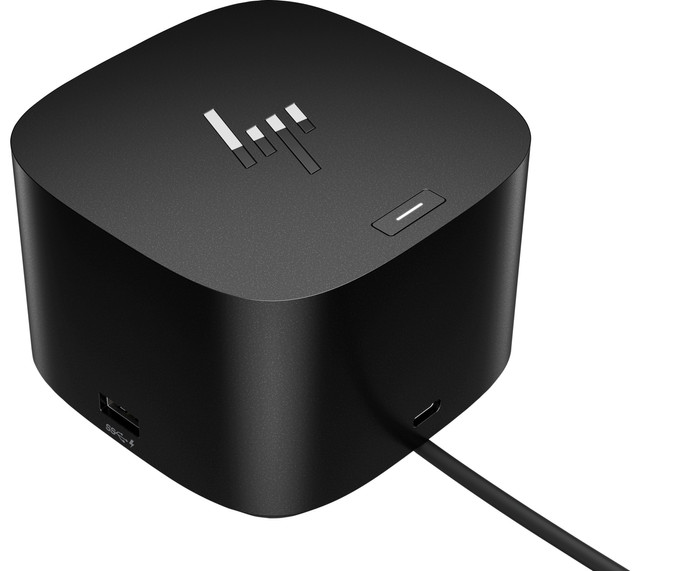
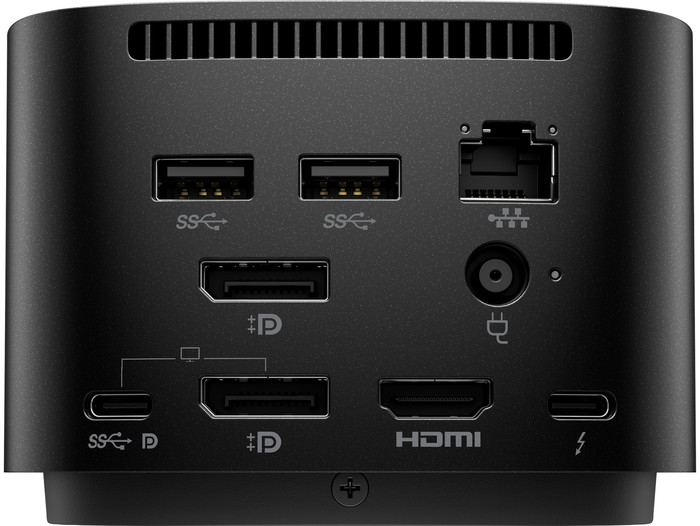
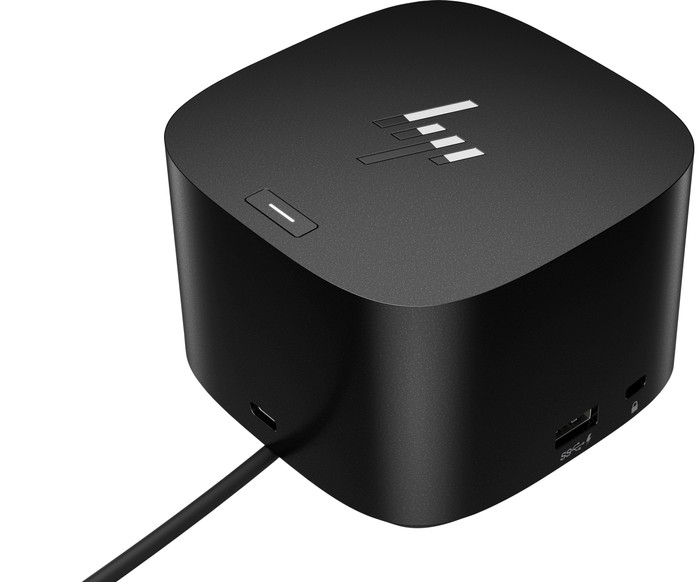
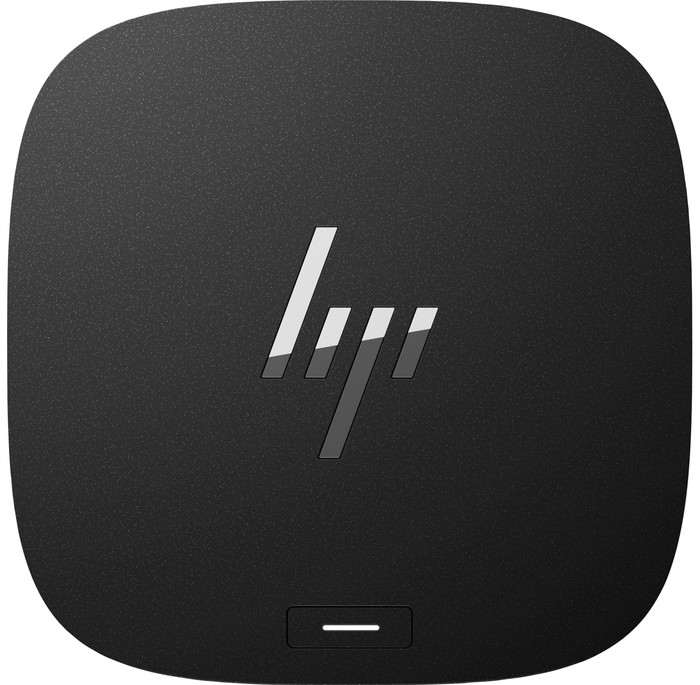
Turn your desk into the ultimate workspace with the HP G4 Thunderbolt Docking Station 280W. You can connect up to 4 4K monitors on this docking station, so you can create a lot more space for your windows. The dock also has a number of ports for your peripherals. Most connectors are at the back, so your workspace stays neat. You can connect an Ethernet cable in a workspace with poor wireless internet connection, so you can participate in online meetings with your colleagues problem-free. Thanks to HP Sure Start, your devices are secure. This prevents hackers from using the dock to attack your network and laptop. Administrators also have access from afar via a wired connection, thanks to the Intel vPro technology. This way, they can easily perform updates. With 280W, you can charge the most high-performing PCs.
The HP G4 Thunderbolt Docking Station 280W works with all Windows laptops, Chromebook models, and MacBook models with USB-C ports that send a video signal. This is how you check whether your laptop has a suitable USB-C port.
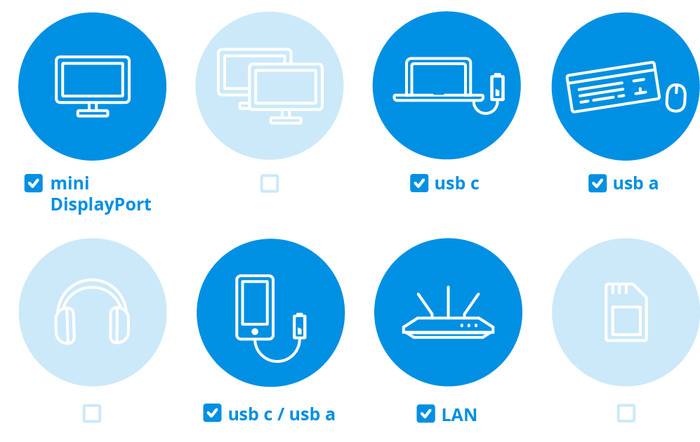
What can you do with this docking station?
- Connect up to 4 monitors
- Charge your laptop
- Charge your phone
- Connect a mouse and keyboard
- Work with wired internet
What can't you do with this docking station?
- Read a memory card
Connect headphones
Note: do you have a
MacBook with M1 or M2 processor? In that case, you can only connect
1 monitor with this docking station.
If you want to connect
4 monitors to this docking station, you can reach a maximum resolution of
4K at 60Hz.