Written by Daniel
Edited on
12 March 2024
·
16:01
Everything on media players
You're looking for a solution to play media on your TV or projector. A media player is a simple way to set this up. How do you want to play data, from which medium, and will your laptop need to remain turned on? We'll give you advice, so you can choose the best media player for you.
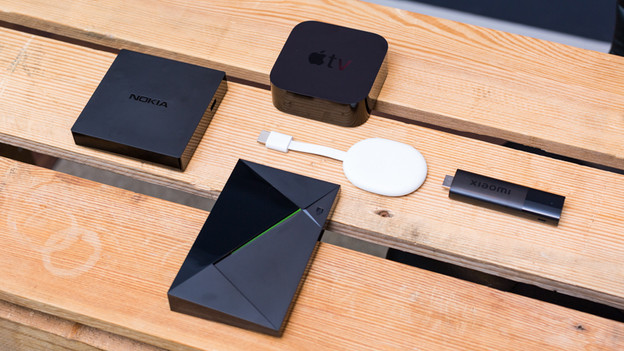
How does a media player work?
With a media player, you can play music, photos, and movies on your television. Use an HDMI cable to connect the player to your TV and play files from a USB flash drive, memory card, or external hard drive. You can also use your media player to stream media from a network device to your television, such as a NAS, computer, or laptop. You can easily view all your files directly on your television.
- Plays a wide range of file formats
- Supports separate subtitles
- Automatically retrieves movie information
- User-friendly interface
- Controls via tablet/smartphone possible
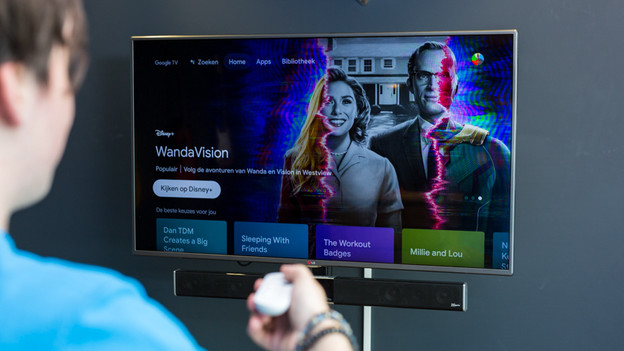
Do you want to stream media via the network (wirelessly)?
With a media player, you can stream media from your entire home network. Do you have a collection of digital music, photos, and movies stored on your computer, laptop, or NAS? Simply connect your media player to the network and stream all your multimedia files to your television. Don't want to bother with cables in your house? Choose a media player with WiFi and stream via your wireless network.

Do you want to stream from an iPad, iPhone, or MacBook?
Do you have an iPad, iPhone, or MacBook and want to show off your latest vacation photos on your TV or play that new song you discovered via Spotify for everyone to enjoy? If that's you, you should get the Apple TV; a media player with AirPlay. Apple TV also allows you to stream your photos, music, videos, and games directly from your iPad and iPhone to your TV. Do you have a MacBook? In that case, you can use the TV as a second screen.
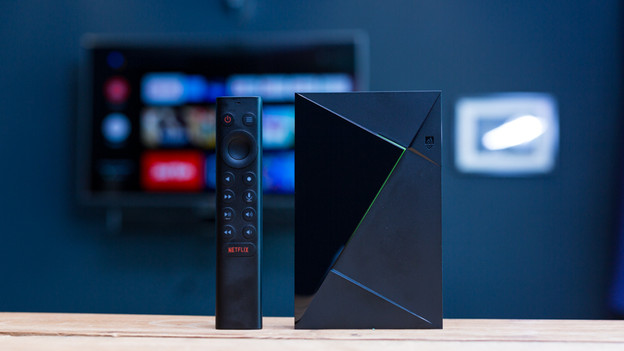
Do you want to play media from a hard drive?
Do you have your movie collection stored on an external hard drive or USB flash drive? Choose a media player with a USB port. You can play files directly from a hard drive with these media players, in addition to streaming. All you have to do is plug the hard drive into the USB port and you can play all your movies. Do you prefer your files to be stored onto the media player itself? Choose a media player in which you can install a hard drive or that already has one.
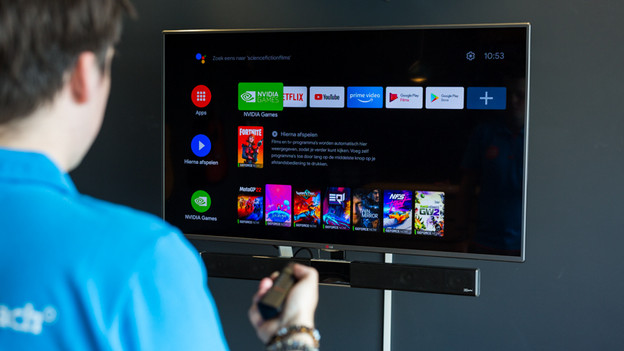
Which streaming services do you use?
Nowadays, you can find almost every app in the menus of your media player. For example, the following services work with Chromecast models, NVIDIA Shields, and Apple TVs. These are HBO, Netflix. YouTube, Videoland, Apple TV, Disney+, Twitch, Spotify, Crunchyroll, ViaPlay, NPO Start, SkyShowime. I only found that Pathé Thuis was an exception, because that only works with your Apple TV.
Article by Daniel
Media Player Expert.