How do you get access to your charging station in My Coolblue?

Steps to log in to My Coolblue
You can see all your charging sessions, add a charge card, and view your invoices in My Coolblue. With the following steps, you can log in easily:
- Step 1. Go to Coolblue.nl and log in
- Step 2. Choose 'Coolblue Energy'
- Step 3. Choose 'Charging Stations'
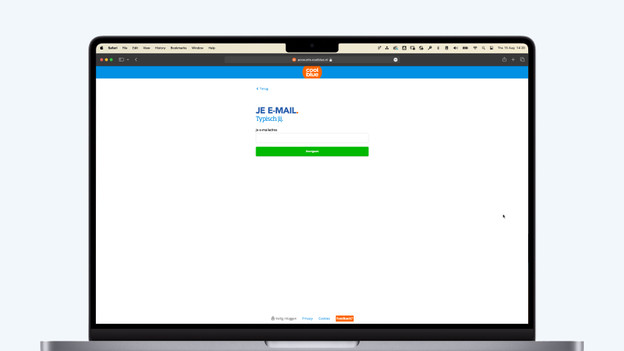
Step 1: go to Coolblue.nl and log in
Open Coolblue.nl in a web browser on your smartphone, laptop, or computer. Log in or create an account. Do this with the email address your receive your invoices for the charging sessions on. Note: when you've just created an account, it'll take about a day before you can see the overview of your charging station.
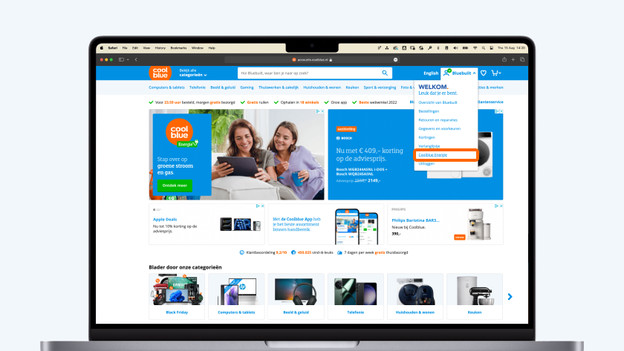
Step 2: choose 'Coolblue Energy'
Select your name on the top right. You'll open an extra menu. In this menu, choose 'Coolblue Energy'. You'll see a general overview.
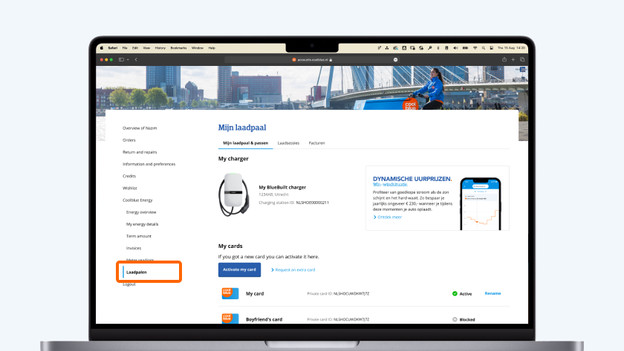
Step 3: choose 'Charging Stations'
Select 'Charging stations' in the menu on the left. You'll then see an overview with everything on your charging station. You can see your charging station, registered charge cards, all your charging sessions, and any invoices. Do you see the charging stations homepage? Your account is registered to a different email address. If you can't figure it out, you can contact us.
More on charging
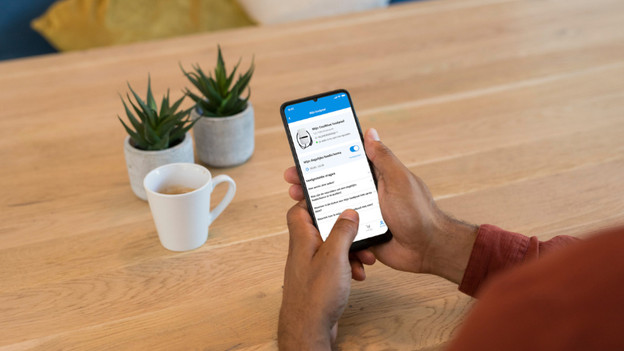
Smart Charging via Coolblue App
You can set up a charging schedule for your car via the Coolblue App. Log in to the Coolblue App with the same email address for this. Choose 'Coolblue Energy' and then 'Charging stations'. You'll end up in a different overview. Note: Smart Charging only works via the app. Registering new charge cards or viewing charging sessions only works via a web browser.
Register Charge Card
Do you want to register a new charge card? You can also do this in My Coolblue with the blue button 'Register your charge card'. You can register a new Coolblue Charge Card or a different charge card this way.