What do the lights on your BlueBuilt charging station mean?
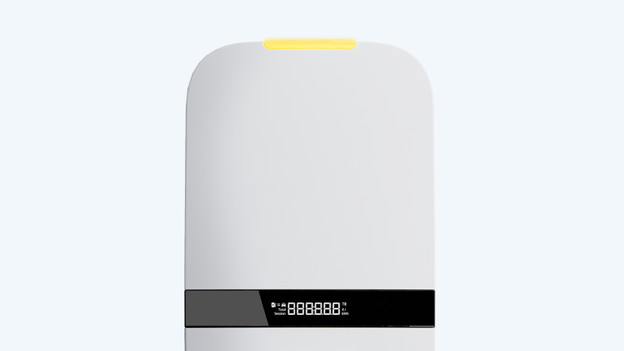
Yellow: not in use
Shortly after the installation, the light of the charging station turns yellow. This means that the station is powering up. Did you move or take over the charging station? That means the charging station isn't currently in use, so charging doesn't work yet. In the article below, you can read more about how to solve that. It's best to contact us.
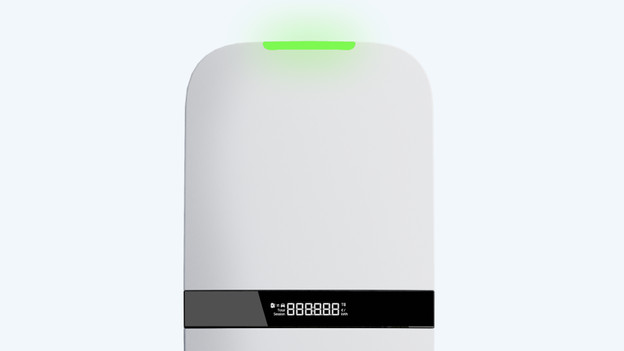
Green: ready to charge
Do you see a green light? That means your charging station is on and ready for use. When you want to start a charging session, you have to unlock the charging point first. Keep your charge card in front of the display.
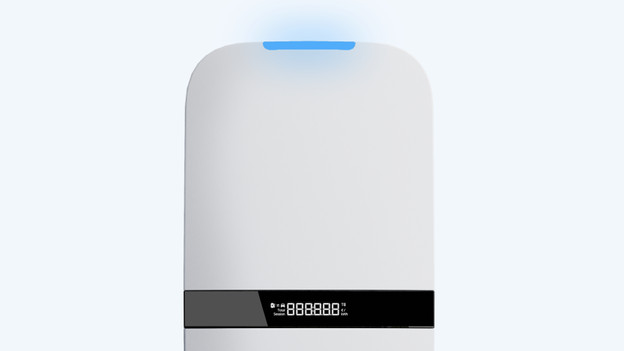
Blue: currently charging
When you unlock the charging station, the light colors blue. This means that the charging station is open and ready for a charging session. Put the cable in your electric car. Is the blue light starting to flash? The charging station is busy with your charging session. You can now charge your car.
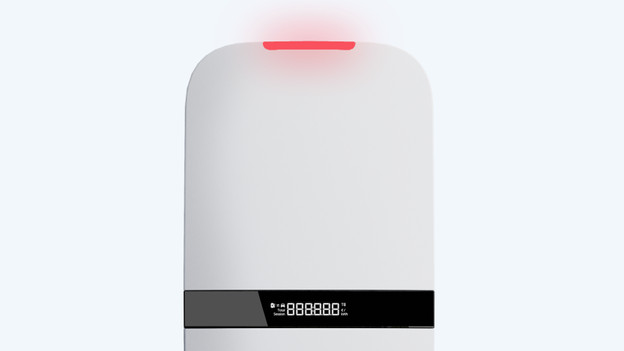
Red: defect or error notification
When there's a defect or error, the light colors red. In the advice article below, we'll provide tips on how to solve an error. Isn't it working? Feel free to contact us.