Written by Bente
Edited on
25 November 2025
·
08:28
This is how you wash and dry for free every day with Samsung SmartThings
Do you have a Samsung washing machine or dryer with SmartThings and an energy contract at Coolblue Energy? You can do laundry for free every day between 12:00 and 15:00. In this article, you can read how to give permission for Free Washing and Drying in the Coolblue App.
Connect Samsung washing machine and dryer for Free Washing and Drying
What do you need?
- A Samsung washing machine and dryer with SmartThings
- An energy contract at Coolblue Energy
You can easily give permission for Free Washing and Drying via the following steps:
- Step 1: Connect your washing machine and dryer to SmartThings
- Step 2: Check if you're eligible
- Step 3: Connect your washing machine and dryer to Coolblue Energy
- Step 4: Start Free Washing and Drying
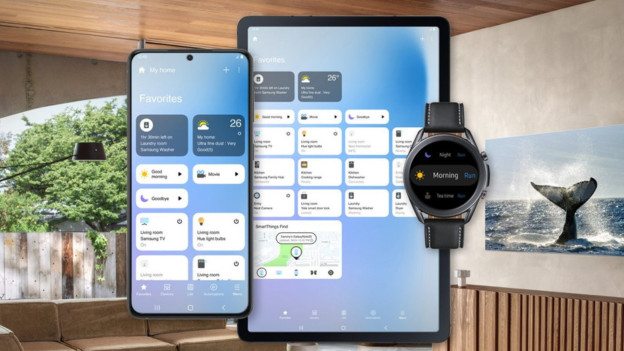
Step 1: Connect your washing machine and dryer to SmartThings
Before you activate Free Washing and Drying, first connect your Samsung washing machine and dryer to the SmartThings app. You can read how to do this step by step in this article.
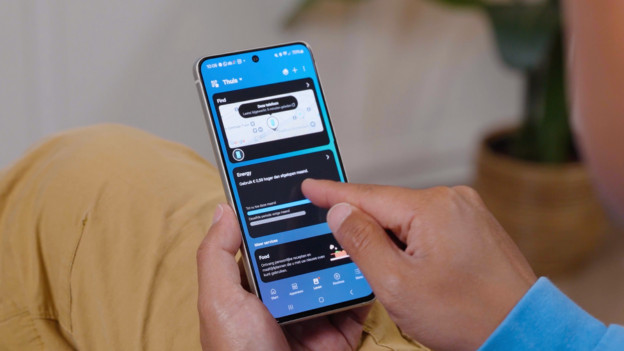
Step 2: Check if you're eligible
Do you have the SmartThings app with you? Good. Go to the tab 'Life' in the app and then to the header 'Energy'. You can see your energy consumption and settings here. Next, tap 'Activity' at the bottom right. Scroll down completely and press 'Free Washing'. Tap 'Check eligibility'. You can see if your appliance and your energy contract are eligible for Free Washing and Dryer.

Step 3: Connect your Samsung washing machine and dryer to Coolblue Energy
Next, tap 'Continue'. You'll go to the My Coolblue environment.
- Agree to the terms and conditions here.
- Click 'Connect to Coolblue'.
- Log in with the email address of your Coolblue account. It's the same one as for your energy contract.
- You'll go back to the SmartThings app and see the confirmation at the top of your screen.
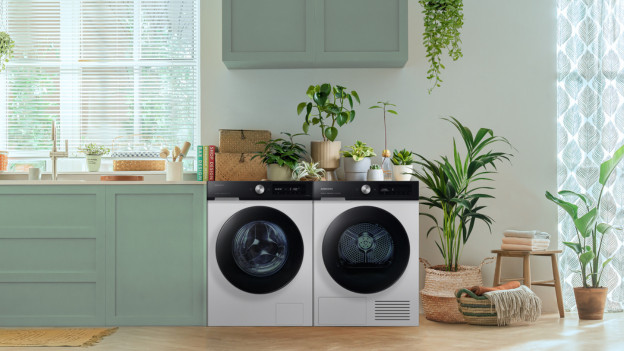
Step 4: Start Free Washing and Drying
Have you gone through all steps? You'll receive a confirmation email. From now on, you can wash and dry for free between 12:00 and 15:00 and automatically control your washing machine and dryer with your smartphone.