Written by Iris
Edited on
28 December 2022
·
11:18
3 tips to expand your Harman Kardon system
The useful thing about Harman Kardon speakers is that you can pair them wirelessly via the Google Home app. No matter if you want to listen to the same song throughout the entire house or different songs. You might want to improve the sound of your television. On this page, you'll find everything you'll need to know.
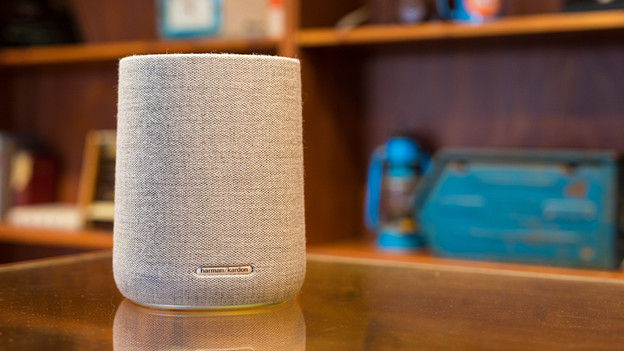
How do I expand my Harman Kardon system?
First, think about what you want. Why do you want to achieve with an extra speaker or expansion?
Tip 1: create a multi-room system.
Tip 2: listen to a stereo sound.
Tip 3: improve the sound of your TV.
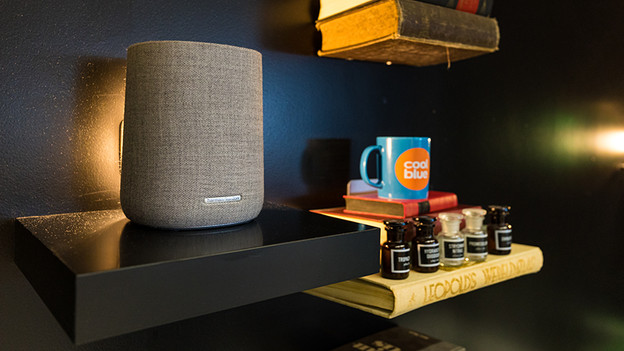
Tip 1: create a multi-room system
With a multi-room system, you can listen to your favorite songs throughout the entire house. You can determine whether this is the same song in every room or a different one. You can use the touch controls, the Google Home app, or the built-in voice assistant to control all the speakers. A tip is to give all the speakers a different name, so you can easily distinguish them.
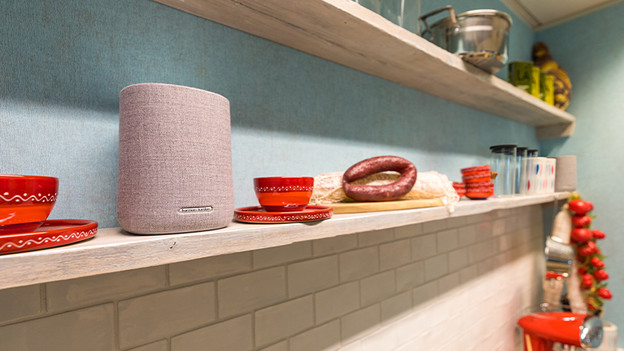
Tip 2: listen to a stereo sound
With 2 speakers in the same room, you'll listen to music like you're in a concert hall. That's because you create a stereo pair, which distributes the left and right channel of the sound over the 2 speakers. This is suitable for both the music enthusiast as well as the one with a home cinema setup. You'll read more about this later on.
Tip 3: improve the sound of your TV
Would you like better sound with your television? Consider a soundbar and/or subwoofer with rear speakers. Use a soundbar like the Harman Kardon Enchant, the Citation Bar, or the Citation MultiBeam. You can create a 5.1 sound setup that way if you combine it with a subwoofer. This'll allow you to listen to surround sound, which means the sound will come from all directions. Add Citation Towers or Citation Surround Speakers to create a 7.1 setup. This'll sound even more spacious. Thanks to this, it'll sound like a formula 1 racing car is actually driving through the room.