Get started with your BlueBuilt charging station
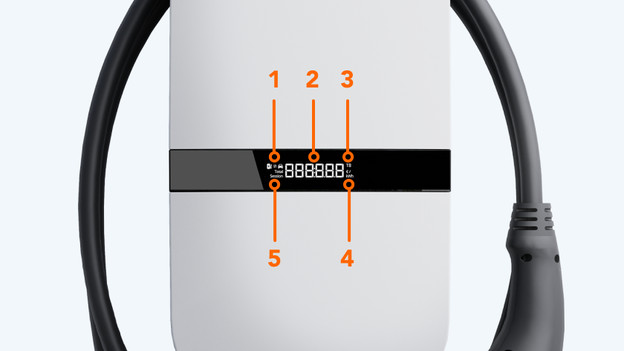
Display information
The display of your BlueBuilt charging station provides a lot of information. You can see the following on it:
- This icon shows that you're charging or discharging.
- Here, you can see the total of your charging session in Euros or kilowatt-hours.
- Here, you can see the energy rate your pay per kilowatt-hour.
- This icon indicates whether the digit at number 2 is in Euros or kilowatt-hour.
- This icon indicates whether the digit at number 2 is from the current session or the total.
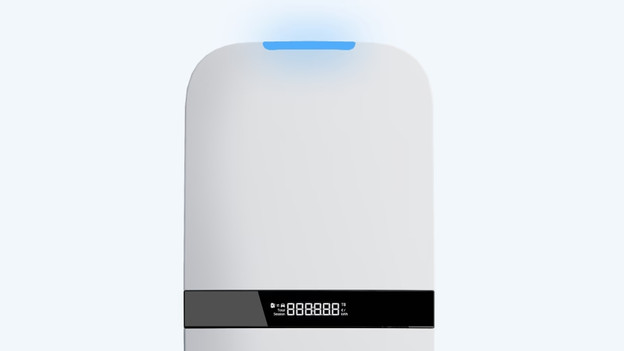
Different colors
There's a light at the top of your BlueBuilt charging station, which shows up in different colors. You'll see a blue light while charging and a red light when there's a problem or error, for example. In the following article, we'll tell you more about these colors and what they mean.
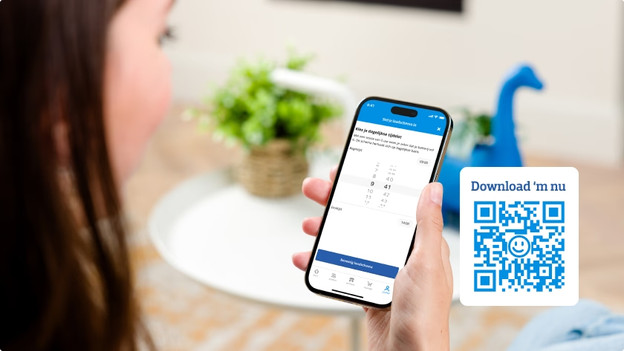
Set up charging schedules
With Smart Charging, you can automatically charge your electric car remotely. That way, your car is always charged whenever you want. You can set up a charging schedule via the Coolblue App. When you choose convenient moments, you can save about 230 per year. Think of during off-peak times or sunny moments when you have solar panels. Note: you need a charging station package for this function.
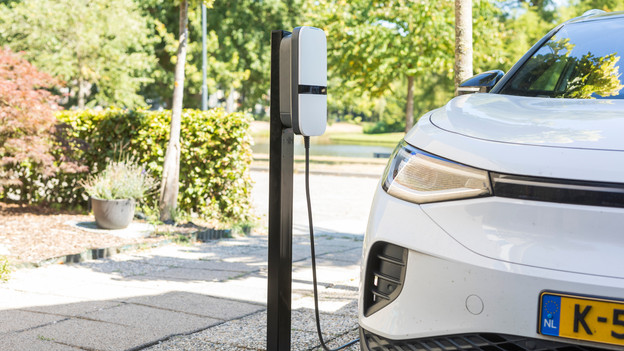
Charging station maintenance
If you want your charging station to last longer, we recommend you clean the charging station every once in a while. Wipe down the exterior with a moist cloth, for example. Don't use a scrub sponge or high-pressure cleaner. There's a good chance you'll damage your charging station with these.