Google Home
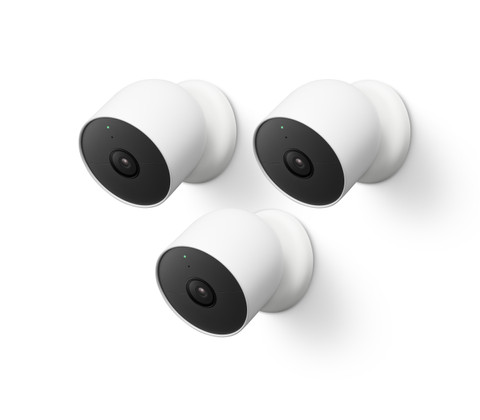
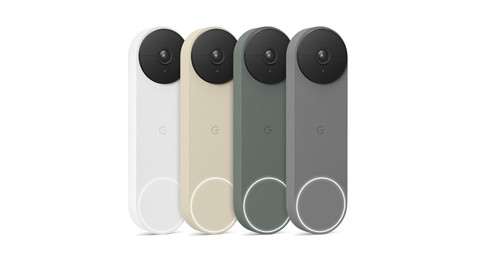
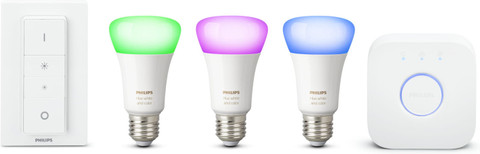
With Google Home, you can easily connect all kinds of smart products to each other. When you open the Google Home app, you see an overview of all your smart devices. With this, you can control the thermostat or your lights, and you can watch live footage from your cameras. Your most-used voice commands will also appear in the home menu. So, you can control your home from 1 menu.
Advice on Google Home

Frequently asked questions
How do you reset Google Home?
When you move, you might want to reset your Google Home. You have to disconnect all your devices. Go to the settings of your home in the Home app and select 'delete this home.'
Is Google Home free?
The Google Home app itself is free. The Google Home products do cost money. You can try voice commands in advance with the Google Assistant app.
Where do I find the Google Home app?
You can find the Google Home app in the Google Play app or in the App Store. From there, you can download the app for free.
Why can't Google Home find my Chromecast?
The Google Chromecast has no physical buttons. Sometimes the setup won't work in 1 go, because the internet connection was unstable. In that case, you can reinstall the Home app and reconnect the Chromecast.
Where do I find Google Routines?
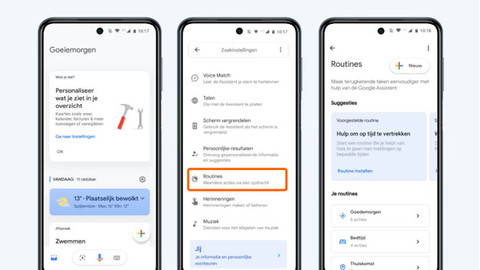
You can set up Google Routines via the Home app. When you connect smart devices to it, you can see a number of options that are important for you on the home screen. There will be a purple button called 'routines.' You can see all your routines and adjust them via this button.