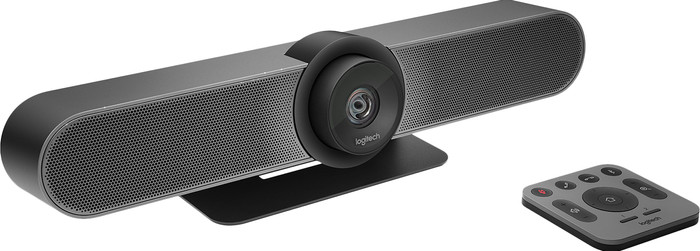
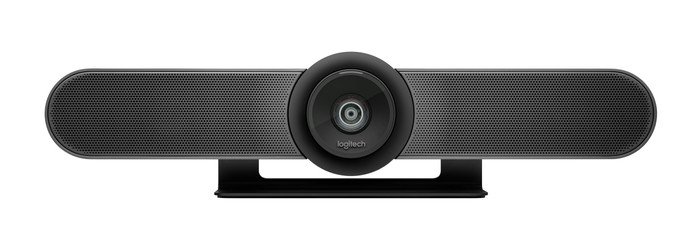
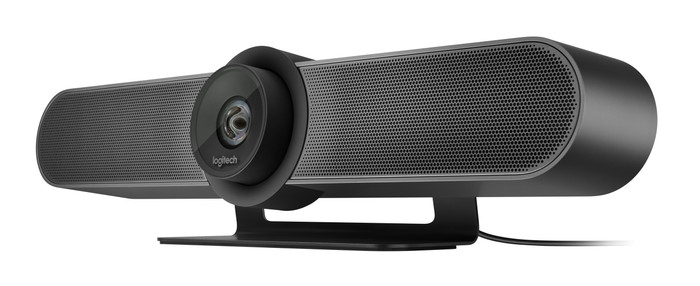
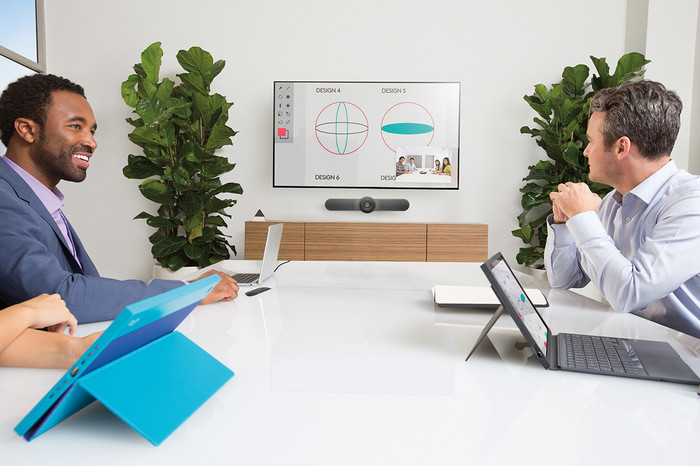
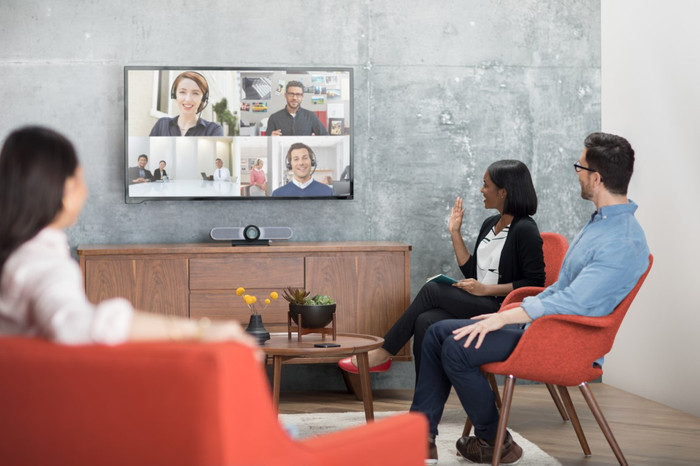
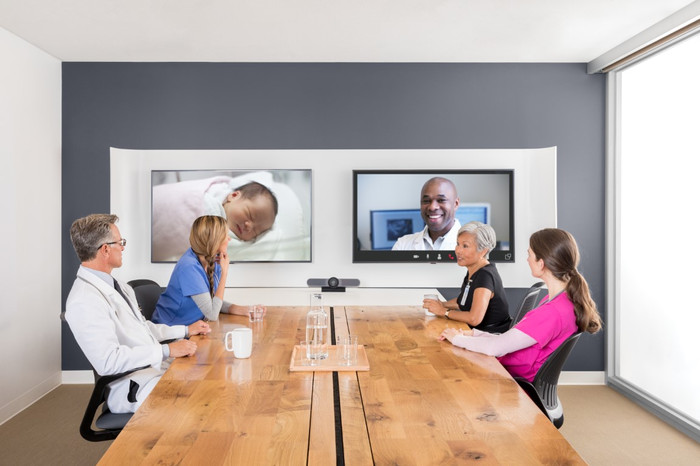
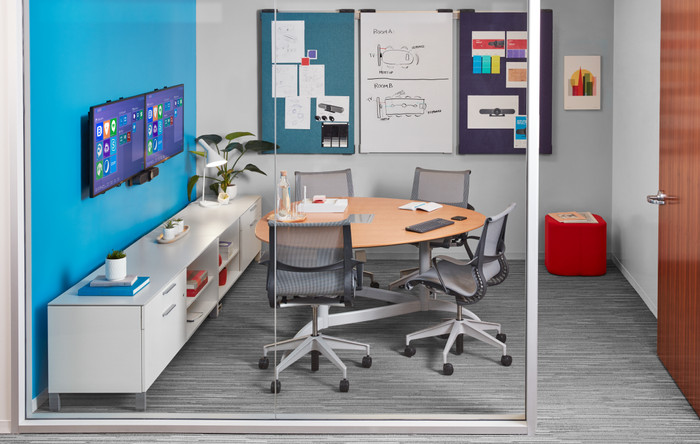
I think the Logitech MeetUp 4K Ultra HD Conference Camera is a stylish webcam that provides sharp images and clear sound. It is quite large and the picture and sound are tailored to smaller meeting rooms.
First impression
When unpacking I find 2 boxes and of course the MeetUp. The boxes contain a power adapter, remote control, USB cable of 5 meters, a wall mounting bracket and mounting material. In addition, the package also contains 2 batteries for the remote control. The only thing that is not included is a USB 3.0 cable, which you need to achieve a 4K image resolution. For use, I only had to connect the power adapter and the USB cable. After that I was able to join my meeting immediately. This conference cam is best mounted under a large screen in the meeting room, as a kind of soundbar. This leaves enough space on the table for things you need during the meeting.
Adjust settings at the touch of a button
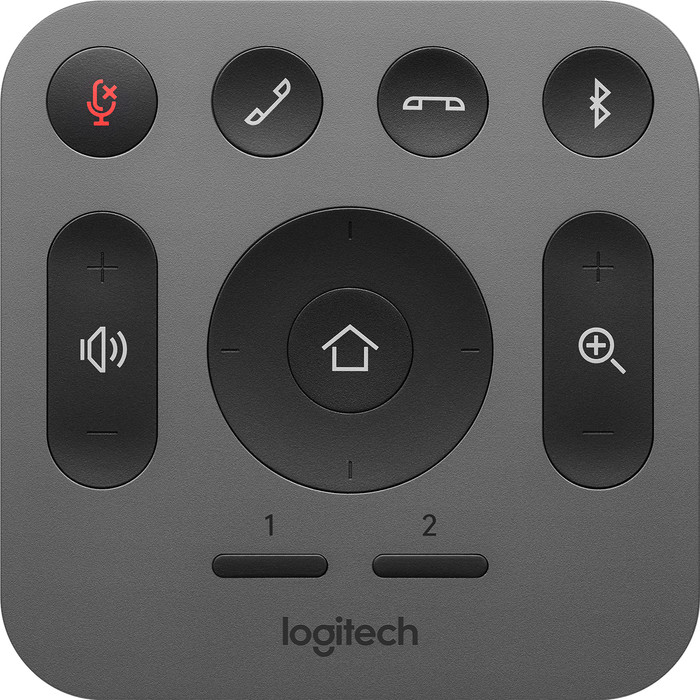
What I find useful about the MeetUp is the included remote control. This allows me to easily operate the camera from a distance. There are some basic buttons that are always handy, such as muting the microphone, answering or ending a call, and adjusting the volume. Still, some other buttons stand out for me. There is a button for zooming in and out of your image and a button for tilting the camera. This gives me the best possible picture of everyone. Linking the camera via bluetooth is also possible via this remote control and works smoothly.
Clear picture and sound
The highlight of this Logitech conference cam is the 4K image quality. Please note, because the necessary USB 3.0 cable that you need for this is not included. When you have connected the camera with a USB 3.0 cable, you immediately enjoy a beautiful image. The image is very sharp and detailed, so that everyone in the conference room is clearly visible. Due to the wide viewing angle of 120 degrees, colleagues can easily join a meeting. They are also clearly visible. In addition, Logitech has 3 sound-isolating microphones, so that everyone in the room can be heard clearly. My colleague who works from home hears every colleague in the room clearly speaking. Meanwhile, background noise is filtered out. The sound that comes from the speakers of the MeetUp is clear, so I can understand my conversation partners well. All in all, with this conference cam you can easily join even the most professional meeting.