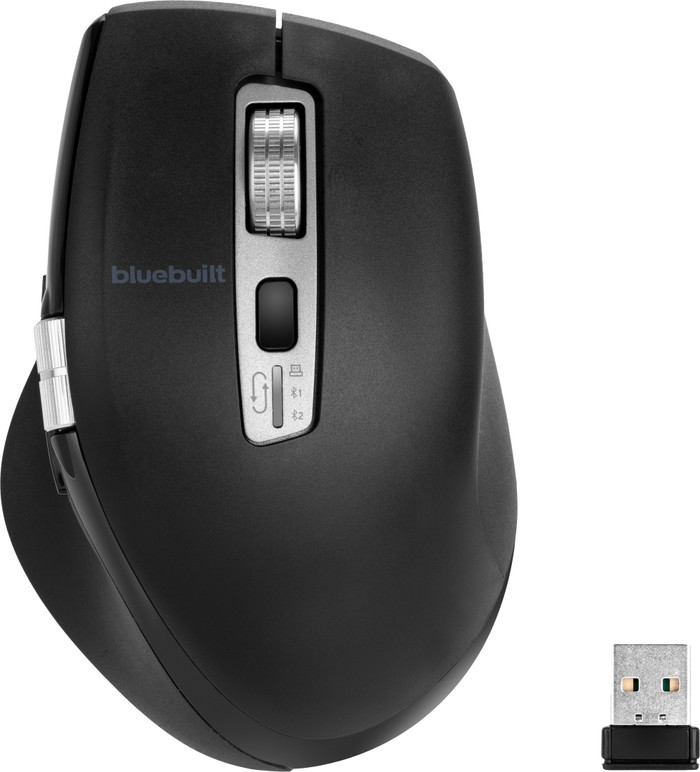
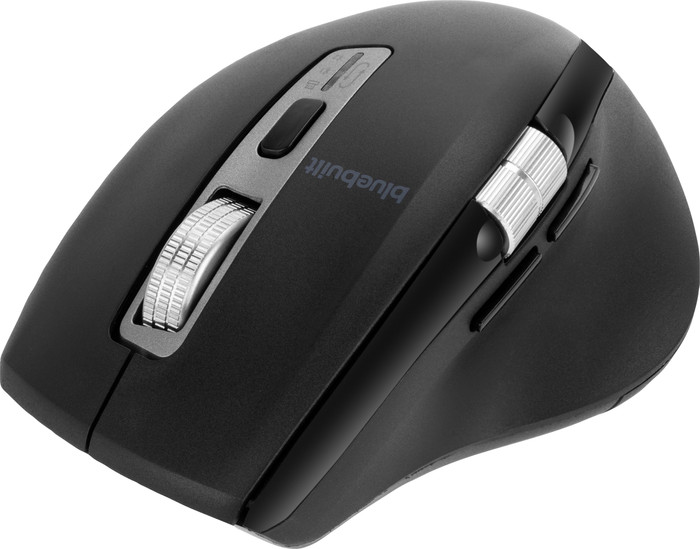
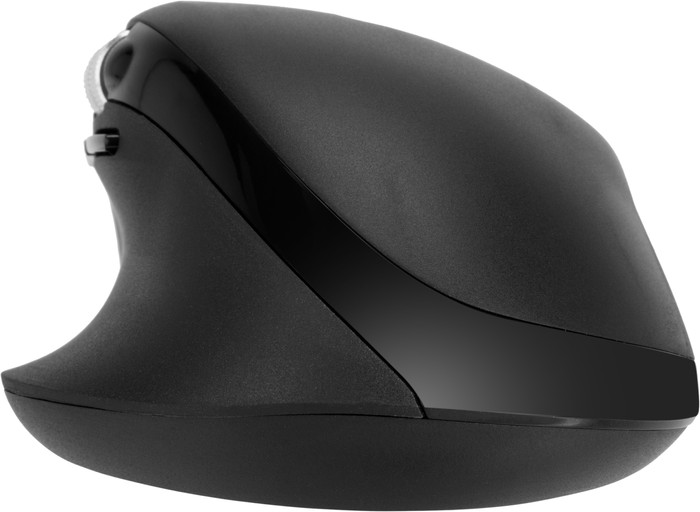
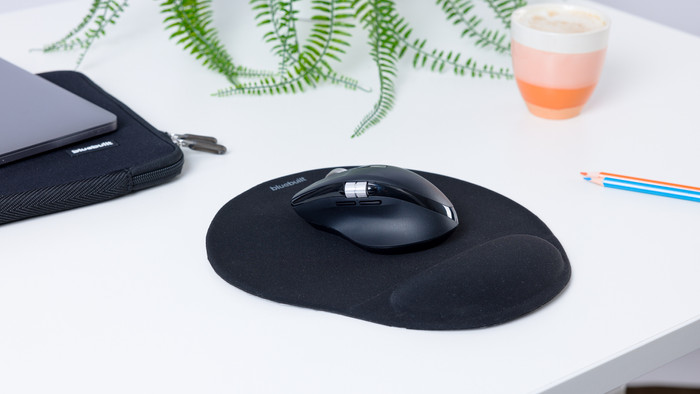
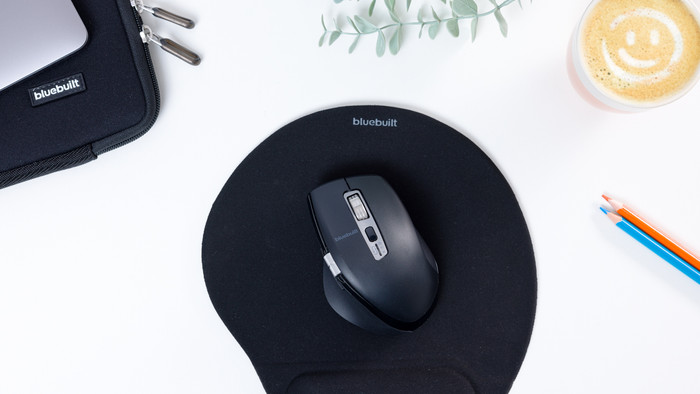
Scroll through your spreadsheets quickly with the BlueBuilt Maximus Wireless Ergonomic Bluetooth Mouse. The mouse has a compact size and fits comfortably in the hand.
First impression
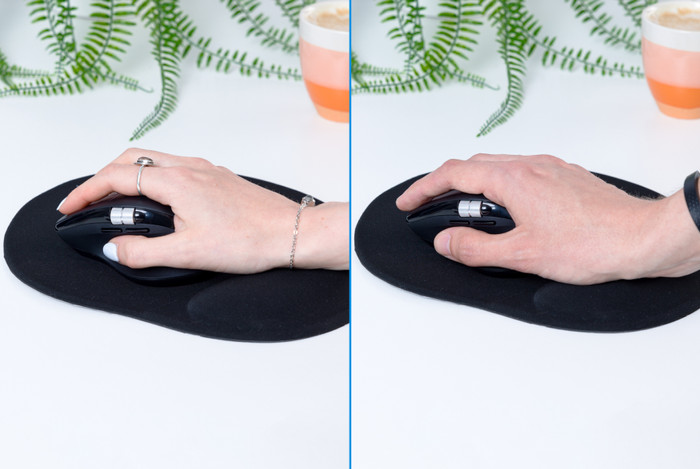
The BlueBuilt Maximus comes in a cardboard box. The box contains a manual, a charging cable and the mouse itself. The manual helps me a lot with setting up the mouse. The mouse is made of soft plastic, which makes it pleasant to the touch. In addition, it is ergonomically designed. This makes it easy for me to grip the mouse and it fits comfortably in my hand.
Nice size and handy buttons
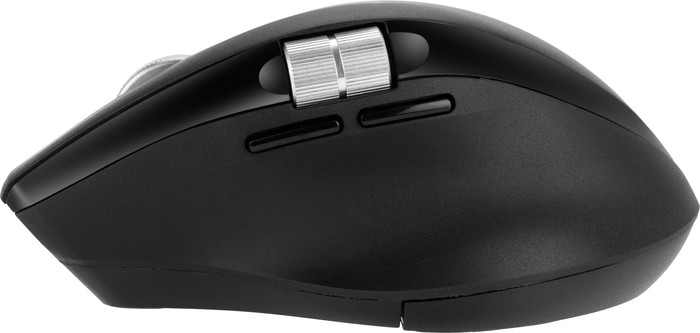
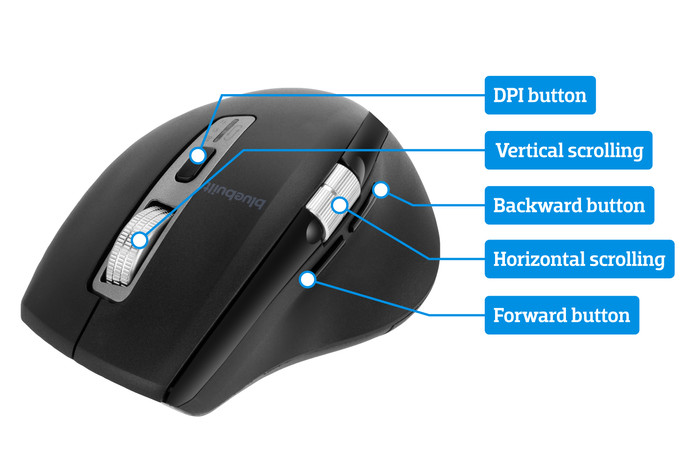
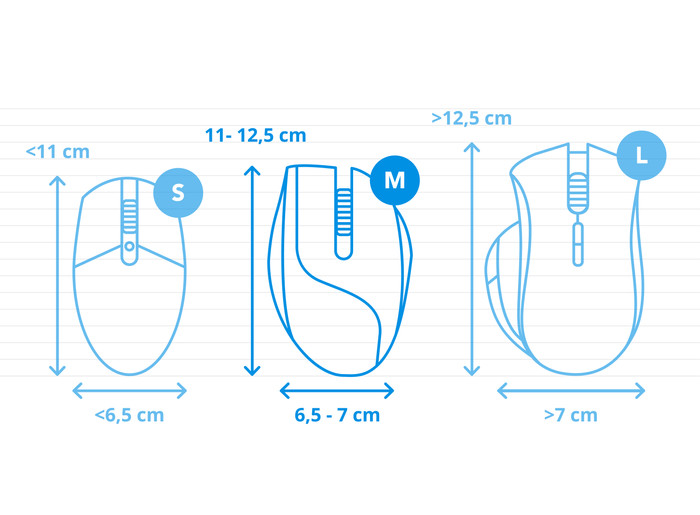
I like the size of the Maximus mouse, because it is not too big for someone with smaller hands. It has a vertical and horizontal scroll wheel. Below the horizontal scroll wheel there are 2 navigation buttons, which allow me to easily return to a tab. Below the DPI button is a button that allows me to quickly switch between devices.
Connect to multiple devices
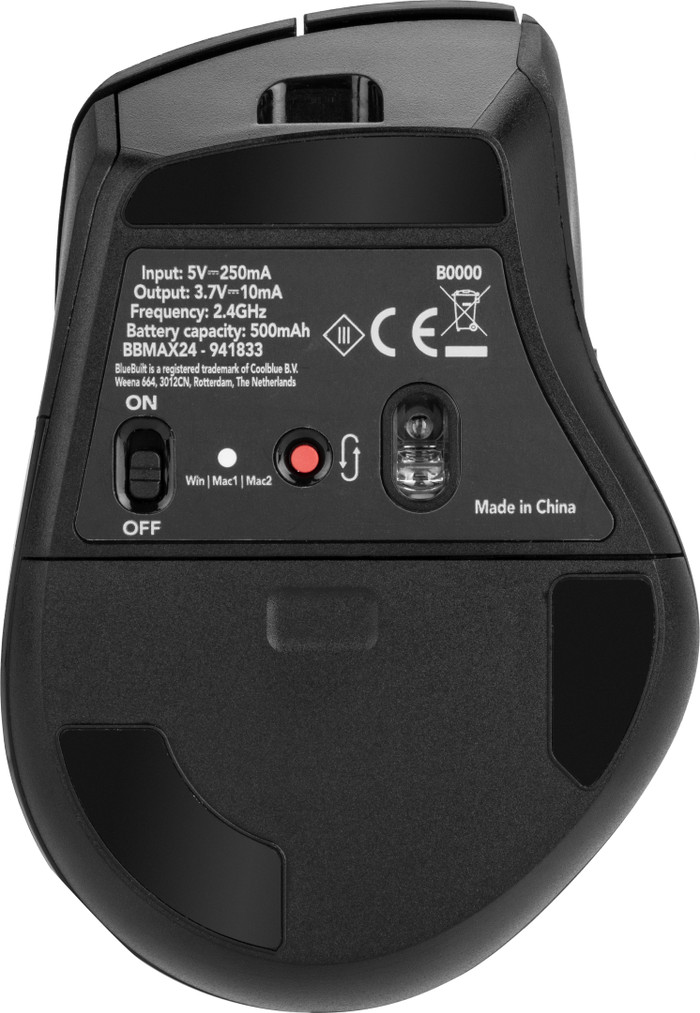
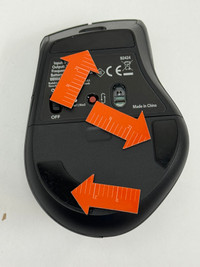
I can easily connect this mouse to 3 different devices. I had trouble finding the connection button. It is located just below the DPI button, near the connection lights. I connect the mouse to my business laptop via Bluetooth, so that I keep my USB ports free. The mouse connects quickly. After work I also connect the mouse to my personal laptop, and it switches over quickly. I find it convenient that I only need one mouse for different devices.
Flying through the files
The BlueBuilt Maximus has a smart flying scroll wheel, which I use to quickly scroll through long spreadsheets. This mouse also has a horizontal scroll wheel. This way I not only scroll vertically, but also horizontally. Sometimes while scrolling horizontally I click on one of the buttons just below it, which is a bit inconvenient. I do like that this mouse has a soft click, because that way I don't disturb anyone with my clicking. I choose between different mouse speed settings. It has 4 different speeds, but I think the highest speed is too fast. The second speed is my personal favorite.