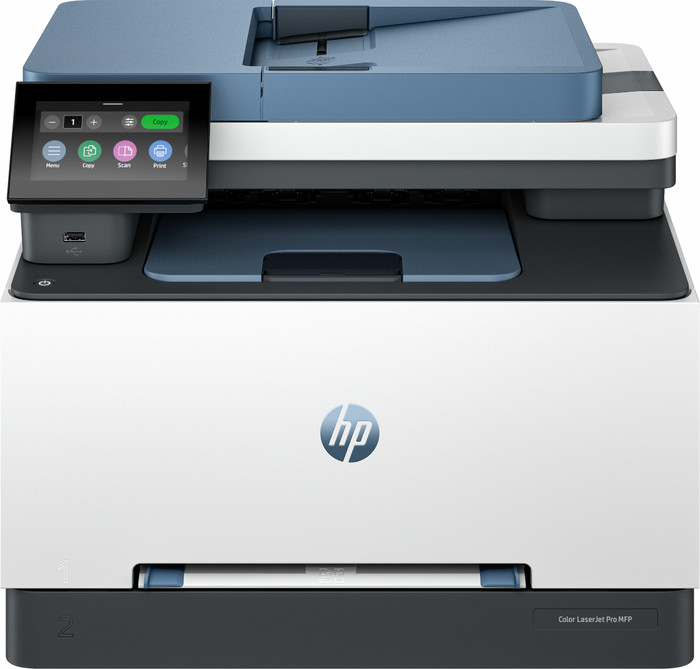
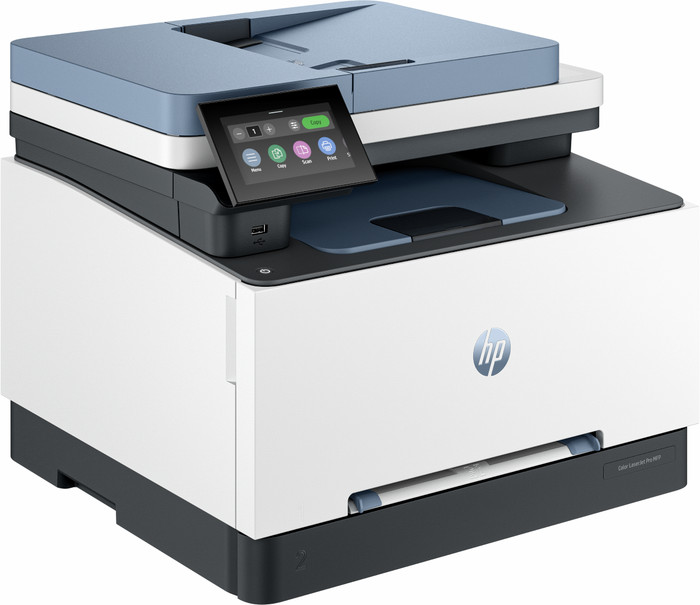
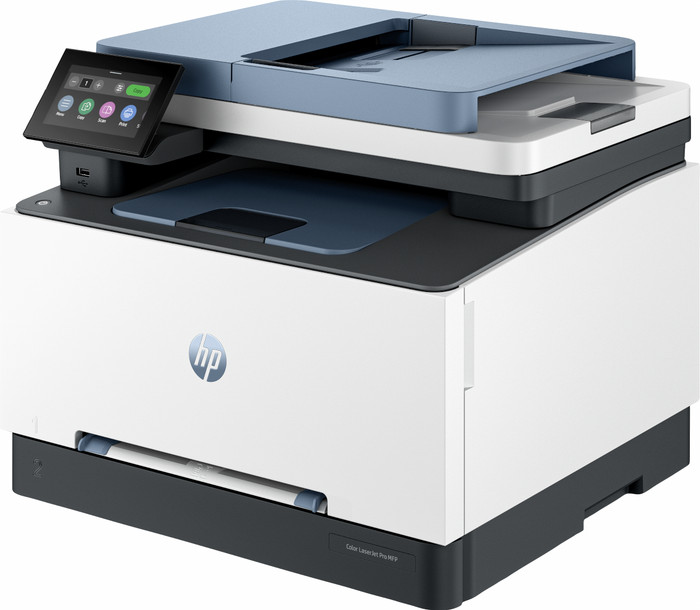
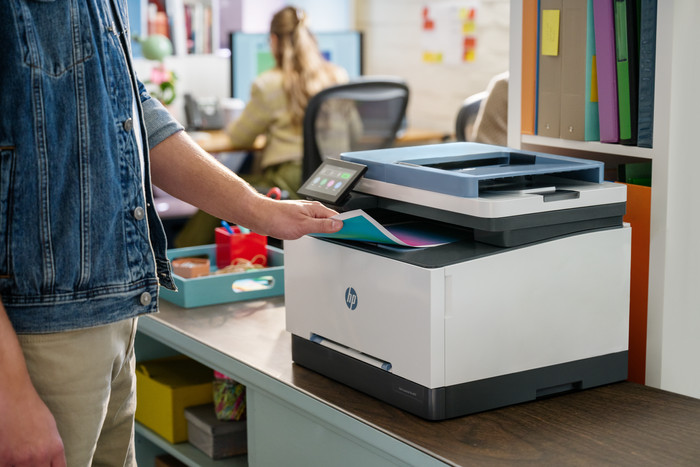
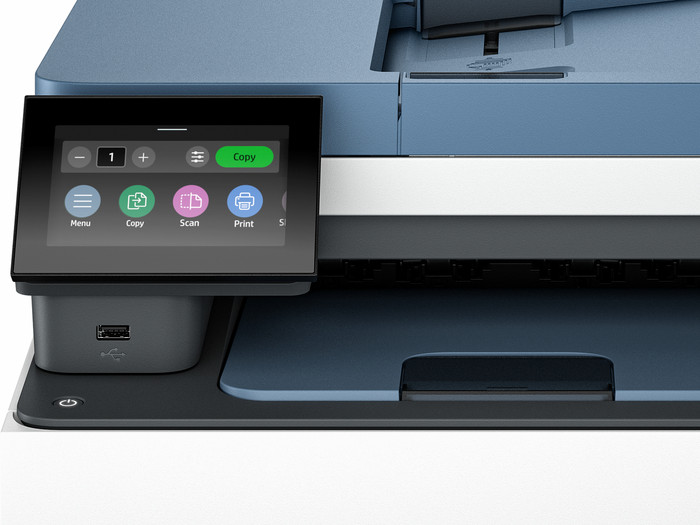
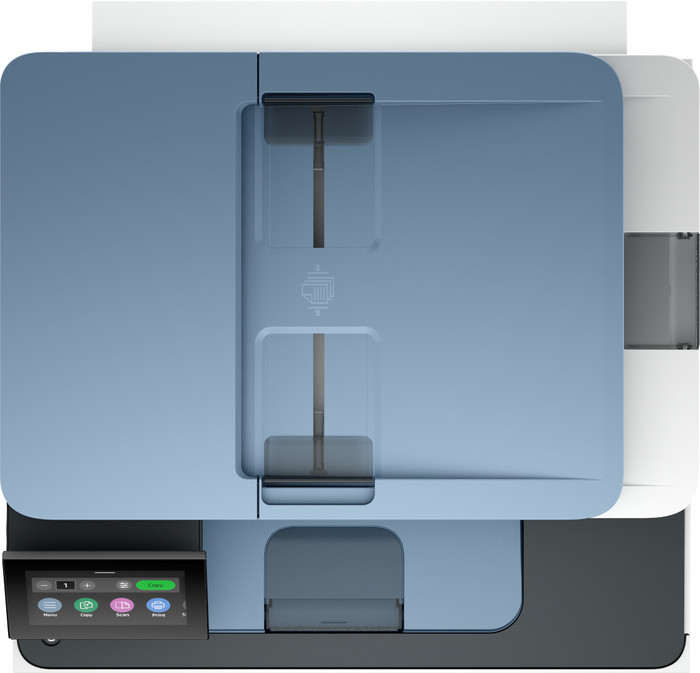
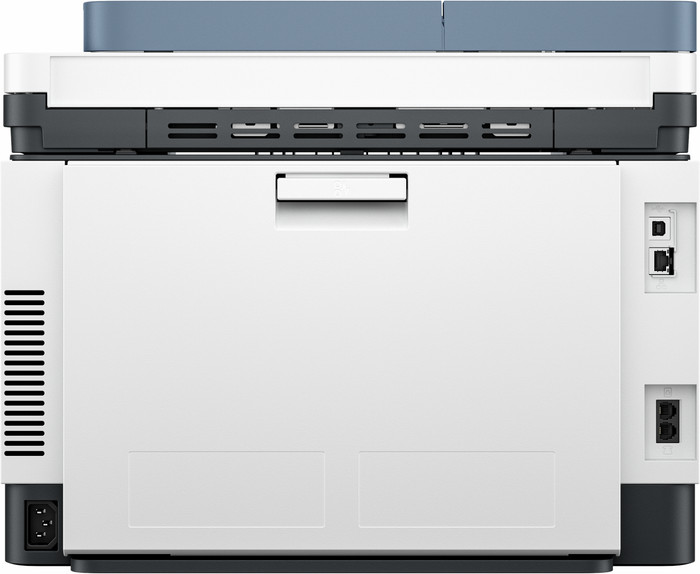
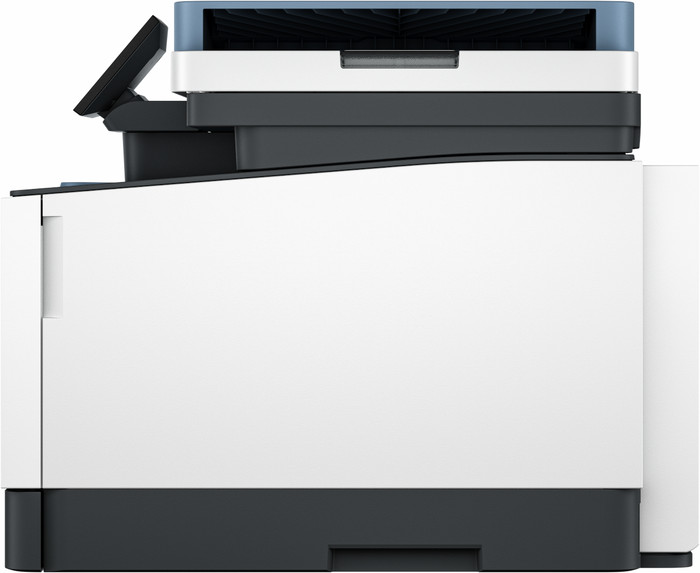
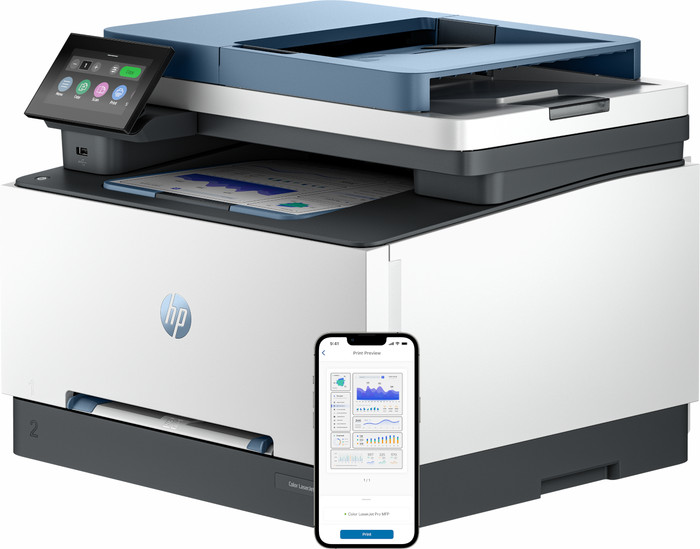
With the HP Color LaserJet I have a secure office printer that automatically scans and prints on both sides. The printer is large and heavy, which makes it difficult for me to move it.
Quick installation
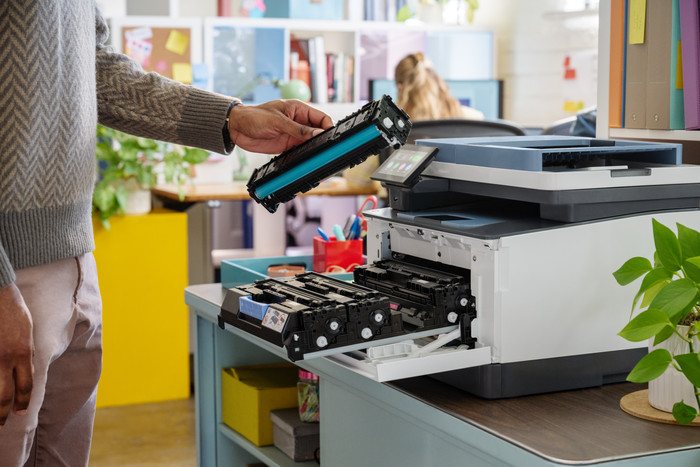
With this printer, the toners are already in the printer, which saves a lot of time during installation. I also immediately connect the printer to WiFi. I am on the same WiFi network with my Macbook and immediately send my first print job. Because I print via WiFi direct or Apple AirPrint, I don't need any additional drivers or apps. This way, I have my first document in my hands within 10 minutes of setting up the printer. I find the HP Smart app useful because I can set shortcuts on it. The printer also has a USB input, so I can also print via a USB cable or stick. Due to the large size and heavy weight, I cannot easily move the printer.
Double-sided printing and scanning
The great thing about this laser printer is that it has many different functions. So I not only scan, copy and print, but I even send a fax. I often copy large documents, and I do this easily and quickly with this printer. I place my document in the automatic document feeder and the printer does the rest. This way I can quickly have my handout ready. I automatically print double-sided, which also saves on paper. I even scan double-sided automatically. This is useful when I scan or copy double-sided documents.
Good quality and speed
The printer has surprisingly good print quality. My texts are very sharp on paper and even the colors pop off the paper. The quality of copied documents is also good. The printer prints at a speed of approximately 25 pages per minute, which is average for an office printer. When printing on both sides, the printer takes longer.
Many security options
The Color LaserJet 3302fdw was specially developed for the office, so I use several safety options. For example, I set a unique administrator password, which prevents other colleagues from adjusting the printer settings. I can see all print jobs in my print history. I also add multiple users to the printer. I also adjust the printer's sleep mode, which uses less energy.