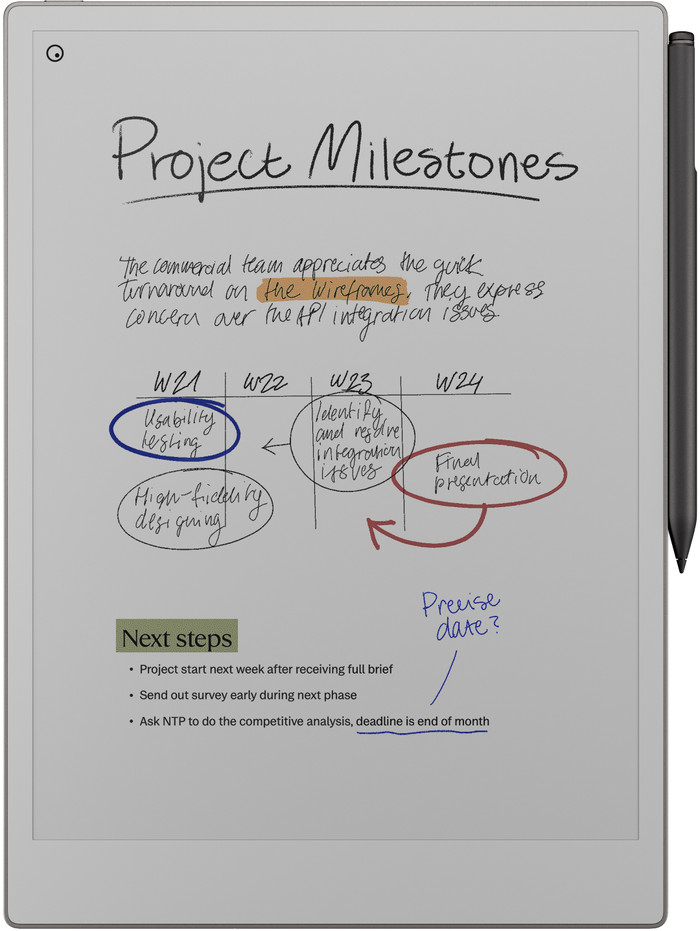
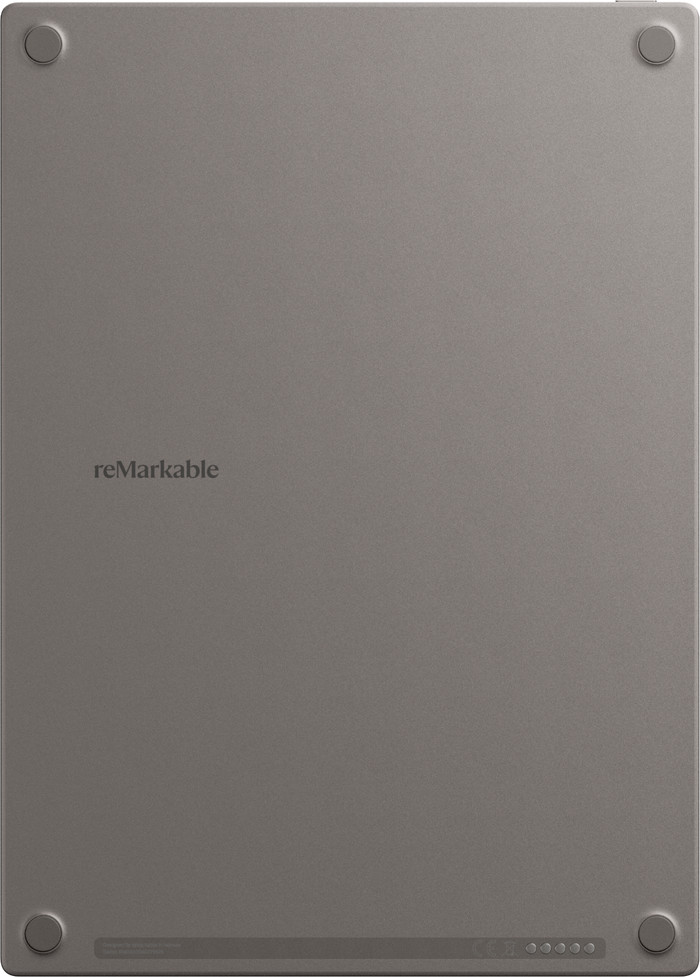
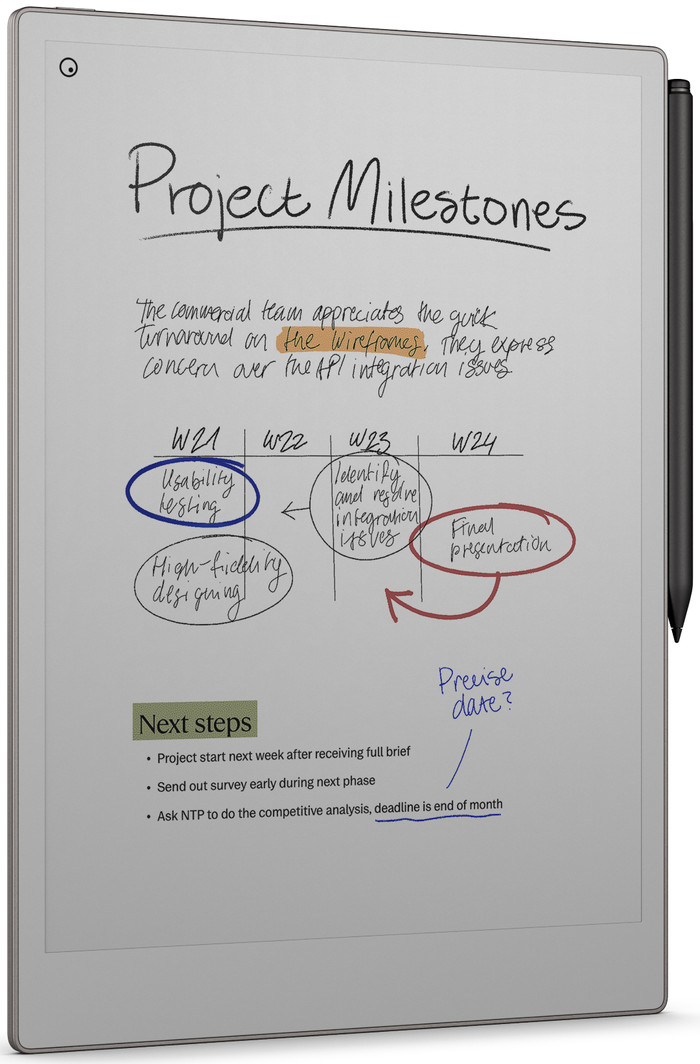
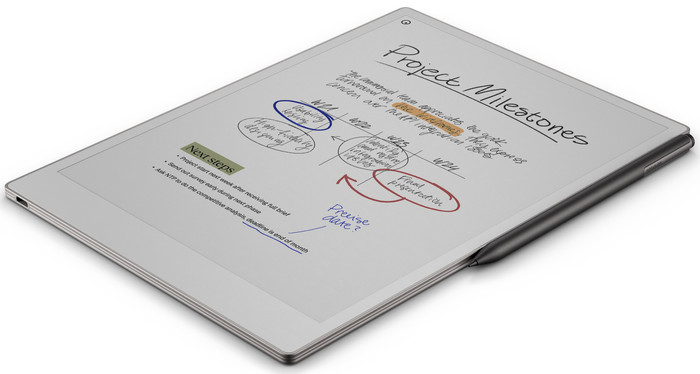
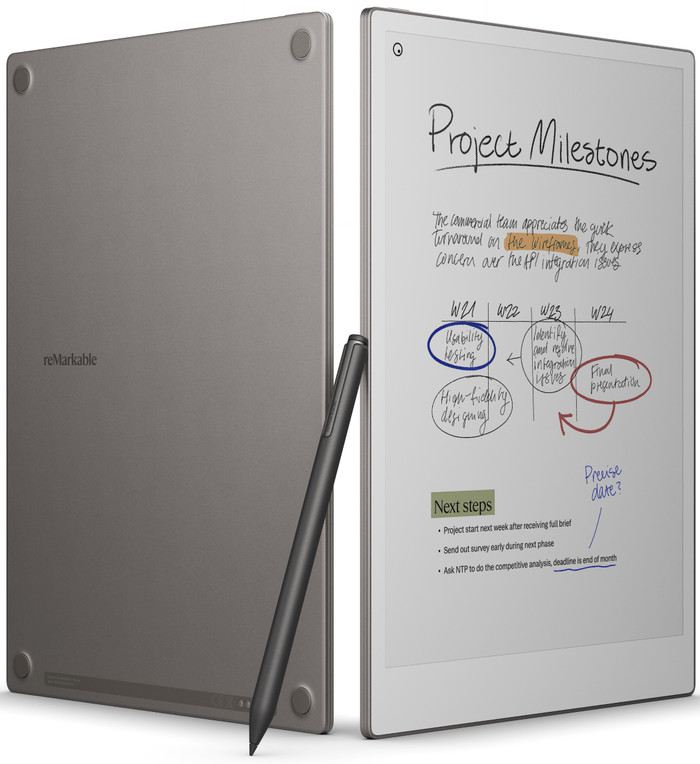
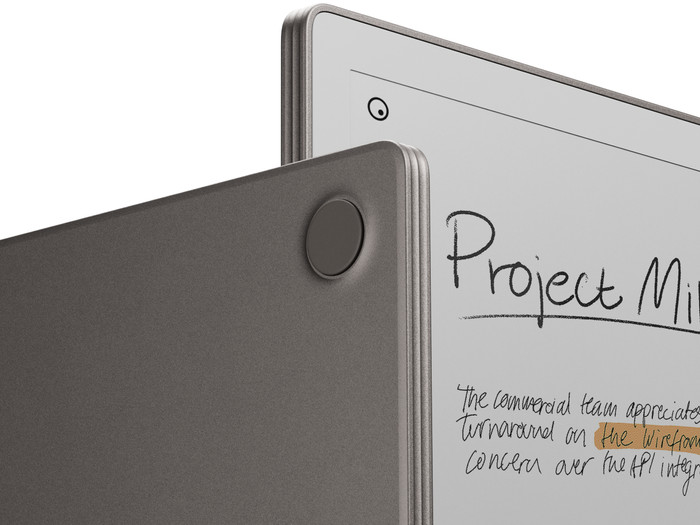
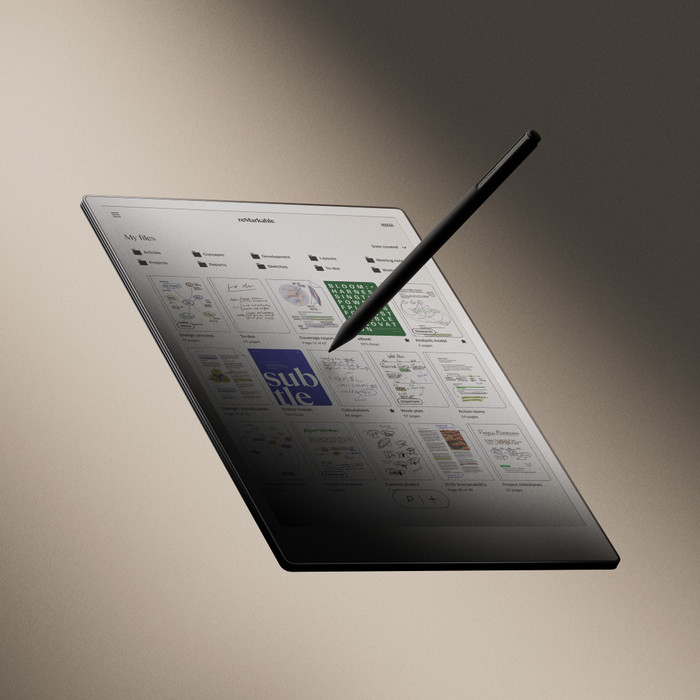
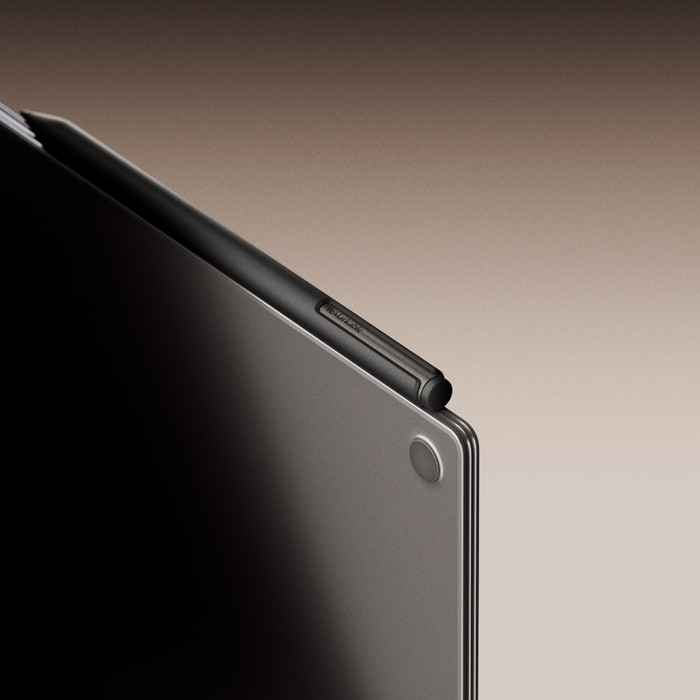
I use the reMarkable Paper Pro to take notes and sketch in color. I do have to replace the nibs on my stylus after regular use.
Color Screen
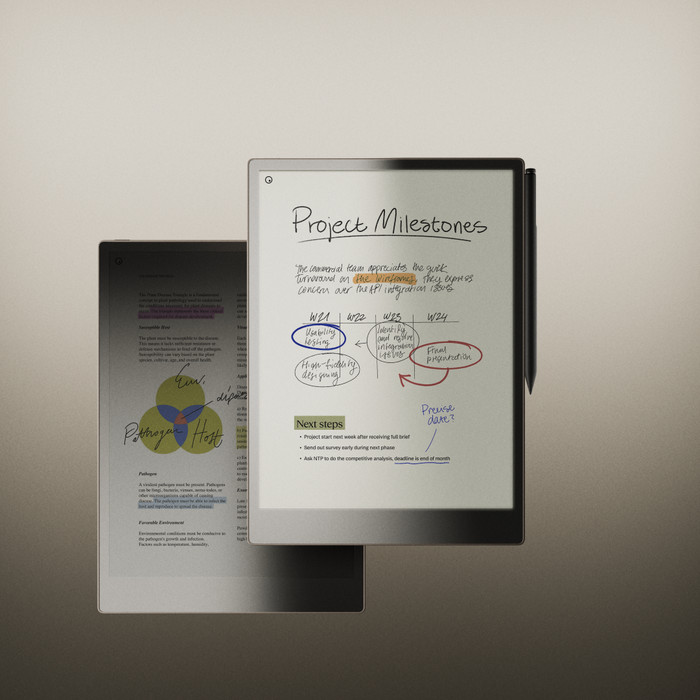
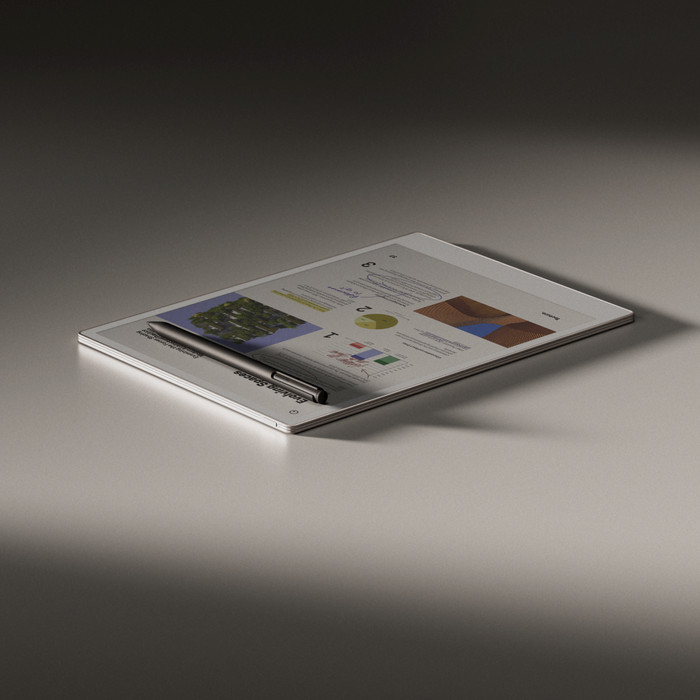
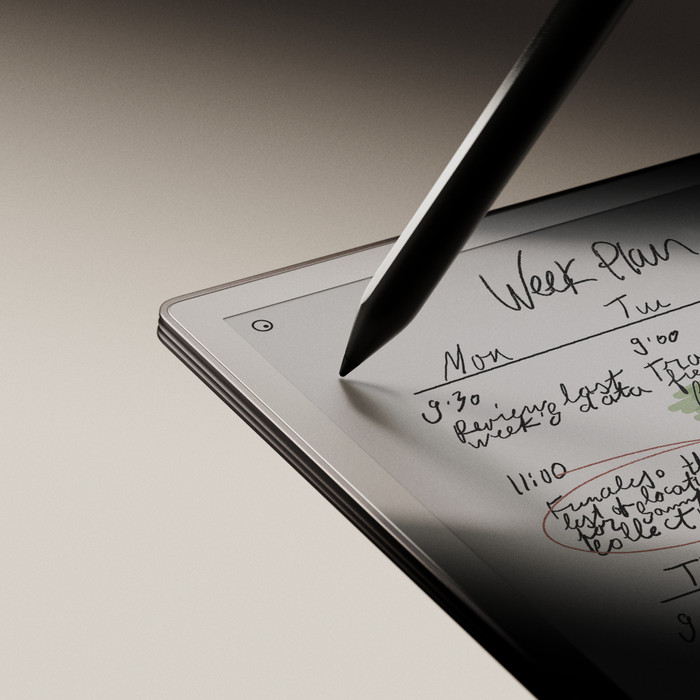
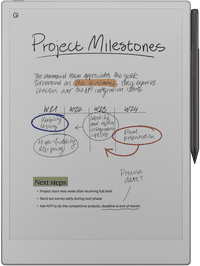
The screen is very pleasant to look at because the colors appear so natural. It almost feels like I'm reading a magazine instead of looking at a digital screen. When I highlight text in my documents, it's helpful that I can use different colors. This helps me keep track of things.
Write Faster
Writing on the reMarkable Paper Pro is very fluid. As soon as I write something, my note appears instantly on the screen. Highlighting text in documents is also smooth. I enjoy taking notes on the Paper Pro because it feels like I'm writing on real paper. While writing, I press quite hard on the stylus tip, which means I have to replace the nibs more often. I do this about once every seven weeks. Luckily, six are included, so you can keep going.
Large screen
The large screen gives me plenty of room to open various documents, presentations, or notes. I can also easily zoom in and make the text or document larger or smaller. This keeps my files and notes organized, and I can always find everything easily. Various note templates are available. I often choose lined paper or a to-do list, but there are plenty of options to choose from.
Screen lights up in the dark
Sometimes I want to jot down some thoughts in the evening or look at the notes I took during the day. Thanks to the backlight, I can do this at any time, even in a dark room.