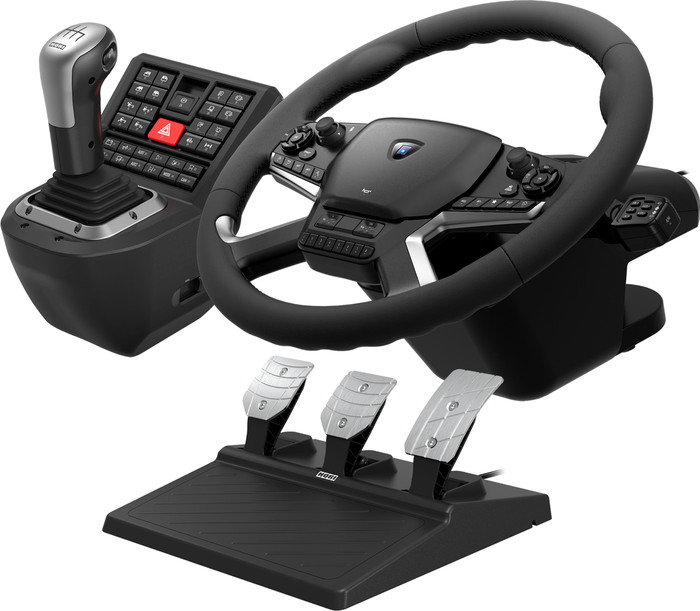
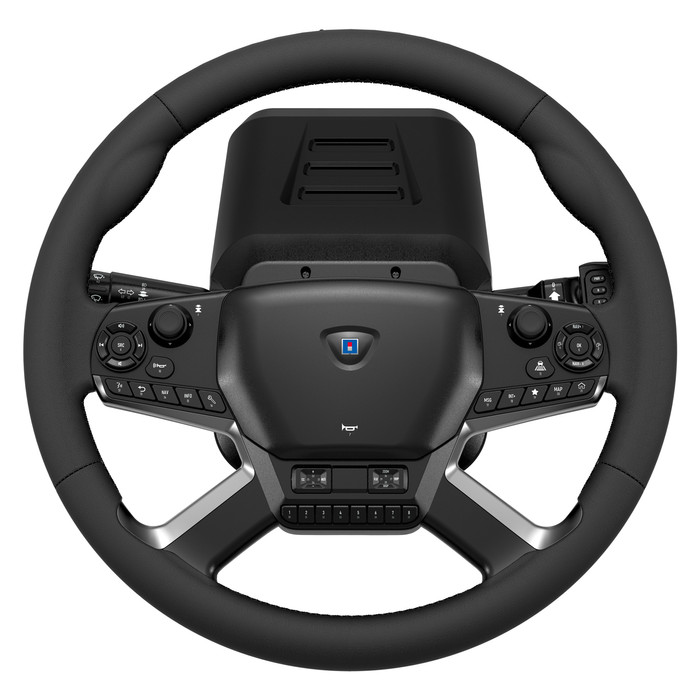
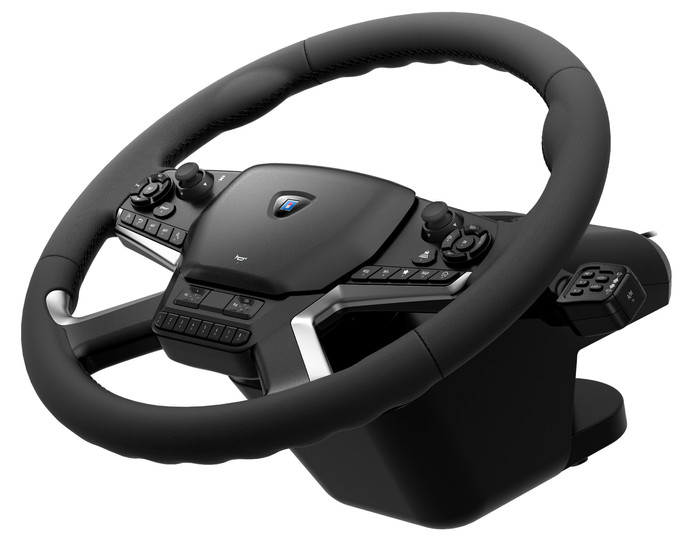
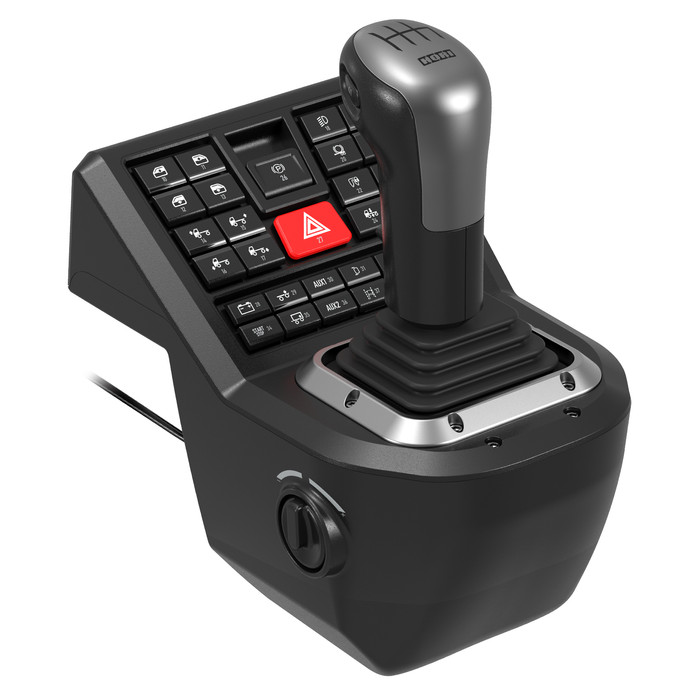
The Hori Truck Control System makes your Truck Simulator experience more realistic. The steering wheel has many different options and buttons. So many that it takes me a while to configure them all.
Realism
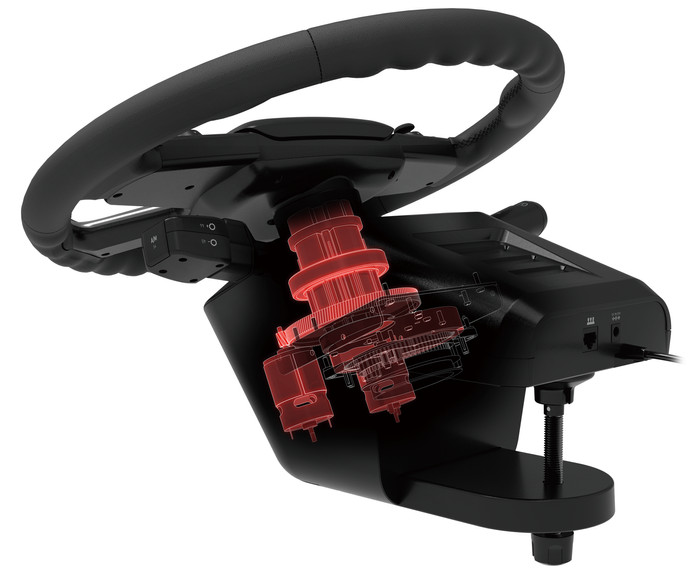
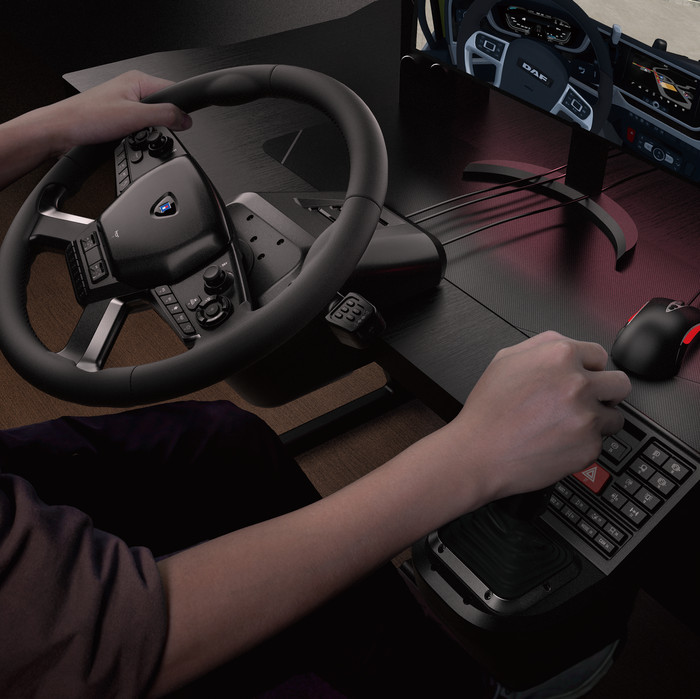
I immediately noticed that playing a game like American Truck Simulator is very realistic. The complete setup with steering wheel, pedals, and gearshift makes my experience much better. The steering wheel turns smoothly, and I can adjust it completely to my liking. The angle of the steering wheel is also realistic, just like in a truck. Furthermore, the steering wheel is large and feels sturdy. It also has a beautiful leather finish. This also makes my setup look good.
Installation and options
I easily connect the steering wheel to my gaming laptop using the included USB cables. The gearshift and pedals have long cables, making connecting them to the steering wheel and laptop effortless. When I start American Truck Simulator, all 103 buttons are automatically assigned to in-game actions. I notice that some actions aren't mapped to the correct buttons. This takes me a long time to configure the action buttons. After configuring the buttons, everything works as I want, and I have all the game's features at my fingertips.
Accessories
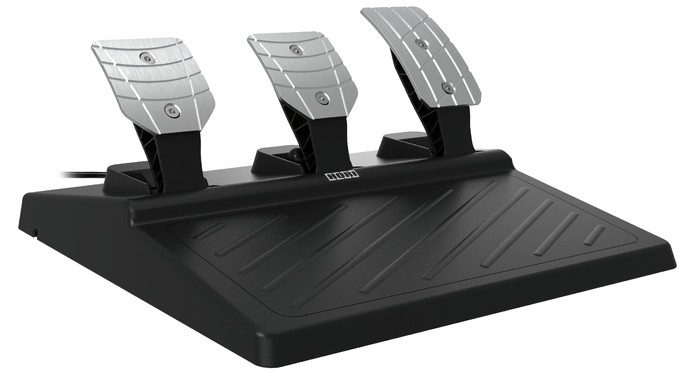
I use the pedals on a smooth surface. This ensures that the pedals slide easily when I accelerate, use the clutch, or press the brake. I recommend using a non-slip mat. You can also screw the pedals onto your racing seat or racing stand, for example. This is helpful because it prevents the pedal platform from shifting. The gearshift isn't working perfectly at first, but after I've configured the buttons, it works as it should. So take your time with this.