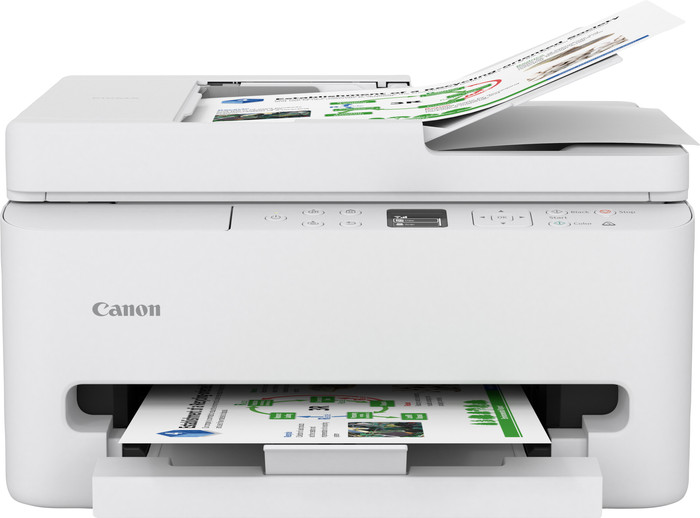
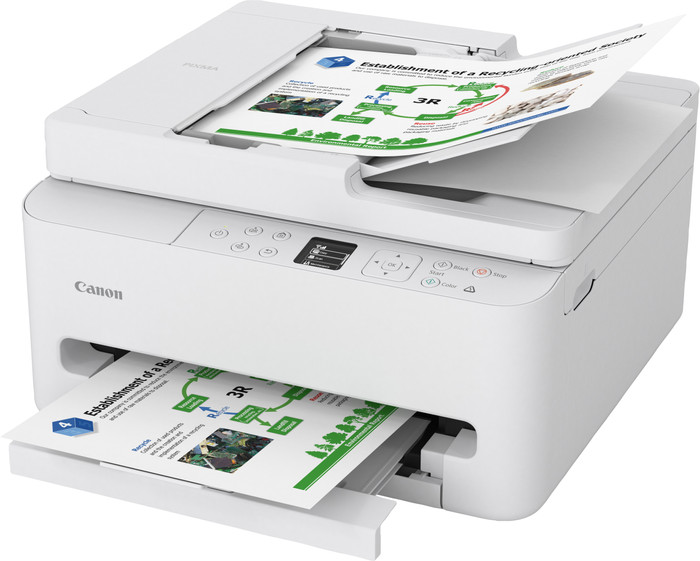
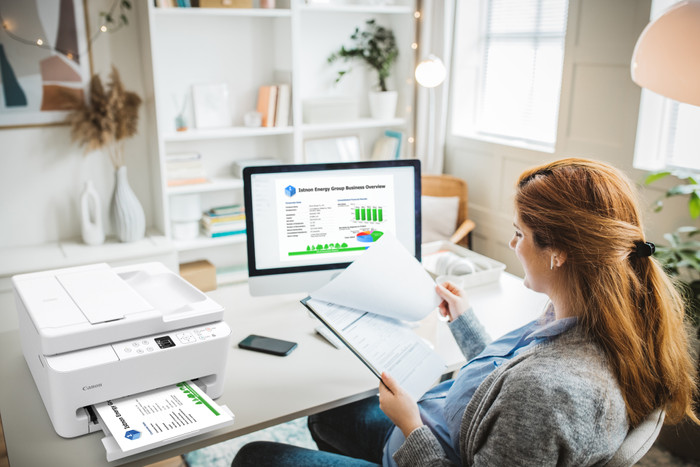
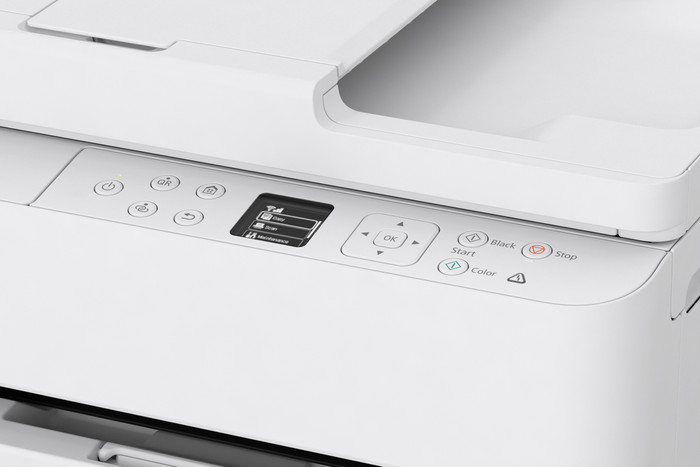
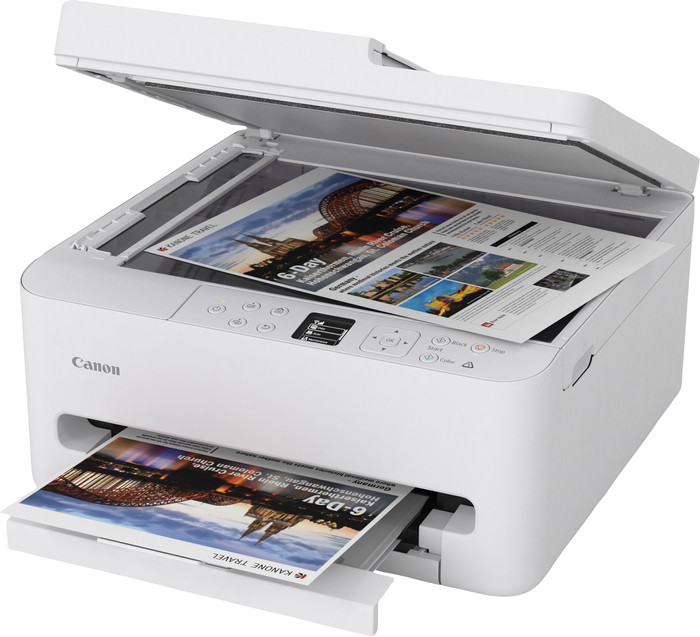
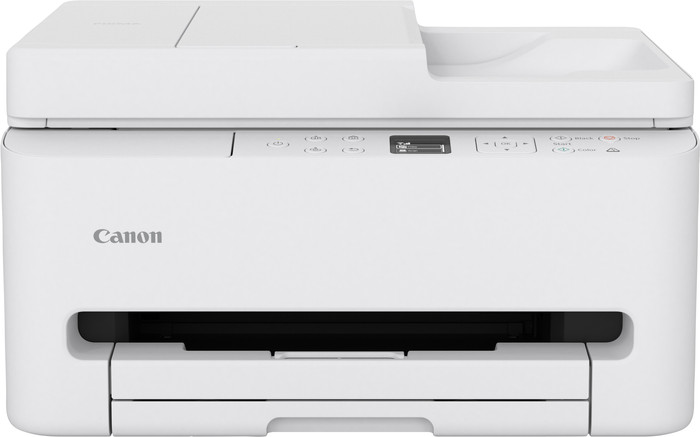
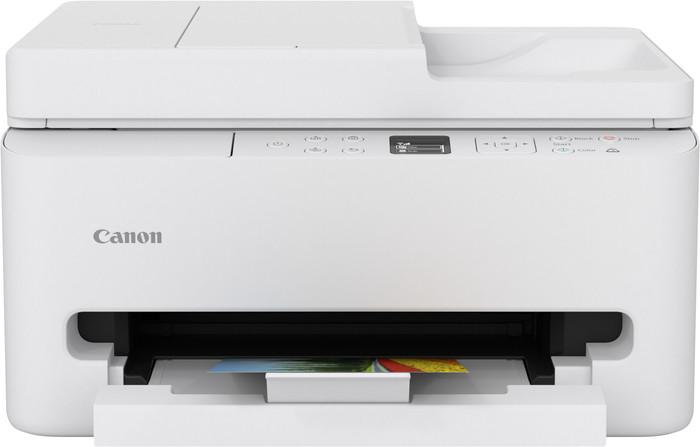
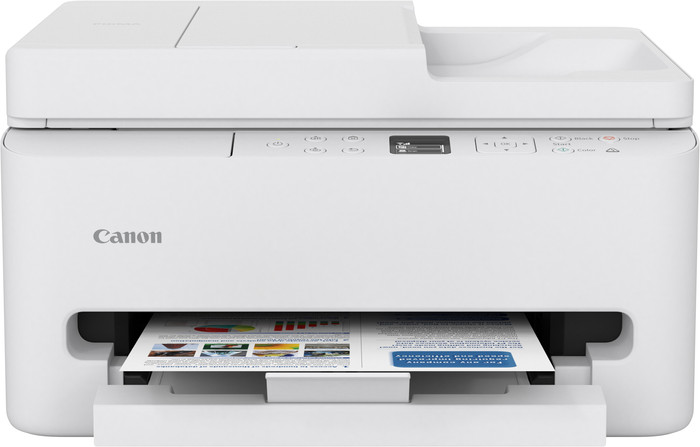
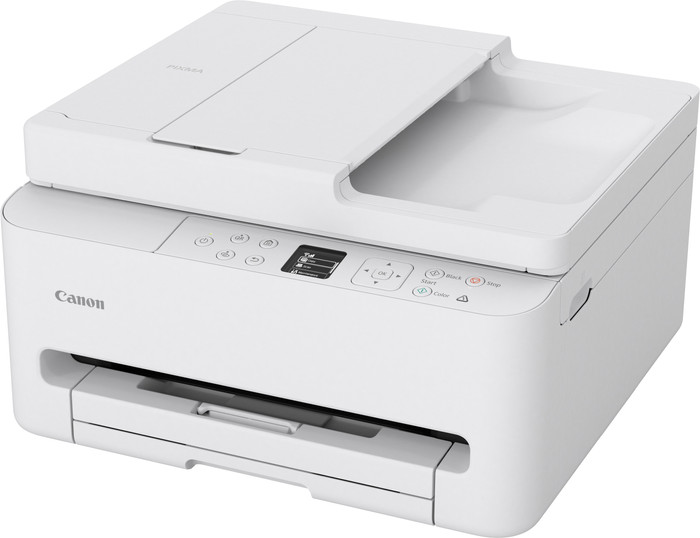
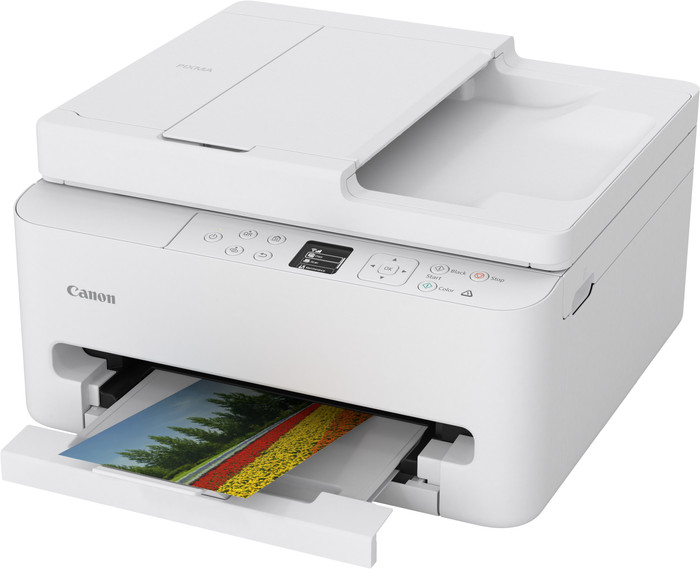
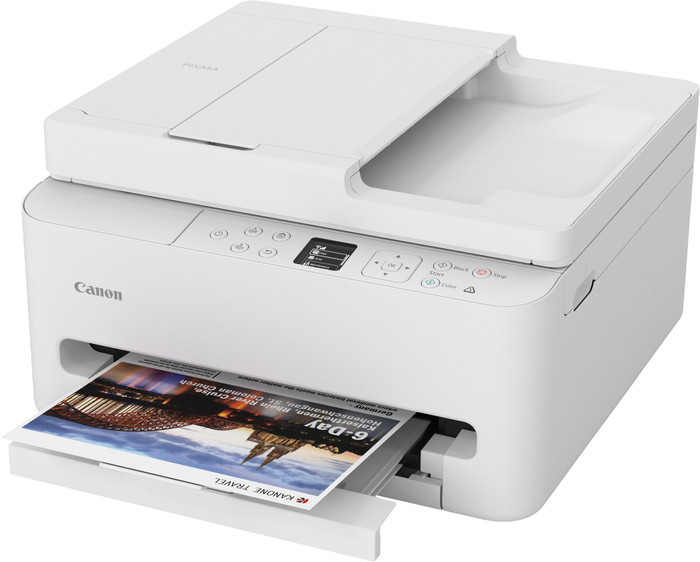
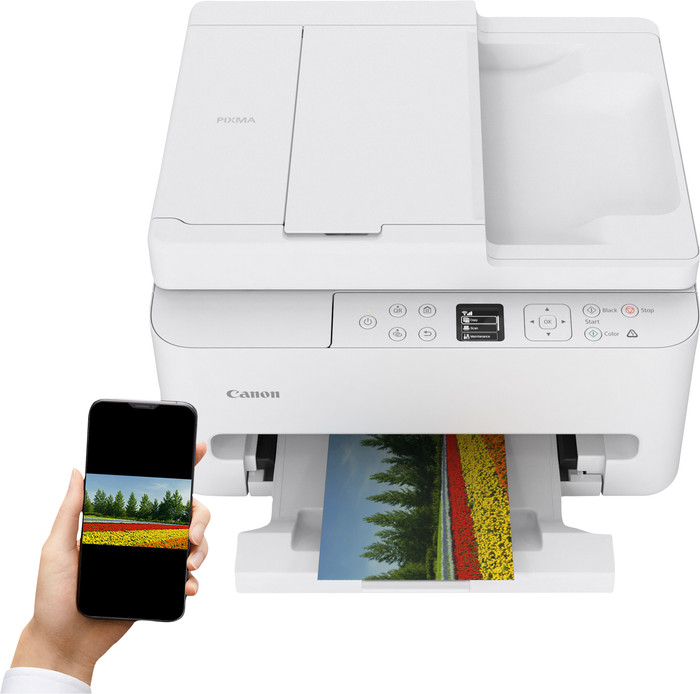
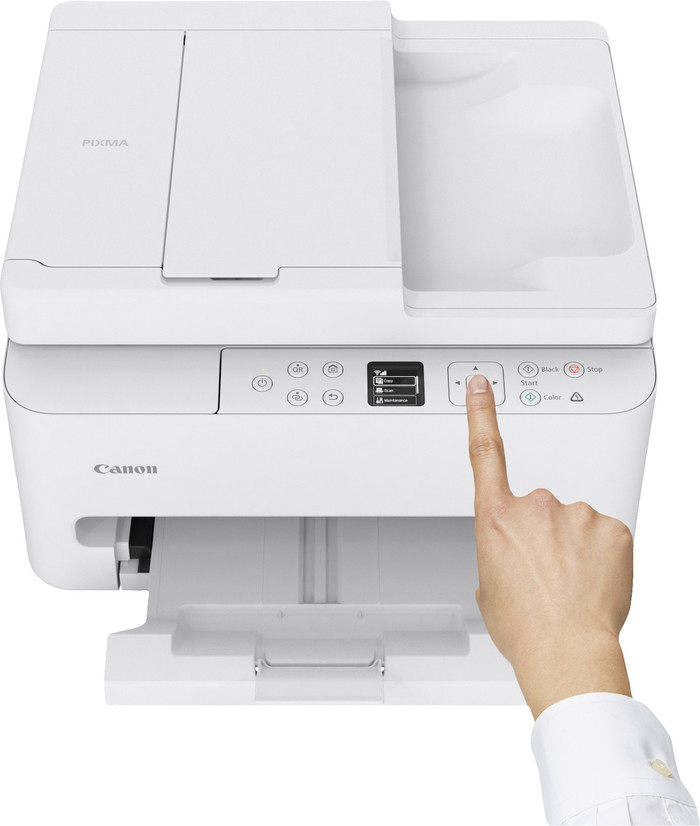
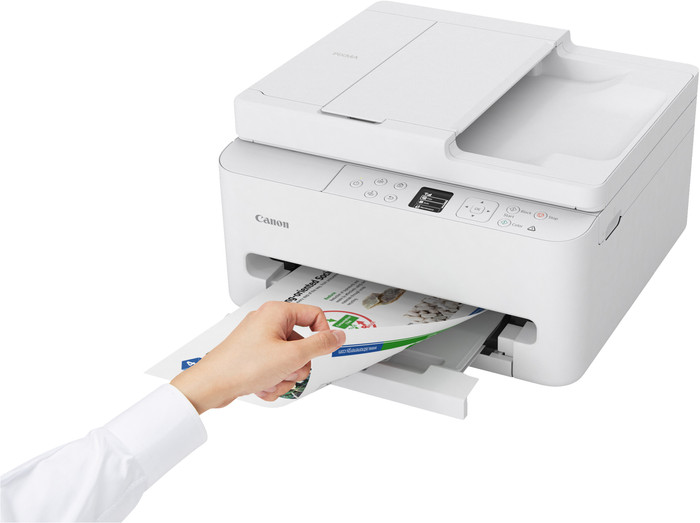
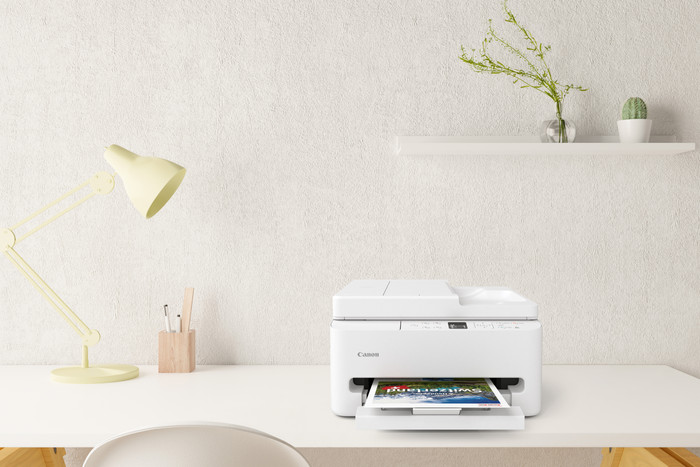
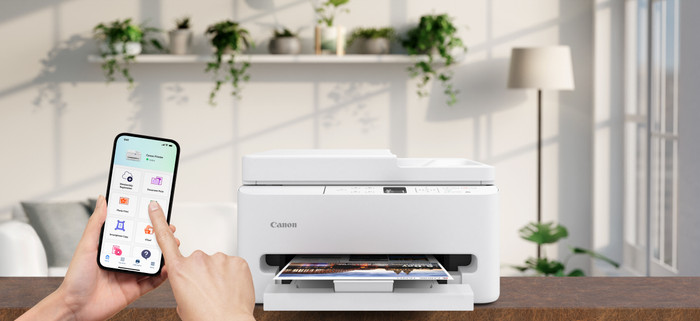
The Canon PIXMA TS7550i is a great printer for home use. It looks sleek, is easy to use, and has many features. Thanks to the color screen, I can quickly navigate the menu. It also prints automatically on both sides of the paper and can scan and copy documents automatically. The printer has two cartridges, which means I can refill the color cartridge more quickly.
First Impression
When I take the printer out of the box, I see the power cord, two cartridges (PG-595 black and CL-586 color), and a manual. The color screen immediately catches my eye and makes it easy to use. The printer is compact for its features. It doesn't fit easily on a desk, so I prefer to place it on a cabinet or other table. It feels sturdy and looks great in my workspace.
Straightforward Installation
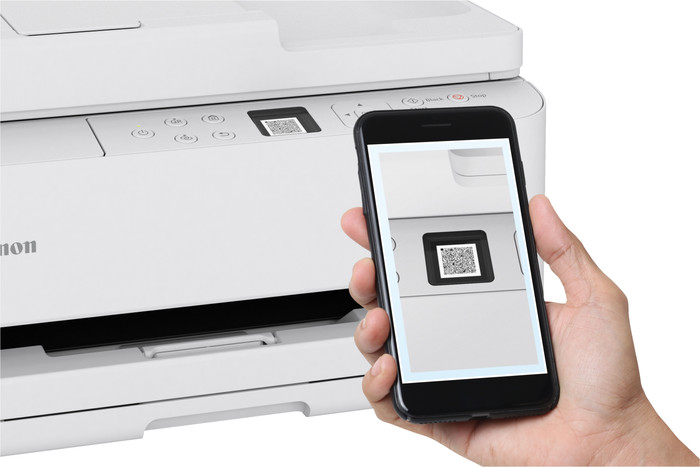
The printer comes with a QR code for the installation tool. I can follow it step by step. I plug in the power cord, follow the steps in the Canon Print app, and connect the printer to my Wi-Fi. I had a bit of trouble with this myself because the app didn't immediately detect the printer and couldn't connect. After a few tries, it finally worked. The connection is stable, and the app is user-friendly.
Print Quality
I print text, photos, and colored graphs. Text is sharp, and photos look vibrant. In my test, I printed 20 color pages in 2 minutes and 40 seconds, and 20 black-and-white pages in 1 minute and 40 seconds. That's fast enough for my needs.
Useful Features
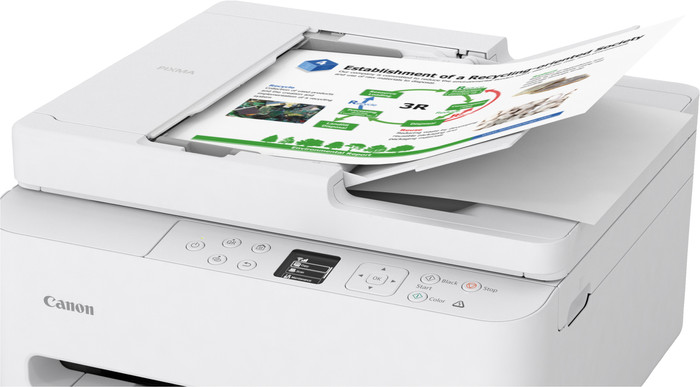
The printer has a 35-sheet automatic document feeder, allowing me to quickly scan or copy multiple pages. Double-sided printing is also fully automatic. The paper tray has a capacity of 100 sheets, so I can also print or copy a lot of documents.
If you want a compact printer that's easy to use, prints, copies and scans well, and offers handy extras such as double-sided printing and automatic scanning, then the Canon PIXMA TS7550i is a good choice.