The Logitech MX Keys S Graphite Qwerty is a top-class keyboard where every detail has been thought of. It has a layout for both Windows and macOS and I connect it to up to 3 devices via Bluetooth. This makes it a versatile keyboard. In addition, the smart lighting automatically adjusts to the ambient light. The keyboard is quite large and heavy, so I don't like to take it with me to another workplace. Still, I think this is a good choice for a workplace with different devices.
First impression
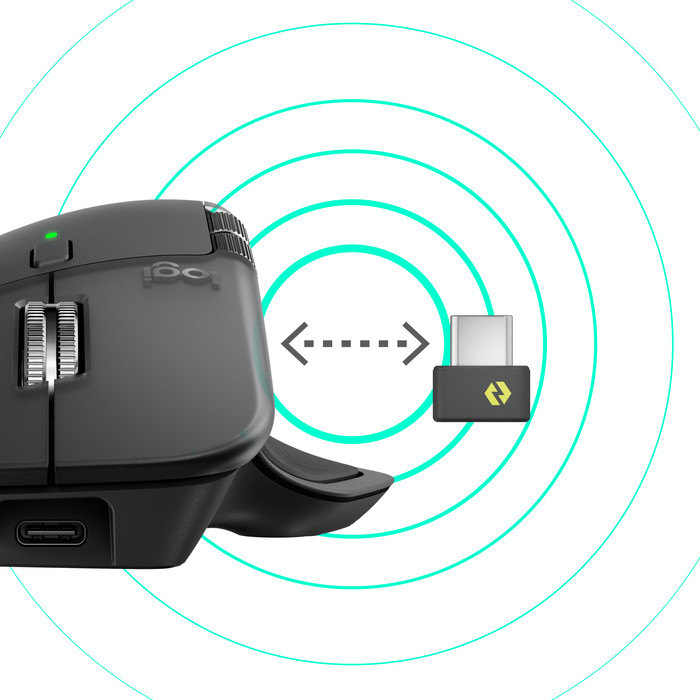
In the box I find the keyboard, a Logi Bolt receiver, a USB-A to USB-C charging cable and the manual. When unpacking, you immediately notice that the keyboard feels sturdy. I do find it a bit heavy. I therefore do not take the MX Keys S from the office to my home workplace or vice versa. If you want this, Logitech also has a compact version without a numeric block. In any case, it fits perfectly on my desk and I use it with all my devices.
Connect with 3 devices
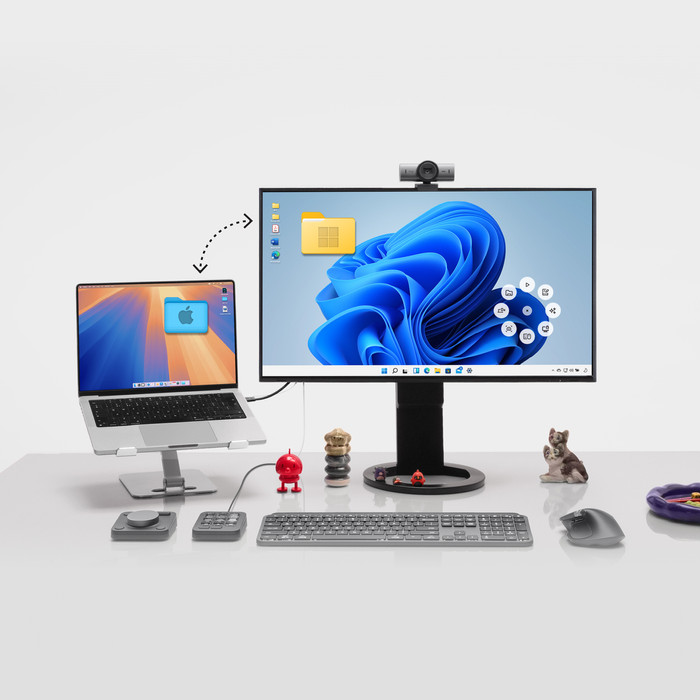
One of the biggest plus points of this keyboard is the bluetooth connection. I slide the on/off button on the top side and open the settings of the MacBook I use for work. Here I connect the MX Keys S directly to my laptop. I repeat these steps with my iPad and my own Windows desktop. With the buttons with the numbers 1, 2 and 3 I quickly switch between these devices. This works very smoothly. When I turn the keyboard back on, it automatically connects to the last selected device. So I will quickly pick up where I left off.
Work on Windows and macOS
The MX Keys S has membrane keys with a scissor mechanism. Logitech calls it PerfectStroke keys. Most keys have a concave shape, so my fingertips rest comfortably on the keys. While typing, I notice how quiet the keyboard is. I find that I type quickly and comfortably on the MX Keys S, even for extended periods at a time. This makes it suitable for both work and home. Another plus point is the layout. The keyboard has a Windows and macOS layout. As a result, I always find the right keys on both my MacBook and my Windows computer. With keyboards that don't have this I sometimes press the wrong key. Furthermore, the MX Keys S has smart keyboard lighting. As soon as my hands come close to the keyboard, the backlight turns on automatically. The light also automatically adjusts to the ambient light, so it always has the right brightness. This works very nicely.
Personalize the keys
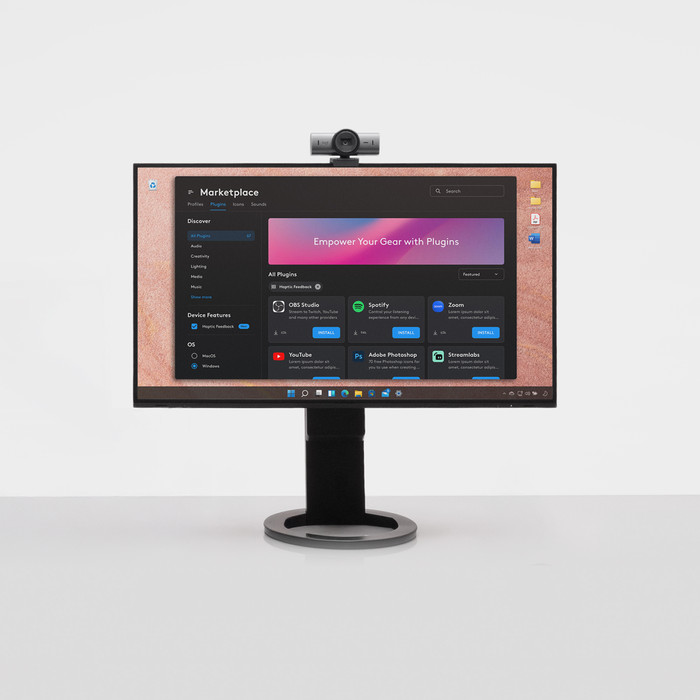
I like to organize my workplace as efficiently as possible, so that I can work productively. Fortunately, I can also do this with the Logi Options+ software. With the new Smart Action function I can personalize my keys and easily create routines. For example, I like to use existing templates, but I also create my own Smart Actions. For example, I always start the day with my own Spotify playlist. With the push of a button, my music starts playing. That's a nice start.