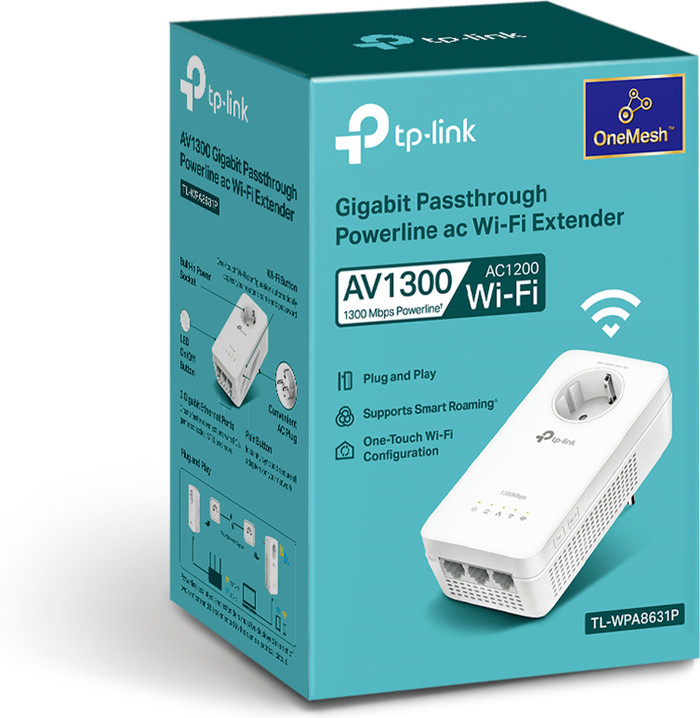
TP-Link TL-WPA8631P WiFi 1300Mbps (Expansion)
86,-
In stock
1
Product number | 872642 | |
|---|---|---|
Manufacturer code | TL-WPA8631P | |
Brand | TP-Link | |
Processing of your defect | Via Coolblue | |
Old product returned for free |
Built-in WiFi | ||
|---|---|---|
Frequency bands | Dual-band | |
5GHz band speed | 867 Mbit/s | |
2.4GHz band speed | 300 Mbit/s | |
Maximum ethernet speed | 1300 Mbit/s |
Automatic phase coupling | ||
|---|---|---|
IGMP Snooping | ||
Seamless roaming | ||
Bridge option |
Socket integrated | ||
|---|---|---|
Total number of sockets | 1 | |
Number of powerline adapters | 1 | |
Integrated switch | ||
Ethernet ports adapter 1 | 3 |
Cause: Before I got this product, I used a TP-Link wireless USB adapter (a kind of upgrade to your internal Wi-Fi receiver) so I was able to play online games like Counterstrike. This USB adapter dramatically increased my download speed, but the problem was that I was still using a wireless network that is affected by obstacles, leading to slowdowns and game interruptions. After a year, this product was no longer usable for me because there were often large fluctuations in the range and download speed (which led to frustration). The combination of Discord (chatting online with friends) and a game like PUBG just wasn't possible without constant interruptions. I started looking for alternatives and I quickly came across this product.
“This is highly recommended”: I recommend the “TP-Link TL-WPA8630P WiFi 1200” for anyone who finds it too much trouble to pull a LAN cable to their PC, but still wants to achieve high and stable(!) internet speeds for gaming. In this current gaming era, the internet is a very determining factor for your performance in a video game. You also want to be able to communicate with friends on a platform such as Discord while gaming, and this simply requires sufficient capacity and a constant connection. In fact, slow internet speed can cause your online game to stutter (lower FPS isn't always the result of your hardware!).
Installation: When I read the manual, I was shocked to see that the powerline adapters only work on the same 'electrical circuit'. I thought this indicated that the 'receiving' adapter must be connected to the same power group as the 'sending' adapter. This turned out not to be a problem, as the device works one floor up and across from my house.
The adapters linked together in 1 second during the 'pairing phase' (this happens in the same room). I then moved the receiver into my room (the 'dead zone') and it also paired with the adapter in the blink of an eye.
Kristian
20 January 2019
Automatically translated from Nederlands
Finally a solution for my problems with KPN interactive TV! After a year of trying everything: KPN and Devolo powerline adapters, KPN technicians and electricians, I finally have a stable TV signal. Installation is very easy, although after that I still had that stuttering image that I had been suffering from until now. Solution: Install the tpPLC app or program for your computer and go to the advanced settings here. Here at Mode I have enabled the option 'a lower PLC-to-VDSL interference mode'. Since then it works perfectly!
Annika
11 June 2018
Automatically translated from Nederlands
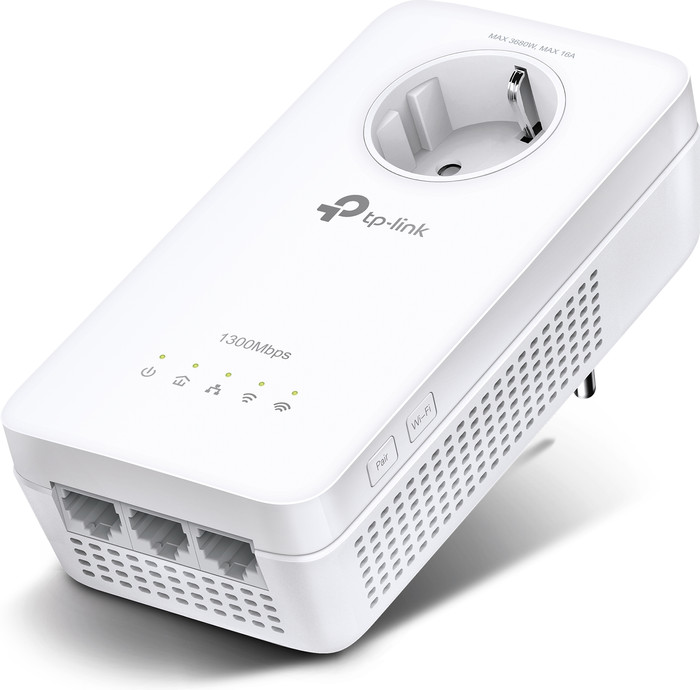
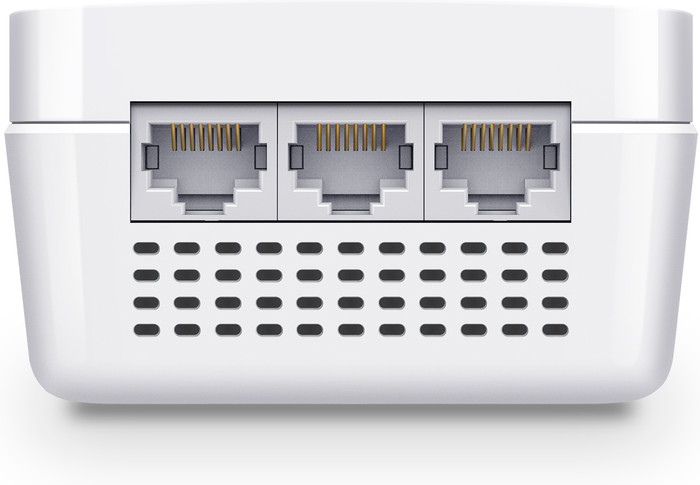
I was surprised how quickly I got the whole thing installed and working. Just follow the steps in the included mini manual and the case was online. First have it paired to the same group, and then connect the extender in the right place. Despite the fact that it is on a different power group, the connection was quickly online. In addition to Wi-Fi, the extender also has 3 Ethernet ports available, so an extra switch is not quickly needed.
I set up the Wi-Fi manually, so I didn't test the cloning. There I found out that ease of use also comes with a price: For 5GHz Wi-Fi, only the first 4 channels are available. If you want to use 80 MHz channel width for high Wi-Fi speed, then all 4 are immediately used up. Does your neighbor have the same device, or do you have several, and the coverage of those devices overlaps too much? Then you will have to go back to 40MHz or 20MHz channel width. If you set everything to "auto", it will probably be fine, but you will almost certainly never achieve the advertised Wi-Fi speed.
On connections via the powerline I get a maximum of 200Mbps. On the one hand that is still quite neat via multiple power groups, on the other hand the web interface claims that I should be getting 600Mbps at that moment. This is more of a general powerline adapter problem. Where you really need fast connections, it's still better to just lay network cables.
Finally, a point of irritation with the design: TP_LINK proudly reports that you do not lose a wall socket, because the adapter also has one itself. But if your wall sockets are above each other instead of next to each other, the top one can no longer be used for a plug with an earth connection. In my case not really a problem, but still sloppy. So pay attention to the orientation of the wall sockets you want to plug it into.
Thijs Wientjes
19 June 2020
Automatically translated from Nederlands
Built-in WiFi | ||
|---|---|---|
Frequency bands | Dual-band | |
Maximum ethernet speed | 1300 Mbit/s | |
Socket integrated | ||
Integrated switch | ||
Automatic phase coupling |
According to our expansion for powerline adapters expert
With a speed of 1300Mbps, you can use this adapter to stream movies and series.
The dual-band provides 2 separate WiFi networks that you use at the same time.
Thanks to the built-in socket, you won't miss a socket in your home.
With a length of 19cm, the powerline adapter takes up a lot of space.
You need a powerline adapter set to use this expansion.
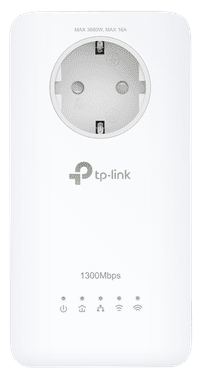
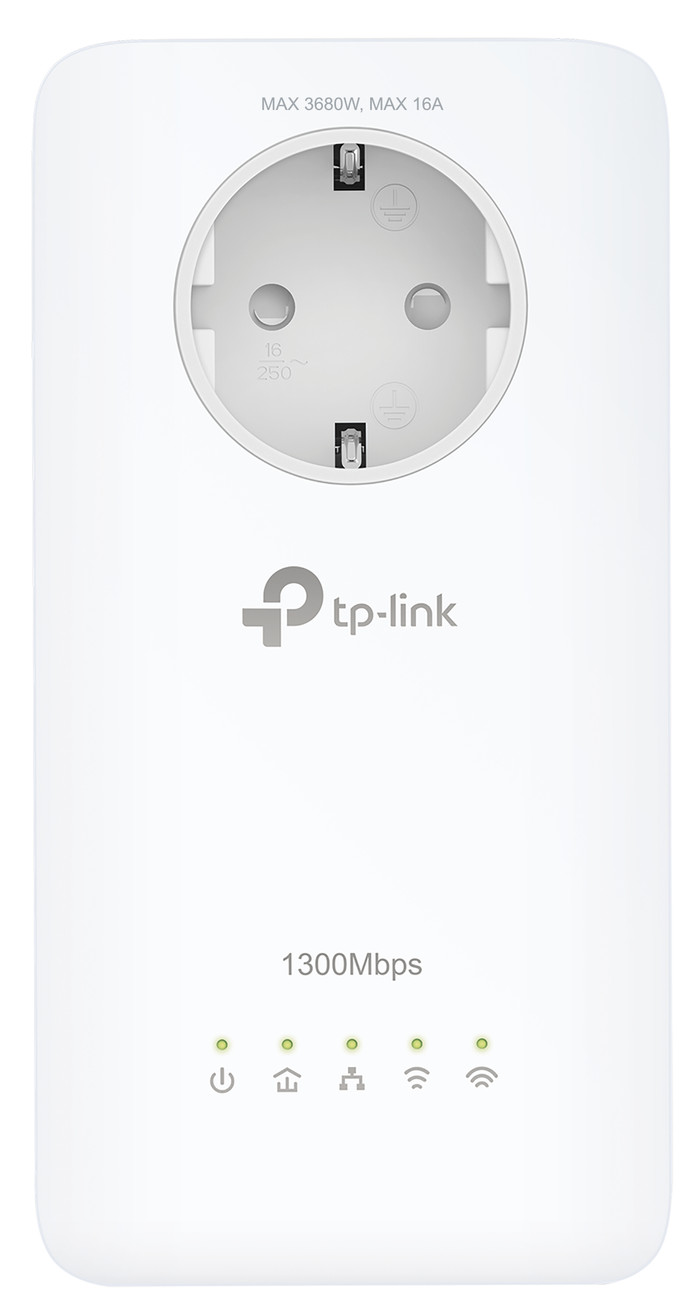
The TP-Link TL-WPA8631P is an expansion for TP-Link powerline adapters. With this powerline adapter, you can create a WiFi point in a location that doesn't have reception with your current powerline adapters. You do require a working powerline network in your home for this. You won't have to run any cables, because the network runs via your AC power. This way, you can stream movies to your smartphone or tablet. The powerline adapter also has 3 network connectors to connect devices such as smart TVs and game consoles.
86,-
In stock