
5 stars
67
4 stars
60
3 stars
20
2 stars
6
1 star
0
Installation ease
Image quality
Functionality
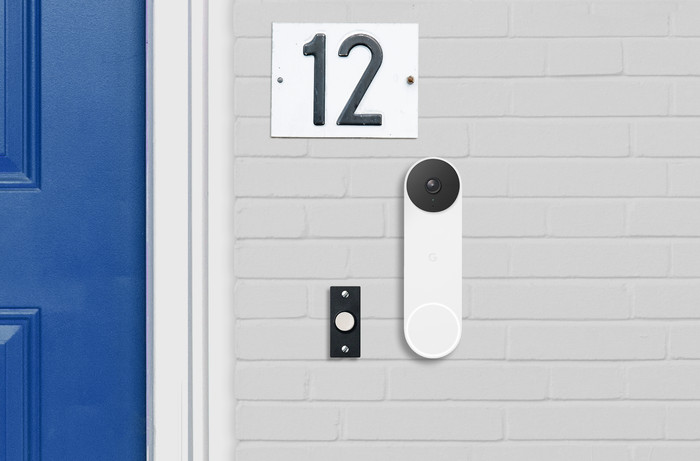
After considering competing doorbells from Ring, Eufy or the older wired Nest, decided on this one. The design and the vertical viewing angle that allows almost a head-to-toe view right in front of your door were the deciding factors. I also thought it would be very nice to be able to continue to use the mechanical gong. The nice thing is that a battery doorbell (both at Google and at Eufy) can also use the lower voltage of 8V AC for existing wiring for existing wiring. I did buy a transformer that can handle 2A. Most 8V AC transformers deliver a maximum of 1A, which is less than what Google specifies in VA. Connecting and installing was super easy! Also very nice that no 'chime kit' is needed: All circuits to be able to continuously take current and to 'close' everything when you press the bell so that the gong goes off, are in the doorbell. After connecting and adding the bell to the Home app, the bell could be put into use fairly quickly. The HDR image and the wide vertical viewing angle mean that the space in front of the front door is shown very nicely and high (the viewing angle in width, on the other hand, should have been slightly larger). Also being able to limit the detection area (so that walking past people who don't come into our front yard are not filmed) is very handy!
So far the positives, because now there is also a very critical note, which actually makes me still strongly inclined to return this doorbell and still go for an Eufy (despite that it is actually not the convenient one for us). viewing angle). Aside from the need to subscribe to recordings (which I knew beforehand), my opinion is that Google just hasn't finished the whole software side of the doorbell yet! Opening the Google Home app and going to live view is very cumbersome and calling up live view takes several seconds. You also cannot set a time schedule to switch off the mechanical gong in the evening and at night, for example. But the most annoying thing is that if someone presses the bell, no separate notification channel is used and you are not 'called', for example. This means that, when someone rings the doorbell, there will be a 'normal' notification that easily merges with all other notifications from other apps. If you then press the notification, you will simply arrive at the home screen of the Google Home app. So NOT in live view! Come on Google. This is unacceptable! Just get a popup that makes it look like you're being 'called'. Or at least let the notification go directly to the live view! Recalling the history of events and viewing recorded videos is also very messy. You can't easily scroll through a video and it quickly jumps to a later or earlier event. And then there is another point that is important to me: I would have liked to integrate the doorbell into Home Assistant. Google has been offering a very handy API for some time, with which you can integrate the NEST products with other software. But to my dismay, all of Google's new battery-powered products, including this doorbell, aren't in that API yet (probably because Google is dropping the Nest ecosystem on newer products). Well.... then this doorbell becomes very much a product that is really only fun if you already have Nest speakers or displays at home. Because if you want a ring signal in other places in addition to the mechanical gong and you can't arrange this via your own home automation software, then you only have Nest speakers as an option...... And of course Google support does not make any statements about this. when that API support comes, and when the much-needed improvements to the Google Home app are coming.
Eymert Versteegt
16 September 2021
Automatically translated from Nederlands
Bought this Nest doorbell to replace the Eufy doorbell (eufy did not show any image on the nest hub when ringing) Camera is slightly less in quality. works super easy.
just plug it into the usb adapter. Set it via Google home and go!
jordy de Jong
6 December 2021
Automatically translated from Nederlands
I would not recommend this product to anyone. The bell is empty all the time, it often has no connection and when someone rings the doorbell it takes about 2 minutes before the image is loaded and you can talk back. Even if you connect it to the Google Nest, it will adjust its sound accordingly. So if your google nest is on volume 2, the bell will ring at that same volume, so you won't hear it.
Lisa
19 June 2023
Automatically translated from Nederlands
Doorbell connector type | Wired and wireless | |
|---|---|---|
Review event | ||
2-way audio | ||
Subscription needed for full use | ||
Type of image definition support | Full HD (1080p) | |
Smart home platform | Google Assistant, Google Home, Homey, IFTTT, Samsung SmartThings | |
Storage options | Cloud |
According to our doorbell expert
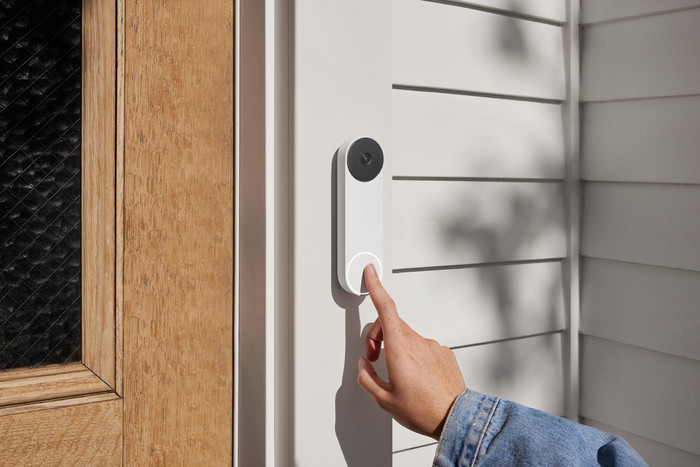
You can connect the doorbell to the current wiring or install it wirelessly.
With a motion sensor up to 10m, you get a notification via the app even when it's dark.
The doorbell distinguishes packages, people, animals, and vehicles.
You need a strong WiFi signal near your front door to use this doorbell.
It's only possible to store and share footage if you also get a Nest Aware subscription.
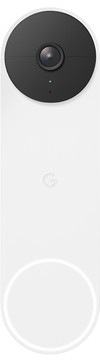
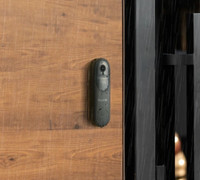
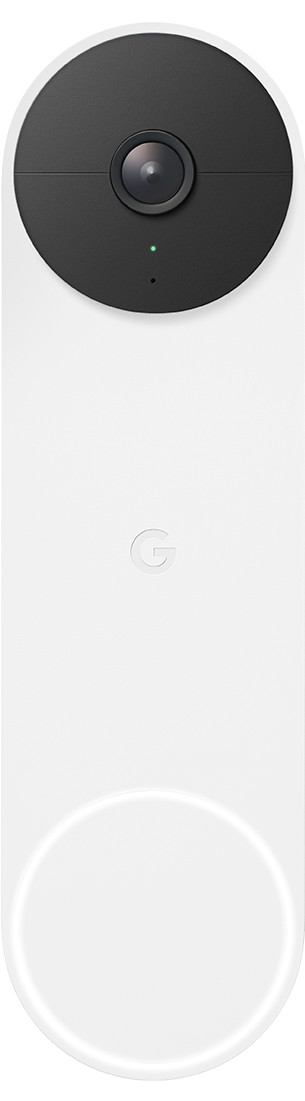
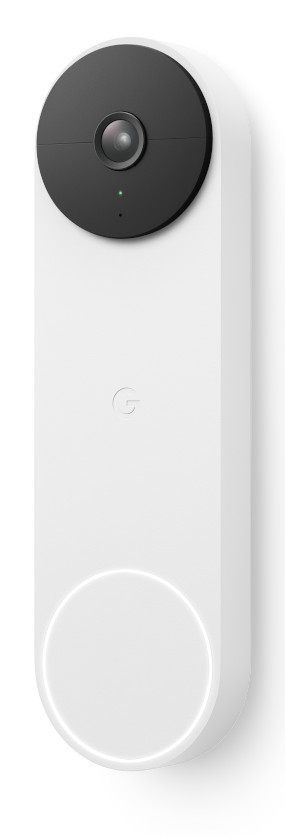
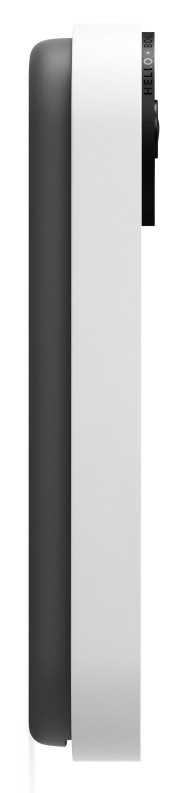
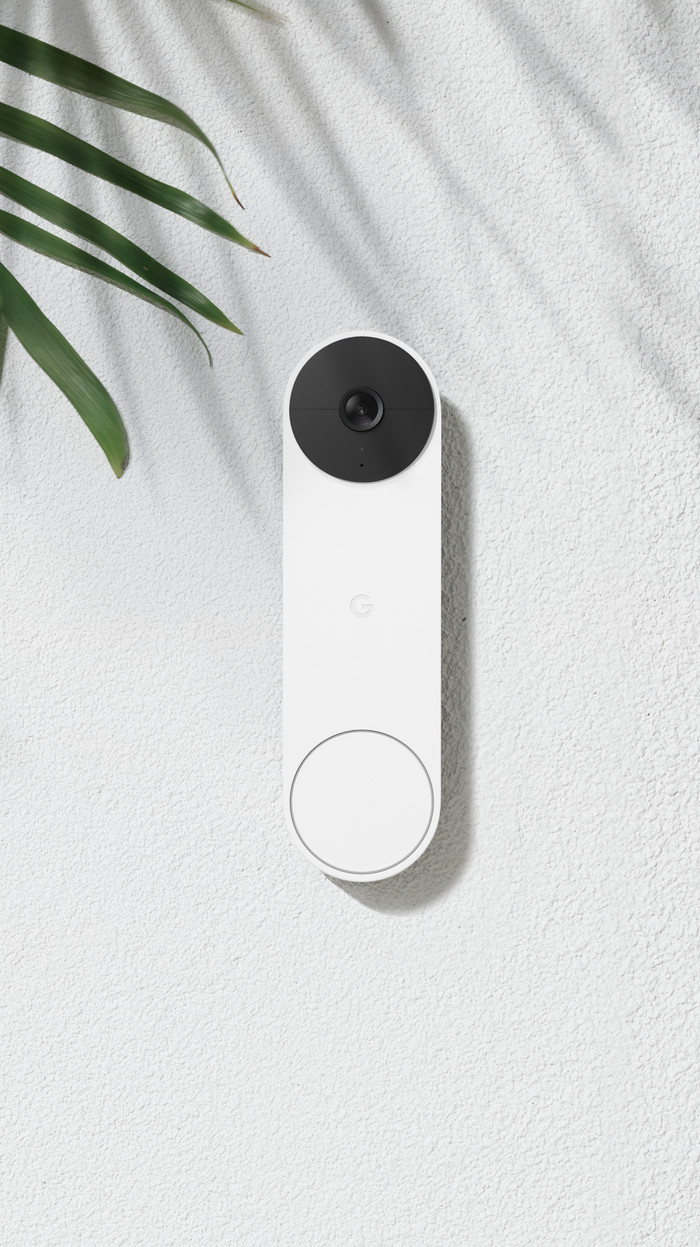
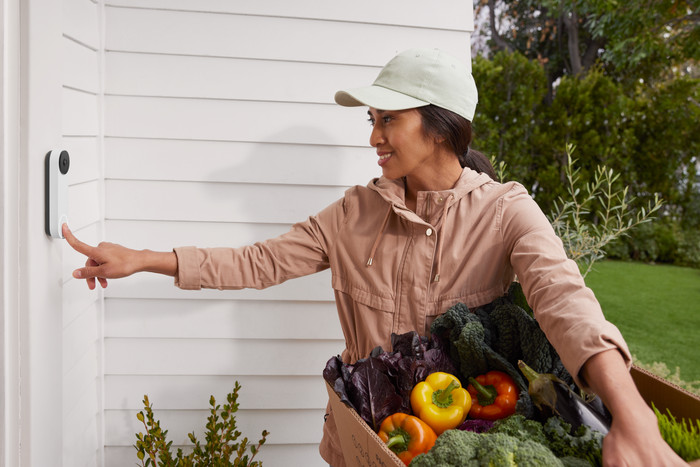
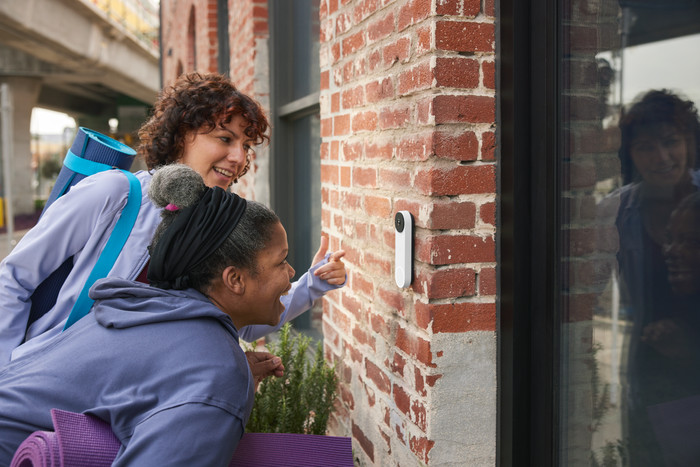
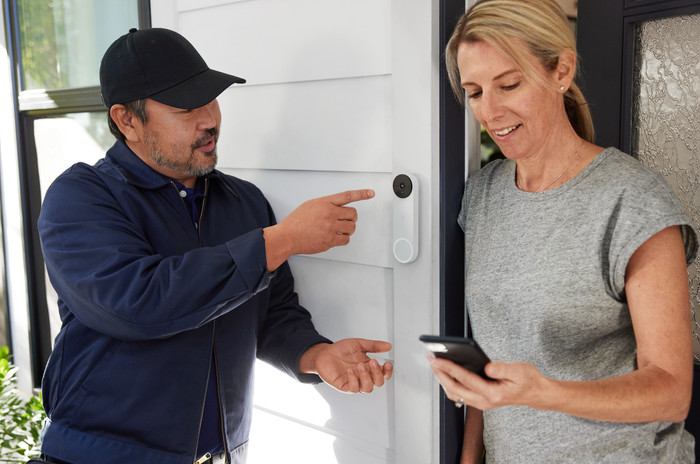
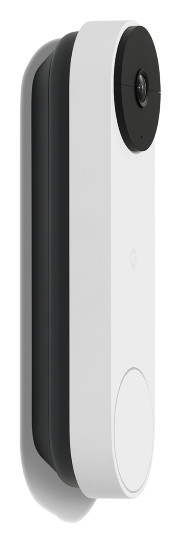
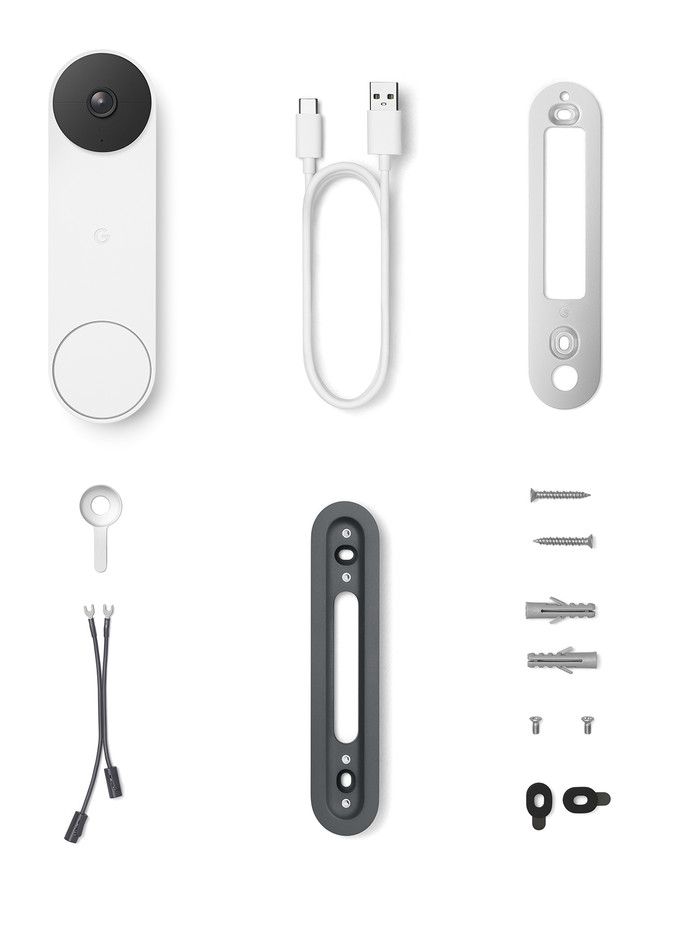
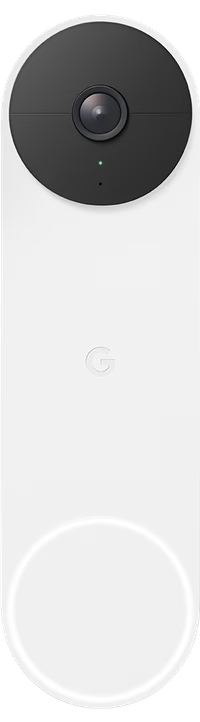
The Google Nest Doorbell Battery is a smart doorbell that you can connect to the current wiring or install wirelessly. The installation is pretty easy as a result. The doorbell distinguishes packages, people, animals, and vehicles. So you'll only receive relevant notifications via the Google Home app. The Next Doorbell records in HD and displays visitors from top to bottom thanks to the 3:4 aspect ratio. And the HDR ensures that you also have a sharp image with bright backlight. When it's dark, the night vision provides about 3m of visibility. If you lose your WiFi connection, the doorbell has enough internal memory to keep recording for 1 hour. In addition, you can connect it to other Nest products to make them work together. You can use a Nest Mini as a chime or a Nest Hub to watch footage, for example.
Note: you need a Nest Aware subscription to use all options, such as saving and sharing footage. This costs €5 per month.
198,-
198,-
Product number | 889345 | |
|---|---|---|
Manufacturer code | GA01318-FR | |
Brand | Google Nest | |
Processing of your defect | Via Coolblue | |
Old product returned for free |
Video doorbell | ||
|---|---|---|
Type of image definition support | Full HD (1080p) | |
Video resolution width | 960 pixels | |
Video resolution height | 1280 pixels | |
HDR support | ||
Frames per second | 30 fps | |
Horizontal viewing angle | 145 ° | |
Vertical viewing angle | 145 ° | |
Optical zoom function | ||
Digital zoom function | ||
Digital zoom | 6 | |
Fisheye | ||
Night mode | ||
Infrared light range | 3 m |
Review event | ||
|---|---|---|
Number of seconds to review event | 5 seconds | |
Motion detection sensor | ||
Built-in microphone | ||
2-way audio | ||
Facial recognition | ||
Storage options | Cloud | |
Storage expandable | ||
Store maximum period of local images | 60 days | |
Number of days you can view for free | 0 d | |
Subscription needed for full use | ||
Monthly costs | 6 euros | |
Recording function | ||
Cloud recording function | Paid | |
Year introduced | 2021 | |
Introduction month | August |
Built-in WiFi | ||
|---|---|---|
Controls via app | ||
Controlled via Apple app | ||
Controlled via Android app | ||
Smart home platform | Google Assistant, Google Home, Homey, IFTTT, Samsung SmartThings | |
Power supply type | Power grid, Rechargeable battery | |
Average battery life | 75 days |
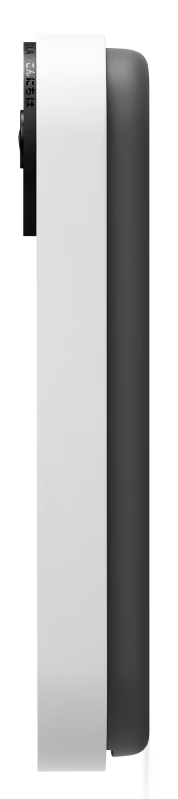
Height | 16 cm | |
|---|---|---|
Width | 4,6 cm | |
Depth | 2,4 cm | |
Color | White | |
Material | Plastic | |
Water-resistant | ||
IP certification | IP54 |
Internet connection required | ||
|---|---|---|
Manufacturer account required | ||
Multi-factor authentication | ||
Usage possible without cloud environment manufacturer | ||
Expected frequency security updates | Each quarter | |
Personal information required | ||
Type of information required | Personal information, Usage information |
In stock
In stock
To stream live footage from your smart doorbell, you need a strong and stable WiFi signal at your front door. Walls and doors limit the wireless signal. Read how to get WiFi at your front door here.

Coolblue takes care of everything, from taking out an insurance to repairs
For almost all accidents
More coverage in case of damage than your standard warranty
No deductible
First, add your doorbell to your shopping cart. On the next page, choose the Protection Plan below. You always have a 30-day return window and pay no deductible in case of damage.
2-year Protection Plan
7,99
one-time3-year Protection Plan
15,99
one-time