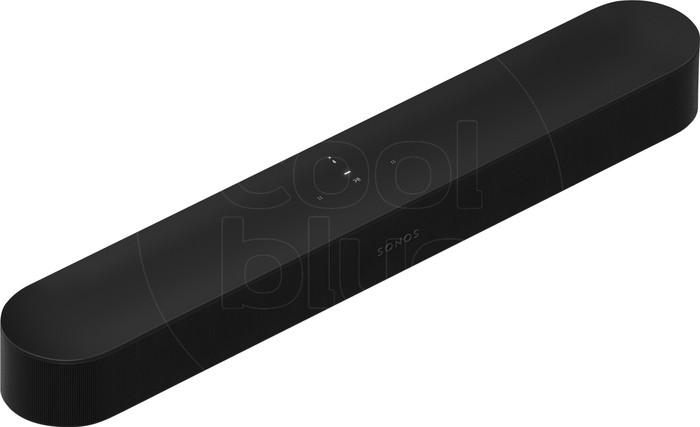
Sonos Beam Gen2 Black



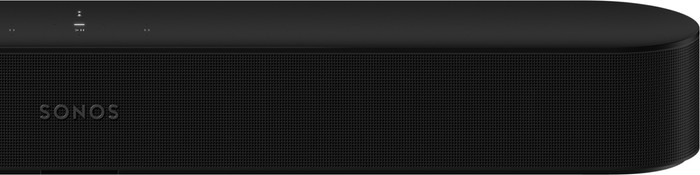

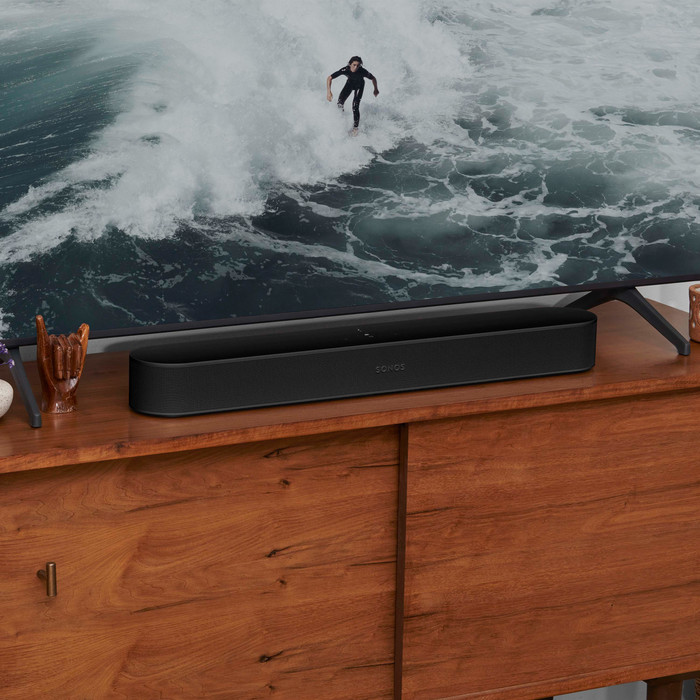

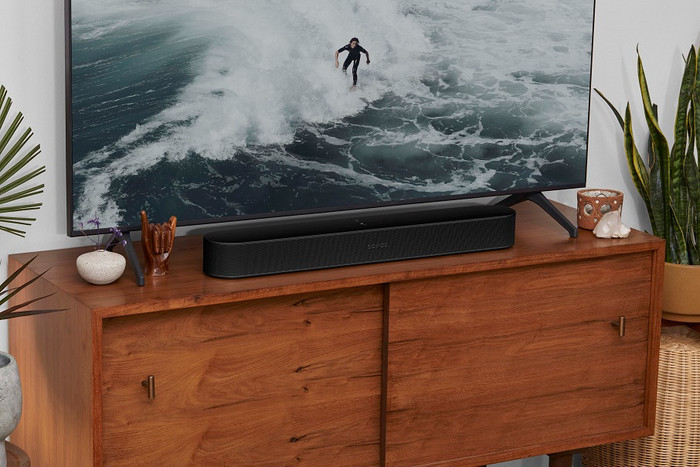
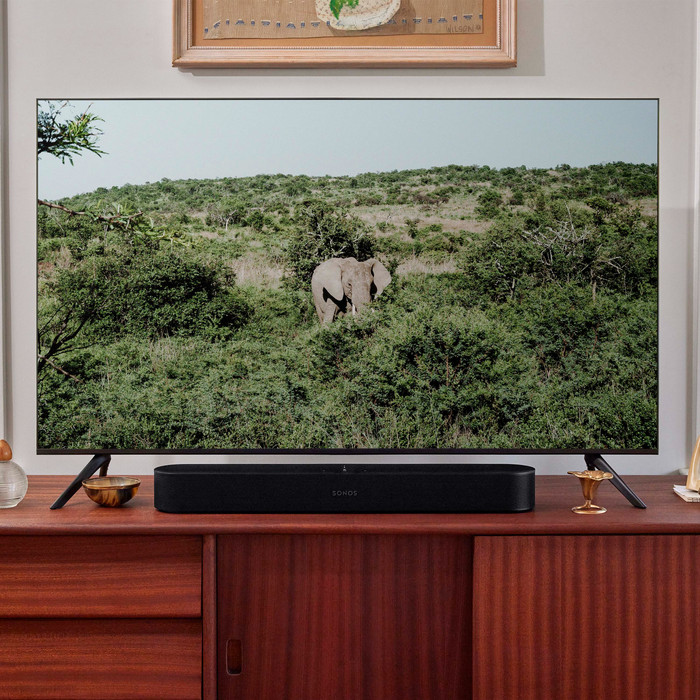
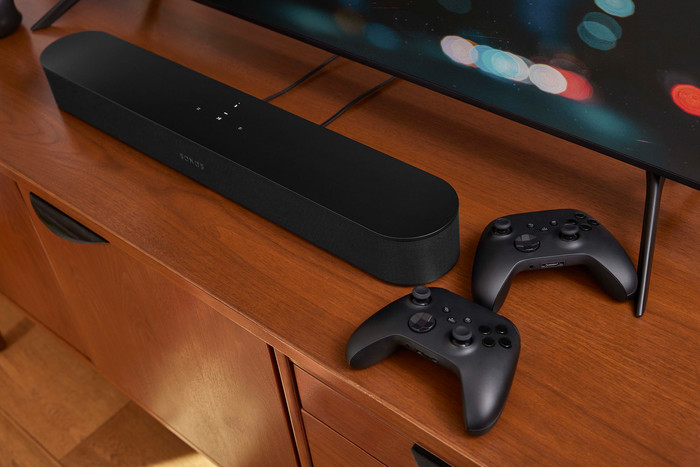
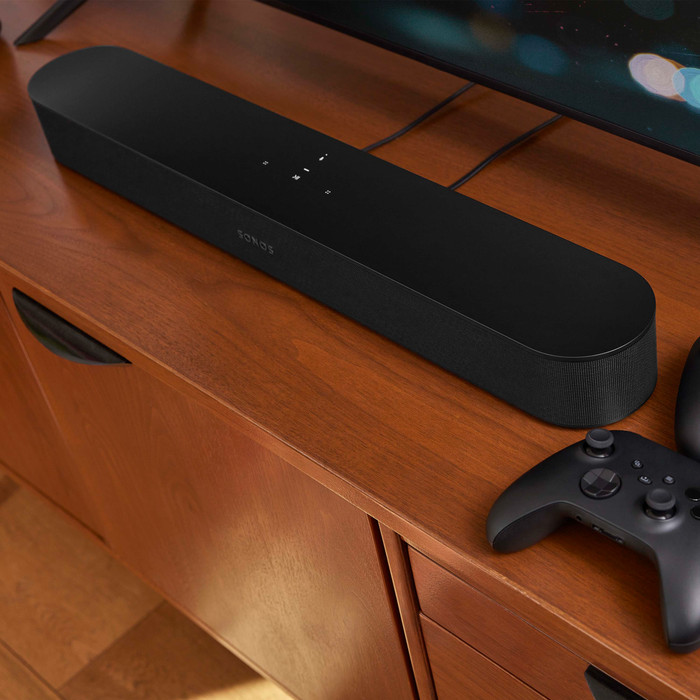
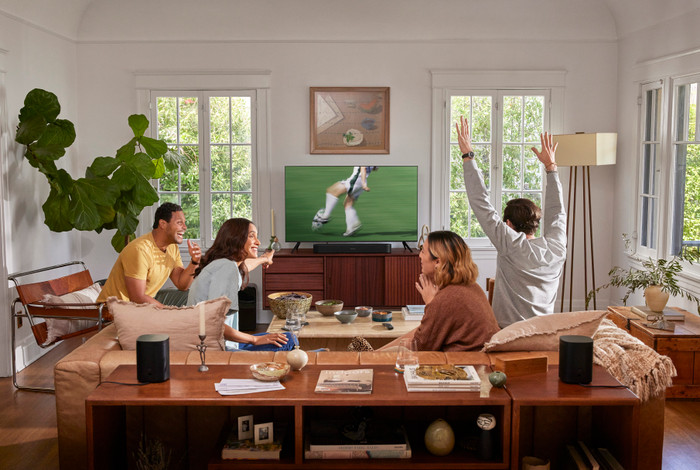
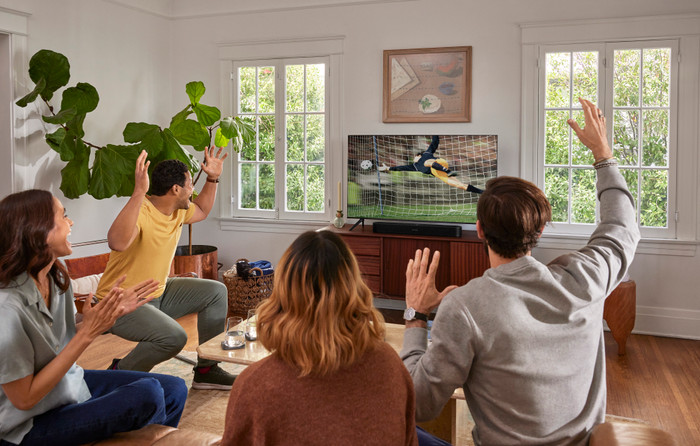
Our choice for a good soundbar for gaming
Black
|
No subwoofer
|
No rear speakers

Better model

Product number | 891435 | |
|---|---|---|
Manufacturer code | BEAM2EU1BLK | |
Brand | Sonos | |
Processing of your defect | Via Coolblue | |
Old product returned for free |
Height | 6,8 cm | |
|---|---|---|
Width | 65,1 cm | |
Depth | 10 cm | |
Weight | 2,88 kg | |
Color | Black | |
Quality category | Mid-range |
Separate subwoofer |
|---|
Sound quality according to customers | Very good | |
|---|---|---|
Number of audio channels | 3 | |
Sound reproduction | Surround | |
Surround sound | Virtual surround sound | |
Dolby Atmos | Virtual Dolby Atmos | |
Hi-Res audio | ||
Radio |
HDMI connector | ||
|---|---|---|
HDMI ARC (Audio Return Channel) | ||
Digital optical connector | ||
Network connector | ||
USB port |
Bluetooth | ||
|---|---|---|
Built-in WiFi | ||
Plays from network | ||
Multi-room audio | ||
Multi-room functions | Make a stereo pair, Surround sound mode, Zones separately, Zones simultaneously | |
Number of zones (audio) | 32 | |
NFC | ||
DLNA | ||
Spotify Connect | ||
AirPlay | ||
Google Cast |
Smart home platform | Amazon Alexa, Apple HomeKit, IFTTT | |
|---|---|---|
Compatible with smartphone / apps | ||
Controls via app | ||
Controlled via Android app | ||
Controlled via Apple app | ||
Controlled via Windows app |
Coolblue takes care of everything, from taking out an insurance to repairs
For almost all accidents
More coverage in case of damage than your standard warranty
No deductible
First, add your soundbar to your shopping cart. On the next page, choose the Protection Plan below. You always have a 30-day return window and pay no deductible in case of damage.
2-year Protection Plan
10,99
one-time3-year Protection Plan
18,99
one-time
Sound quality
Connection options
Design
Options
With the Sonos Beam (Gen 2) I complete my sound setup. The installation is, as I am used to from Sonos products, very quick and easy. While playing my favorite song, I hear all the details that I normally only hear through the headphones. What is disappointing to me is that Trueplay can only be adjusted with an iOS device.
Quickly connected and installed The bar comes with an HDMI cable and an adapter from HDMI to optical. Connecting the Beam is done in no time. I connect the bar to the mains power and connect the hdmi cable to the hdmi arc port of the tv. Installing the Beam is almost as fast as connecting it. I already have the Sonos app and it immediately detects a new device. After I have gone through the steps in the app, the bar is fully installed. The entire connection and installation takes about 10 minutes.
Lots of detail in every song I play songs from different genres via AirPlay 2 and it strikes me how much detail I hear. I even hear the little additions in songs that I normally only hear through my headphones.
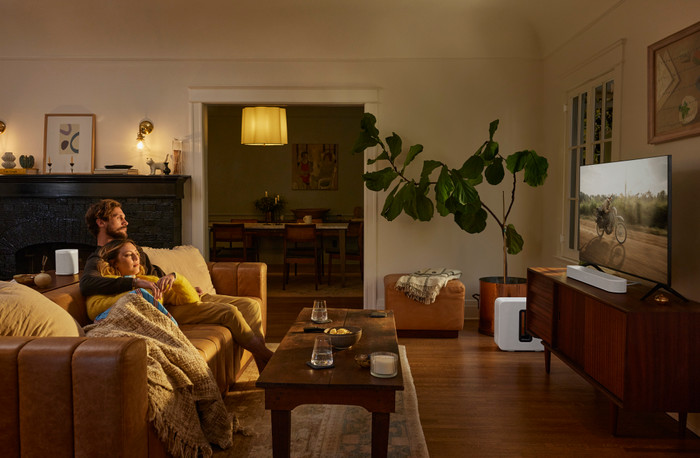
A home cinema in the living room When I watch a movie that supports Dolby Atmos, it doesn't take long before I'm fully immersed in the movie. Because the bar has Virtual Dolby Atmos, I enjoy surround sound without separate rear speakers. The sound seems to come from all sides and I have no trouble keeping my attention on the film. The full 1.5 hours that the film lasts almost feels like I'm in the cinema.
Personalized sound I personalize the sound of the Beam via the Sonos app. For example, I set the bass and treble separately from each other. Via Trueplay in the Sonos app on my iPhone, I adjust the sound of the bar to the space. If you don't have an iOS device at home, you borrow one from an acquaintance. Trueplay only needs to be adjusted once if you don't move the device.
Operate bar with TV remote Using the TV remote control for the bar is an additional feature. You normally only use this when you connect the soundbar to the television via the HDMI arc connection. Because the bar is connected to the optical connection via an adapter plug, I operate the Beam with the TV remote control. This saves an extra remote control and works nicely.
Mieke. Audio specialist.
30 September 2021
Automatically translated from Nederlands
Knowing that this brand is of excellent quality, I bought the beam gen 2 myself. Easy to install. very good sound even at a louder volume. Connect to the sonos app in minutes. No regrets about my purchase. And thanks to coolblue's great service, I got it sooner than I had hoped!
Rick
9 January 2022
Automatically translated from Nederlands
The start was a bit difficult. The app only asked for an update when there was none. Finally solved by the helpdesk. After that, the installation and pairing was done in no time.
Bernard
20 October 2021
Automatically translated from Nederlands
Our digital expert will help you, but it can sometimes make mistakes, like humans do.
According to our soundbar expert
Clear sound in every corner: with TruePlay, you can tune the soundbar to your room, so you'll hear clear sound in every corner.
More spacious sound: thanks to Virtual Dolby Atmos, the sound from your soundbar is more spacious.
Sound without quality loss: you hear clear sound without quality loss via the HDMI connector.
No extra clear voices: the soundbar doesn't have voice enhancement, so you won't always understand voices clearly.
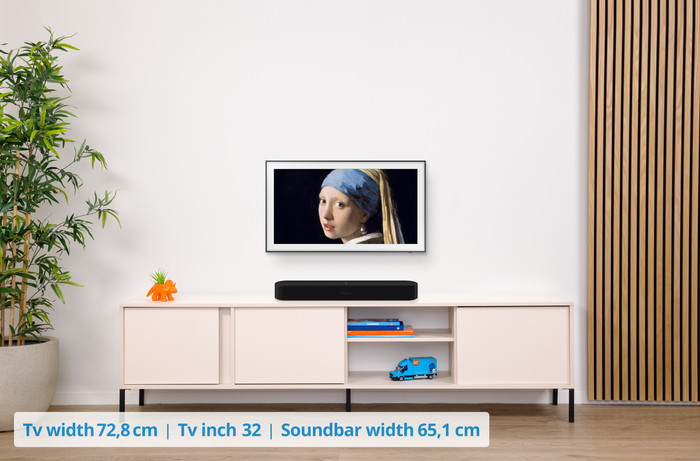
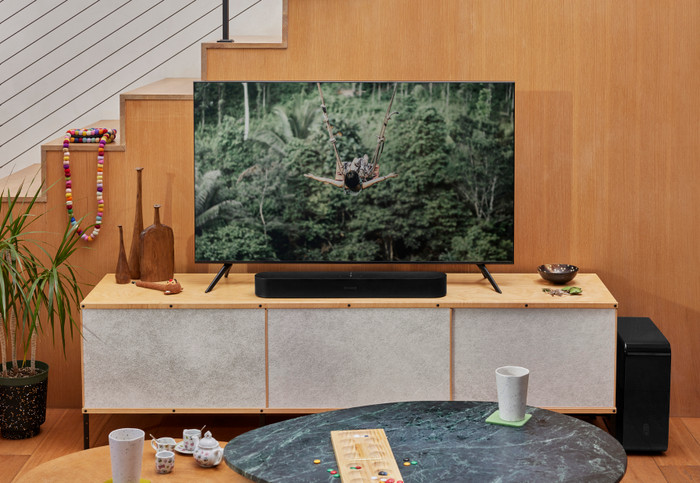
Only for TVs 55 inches and larger: the soundbar's wide size means it only fits neatly under televisions that are 55 inches or larger.
468,-
468,-
In stock
In stock