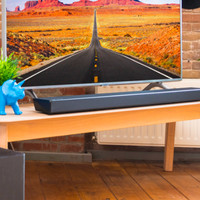
Marshall Heston 120 Black





Product number | 977406 | |
|---|---|---|
Manufacturer code | 189173 | |
Brand | Marshall | |
Processing of your defect | Carry-in warranty | |
Old product returned for free |
Height | 7,6 cm | |
|---|---|---|
Width | 110 cm | |
Depth | 14,5 cm | |
Weight | 7,04 kg | |
Color | Black |
Separate subwoofer |
|---|
Number of audio channels | 11 | |
|---|---|---|
Sound reproduction | Stereo | |
Dolby Atmos | No Dolby Atmos | |
Hi-Res audio | ||
Radio |
HDMI connector | ||
|---|---|---|
HDMI ARC (Audio Return Channel) | ||
Digital optical connector | ||
Network connector | ||
USB port | ||
USB function | Charging an external device |
Bluetooth | ||
|---|---|---|
Built-in WiFi | ||
Plays from network | ||
Multi-room audio | ||
NFC |
Compatible with smartphone / apps | ||
|---|---|---|
Controls via app | ||
Controlled via Android app | ||
Controlled via Apple app | ||
Controlled via Windows app |
Coolblue takes care of everything, from taking out an insurance to repairs
For almost all accidents
More coverage in case of damage than your standard warranty
No deductible
First, add your soundbar to your shopping cart. On the next page, choose the Protection Plan below. You always have a 30-day return window and pay no deductible in case of damage.
2-year Protection Plan
23,99
one-time3-year Protection Plan
39,99
one-time
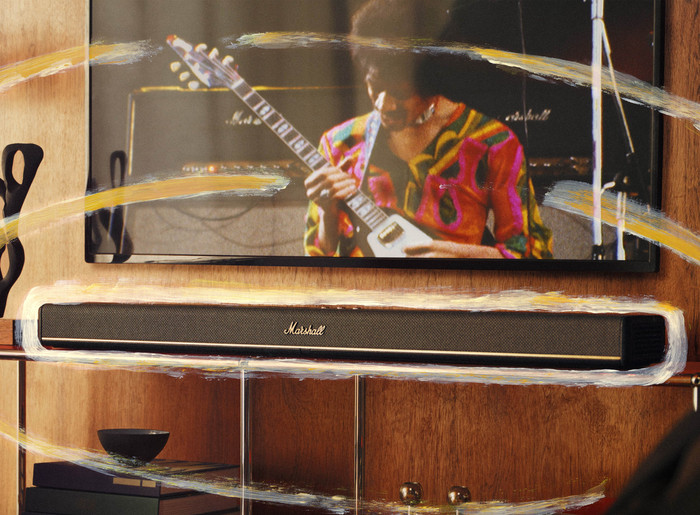
The Marshall Heston 120 is a luxury 5.1.2 soundbar that reminds me of a classic Marshall guitar amplifier in several ways. For instance, the sound is grand and clear, with realistic mid and high tones. However, the bass tones are somewhat less deep. The Heston 120 feels sturdy and features a control panel with rotary, illuminated knobs.
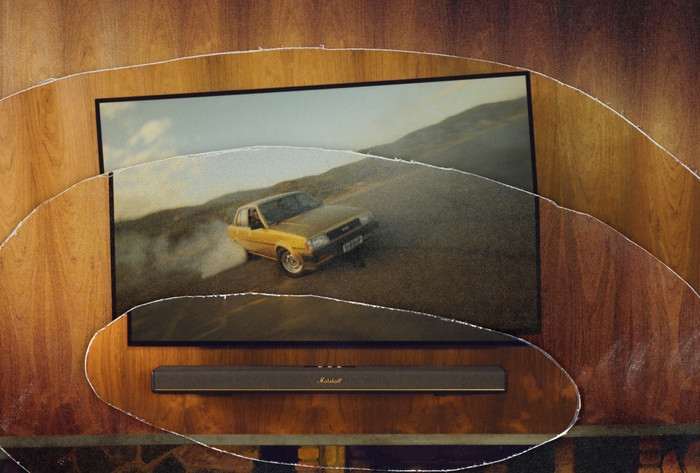
Clear 5.1.2 channel soundbar The Heston 120 is the big brother of the Heston 60, featuring a nice 5.1.2 channel setup. The soundbar therefore has 5 forward-facing channels, one subwoofer channel, and 2 upward-facing channels. Thanks to the 2 upward-facing channels, technologies like Dolby Atmos really come into their own. The tones from these speakers bounce off the ceiling through the room, causing the sound to come from all directions. Are you watching a movie like Top Gun Maverick? Then it sounds as if the fighter jets are really flying over you. I find the bass of the Heston 20 good enough, but it is not where the soundbar excels. The soundbar is especially recommended if you like clear sound. No matter how loud you turn the soundbar up, you enjoy clear mid and high tones. This way, you follow every conversation during a series and hear every detail when watching a movie.
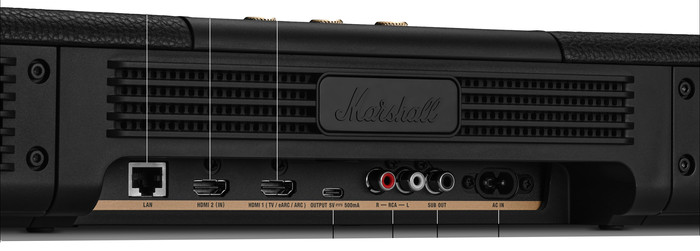
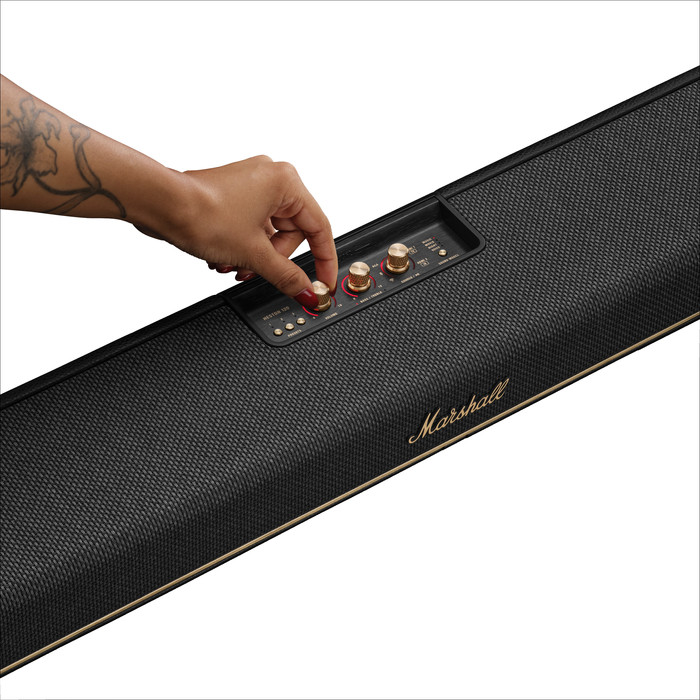
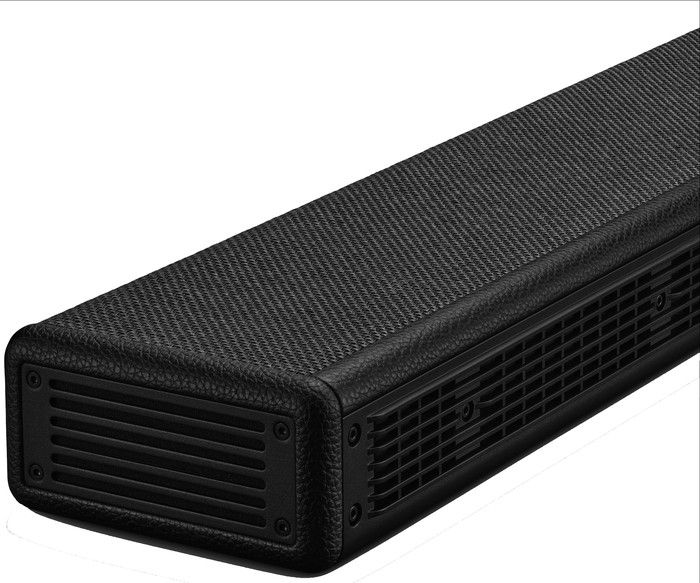
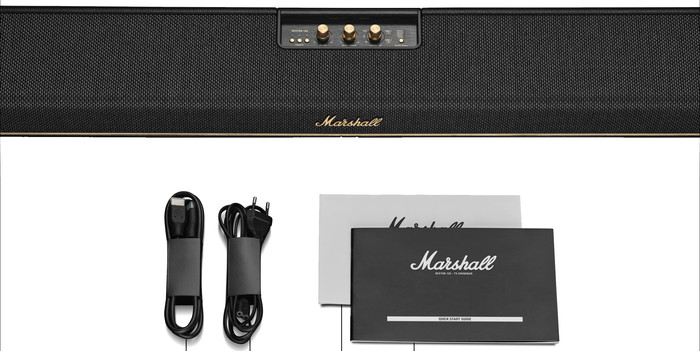
Luxurious and classic design I find the design of the Marshall Heston 120 very beautiful. It is a striking, black soundbar approximately 110 centimeters wide. In our test room, it sits under a 55-inch TV, but I would also be perfectly happy to place it under a 50-inch TV. For a smaller television, I find the soundbar too wide. The Heston 120 has all the connections you need. Think of an HDMI eARC connection, an Ethernet connection for a wired internet connection, and a subwoofer out connection for the Heston 200 subwoofer.
Easy operation What strikes me immediately is the control panel. With the rotary, steel knobs, you adjust the volume and the balance between treble and bass. This allows you to enhance the bass tones during a movie, for example. But you can also emphasize the high tones. This is handy if you can't hear conversations in a talk show very well but don't want to immediately turn up the volume. Additionally, you can easily switch between different sound sources with the Source button and create up to 3 presets with the Preset button. You can adjust the sound via the Marshall app, but I didn't need it for my test. I find the control panel comprehensive enough for a pleasant user experience.
Jordin. Soundbar specialist
3 April 2026
Automatically translated from Nederlands
999,-
Built-in WiFi | ||
|---|---|---|
Bluetooth | ||
Width | 110 cm | |
Height | 7,6 cm | |
HDMI ARC (Audio Return Channel) | ||
Sound reproduction | Stereo |
No Dolby Atmos
True Dolby Atmos, Virtual Dolby Atmos
True Dolby Atmos, Virtual Dolby Atmos
True Dolby Atmos
True Dolby Atmos
110 cm
117,3 cm
117,3 cm
109,94 cm
115 cm
According to our soundbar expert
Thanks to Dolby Atmos and 2 upward-firing channels, you can enjoy spatial audio.
This soundbar has a unique design and looks like an old guitar amplifier.
Adjust the sound with the Sound button and the handy Marshall app.
You don't get a separate subwoofer with this soundbar, so the bass sounds less realistic.
999,-
Current product

999,-
1.029,-
1.029,-
999,-
899,-
In stock
In stock