Philips Hue LED strips
Philips Hue LED strips.
Bright up your alley.

Solo
Indirect light and emits 1 color at a time.
- You can choose from 16 million colors light
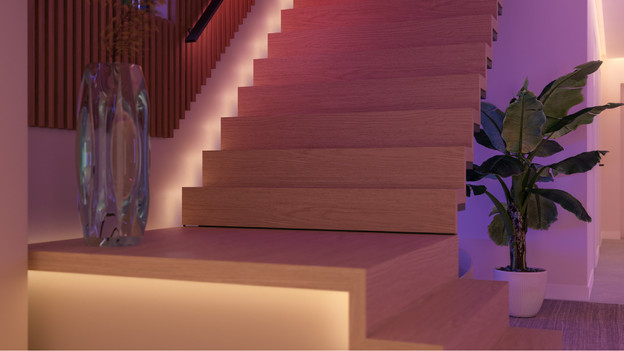
Flux
Indirect light with smooth color transitions
- You can choose from 16 million colors of light that smoothly blend.
- Expand the strip or cut it to size so it fits perfectly anywhere.
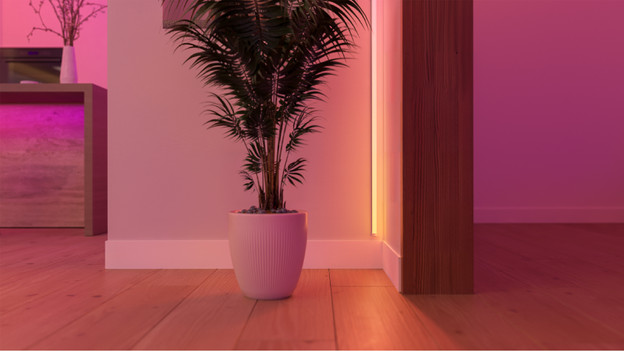
Omniglow
Direct and indirect even light
- You can choose from 16 million colors light that seamlessly blend.
- Cut the strip to size so it fits perfectly anywhere.
- You don't see the light points in the strip, so you can also hang it in sight.
LED strip for outdoors
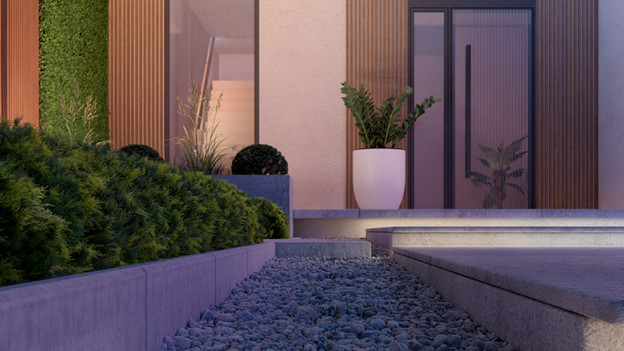
Flux: indirect light for a subtle glow
You don't place the Flux Outdoor LED Strip directly in sight, but below a planter or roof edge, for example. That way, you get a beautiful and subtle glow on the wall or ground. The Flux and Neon LED strips both work with a plug, so you can easily place them anywhere. You can set up the light colors via the app.
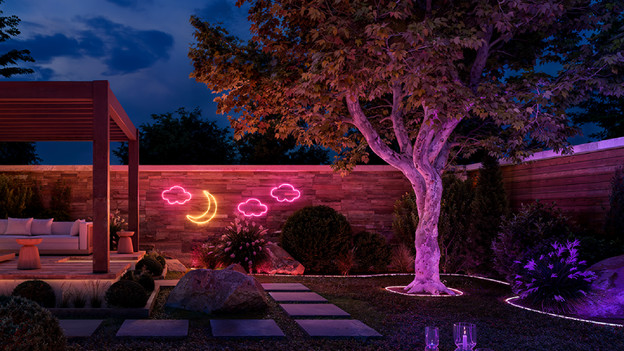
Neon: direct light in any shape
The Neon Outdoor LED Strip is flexible, so you can easily bend it. That way, you can place it along the edge of a round planter, for example. Or bend it into a fun shape and decorate a wall or fence. You can't see the lights in the strip, so the lights blend into each other very smoothly.
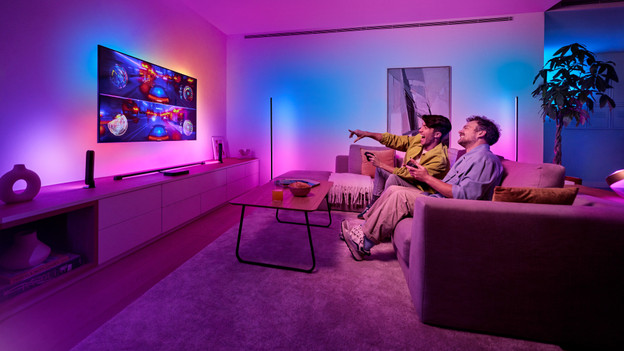
What's Philips Hue Play?
With Philips Hue Play, you can make your favorite movies and series even more fun. You can place these LED strips behind your television and let them color along with what's happening on the screen. Note: you need an HDMI Sync Box and a Bridge or Bridge Pro for this. These strips are gradient LED strips, so the colors smoothly blend into each other. Via the Hue app, you can also adjust the light when the TV isn't on.
Philips Hue starter pack

Get started with smart lights right away.
This pack contains a LED strip and a Bridge. With a Bridge, you can get a good start with smart lights right away. You can control the lights via WiFi and set up fixed routines.

Frequently asked questions
What do I need to use Philips Hue LED strips?
You always need a stable WiFi network and a power supply. You can also download the Hue app to your smartphone or tablet. Want to let the lights turn on and off automatically? You need a Philips Hue Bridge or Bridge Pro for this. Note: you always need a Bridge or Bridge Pro for the outdoor LED strips, except for the Flux Outdoor and Neon Outdoor.
Can I shorten or extend the Philips Hue LED strip?
You can't extend or shorten every Philips Hue light strip. For example, you can't cut a strip for outdoors because it isn't waterproof anymore. You also can't simply reattach a cut piece. Before buying your new light strip, make sure it meets your needs.
Do Hue LED strips also work without a Bridge?
Yes, that's possible via Bluetooth. You can install the Philips Hue Bluetooth app. With that, you can control up to 10 lamps. For more functions like timers, scenes, or outdoor controls, you need a Hue Bridge.
Can I use the LED strip outdoors?
Most Hue LED strips are for indoors. There's also a special version for outdoors: the Philips Hue Outdoor LED Strip. This one's waterproof and can withstand cold and rain.
How do I make my LED strips match the colors on my TV?
If you want to connect an LED strip to your TV, choose a Philips Hue Play strip. You can easily attach this behind your television thanks to the adhesive strip. You also need a Philips Hue Bridge or Bridge Pro and a Sync Box, or your TV won't recognize the LED strip. Via the app on your smartphone, you can connect all devices to each other.