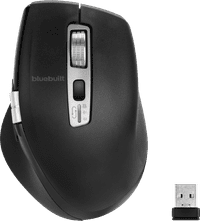
BlueBuilt Maximus Wireless Ergonomic Bluetooth Mouse

Don't have an account yet? Start here
Our choice for an ergonomic mouse
BlueBuilt Maximus
59,-
Product number | 941833 | |
|---|---|---|
Manufacturer code | BBMAX24 | |
Brand | BlueBuilt | |
Processing of your defect | Via Coolblue | |
Old product returned for free |
Mouse model | Standard | |
|---|---|---|
Input | Optical | |
Number of buttons | 6 | |
Ergonomic design | ||
Type of ergonomics | Standard ergonomic | |
Left or right-handed | Right-handed | |
Maximum dots per inch (DPI) | 3200 dpi | |
Adjustable DPI | ||
Mouse controls | Buttons, Scroll wheel | |
Suitable for gaming | ||
Scroll fast | ||
Rechargeable | ||
Programmable buttons | ||
Lighting peripherals | ||
Silent mouse | ||
Horizontal scrolling | ||
Mouse surface | Matte surface | |
Product family | Maximus |
Connection type | Wireless | |
|---|---|---|
Type of wireless connection | USB and Bluetooth | |
Bluetooth version | 5.1 | |
Nano receiver | ||
Number of devices that can be paired | 1 - 3 | |
Type of USB port | USB-C |
Plug and Play | ||
|---|---|---|
Compatible with operating system | ChromeOS, Windows, iPadOS, macOS |
Power supply type | Rechargeable battery | |
|---|---|---|
Battery level indicator | ||
Replaceable battery | ||
Battery included |
Color | Black | |
|---|---|---|
Mouse size | Small | |
Width | 7,6 cm | |
Height | 4,8 cm | |
Depth | 11,2 cm | |
Material | Plastic | |
Finish | Matte and glossy | |
Weight | 108 g |
59,-
Our digital expert will help you, but it can sometimes make mistakes, like humans do.
5 stars
9
4 stars
7
3 stars
4
2 stars
0
1 star
0
Connection options
Ergonomics
Accuracy
Size
Design
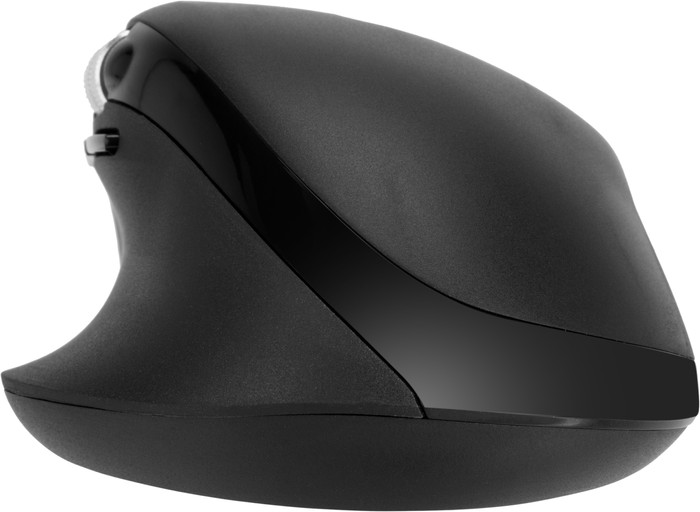
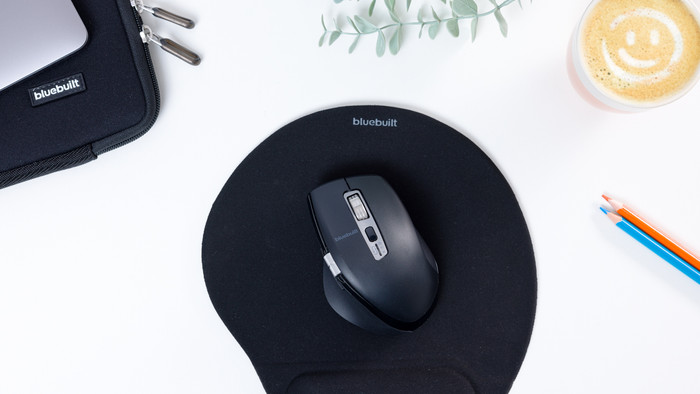
Scroll through your spreadsheets quickly with the BlueBuilt Maximus Wireless Ergonomic Bluetooth Mouse. The mouse has a compact size and fits comfortably in the hand.
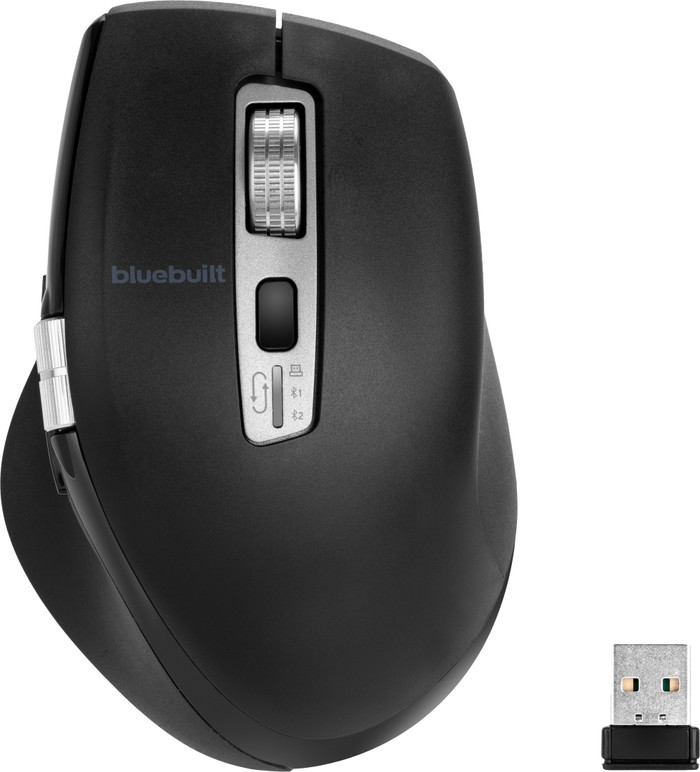
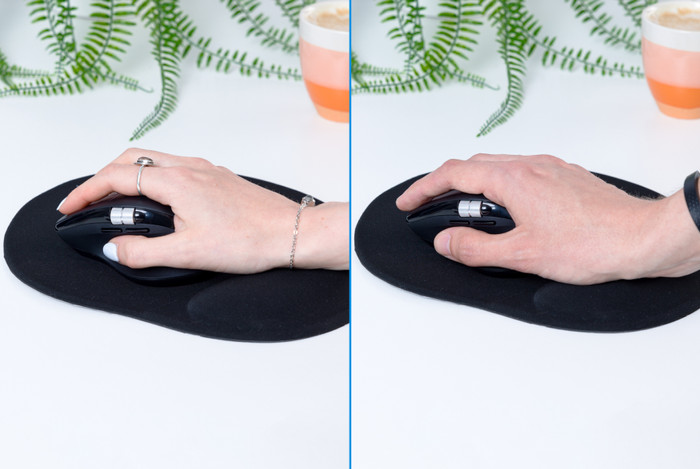
First impression The BlueBuilt Maximus comes in a cardboard box. The box contains a manual, a charging cable and the mouse itself. The manual helps me a lot with setting up the mouse. The mouse is made of soft plastic, which makes it pleasant to the touch. In addition, it is ergonomically designed. This makes it easy for me to grip the mouse and it fits comfortably in my hand.
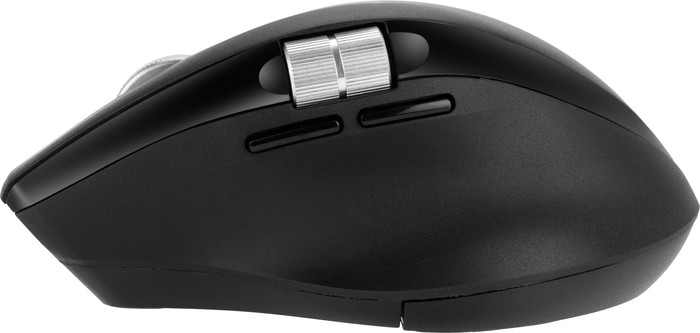
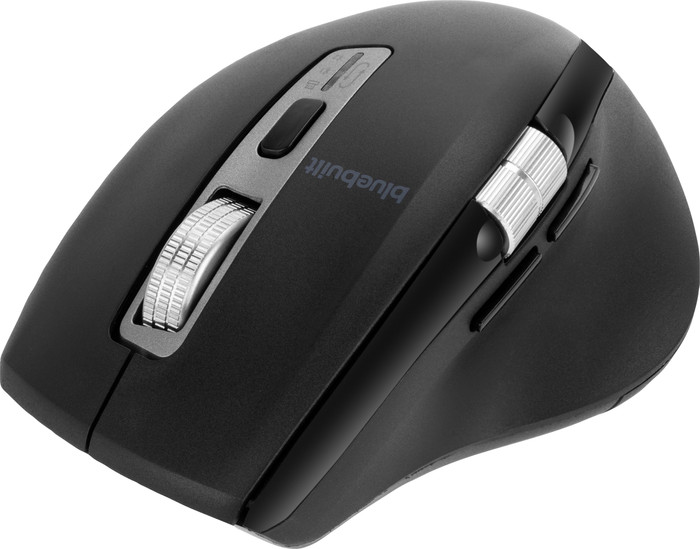
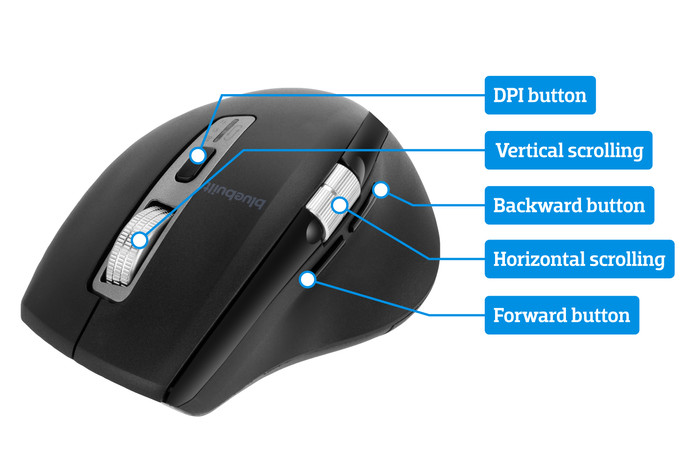
Nice size and handy buttons I like the size of the Maximus mouse, because it is not too big for someone with smaller hands. It has a vertical and horizontal scroll wheel. Below the horizontal scroll wheel there are 2 navigation buttons, which allow me to easily return to a tab. Below the DPI button is a button that allows me to quickly switch between devices.
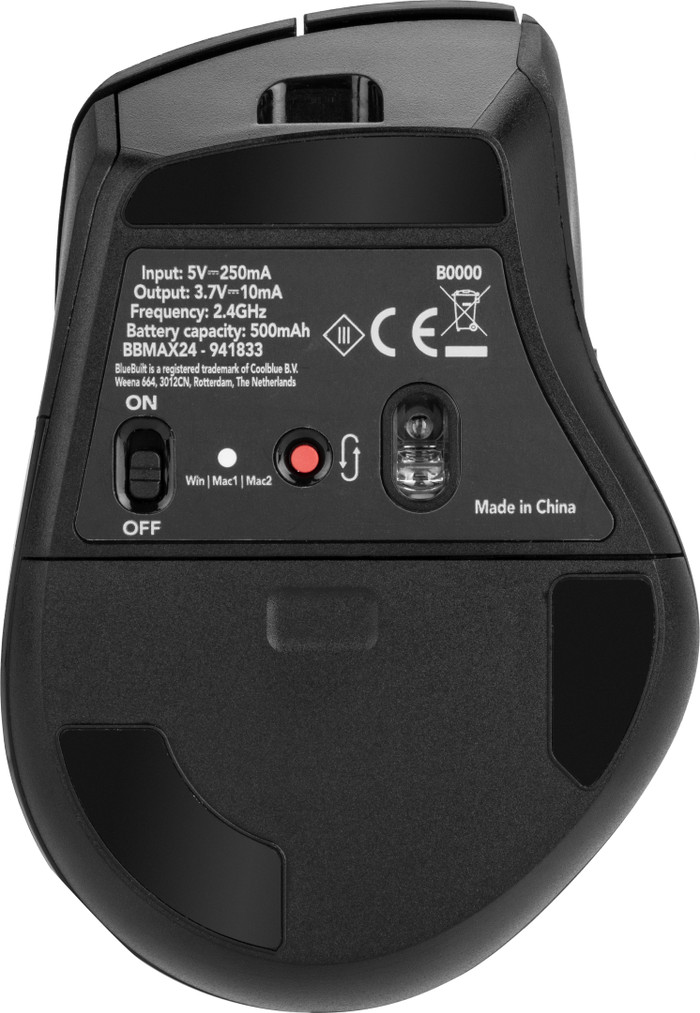
Connect to multiple devices I can easily connect this mouse to 3 different devices. I had trouble finding the connection button. It is located just below the DPI button, near the connection lights. I connect the mouse to my business laptop via Bluetooth, so that I keep my USB ports free. The mouse connects quickly. After work I also connect the mouse to my personal laptop, and it switches over quickly. I find it convenient that I only need one mouse for different devices.
Flying through the files The BlueBuilt Maximus has a smart flying scroll wheel, which I use to quickly scroll through long spreadsheets. This mouse also has a horizontal scroll wheel. This way I not only scroll vertically, but also horizontally. Sometimes while scrolling horizontally I click on one of the buttons just below it, which is a bit inconvenient. I do like that this mouse has a soft click, because that way I don't disturb anyone with my clicking. I choose between different mouse speed settings. It has 4 different speeds, but I think the highest speed is too fast. The second speed is my personal favorite.
Deanne. Muizen specialist.
31 July 2024
Automatically translated from Nederlands
The mouse disappoints me. It doesn't click well. I like to feel a clear click when you press the mouse. When you click something with this mouse it feels like you have to press a bit further. The wheel could also be a ratchet or a bit heavier.
Douwe
24 September 2024
Automatically translated from Nederlands
2 of them have already broken in 1.5 months.
Arie
25 October 2024
Automatically translated from Nederlands
Current product
59,-
49,99
53,-
83,-
61,-
According to our mouse expert
Work comfortably: the ergonomic design keeps your arm, hand, and wrist in a natural position.
More freedom of movement: because the mouse is wireless, you can use it anywhere.
Keep a USB port free: thanks to Bluetooth, you can connect the mouse to your computer without a USB dongle.
Not for large hands: the small size makes this mouse less comfortable for people with large hands.
Not for left-handed people: you won’t find this right-handed mouse comfortable to use if you’re left-handed.
In stock
In stock
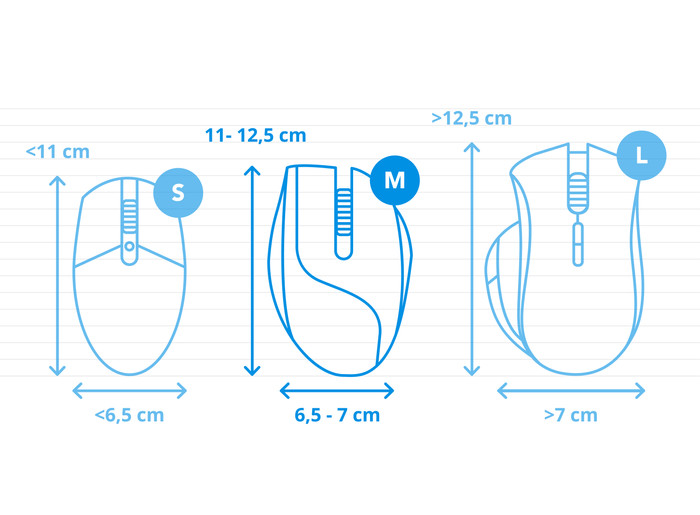
How large is a mouse exactly? It's often difficult to see on a photo. That's why we thought of the thumb rule below.
Choose a mouse that takes up more than half of the surface of the dimensions of your hand. You can find the dimensions of the mouse under the specifications.
Your hands are often 2 times longer from your wrist to the tip of your middle finger than that it's wide from your little finger to the knuckle of your thumb. The closer the length and width a mouse come to 60% of the length and width of your hands, the more likely it is that the mouse feels comfortable in your hand.

BlueBuilt products have the best price-quality ratio because we've put them together ourselves. Based on product data, feedback from customers, and our own product knowledge. In other words, good products. We are so confident, that we'll even give you an extra long warranty. Read everything on BlueBuilt.

Coolblue takes care of everything, from taking out an insurance to repairs
For almost all accidents
More coverage in case of damage than your standard warranty
No deductible
First, add your mouse to your shopping cart. On the next page, choose the Protection Plan below. You always have a 30-day return window and pay no deductible in case of damage.
2-year Protection Plan
7,99
one-time3-year Protection Plan
8,99
one-time