Written by Caitlin
Edited on
27 January 2025
·
13:10
How do you solve error codes and malfunctions of AEG ovens?
Do you see an error message on the display of your oven? In this article, we'll explain how to solve this yourself. Read what to do if the cooling fan of your oven doesn't stop, how to set the time, or what to do if there's moisture between the glass panels of your oven here. We'll tell you all about it on this page.
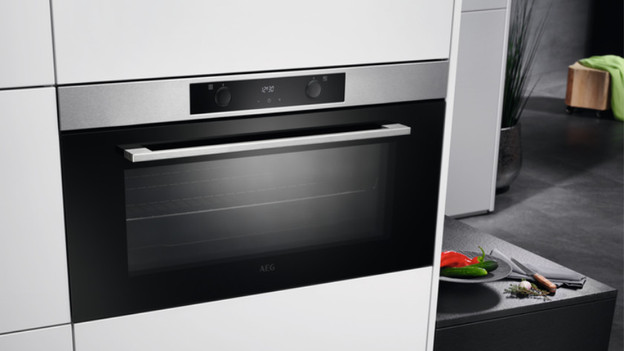
AEG error codes
Read which AEG errors you can easily solve yourself here.
- Error code E0020 followed by E20
- Error code F11 / F111 / F129
- Error code SAFE
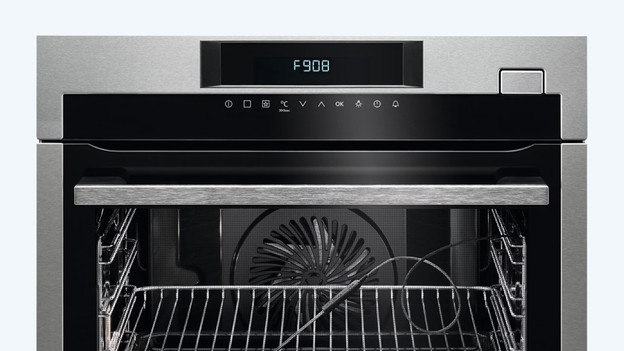
- Error code F908
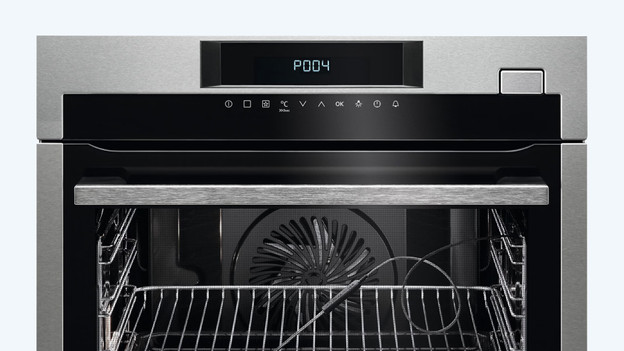
- Error code P004 / C9A4 / C9A2
- Moisture between the glass panels
- I can't set the time
- The cooling fan won't stop
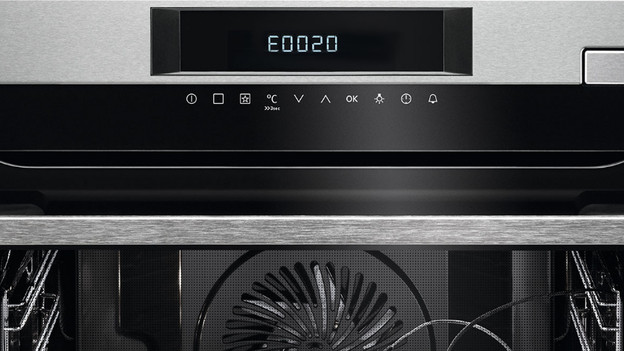
Error code E0020 followed by E20
This error code appears if the lamp inside the oven is broken. Check whether the light in the oven is indeed not working. You can replace the light yourself or have a technician repair it. You can buy a new light via the AEG webshop.
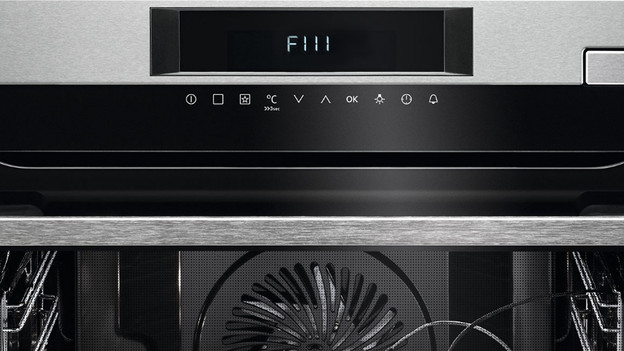
Error code F11/F111/F129
Do you see the error code F11, F111, or F129 on the display of your oven? That means that the meat thermometer is broken or not connected properly. Reconnect the thermometer to the oven. Do you still see the error message? The meat thermometer could be broken. You can buy a new thermometer via the AEG webshop. This error code only appears if the meat thermometer isn't connected to the oven with a function that requires the meat thermometer.
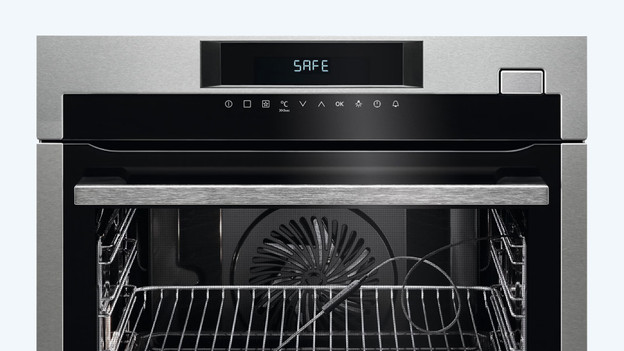
Error code SAFE or padlock
Do you see the word SAFE or the symbol of a padlock on the display? The child safety lock is turned on. Make sure the button for the oven functions is set to 'off'. Press the button with the clock and the one with the degrees symbol simultaneously. Doesn't your oven have those? Check the manual to see how to turn off the child safety lock on your model.
Error code F908
If you see error code F908, there's an internal error. By resetting the oven, you can solve this yourself. Unplug the connector of the oven from the socket. After about 5 minutes, plug the oven in again. Is the socket located behind the baseboard and is it difficult to reach? Flip the fuse in the fuse box. That way, you'll remove the power from the socket. After 5 minutes, flip the fuse back.
Error code P004, C9A4, or C9A2
Does P004, C9A4, or C9A2 appear on the display? The oven is starting after a power outage. For example, in case of a blow fuse. After the oven has been restarted completely, the code will disappear automatically.
Moisture between the glass panels
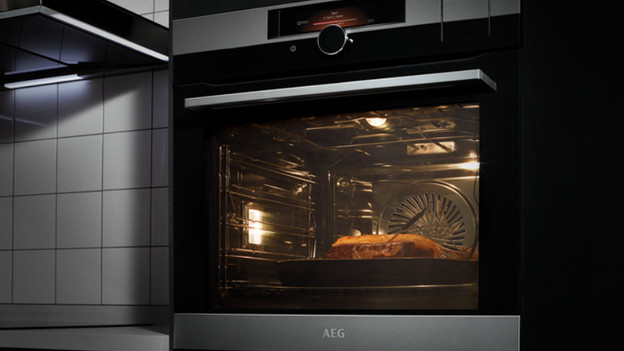
When you heat up food in the oven, it releases moisture. This mostly happens if you heat up frozen foods. The moisture leaves the oven via the ventilation pipes and through the door. As a result, you might get stains and condensation between the 2 glass panels in the door. That's completely normal. Is there moisture in the oven or on the door? Simply wipe it away with a cloth.
I can't set my clock
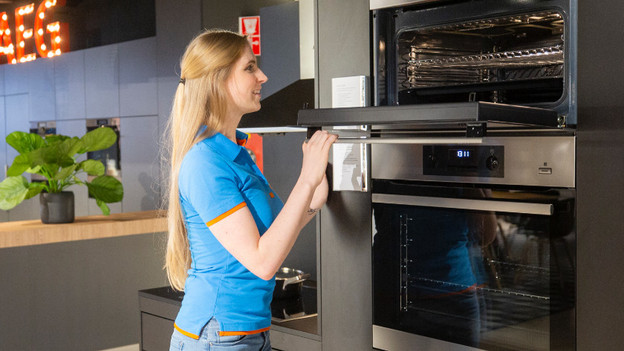
Reset the oven by unplugging it from the socket and plugging it in again after 1 minute. If it's connected again, the clock icon starts flashing. If that's the case, you can set the time with the +/- buttons. Don't know how to set the time? Check the manual.
The cooling fan won't stop
The cooling fan of the oven produces noise while it's cooling the oven. Is the cooling fan of the oven still running after a while? It could be that the temperature sensor is broken. If you want to stop the cooling fan, you have to unplug the oven from the socket. To actually solve the problem, a technician has to come take a look.
Article by Caitlin
Oven Expert.