With an HDR monitor for photo and video editing, you work with a wide range of colors and high brightness. For example, the colors look more vivid and you adjust the brightness so that they correspond to reality. An image editing screen is also distinguished by a large coverage of commonly used color profiles such as sRGB, Adobe RGB and DCI-P3. This way, your monitor displays the same color tones as your editing software and you can choose from many different colors. These monitors are pre-calibrated as standard or offer calibration options, so you can get started right away.
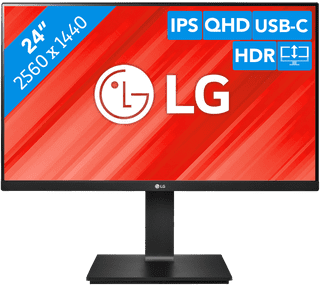
24 inches|Refresh rate 75 Hz|Quad HD (1440p)
299,-
Temporarily sold out
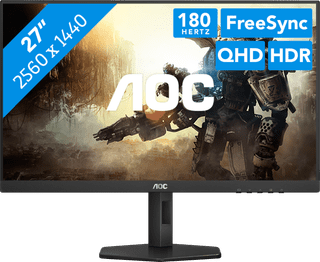
27 inches|Refresh rate 180 Hz|Quad HD (1440p)
192,-
Temporarily sold out
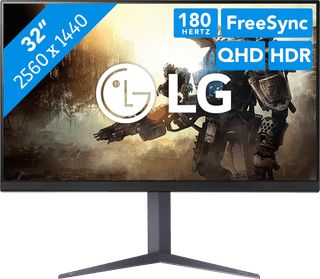
31,5 inches|Refresh rate 180 Hz|Quad HD (1440p)
399,-
No longer available
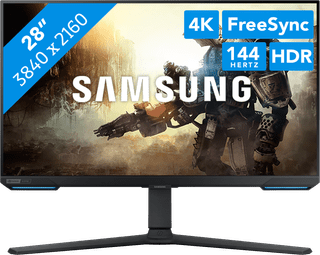
28 inches|Refresh rate 144 Hz|4K (UHD)
699,-
No longer available