Desktops for photo editing
- 146 desktops
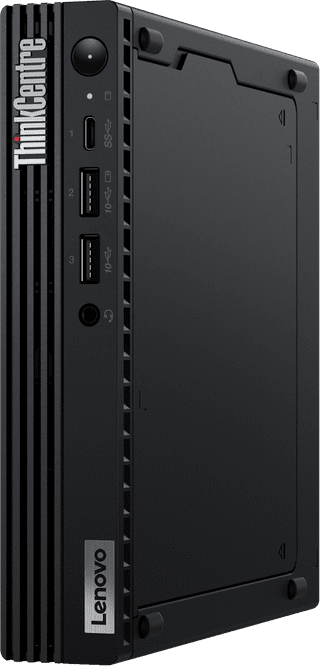
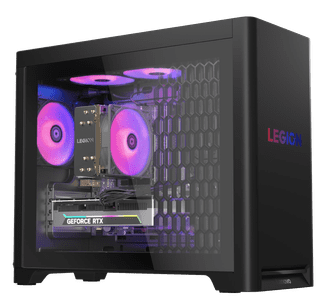
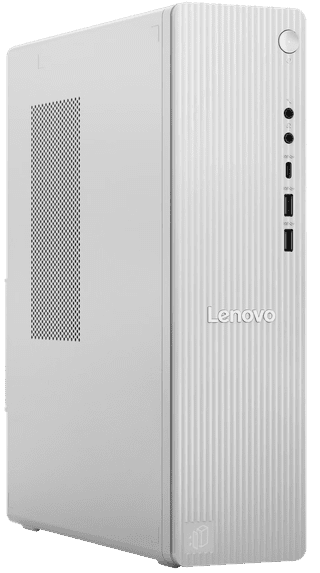
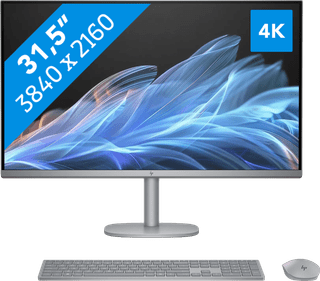
Want to edit photos in programs like Adobe Photoshop? Choose a desktop PC with at least an Intel Core i5 or AMD Ryzen 5 processor. The more RAM your PC has, the smoother you can edit large photo files. Choose at least 8GB RAM. That way, you know for sure that your PC doesn't crash while editing photos.

Our choice for An Apple Mini PC for daily tasks
|
macOS
|
Apple M4
processor
|
16 GB
RAM
Affordable Second Chance
from
662,-
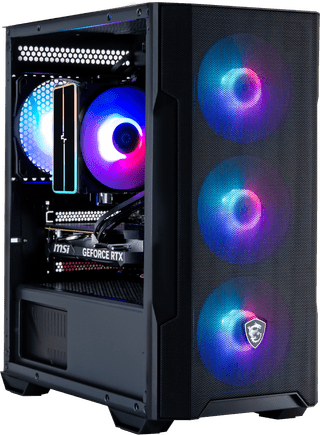
Our choice for a desktop for video editing
|
Windows Home
|
Intel Core i7
processor
|
32 GB
RAM
Our choice for an Apple Mini PC for photo and video editing
|
macOS
|
Apple M4 Pro
processor
|
24 GB
RAM
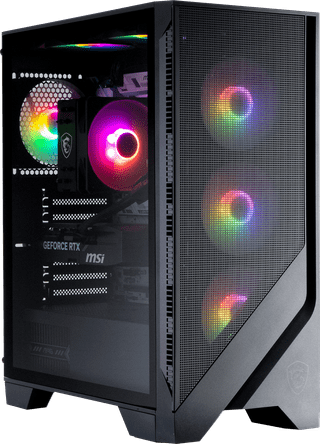
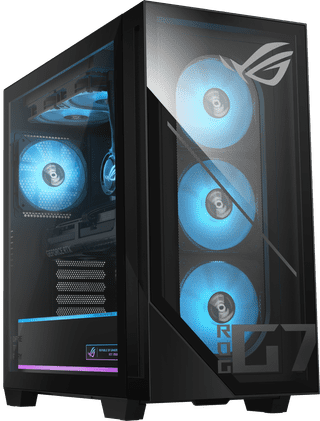
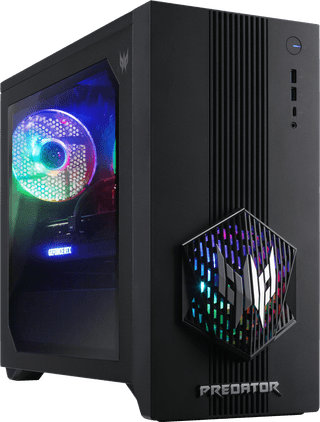
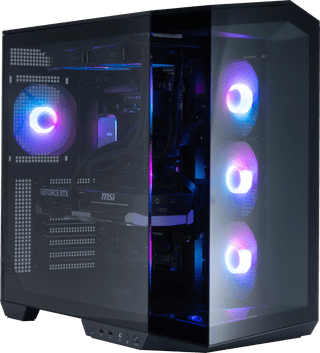
Our choice for a gaming desktop for medium demanding games
|
Windows Home
|
AMD Ryzen 7
processor
|
32 GB
RAM
Affordable Second Chance
from
1.124,-
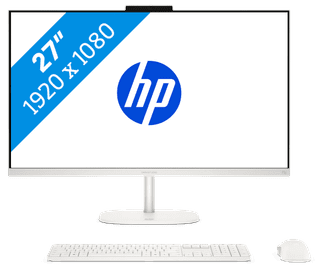
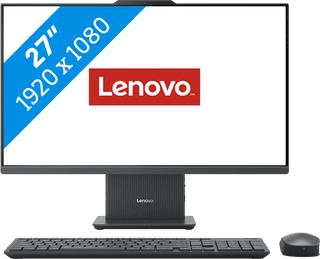
Our choice for a 27-inch all-in-one for video editing
|
Windows Home
|
Intel Core i7
processor
|
16 GB
RAM
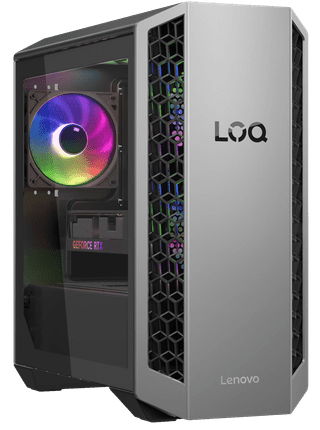
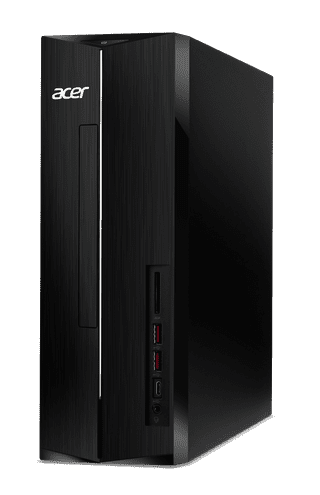
Our choice for a desktop for daily use
|
Windows Home
|
Intel Core i5
processor
|
16 GB
RAM
Affordable Second Chance
from
624,-
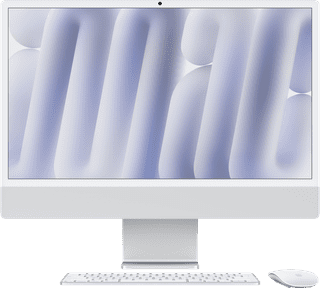
Our choice for an iMac for general use
|
macOS
|
Apple M4
processor
|
16 GB
RAM
Affordable Second Chance
from
1.384,-
Our choice for a powerful iMac for all your peripherals
|
macOS
|
Apple M4
processor
|
16 GB
RAM
Windows Pro
|
Intel Core i7
processor
|
32 GB
RAM
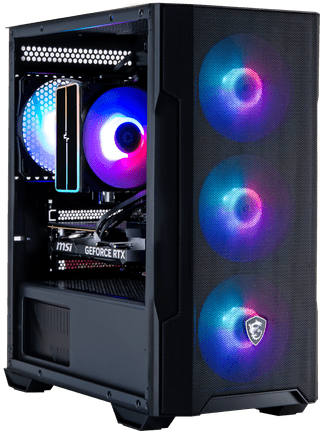
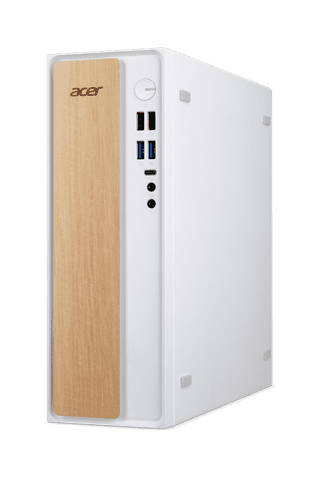
Our choice for a desktop for photo editing
|
Windows Home
|
Intel Core i5
processor
|
16 GB
RAM
Affordable Second Chance
from
597,-
Windows Pro
|
Intel Core i5
processor
|
16 GB
RAM
Windows Home
|
AMD Ryzen 7
processor
|
32 GB
RAM
Windows Home
|
Intel Core i7
processor
|
32 GB
RAM
Windows Pro
|
Intel Core Ultra 5
processor
|
16 GB
RAM
macOS
|
Apple M4
processor
|
16 GB
RAM
macOS
|
Apple M4 Pro
processor
|
24 GB
RAM
Advice on desktops for photo editing
Can't choose? View the advice from our expert.