Apple Mac

Discover everything on Mac
Compare Apple Mac models
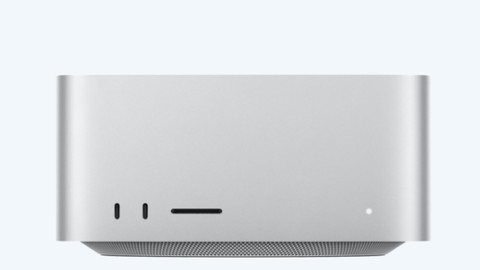
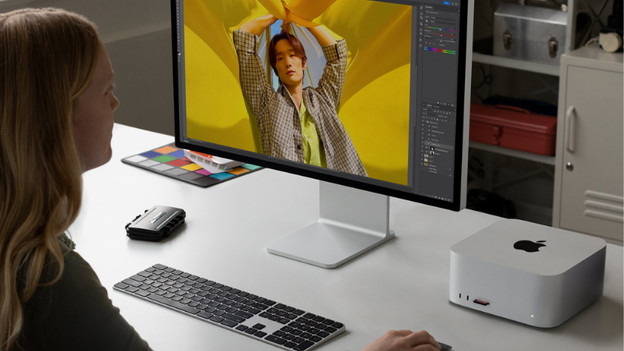
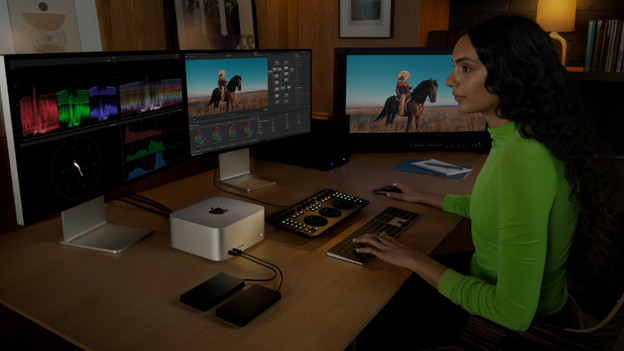
Apple Mac Studio
The Apple Mac Studio is the most powerful Apple PC. You can easily connect it to your own monitor.
- You can connect the Mac Studio to any monitor and get started right away.
- Thanks to the M5 Max and M5 Ultra chips, this Apple desktop is suitable for the most demanding graphic design tasks.
- With 11 connectors, you always have enough space for all your accessories.
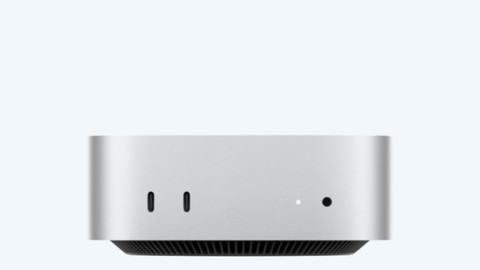
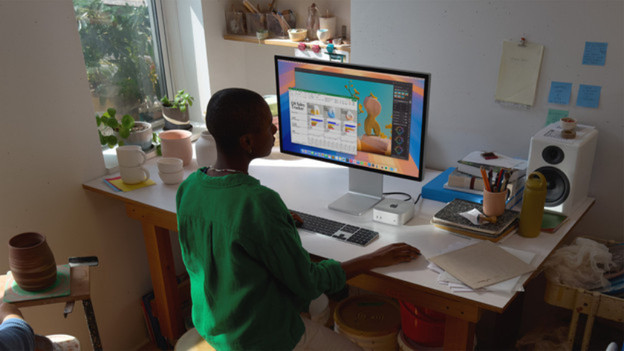
Apple Mac mini
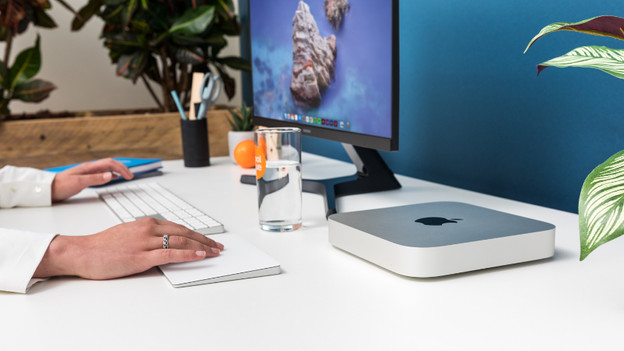
The Apple Mac mini is a small PC you can easily connect to your own monitor
- You can connect the Mac mini to every monitor and get started right away.
- Thanks to the M6 and M5 Pro chips, the Mac mini is powerful enough for photo and video editing.
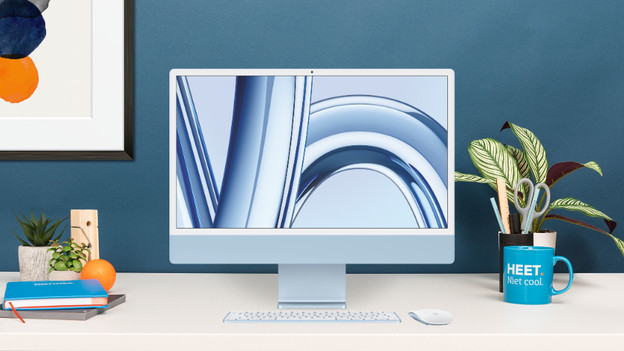
Apple iMac
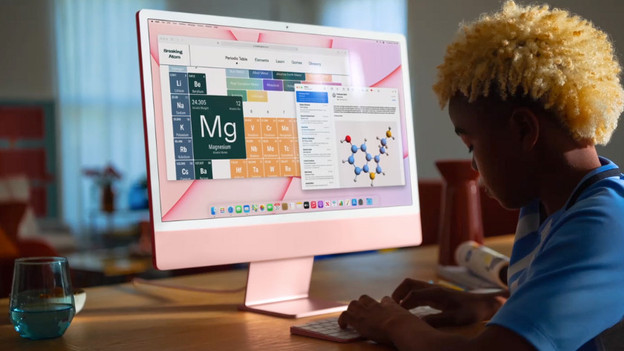
The Apple iMac is an all-in-one PC. All the hardware is in the screen, so you don't need a separate computer case.
- iMac is a powerful all-in-one PC with an included keyboard and mouse set.
- Thanks to the Apple M4 chip, you work smoothly and fast in programs like Final Cut Pro and Adobe Photoshop.
Pre-order the new Mac mini and Mac Studio (2026)
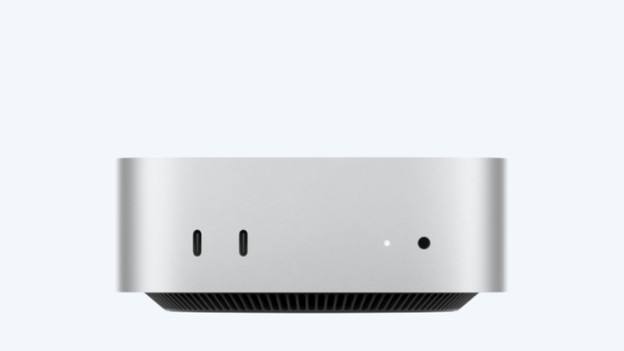
Mac mini M6 and Mac mini M5 Pro
On 25 August 2026, Apple announced the latest Mac mini models: the Mac mini with M6 and the Mac mini with M5 Pro. With these new chips, you can work even faster in all your apps and files and switch between them more smoothly.
- Pre-order the Mac mini from 26 August 2026
- Mac mini is available from 22 September 2026
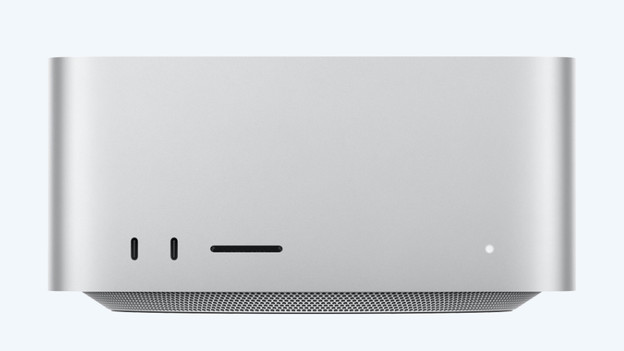
Mac Studio M5 Max and M5 Ultra
In addition to the new Mac mini, Apple also announced new Apple Mac Studio models. You can choose from the powerful M5 Max chip or the new Apple M5 Ultra chip. This way, even the most demanding tasks aren't a problem.
- Pre-order the Mac Studio from 26 August 2026
- Mac Studio is available from 22 September 2026
How do you choose your Apple Mac?
Looking for an Apple Mac to use in 1 fixed spot? You can choose from 3 models: Apple Mac mini, Apple Mac Studio, and Apple iMac. Which one suits you best, depends on your usage situation. We'll tell you more about the various models, so you can choose the right Mac.
5 tips to choose Mac mini as AI assistant
With Apple Mac mini, you get an AI assistant that you can easily use the entire day. For example, you can ask it to perform tasks, even when you're not home. In this article, we'll tell you what to keep in mind when you choose a Mac mini for your AI assistant.
Everything on Apple Mac mini M6 and Mac mini M5 Pro
On 25 August 2026, Apple announced the latest Mac mini models: Mac mini with M6 chip and Mac mini with M5 Pro chip. Thanks to these new, powerful chips, you can work on all your daily tasks even faster. In this article, you'll read everything on these new mini PCs.
FREQUENTLY ASKED QUESTIONS
Where can you find information on new Apple launches?
Apple releases new Mac models about once a year. As soon as Apple releases new products or has new updates, you can read about it on our Apple update page.
What's the difference between the Mac mini and Mac Studio?
The Mac mini is smaller than the Mac Studio. This is because of the processors. The Mac mini has an M6 or M5 Pro chip. The Mac Studio has an M5 Max or M5 Ultra. This makes the Mac Studio more powerful and you can perform the most demanding tasks more smoothly, like app development and 3D editing. The Mac Studio also has way more connectors than the Mac mini.
How much RAM do I need?
In addition to your processor, the RAM decides the speed of your Mac. It's important to know how much RAM you need, because it's not expandable later. With more RAM you can perform more demanding tasks and work more smoothly in multiple programs at the same time. Do you edit photos and videos? You need more RAM than if you only take notes.
How much storage capacity do I need?
It's important to know how much storage capacity you need, because it's not expandable later. You base the storage capacity on your usage situation. Choose 256GB if you store a lot in iCloud. If you rather store files locally, we recommend at least 512GB. To store demanding programs or large files, we advise at least 1TB.


Advice on Apple Mac
Can't choose? View the advice from our expert.