Written by Rowan
Edited on
26 March 2026
·
12:53
How do you choose an Apple iMac?
Are you looking for a new iMac, but don't know what to look for? Based on your usage situation, you can determine what screen size and processor you need. We're happy to tell you more about the different models here, so you can choose the right iMac.

Choosing Apple iMac
Before you can choose the right iMac, ask yourself the following questions:
- What exactly do I want to use my new iMac for?
- How much RAM do I need?
- How much storage capacity do I need?
- How much space do I have on my desk?
- Do you want to connect accessories, such as an extra screen?
We'll answer these questions with you, so you can order your new iMac with confidence after reading this article.

What exactly do you want to use your new iMac for?
The first question you should ask yourself is what exactly you want to use your iMac for. Choose a processor based on your usage situations. Do you want to perform all your daily tasks smoothly and quickly? Choose a 24-inch iMac with M4 chip. Go for the model with 10 graphics cores if you also edit photos and light videos. To perform general tasks, 8 graphics cores are enough.
How much RAM do I need?
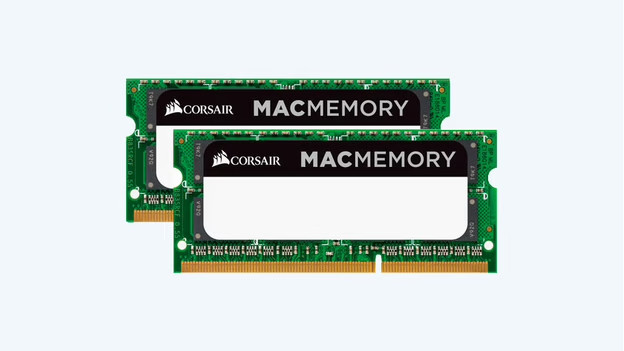
It's important to choose enough RAM beforehand. With Apple silicon chips, it's not possible to expand your RAM later. You can choose between 16 and 24GB RAM. Do you work a lot in demanding programs like Adobe Photoshop, or do you switch between many programs? We recommend 24GB.
How much storage capacity do I need?
Just like the RAM, the storage capacity is often fixed. You can always buy an external hard drive, but the same applies to your storage: make sure to choose enough beforehand. With an iMac, you can choose between 256 and 512GB. With 512GB, you have more space for local files and programs. Do you like to store your files in iCloud or don't have many photos, videos, or programs? The 256GB option is enough.
Do I want to connect extra accessories?
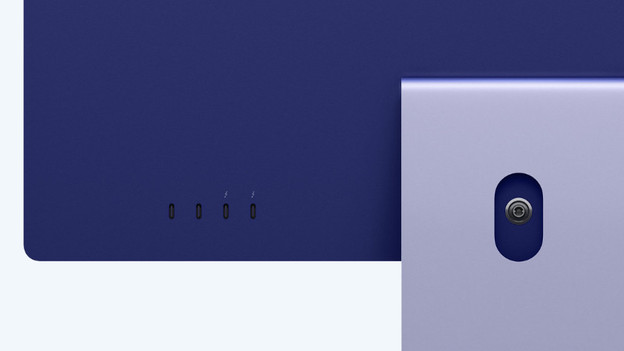
Your new iMac you will include a wireless Magic Mouse and Magic Keyboard. Do you want to connect more accessories? It's important that you have enough connectors. Due to the slim design of the 24-inch iMac, this model has fewer connectors. This model with 8 graphic cores has 2 USB-C ports and a headphones connector. Choose a model with 10 graphic cores for 2 extra USB-C ports, an Ethernet connector, and a Magic Keyboard with Touch ID.