Lenovo Computers
All Lenovo desktops
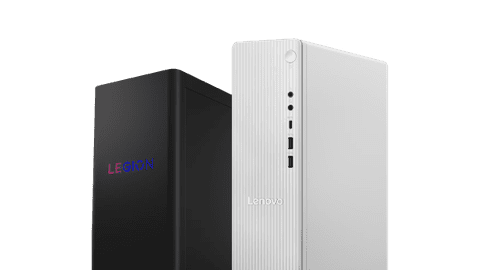
View all Lenovo desktop PCs, like the IdeaCentre for at home or the ThinkCentre for business use here.Lenovo gaming PCs
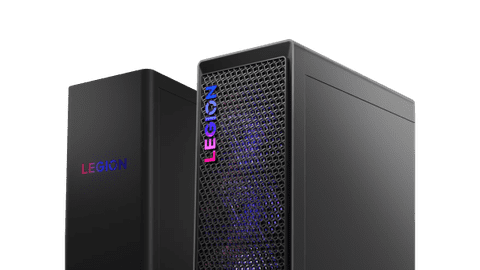
Take charge in your games with a Lenovo LOQ or Lenovo Legion gaming PC.Lenovo all-in-one PCs
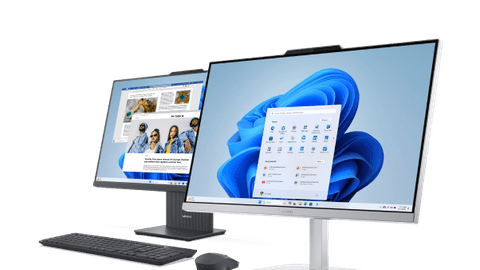
With a Lenovo all-in-one PC, you combine the computer and the screen in one. You can find all IdeaCentre and Yoga AIO PCs here.Business Lenovo desktops
Work comfortably at the office or at home in multiple programs at the same time.

Compare all Lenovo gaming PCs
Gaming look and water cooling
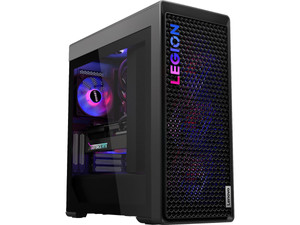
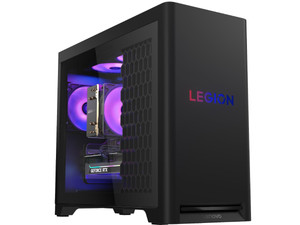
With a Lenovo Legion T7, you get a real gaming case thanks to the transparent side panel, powerful components, and water cooling.
With the powerful NVIDIA GeForce RTX video card, processor, and enough RAM, you can smoothly game at the highest settings.
Thanks to the transparent side panel, the RGB lighting is extra noticeable while you're gaming.
The PC stays cool even during the most demanding gaming sessions thanks to the water cooling.
From
to3.699,-
3.999,-
Gaming look and no water cooling
A Lenovo Legion T5 gaming PC has powerful components. Thanks to the optional transparent side panel, these are extra noticeable. There's no water cooling.
With the powerful NVIDIA GeForce RTX video card, processor, and enough RAM, you can smoothly game at the highest settings.
Thanks to the optional transparent side panel, the RGB lighting is extra noticeable while you're gaming.
From
to1.669,-
2.699,-
No gaming look and water cooling
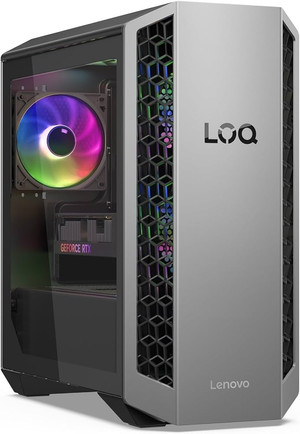
With a Lenovo LOQ gaming PC, the case doesn't have a gaming look and only has fans for cooling. The PC does have powerful components for gaming.
With the NVIDIA GeForce RTX video cards, you can play your favorite games at medium to high settings.
From
to1.499,-
1.749,-
Advice on Lenovo desktops
What are the differences between Lenovo PCs?
Lenovo has different PCs for every kind of desktop. We've listed them for you, so you know which one suits you best.Help choosing a Lenovo desktop
Which PC you need depends on what you're going to use it for. You can read exactly what to look for and which Lenovo PCs there are.Which Lenovo gaming PC suits me?
With the right gaming PC, you become an ever better gamer. We're happy to help you choose between the different Lenovo gaming PCs.Everything on Lenovo all-in-one PCs
With an all-in-one PC, you can enjoy the advantage of a computer and a monitor in 1. We're happy to tell you more about the Lenovo all-in-one PCs.



Lenovo desktop of the month
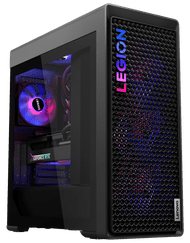
Lenovo Legion T7 34IAS10 90Y6004MMH
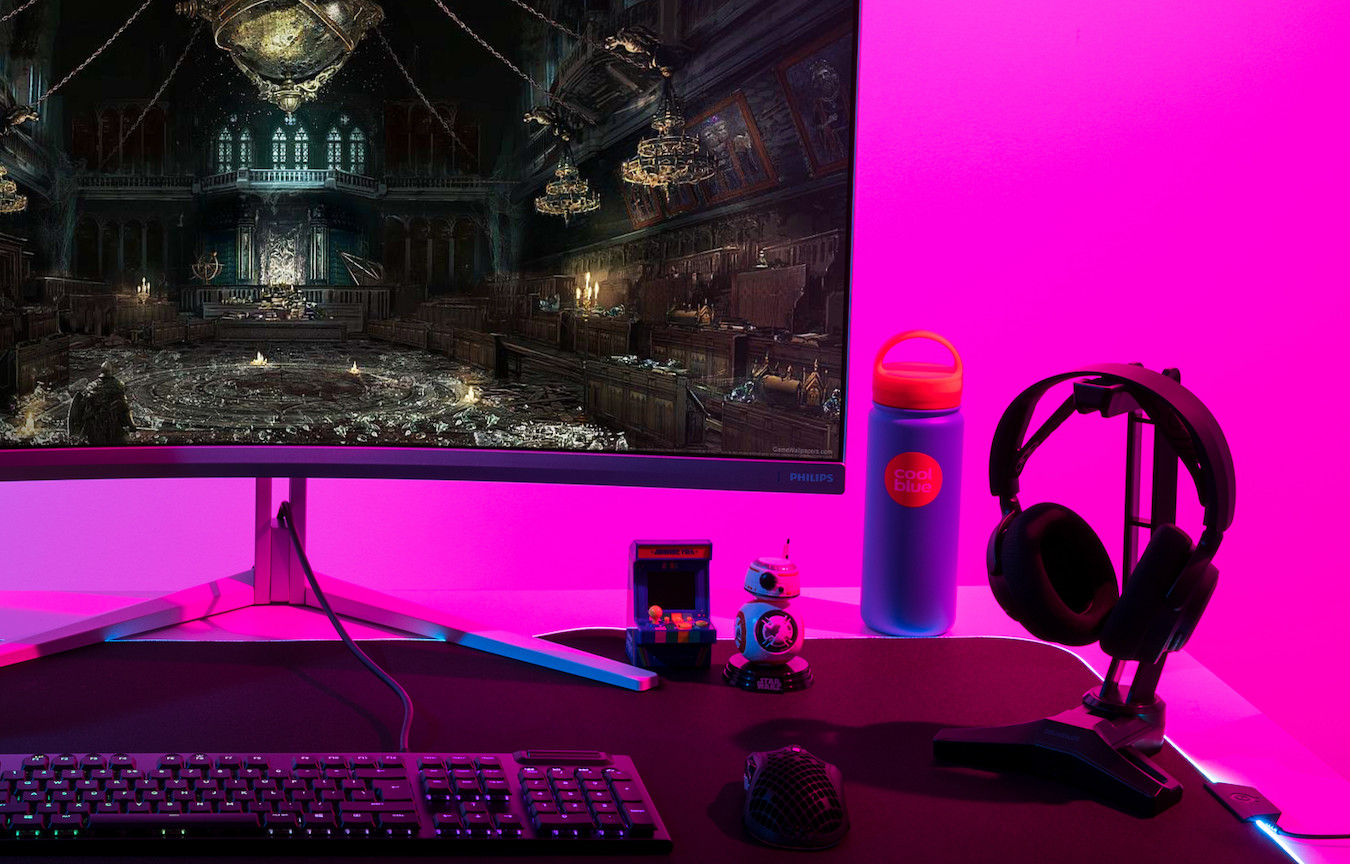
Play your favorite games in 4K with DLSS on thanks to the RTX 5080 video card, Ultra 7 Series 2 processor, and 32GB RAM. You can stream your gameplay in 4k to all your followers via Twitch. The AI of the processor provides a smoother gaming experience and higher performance, so you always have the best settings. The water cooling keeps the processor cooled properly.

Complete your Lenovo desktop
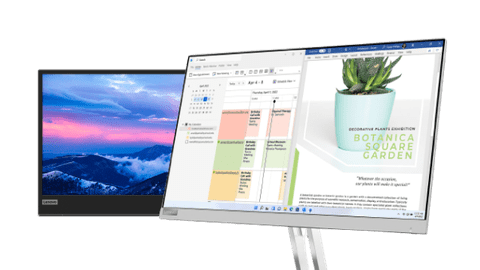
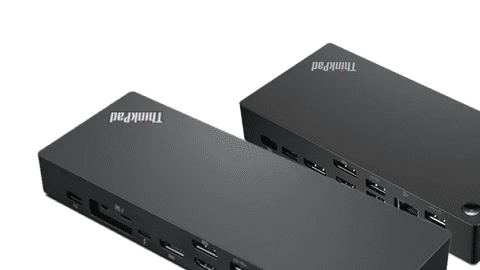
You want a nice desktop, as well as matching accessories. Lenovo has several products that work well with their desktops. This way, you can be sure you work smoothly and carefree on your Lenovo PC. Use these accessories to complete your setup.

FAQ
What are the differences between the Lenovo product series?
The Lenovo IdeaCentre is useful for home use. A Lenovo Yoga is ideal for designers, thanks to the 4K screens. For business use, we recommend a Lenovo ThinkCentre. If you want to game, a Lenovo LOQ or Lenovo Legion suits you best.
How do I choose a Lenovo desktop that suits me?
First consider if you want a mini PC or tower. The IdeaCentre Mini is a small desktop you can easily place under your monitor. The IdeaCentre 3 is a tower and has an Intel Core i5 or i7 processor. The IdeaCentre 5 has the same processors, but you can expand it with more RAM. If you like to work with Windows Pro, the Lenovo ThinkCentre is the best for you.
What's the benefit of a Lenovo all-in-one in comparison with a standard Lenovo desktop?
The advantage of a Lenovo all-in-one is that the computer is built into the screen, so you don't need a separate tower. You don't need a separate desktop with an all-in-one, so you have more space on your desk. You can easily upgrade a Lenovo desktop, which makes it more future-proof.
What are the cooling options on Lenovo gaming PCs?
Lenovo gaming PCs work with water cooling or with air cooling. Air cooling uses cold air. With water cooling, the PC uses a coolant and the heat is removed via a water pump.
Which accessories best suit my Lenovo desktop?
You can complete your Lenovo setup with a Lenovo monitor, Lenovo mouse, and a Lenovo docking station.

Lenovo computers
Want to buy a Lenovo desktop? Lenovo has various types of desktop PCs for at home, at the office, and for gaming. Looking for a small PC for daily tasks, a business computer, or a powerful Lenovo gaming PC? You can always find a Lenovo computer that suits you at Coolblue.
Which Lenovo desktop suits you best, mainly depends on what you do with it. A Lenovo IdeaCentre is a good choice for at home, while a Lenovo ThinkCentre is the best option for at the office. If you prefer a tidy desk, consider a Lenovo all-in-one PC. For gaming, you can choose between the powerful Lenovo Legion and Lenovo LOQ models. Mainly keep the video card, processor, and RAM in mind when you make your choice. For gaming PCs, the amount of storage and cooling are important. That way, you can quickly find the best Lenovo PC that suits your wishes and budget.

Advice on Lenovo Computers
Can't choose? View the advice from our expert.