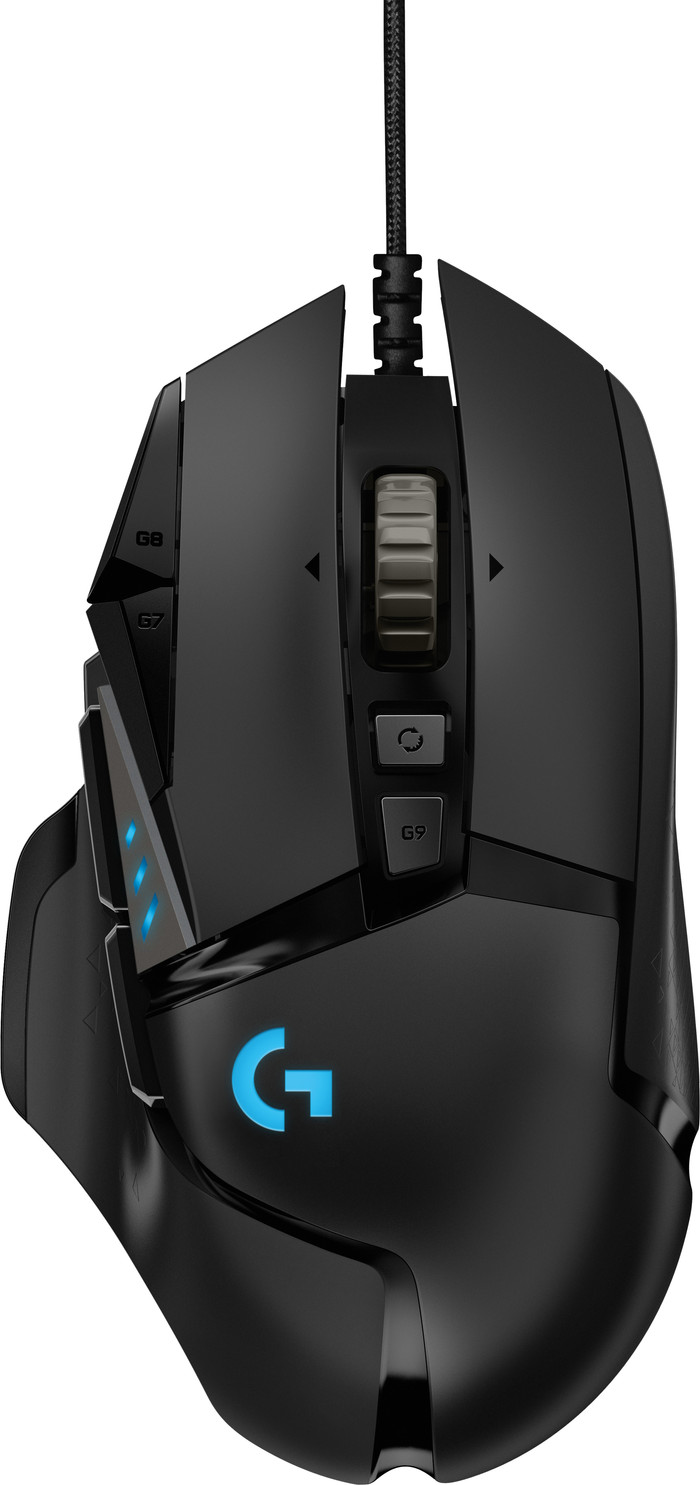
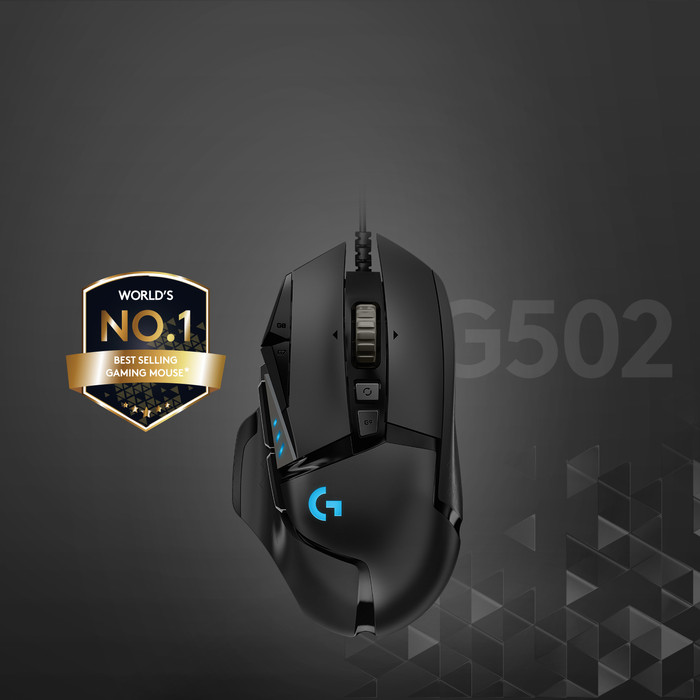
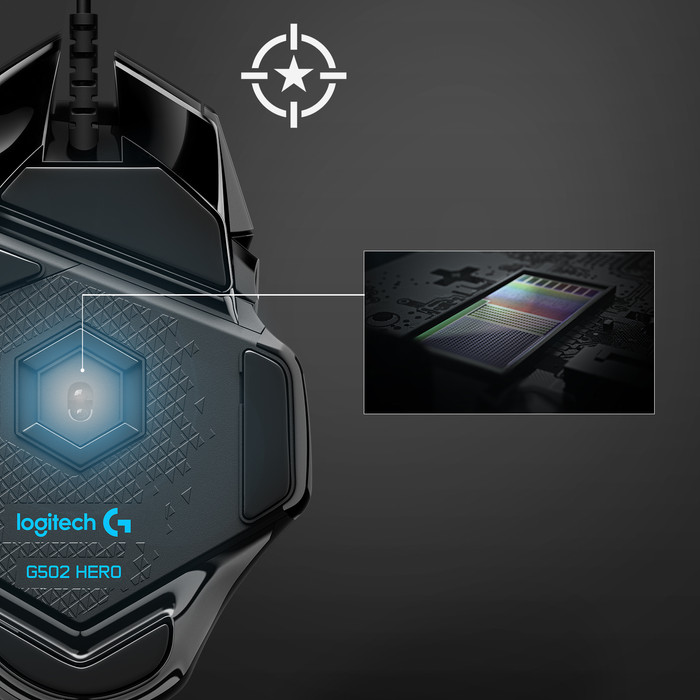
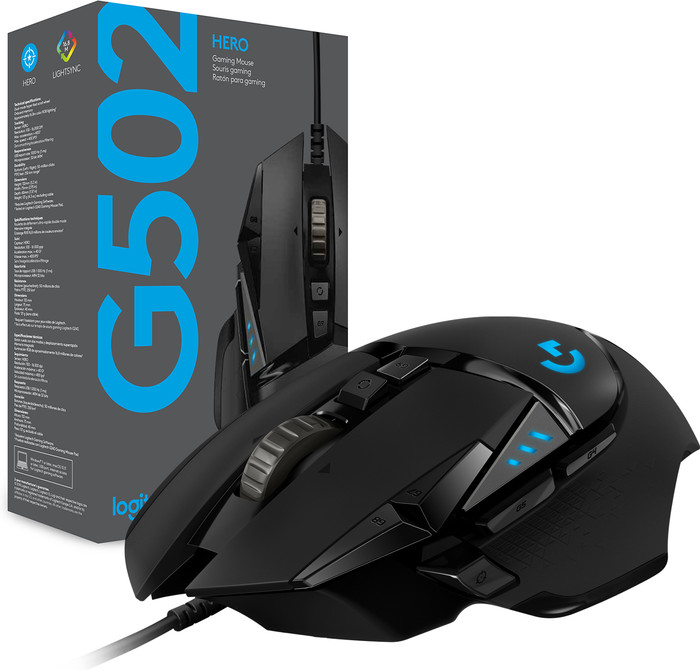
A gaming mouse must have an accurate sensor, be equipped with extra buttons and feel comfortable in the hand. In addition, I like it when there is a lot to set up and adapt to the mouse. A settings profile must of course be able to be saved on the mouse, not that I can start again every time I unplug the mouse. But is G502 Hero really a high-end gaming mouse?
Just unpack
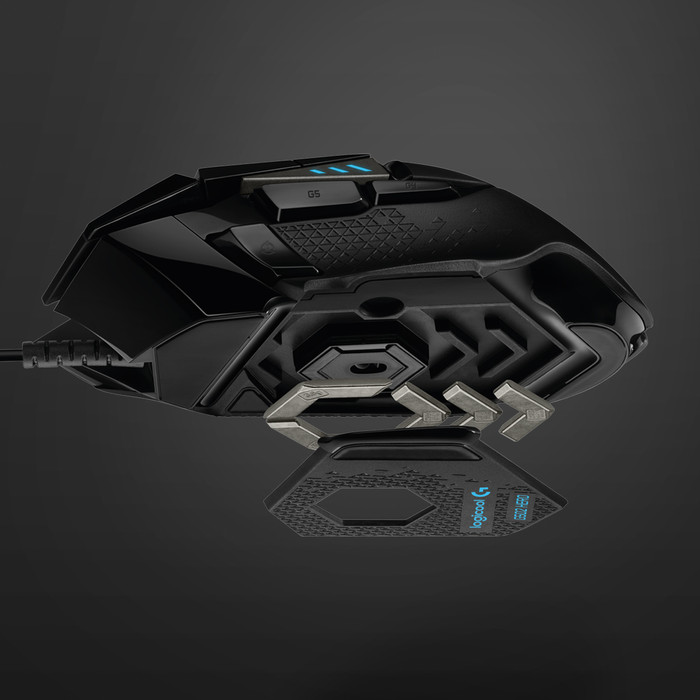
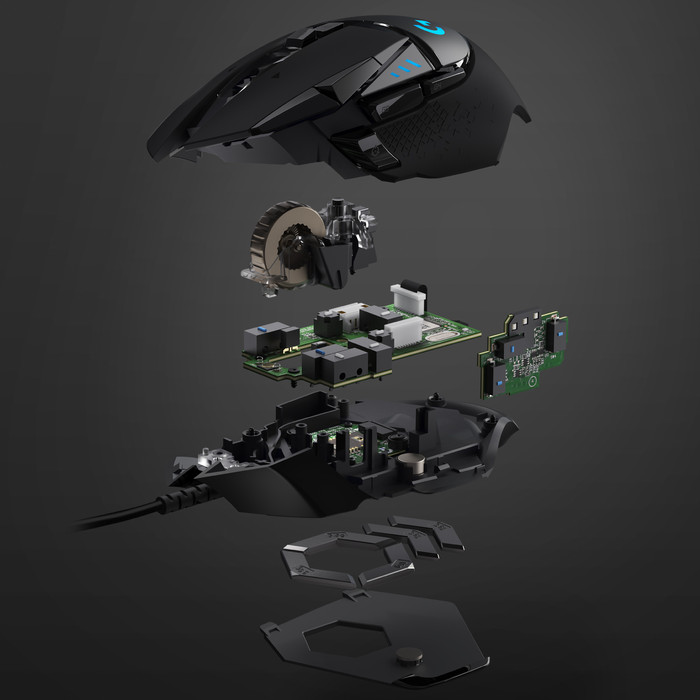
Besides the mouse, there is more in the box. Obviously a manual, but I don't have the patience for that. A hexagonal box is also included, which contains mouse weights of different sizes. So it is possible to balance the mouse to my own needs.
Tuning mouse
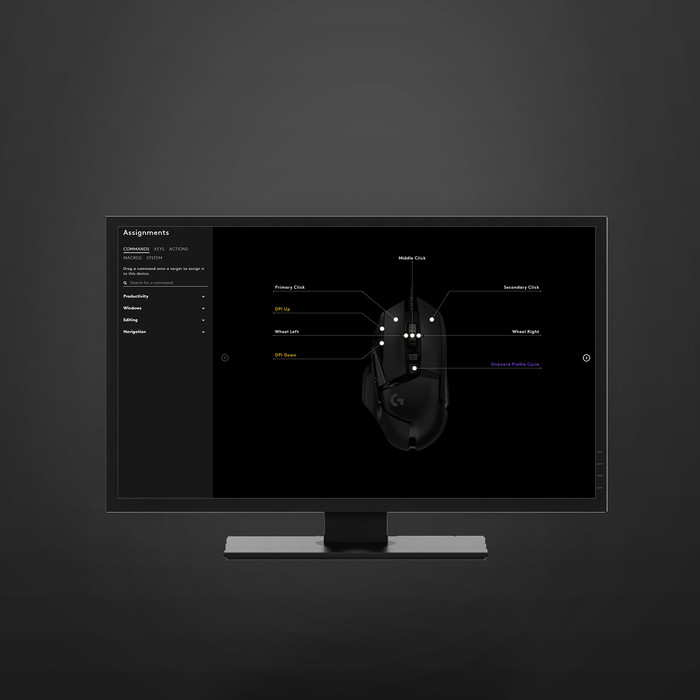
First the G502 adjusted with the weights. I myself use 3 of the 6 weights, for a good balance. Then connected the mouse to the computer and downloaded the Logitech G software. Fair is fair, but even I have to search in that software where everything is. What a lot of possibilities...
Go with that banana, uh mouse
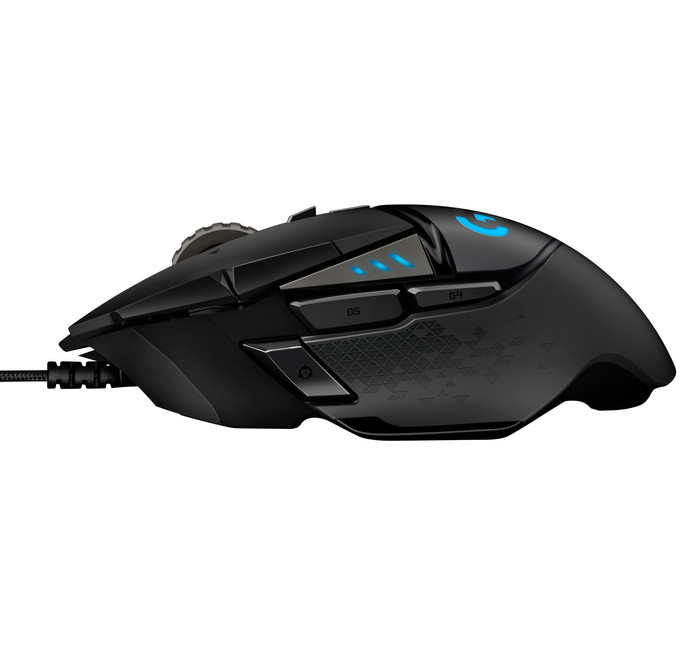
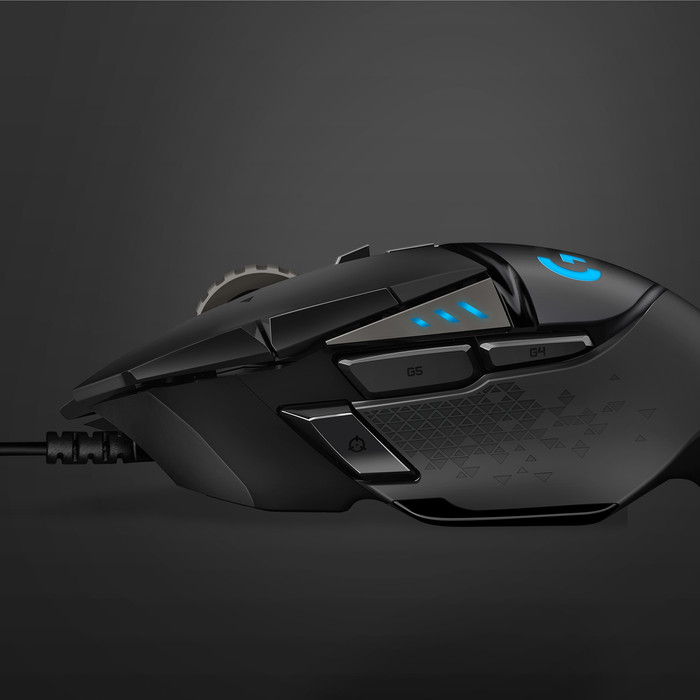
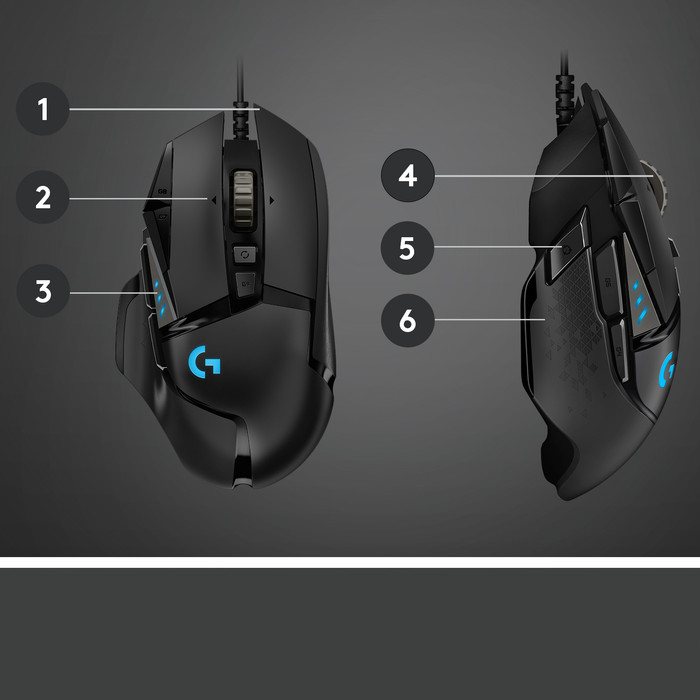
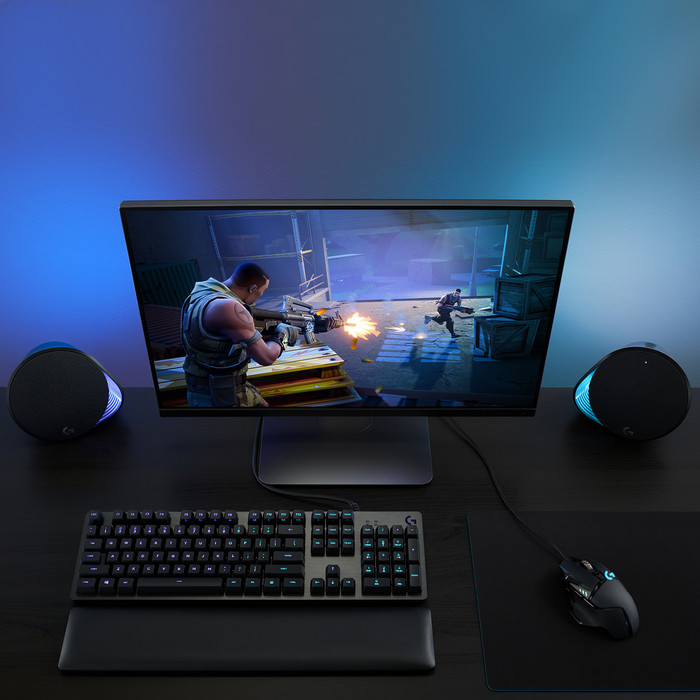
First a shooter played with the mouse. The thumb buttons are then ideal for throwing a grenade and performing a melee attack. What makes the buttons especially ideal is that they are easy to press. You may know that the first thumb button is not easy to press. This G502 Hero didn't bother me at all. In addition, you also set macros for the thumb buttons, which is useful in a game where you have to press long button combinations.
Grab it
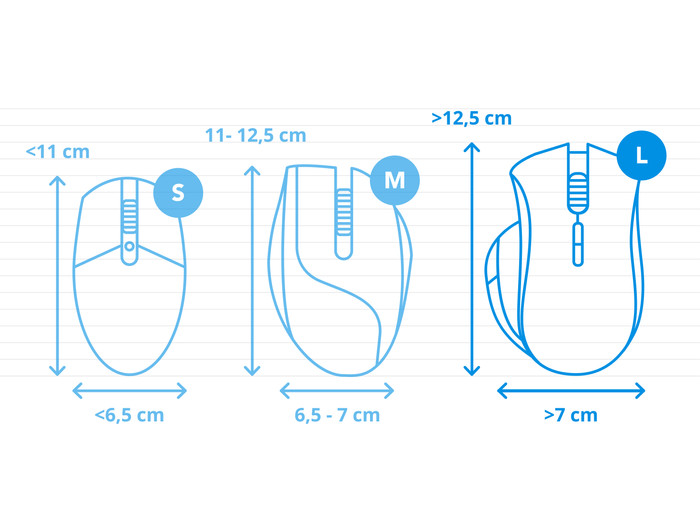
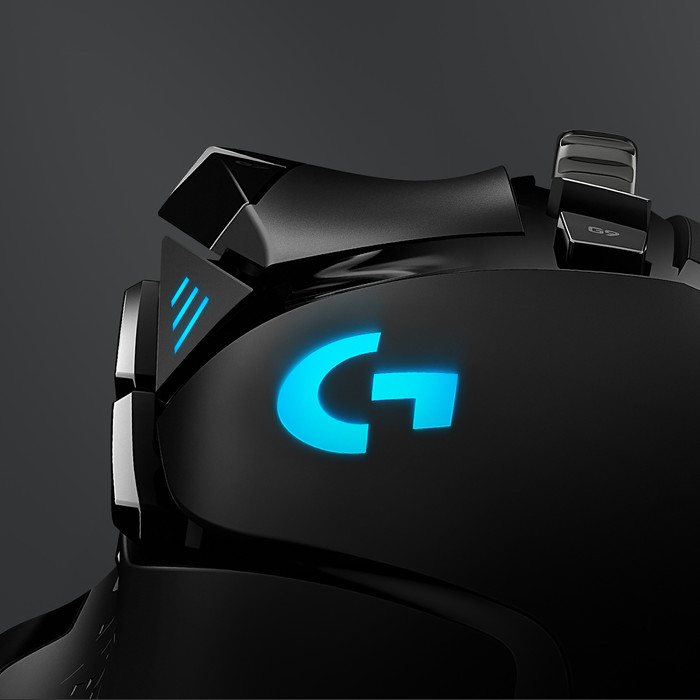
I have hands that are slightly larger than average. For average people with an average hand size, I think the mouse is optimal. For me, the mouse fits well in the hand and every button is easy to press. Especially the grip pieces on the sides of the mouse make this a wonderful mouse to operate. Even if you get a little sweaty, you won't lose control of the mouse. It must be said that the G502 is only for right-handers.