Gaming monitors
Find the gaming monitor that suits you
Gaming monitors
Gaming monitors promotions
Gaming monitors

OLED gaming

4K gaming

Curved gaming

Ultrawide gaming
Immersive gaming
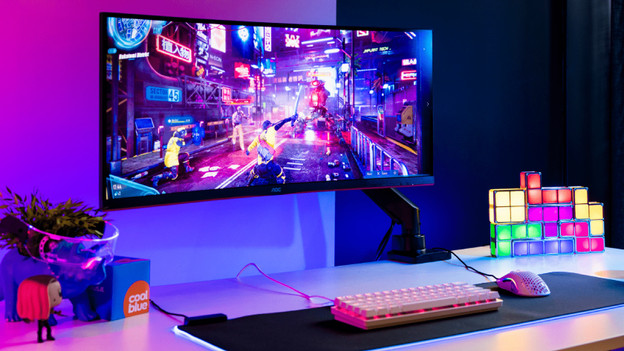
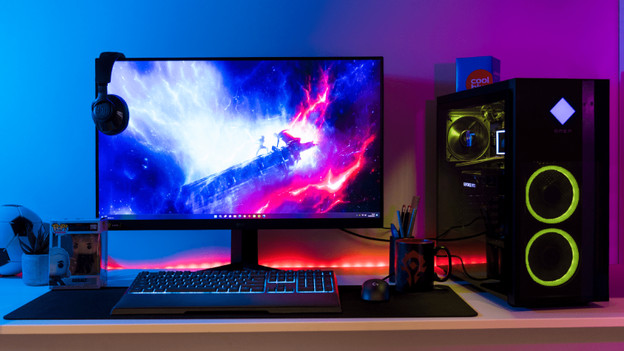
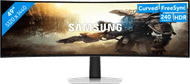
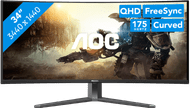
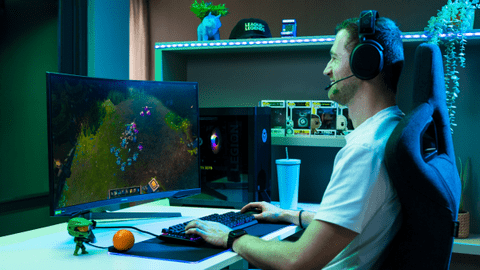
You can play open world games or racing games on a monitor for immersive gaming. These screens have an ultrawide size and a Quad HD or 4K resolution. That way, you see more of the world of your game and you can enjoy realistic details.
Competitive gaming
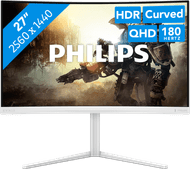
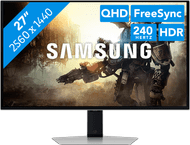
You can use the gaming monitors for competitive gaming for online games, such as fast shooters or racing games. You game with smooth images and you're not bothered by screen tearing thanks to the high refresh rate and low response time of these screens.






Bestselling gaming monitors
- Retail price999,-
799,-
- Retail price1.999,-
1.299,-
- Retail price449,-
349,-
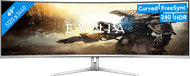
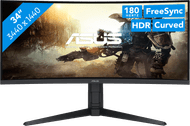
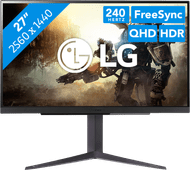
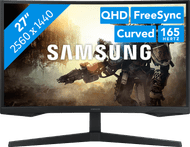
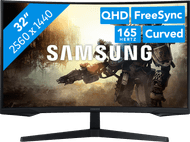
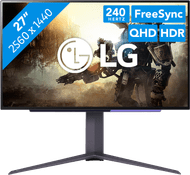
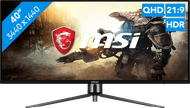
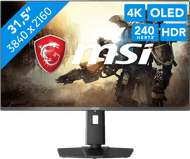
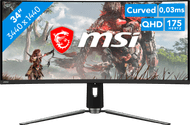
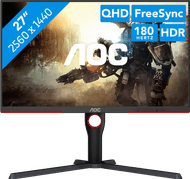
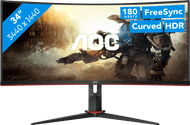
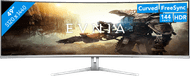
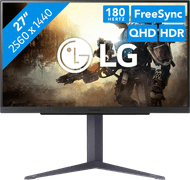

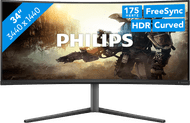
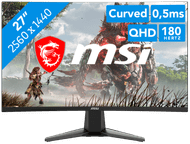

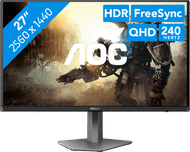
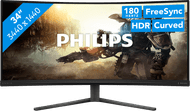
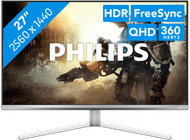
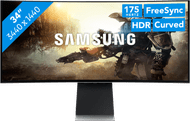



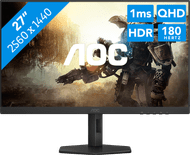
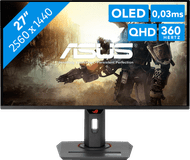
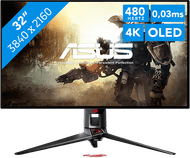
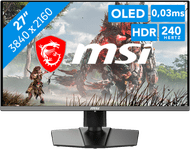
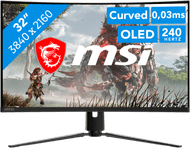

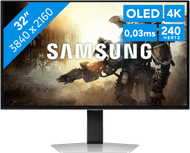
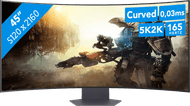
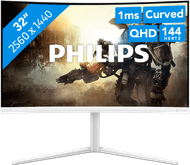
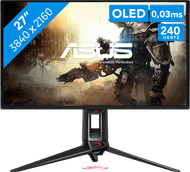
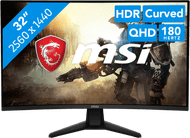
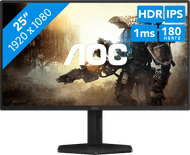
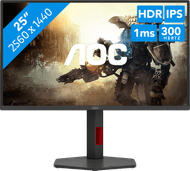
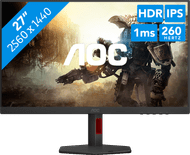
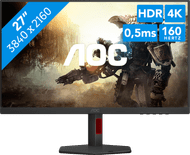
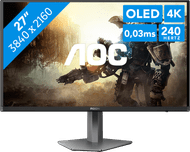
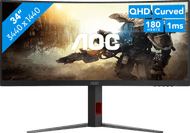
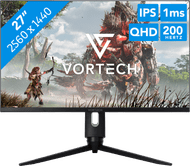
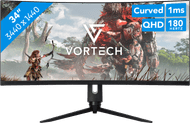
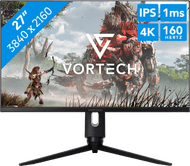


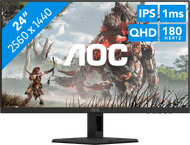
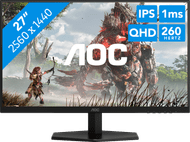
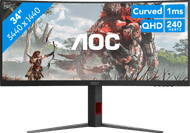
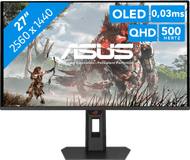
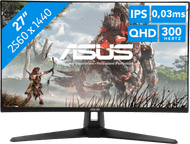


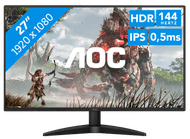
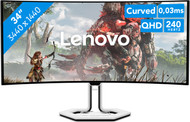


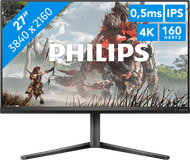
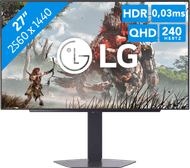
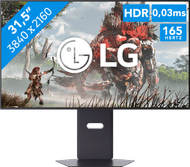
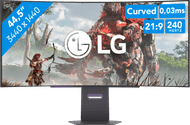
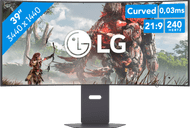
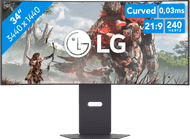


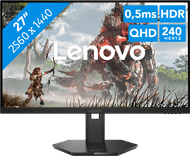
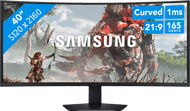
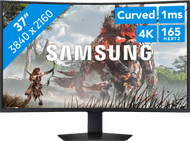
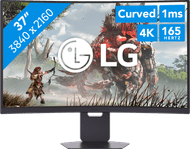
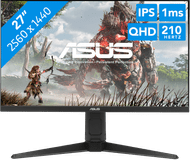

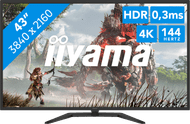
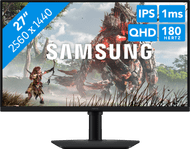
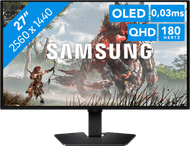


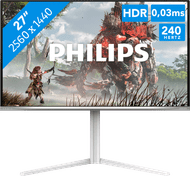

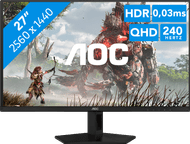
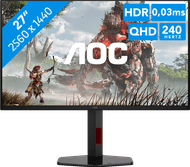

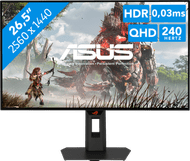
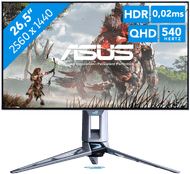
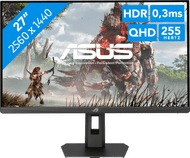
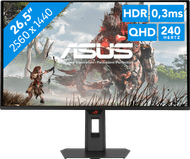
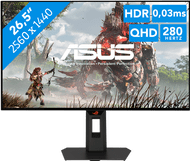
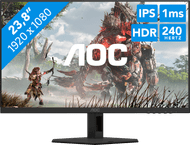
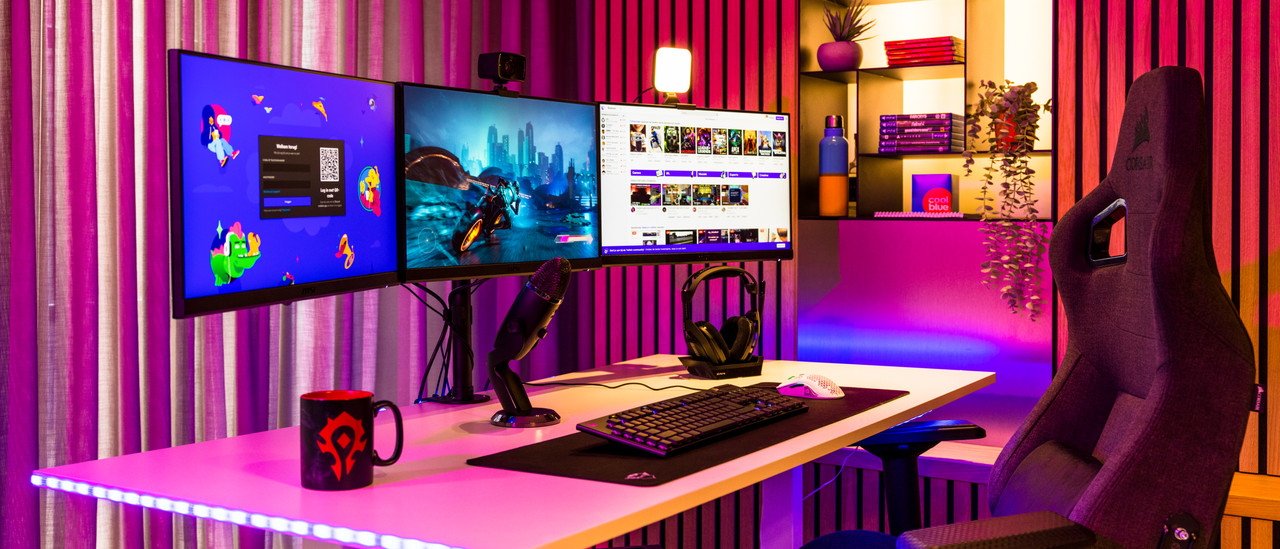
View which gaming setup suits you best here
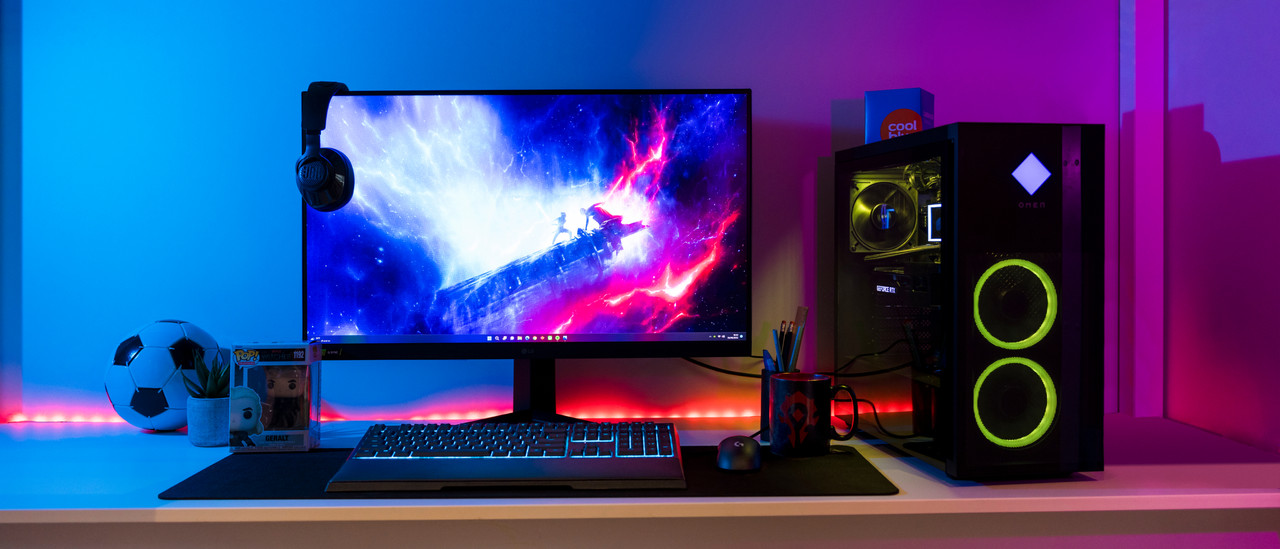
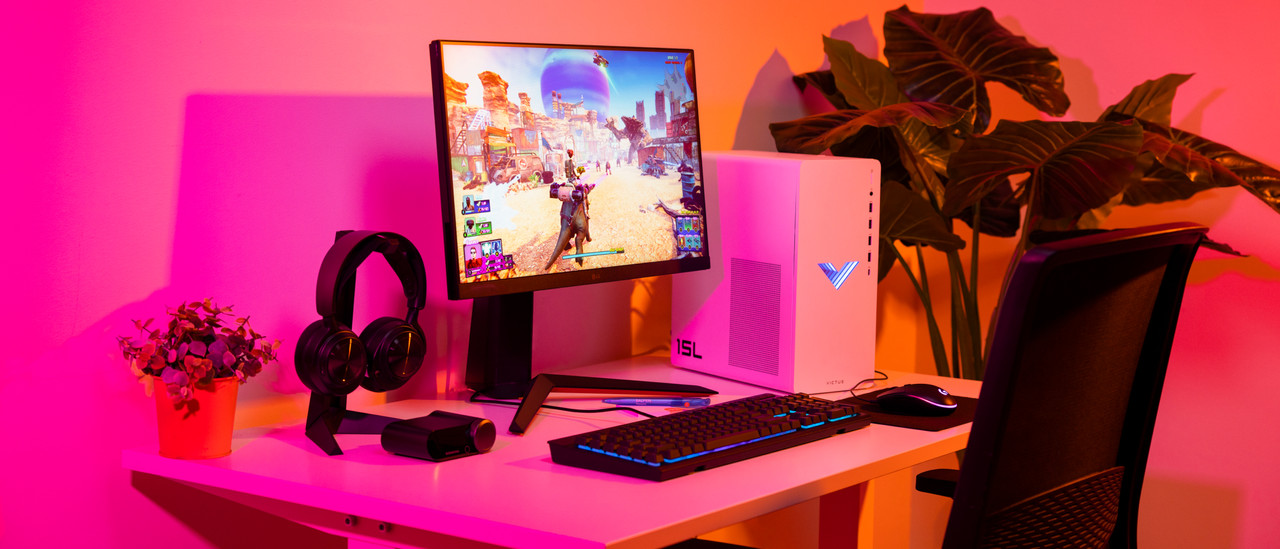
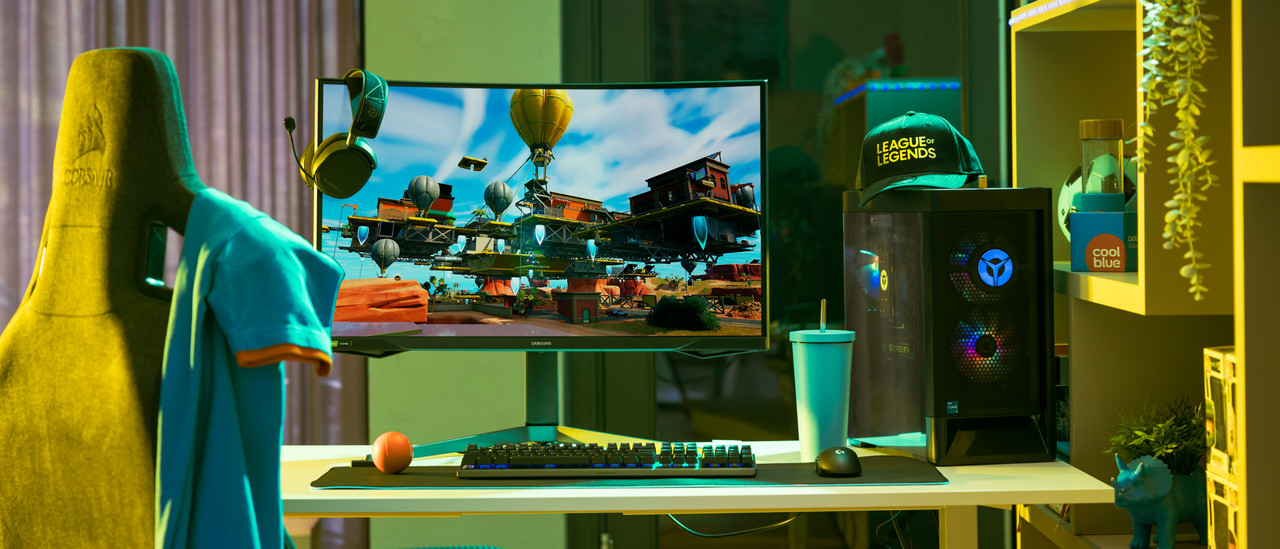
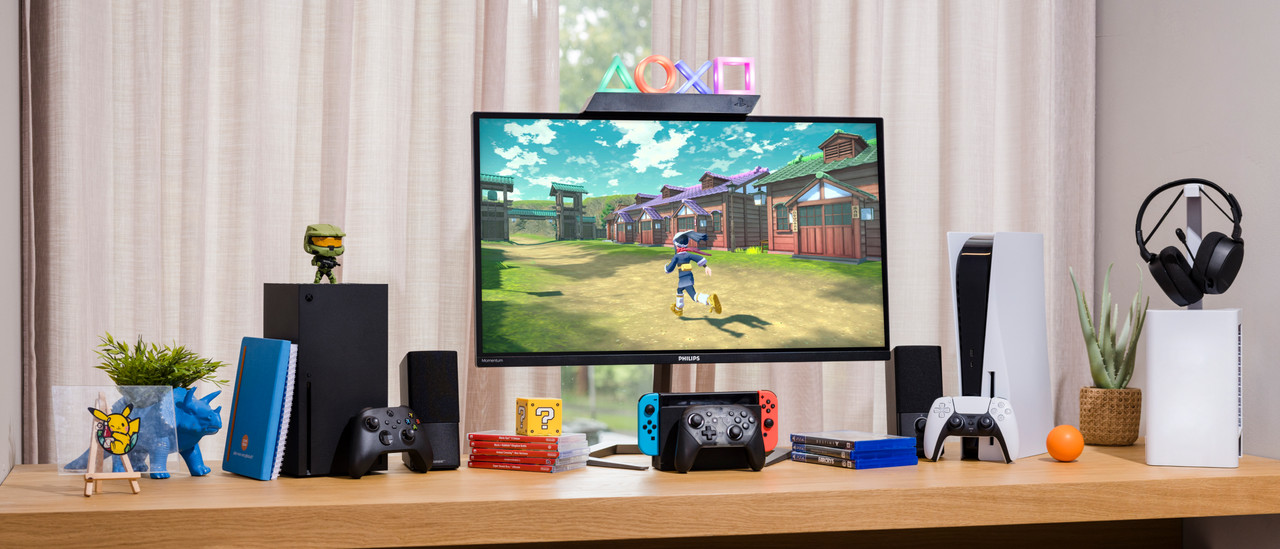
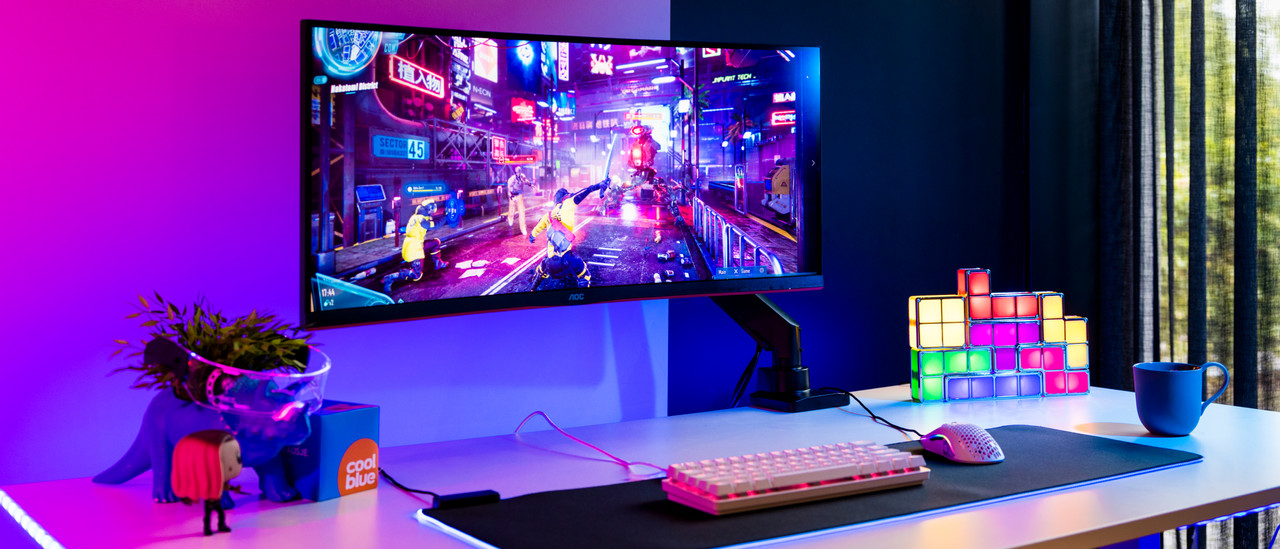
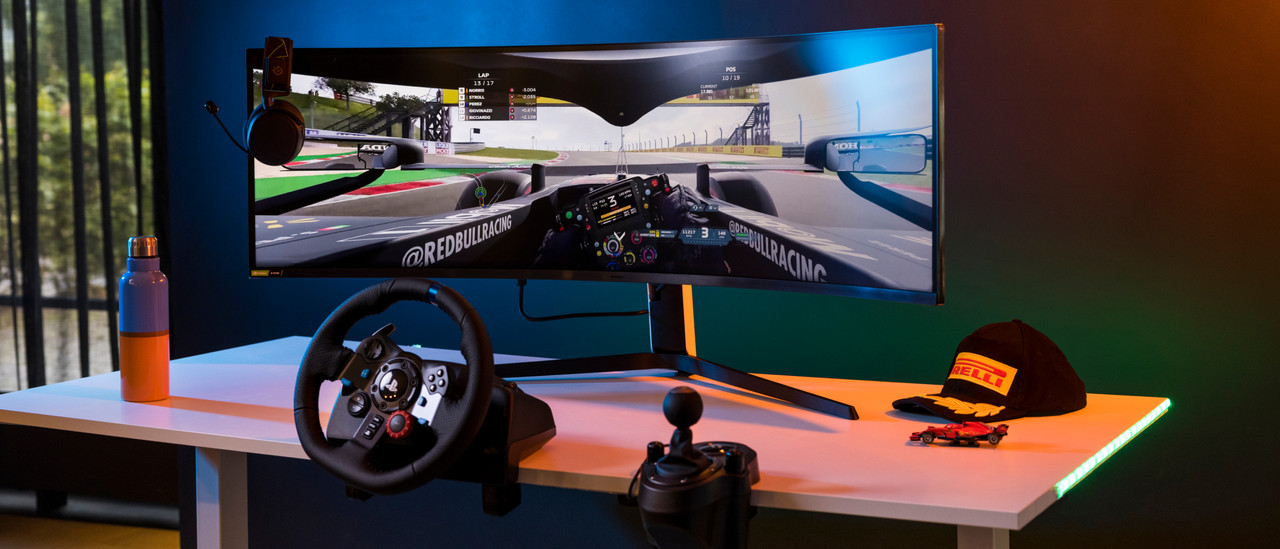
Complete your gaming setup

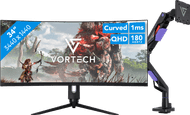
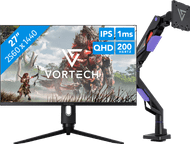
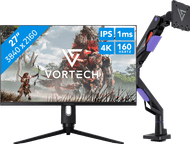
View all gaming monitors bundles
Frequently asked questions
Which HDMI or DisplayPort cable do I need?
Every HDMI and DisplayPort cable works with a gaming monitor. The higher the version, the more powerful the cable. You need an HDMI 2.1 for 4K 120Hz console gaming. In the next advice article, we'll explain more about the right cable for your gaming monitor.
Is a DisplayPort connector better than HDMI for my gaming monitor?
When you want to start with PC gaming, choose DisplayPort. Thanks to the higher bandwidth, a higher resolution and a higher number of frames per second are possible. More of a console gamer? Choose the highest HDMI version possible.
What are the advantages of a curved gaming monitor?
Thanks to the curve of the screen, the screen curls around your field of view. This panoramic effect lets you experience more depth and makes it look like you're right in the middle of the game. Tip: play games in first-person mode for the best effect.
How do you set the refresh rate of your gaming monitor?
You can manually set the refresh rate via the settings on your screen or the settings menu. Here, you can select your desired refresh rate. We'll help you on your way with the step-by-step plan in the following advice article.
How does a gaming monitor work with a console?
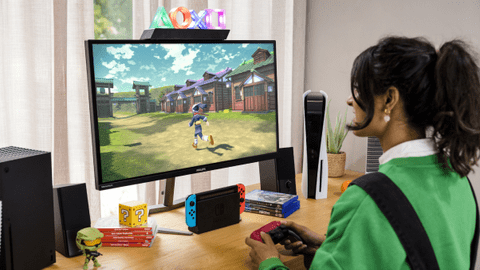
Your PlayStation 5, Xbox Series X|S, or Nintendo Switch work exactly the same as with a television, but profit from a higher refresh rate. Via HDMI 2.1, you can even reach 120Hz in 4K. A television usually only reaches 60Hz.
Discover our gaming monitors
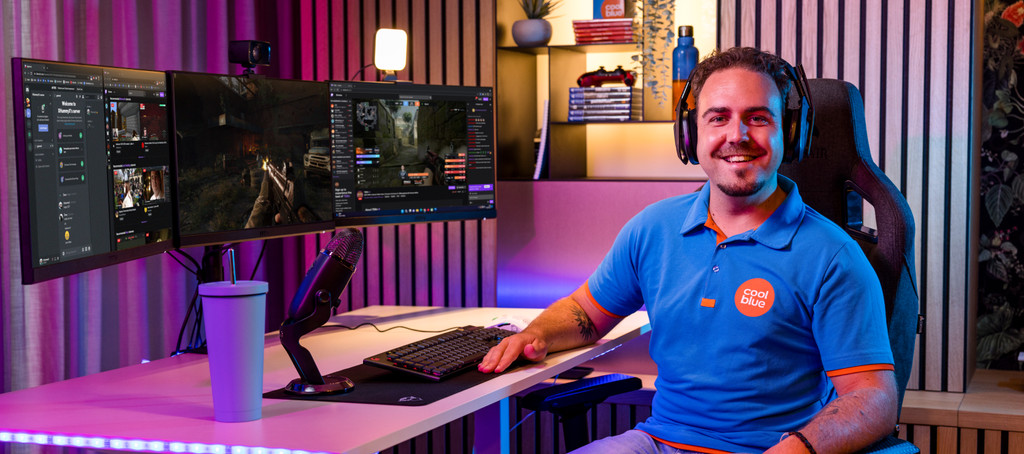
If you're looking for a new gaming monitor, it's important that you know what kind of games you're going to play. That means you can play immersive games, like open world or racing games on an OLED monitor with a high resolution. This way, you can enjoy realistic images while gaming. You can play competitive games like online shooters on a gaming screen with a high refresh rate, so every opponent comes into view quickly and sharply.
Advice on Gaming monitors
Can't choose? View the advice from our expert.