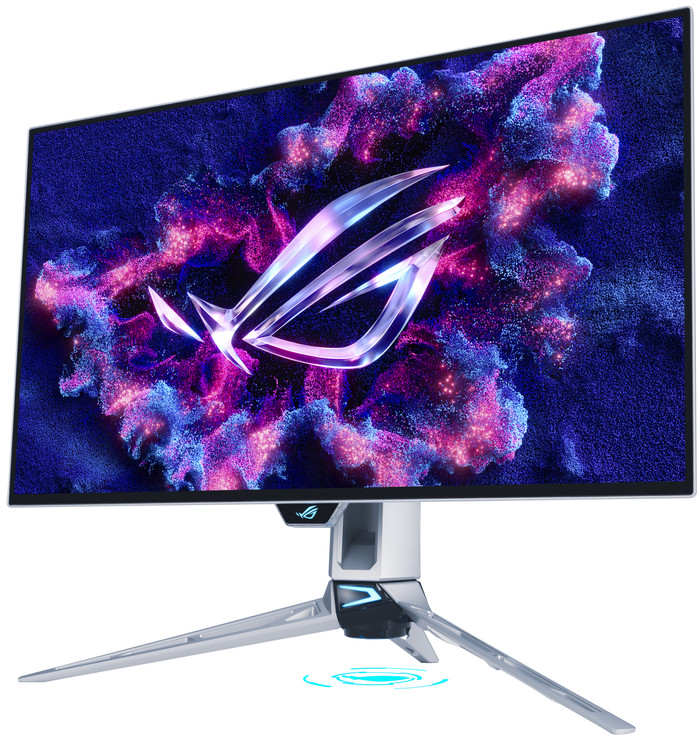
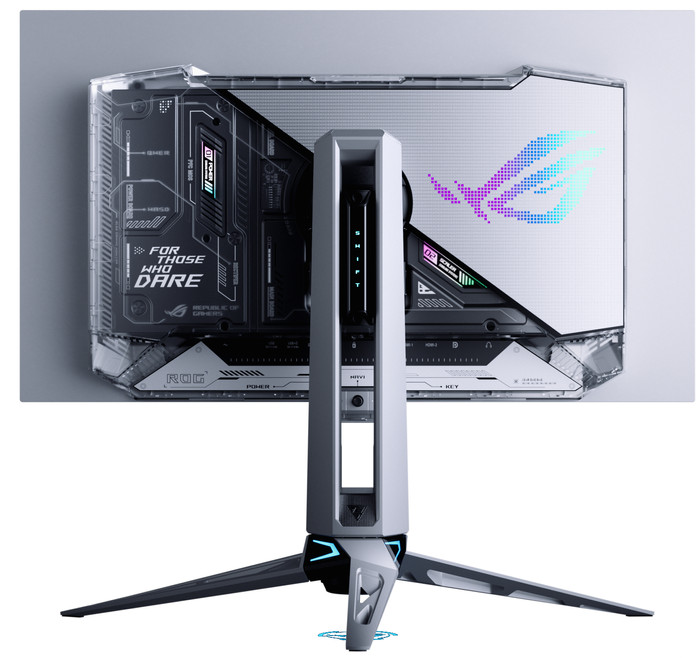
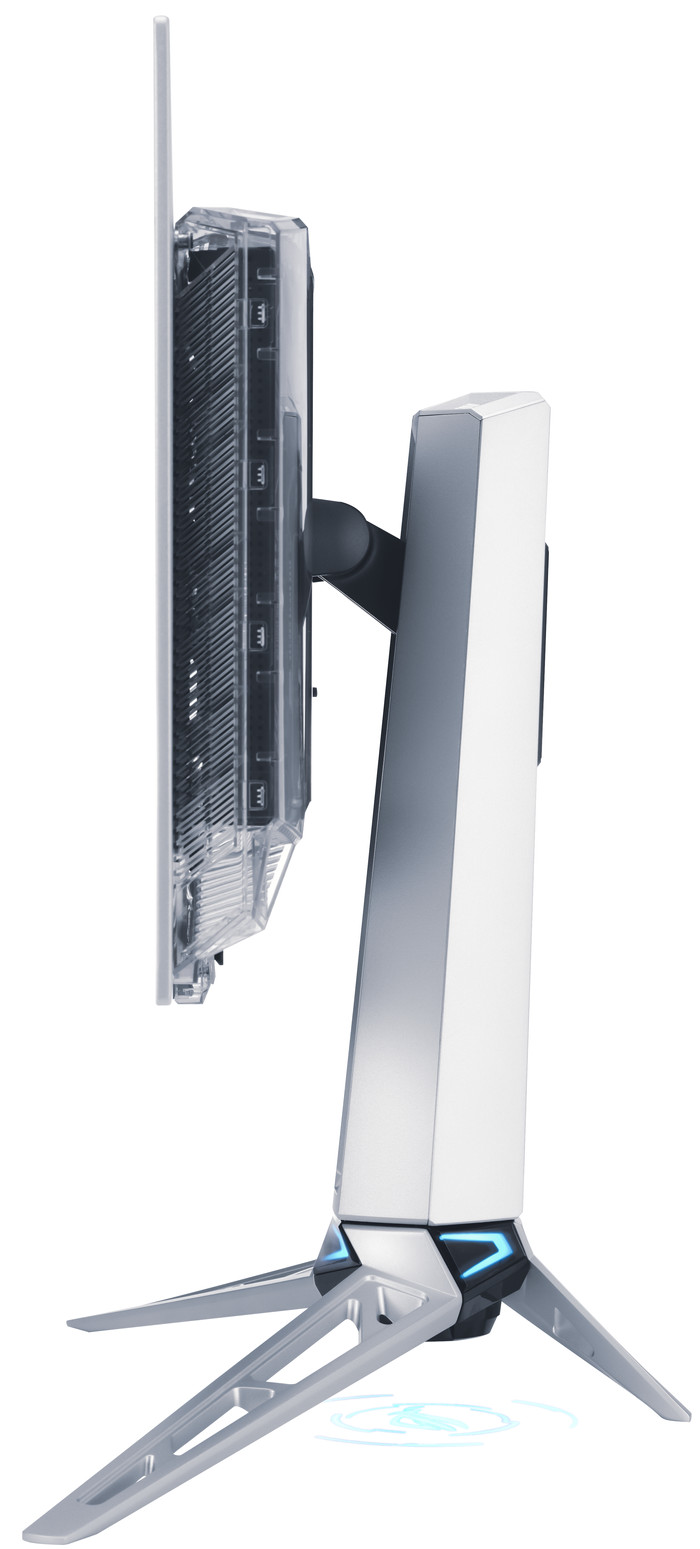
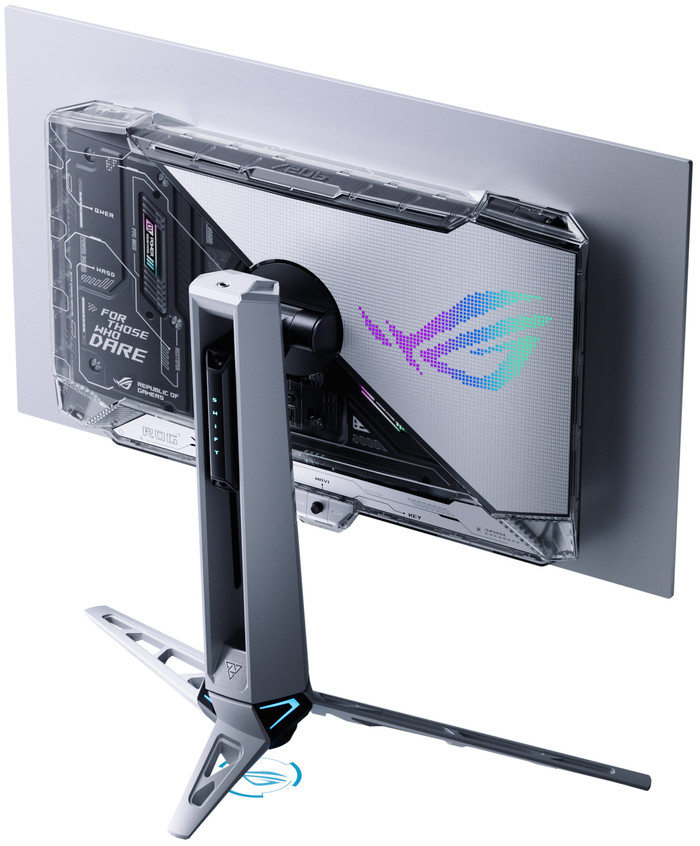
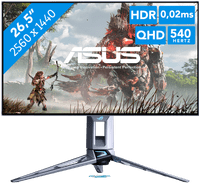
ASUS ROG Swift PG27AQWP-W OLED

Similar monitors
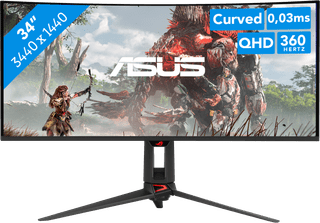
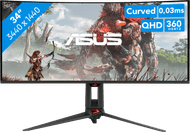
- 34 inches
- 3440x1440 resolution
- HDMI, DisplayPort, USB-C
1.299,-
In stock
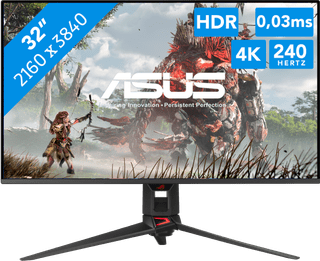
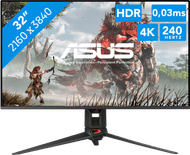
- 32 inches
- 3840x2160 resolution
- DisplayPort, HDMI, USB-C
1.349,-
In stock
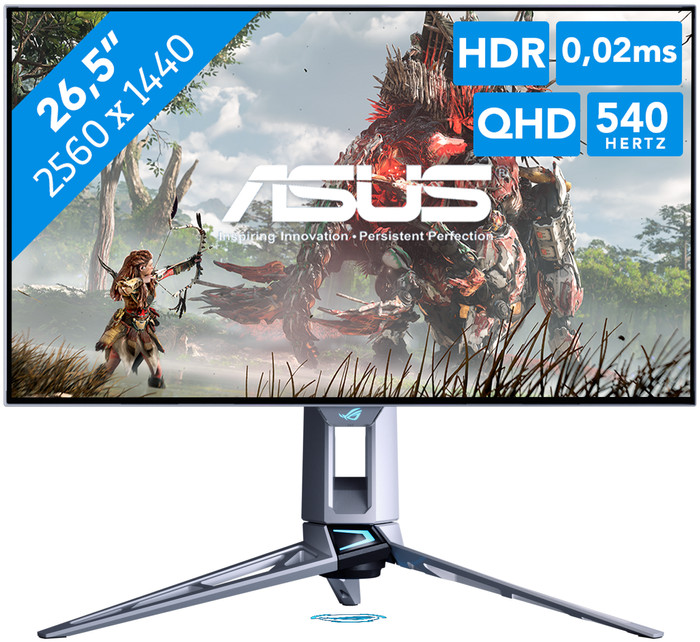
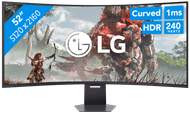
1.299,-
In stock
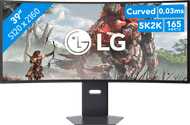
1.349,-
In stock
Coolblue takes care of everything, from taking out an insurance to repairs
For almost all accidents
More coverage in case of damage than your standard warranty
No deductible
First, add your monitor to your shopping cart. On the next page, choose the Protection Plan below. You always have a 30-day return window and pay no deductible in case of damage.
3-year Protection Plan
198,-
one-time5-year Protection Plan
348,-
one-time
Product number | 975297 | |
|---|---|---|
Manufacturer code | 90LM0CF2-B01971 | |
Brand | ASUS | |
Processing of your defect | Via Coolblue | |
Old product returned for free |
Screen size | 26,5 inches | |
|---|---|---|
Recommended display resolution | 2560x1440 | |
Sharpness | Quad HD (1440p) | |
Aspect ratio | Standard (16:9) | |
Refresh rate | 540 Hz | |
Response time | 0,02 ms | |
Panel type | OLED | |
Local dimming | ||
HDR support | ||
Contrast ratio | 1500 | |
Touchscreen | ||
Type of HDR | DisplayHDR 500 True Black, HDR10 | |
Screen reflection | Anti-glare | |
Blue light filter | ||
Flicker-free technology | ||
Color space | DCI-P3, sRGB | |
sRGB color coverage percentage | 135 % | |
Color depth | 1 billion colors (10-bit) | |
Adaptive Sync | ||
Type of adaptive sync | Freesync Premium Pro, G-Sync Compatible | |
Resolution width | 2560 pixels | |
Resolution height | 1440 pixels | |
Anti-reflection type | Anti glare | |
Horizontal viewing angle | 178 ° |
Height | 36,94 cm | |
|---|---|---|
Width | 60,56 cm | |
Depth | 6,31 cm | |
Weight | 4,54 kg | |
Color | Silver | |
Including stand | ||
Material | Plastic | |
Cable management | ||
Appearance | Gaming | |
Curved |
Number of HDMI connectors | 2 | |
|---|---|---|
Number of Female HDMI type A 2.1 ports | 2 | |
Number of headphone jacks | 1 | |
Type of headphone connection | 3.5mm (TRS) | |
Number of Female Standard DisplayPort 1.4 ports | 1 | |
Number of female standard USB-A ports | 3 | |
Female standard USB-A port version | 3.2 | |
Number of female 3.5mm TRS Audio Jack ports | 1 | |
Type of USB port | Standard USB-A | |
Number of USB ports | 3 | |
Suitable for daisy chaining | ||
USB-C dock |
Adjustable in height | ||
|---|---|---|
Tiltable | ||
Pivotable stand | ||
Pivot function | ||
VESA mount option | ||
VESA mount | 100x100mm |
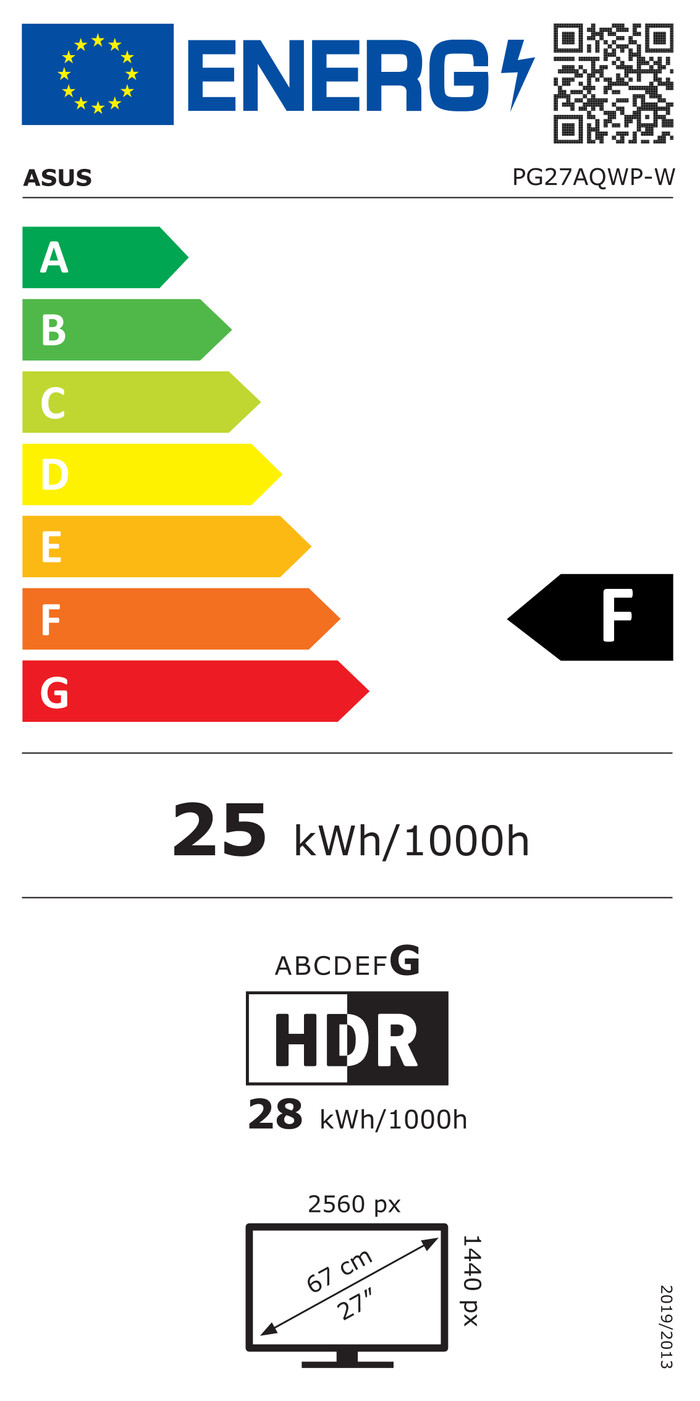
Energy label | F | |
|---|---|---|
Energy consumption standby | 0,3 W | |
Energy consumption active | 25 W | |
Energy consumption per 1000h | 25 kWh |
Built-in speakers | ||
|---|---|---|
Webcam | ||
Split screen | ||
Kensington lock |
Recommended for use | Gaming, Internet, email, and text processing, Photo editing, Video editing |
|---|
Our digital expert will help you, but it can sometimes make mistakes, like humans do.
According to our monitor expert
Sharp image: you can clearly see small details on the screen thanks to the Quad HD resolution.
Play smoothly: you can see fast-moving images smoothly while gaming thanks to the 540Hz refresh rate.
Quick on screen: you can see fast motion sharply thanks to the 0.4-millisecond response time.
DisplayPort required: you’ll need a DisplayPort cable for the maximum 540Hz refresh rate.
Less immersive: your gameplay is less immersive without a curved screen.
I'd been looking for a new, high-quality monitor for my gaming PC for a while, one that also supported DisplayPort over USB-C, so I could use it as a work monitor with my MacBook Pro (and while charging).
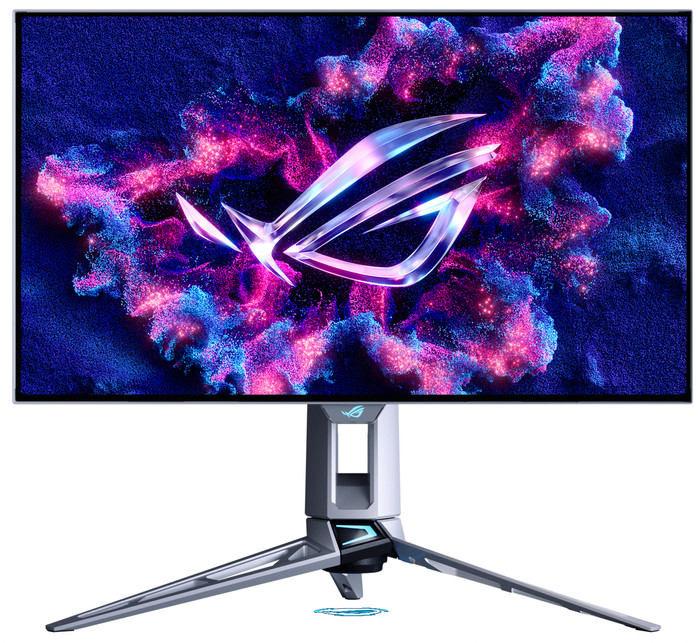
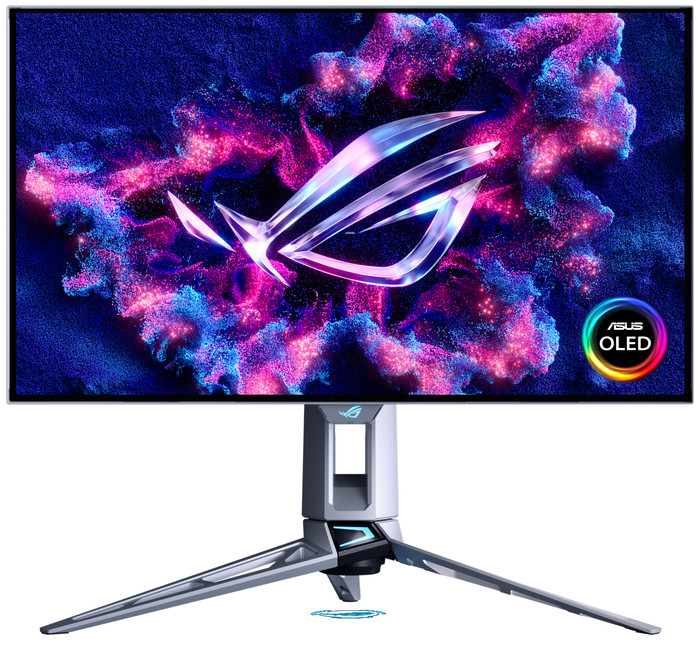
Image quality: I've had an LG OLED TV for years and would never go back to an LCD. This monitor features a 4K OLED display with a 240Hz refresh rate (also via USB-C from my MacBook Pro). Blacks are truly black with this OLED. The screen is truly glossy. My monitor is used in the living room, which has large south-facing windows, and the reflections are better than I originally expected. In the evening, the screen is even more vibrant with super-bright colors. The 178-degree viewing angle is also perfect.
KVM switch: I connected my keyboard, mouse, and speakers directly to the display. A USB cable, along with a DisplayPort cable, runs from the monitor to my PC, and a USB-C cable to my MacBook Pro. You can enable automatic KVM functionality in the settings. When the USB-C input is selected, everything seamlessly transfers to my MacBook Pro, and vice versa when I want to work on my PC.
OLED features: The monitor has several built-in features to protect the OLED panel from image burn-in. These include screen shifting, logo detection, and taskbar detection to regularly shift/refresh these pixels (I didn't notice anything myself, even though I had all these features enabled). There's also a built-in proximity sensor with an adjustable distance. So, if you leave the set distance or stop moving, the screen automatically turns off after the set period. When you return to your seat, the screen automatically turns back on. I still need to experiment with this a bit, as I've noticed my screen turning off several times while working if I don't move enough.
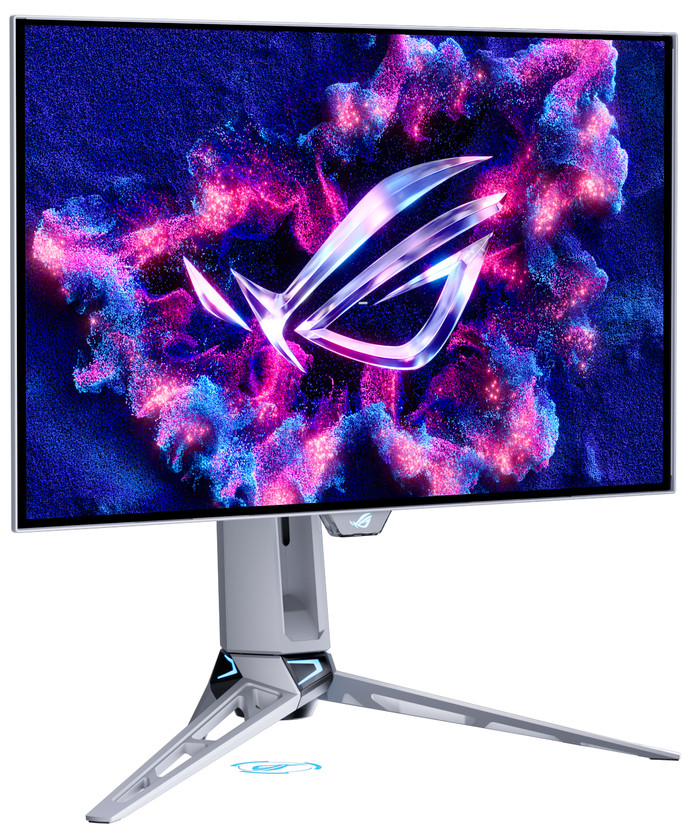
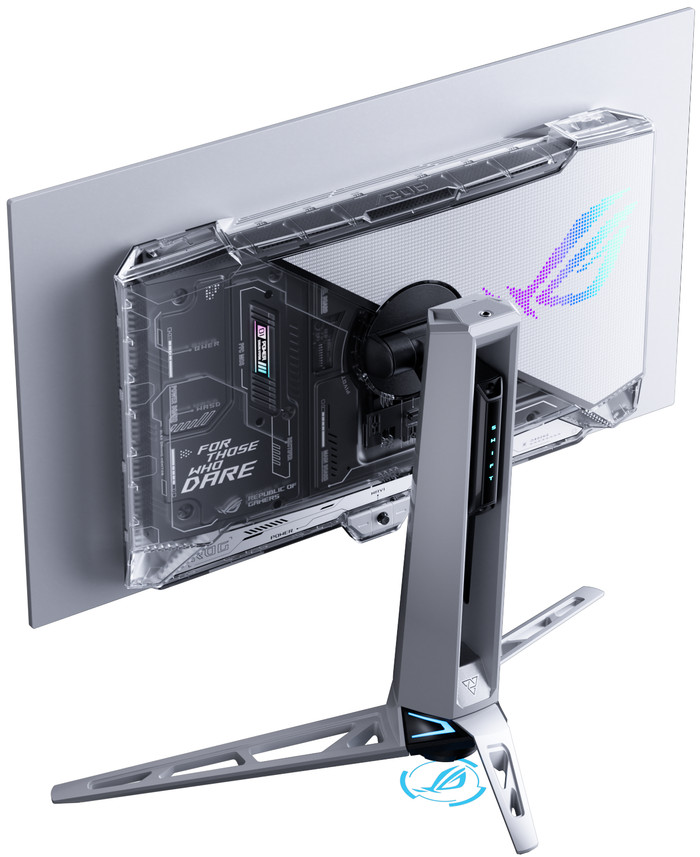
Display stand: There's a stand for your smartphone, for example (iPhone 16 Pro with a case fits). There's an opening in the stand to route cables, but the downside is that they're too visible. The connections are also on the bottom, making it a bit harder to conceal the cables. This can be solved by using a angled cable/connector or by bundling the cables more tightly towards the back. The stand can also be replaced with the included VESA mount.
Subtle RGB: When the monitor is on, you see a subtle RGB glow on the back of the monitor, reflecting off the wall.
Conclusion: After much comparison, I'm happy I chose this monitor. The added value for me was the DisplayPort over USB-C with 90W PD, as it allows me to connect my MacBook Pro with a single cable. Not many OLED displays support this. Personally, I'm not so impressed with the design. It's really geared towards gamers, but I would have preferred a more neutral design.
Gunther
21 August 2025
Automatically translated from Nederlands
Banding is visible, but the biggest problem is the permanent “dirty grain / carpet” texture in near-black and dark colors. This is everywhere, not just in test images but also in Windows (dark mode), UI, and games. As a result, you almost never get true, smooth blacks; everything seems to have a grainy near-black layer.
This completely undermines the purpose of OLED. “True black” is supposed to be uniform and clean, but here you constantly see texture. The glossy coating makes this even more visible, causing the image to look even worse than on a good IPS.
Additionally, there is VRR flicker and noticeable text fringing, which further degrades daily use. The performance is good, but does not justify the price.
Conclusion: Exactly the same behavior across multiple units. Due to the constant dirty grain and lack of true blacks, it is totally not worth the money.
Mathieu De Ruyck
6 May 2026
Automatically translated from Nederlands
Review: Banding is present, but the constant “dirty grain / carpet” texture in near-black and dark tones is particularly prevalent everywhere (UI, Windows dark mode, games). As a result, there are virtually no, if any, even blacks, and everything appears grainy. Additionally, there are halo-like edges and artifacts around shadows and dark transitions. Glossy finishes make this even more visible and undermine “true black.” VRR flicker and text fringing are added to the mix, and the Tandem WOLED offers only unnecessary benefits while making it seem as if everything is being “projected” onto your screen. The motion clarity is not great, even at ~1000 fps at 540 Hz. A shame. For ~€1100, it is totally not worth the money; I have already had to return 4 units with the same problem.
Mathieu De Ruyck
30 April 2026
Automatically translated from Nederlands
Current product
1.099,-
1.299,-
1.349,-
Retail price LG
1.799,-1.399,-
1.689,-
540 Hz
360 Hz
240 Hz
240 Hz
165 Hz
Quad HD (1440p)
Quad HD (1440p)
4K (UHD)
5K
5K
OLED
OLED
OLED
VA panel
OLED
0,02 ms
0,03 ms
0,03 ms
1 ms
0,03 ms