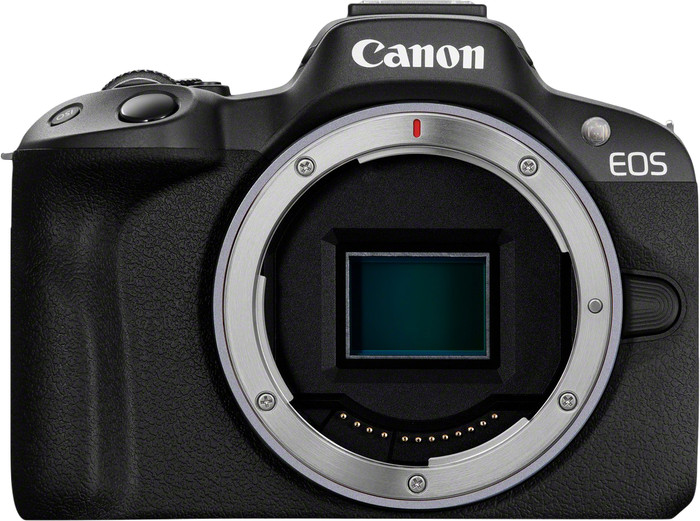
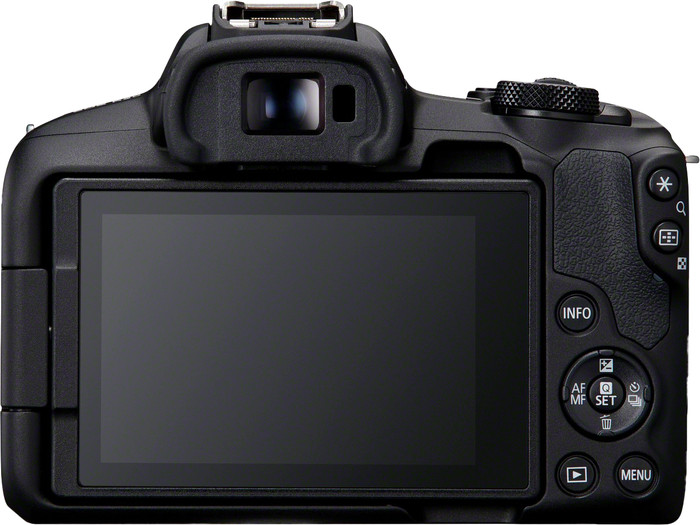
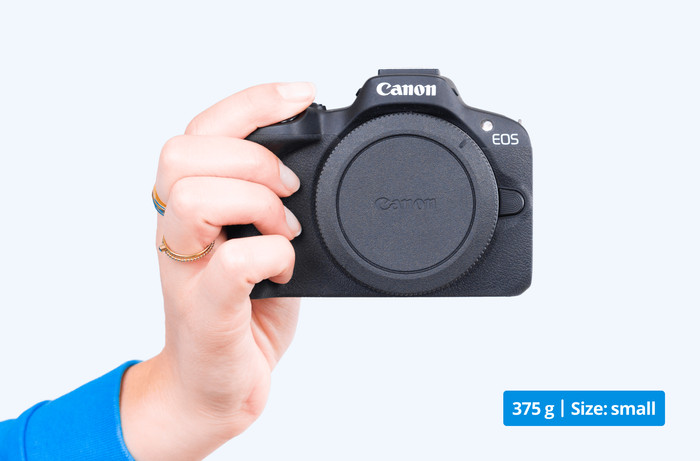
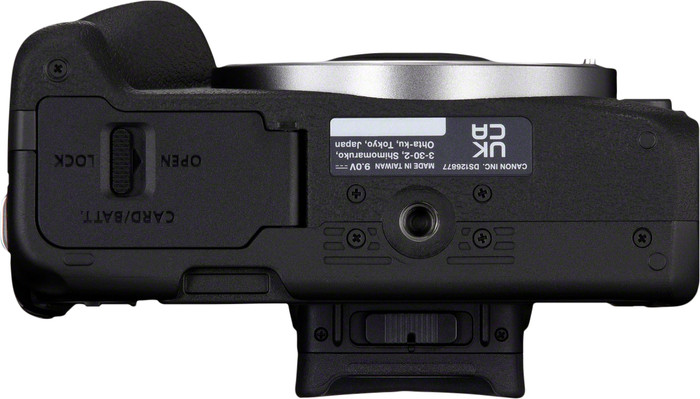
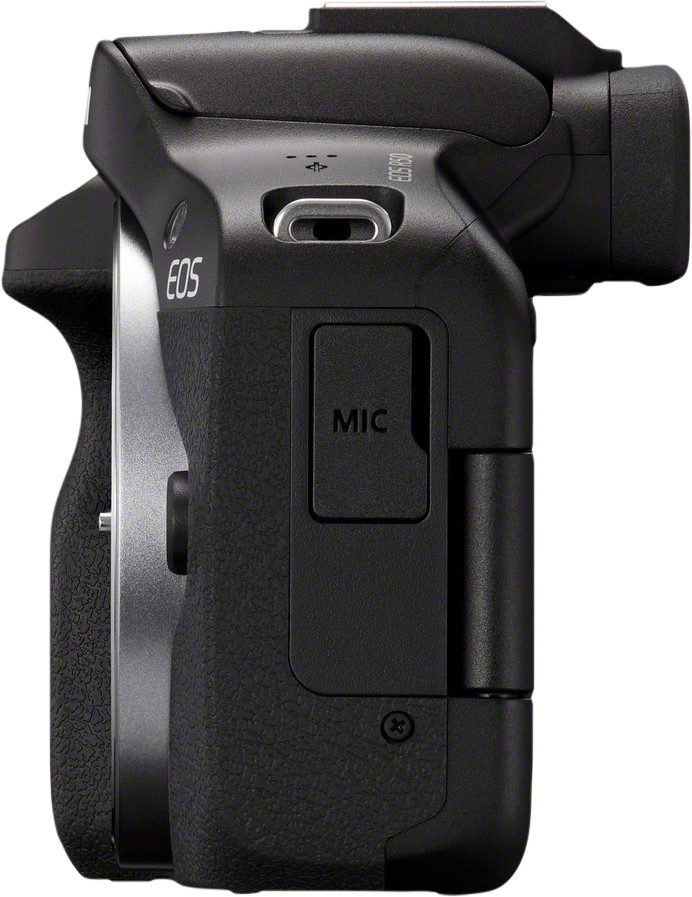
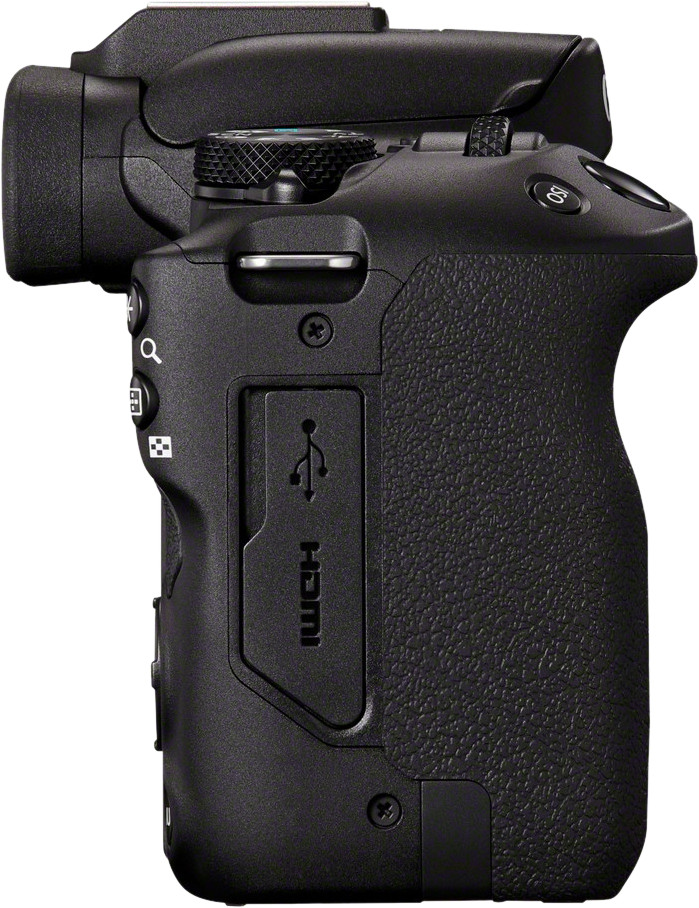
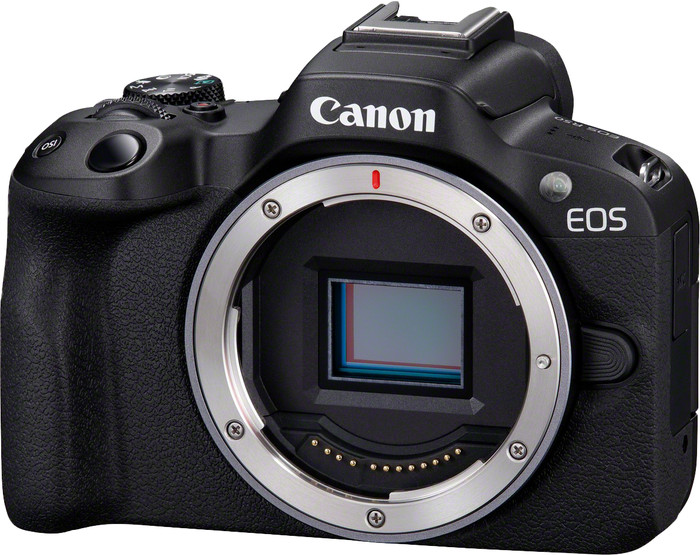
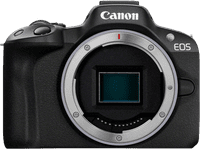
I think the Canon EOS R50 is a user-friendly camera that makes it easy for beginners to take creative photos. The camera is compact and light, so I can easily take it with me. I like that for on vacation, when I don't want to lug around a heavy camera. In combination with a compact kit lens, this is a great travel companion, such as the Canon 18-45 mm. I am now testing the camera with the Canon 24-50mm kit lens, which is also a nice combination. Thanks to the fully foldable screen and the microphone connection, I also use it as a vlogging camera. I do find the grip a bit too small, so I hold the camera less firmly.
Sharp photos
I take sharp photos and videos with the Canon EOS R50. I film in 4K resolution at 30 frames per second, making my videos suitable for YouTube. The autofocus is fast and precise. Among other things, he focuses on eyes, which is great for vlogs. It also keeps moving subjects in focus, such as moving cars. I don't worry about whether my photos or videos are sharp, because the camera takes care of that.
User-friendly camera
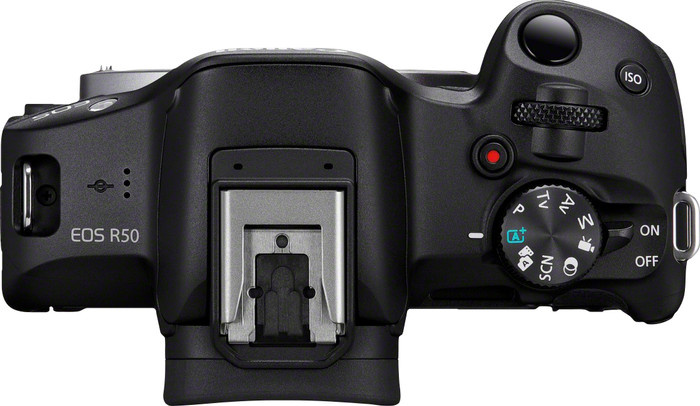
The operation and the menu are user-friendly, as I am used to from Canon. When I switch to a new mode, the camera explains what it entails. Even if you have little experience with cameras, operating the camera is not complicated. For example, there is a focus guide, which makes it easy to focus manually. A symbol on the screen turns green when my subject is in focus. I find this especially useful in macro photography, when I want to focus on a specific point. With the dial on the front, I can easily and quickly adjust the shutter speed or ISO value. You switch between these 2 options. I think this works fine, but lacks a dial for the aperture. This is missing with this camera, so I adjust the aperture less quickly.
Creative filters
If you post a lot of photos on social media, the editing functions of this camera will come in handy. In the Scene Intelligent Auto mode, I apply filters, so I can post my photos directly on social media. I make additional adjustments manually. For example, I adjust the brightness, contrast and color temperature in the same menu. If you choose Creative Bracketing, the camera saves your photo 4 times with different filters. You choose the most beautiful one yourself. I send the photos to my phone via the Canon Camera Connect app. As a result, I don't need a laptop with editing software to creatively edit my photos.