Noctua NH-D15 Chromax Black
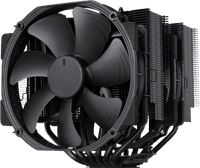
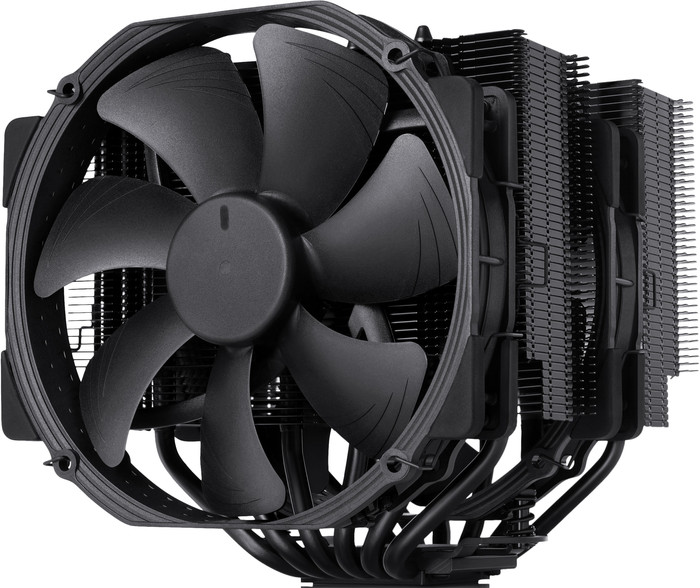
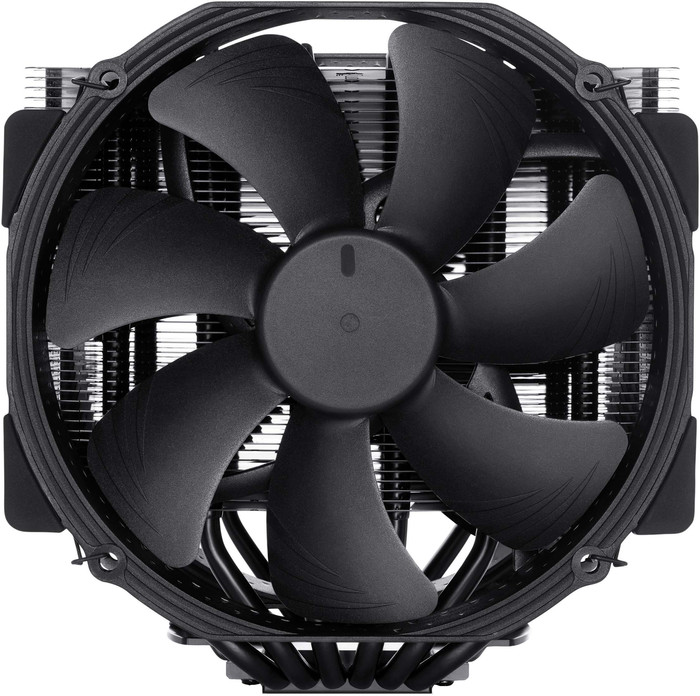
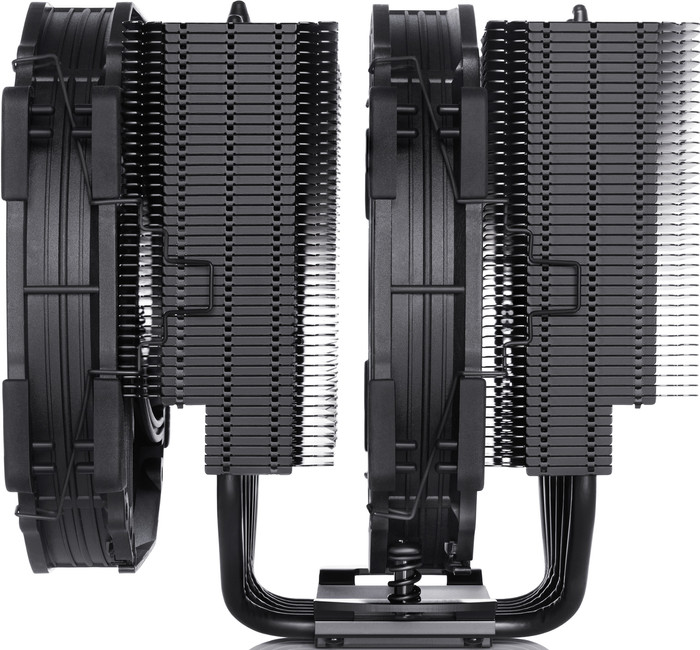
Black
Color: Black
Product number | 852435 | |
|---|---|---|
Manufacturer code | NH-D15 CH.BK | |
Brand | Noctua | |
Processing of your defect | Via Coolblue | |
Old product returned for free |
Cooling method | Air | |
|---|---|---|
Heat pipes | 6 | |
Maximum rotation speed | 1500 rpm | |
Minimum rotation speed | 300 rpm | |
Fan diameter | 140 mm |
Socket (CPU) | 1150, 1151, 1155, 1156, 1200, AMD AM4, AMD AM5, Intel LGA 1700, Intel LGA 1851 | |
|---|---|---|
Minimum noise level | 19,2 dB | |
Maximum noise level | 24,6 dB | |
Width | 15 cm | |
Depth | 13,5 cm | |
Height | 16,5 cm | |
Weight | 1 kg | |
Color | Black |
Performances
Energy consumption
Price-quality ratio
What an impressive cooler!
I have a black Sharkoon TG5 system case with blue LED lighting (no RGB) and previously had a standard Intel aluminum cooling block with a standard red fan. That works really well, does its job properly, but really doesn't look like it in this design cabinet. I was looking for a nice design cooler that fits my system cabinet and came across this Noctua NH-D15 Chromax Black. Well, it costs something, but then you also have something!
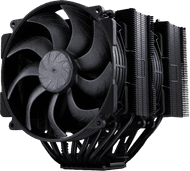
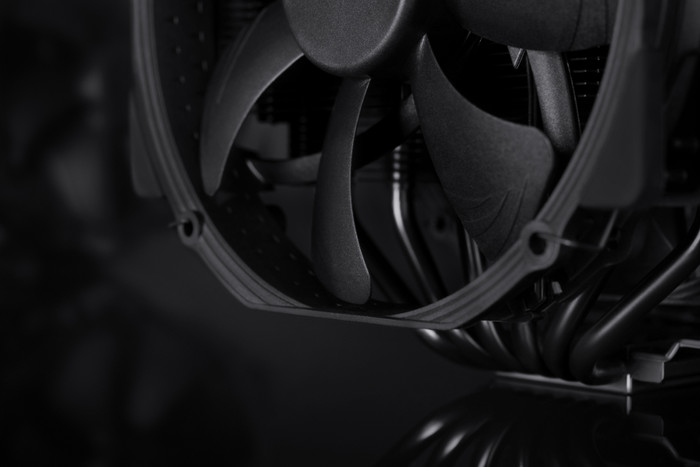
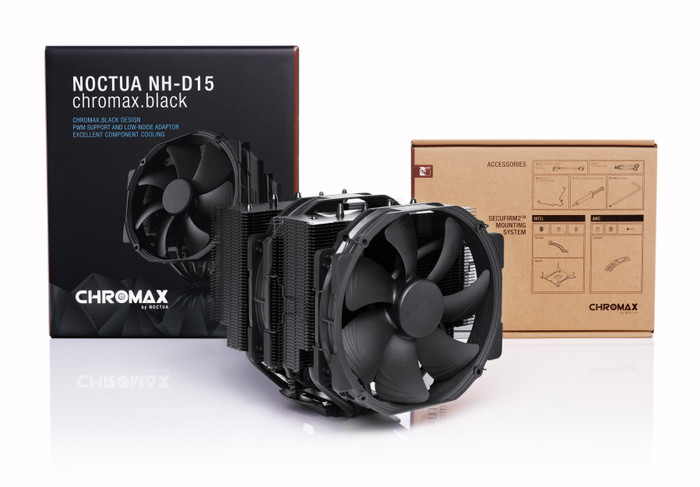
What a feast just unpacking, and certainly a "wow" factor as soon as the box is opened of the cooling block itself. Mighty, imposing and a bit futuristic are words that came to mind when looking at this cooling with 6 heatpipes.
The heatpipes are filled with a coolant ex-factory and not with normal air. This cools just as well, or perhaps even better, than a water cooling with much smaller radiators (noise). So you really don't hear this Noctua at all.
In normal use (internet, mail, youtube and writing reviews) the processor is around 28 degrees and I have never experienced that before, so low. Is he doing his job? Yes, more than that.
Mounting this cooling block is neatly explained step-by-step in the manual with photos to clarify everything. There are different manuals included because this cooler is also suitable for different processors to build in, so you have to pay attention to make sure you get the right manual. But each manual also states which processor connection it is, because each processor has its own working method and mounting.
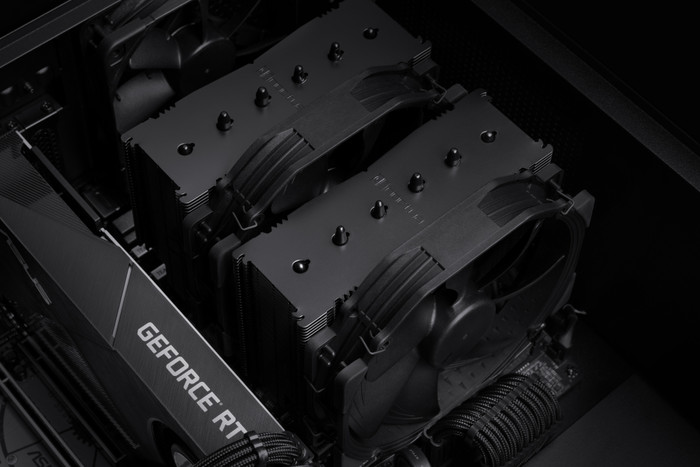
You can place the cooler in 2 ways: horizontally (blowing through your cabinet) or vertically (blowing from top to bottom) You can also choose whether you want to use 1 or both 14 centimeter fans. But please note that if you are going to use the 2nd that you will not be able to get to your RAM strips later without dismantling this fan first. What you also have to pay attention to is the total installation depth of the complete cooling block with fans. If your system cabinet is not that deep, you can no longer have your side wall mounted, so the following really applies here: "to measure is to know" But even with my huge system cabinet, it was still exciting whether I could close the cabinet properly and that the tinted side window would not break, just to indicate how precisely this cooler was designed down to the millimeter. So precise that it only rests with the rubber corners of the fans on my GeForce GTX 1080 backplate and does not touch the backplate with the metal cooling fins,... er,.... exactly to a nail thickness.
A nice extra is that you can position the fans yourself on the cooling fins. You can therefore mount them lower or higher on the cooling fins, if you have the space to do so.
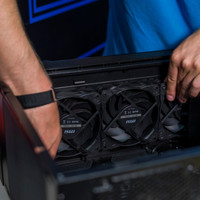
Furthermore, I will put a "before" and two "after" photos in this review Find the 10 differences :)
Super happy with this great cooler that, as usual from Coolblue, was neatly delivered the next day, TOP!
It really is a COOLB(ok) that wants to be seen, so at least give it a place in a system cabinet with a side window so that it can look out nicely (and you in)
Wouter Griek
3 February 2020
Automatically translated from Nederlands
This cooler works very well for me. I only hear it when I'm doing something really heavy.
Thijs
21 April 2020
Automatically translated from Nederlands
Cooler used for my new PC, a very big block to look at but really nice since it's all black. Was very easy to install on an AM4 socket and worked right away, just make sure you have enough space in your cabinet.
Furthermore, the top performance was able to overclock my CPU to 4.2 GHZ with a temperature of 65 degrees on load very happy with it!!
The Cang Luong
15 May 2020
Automatically translated from Nederlands
Cooling method | Air | |
|---|---|---|
Socket (CPU) | 1150, 1151, 1155, 1156, 1200, AMD AM4, AMD AM5, Intel LGA 1700, Intel LGA 1851 | |
Fan diameter | 140 mm |
According to our processor cooler expert
Also for modern PCs: this cooler also fits on modern motherboards.
Easy to install: you can easily place the air cooler on the processor.
Little noise at full speed: keep working with focus without being bothered by noise thanks to the low 24.6-decibel noise level.
Less suitable for heat spikes: an air cooler handles sudden spikes in temperature less well than a water cooler.
120,-
120,-
Current product
Air
Air
Air
Air
1150, 1151, 1155, 1156, 1200, AMD AM4, AMD AM5, Intel LGA 1700, Intel LGA 1851
1150, 1151, 1155, 1156, 1200, AMD AM4, AMD AM5, Intel LGA 1700, Intel LGA 1851
1150, 1151, 1155, 1156, 1200, AMD AM4, AMD AM5, Intel LGA 1700, Intel LGA 1851
1150, 1151, 1155, 1156, 1200, AMD AM4, AMD AM5, Intel LGA 1700, Intel LGA 1851
140 mm
140 mm
140 mm
140 mm
120,-
153,-
139,-
100,-
In stock
In stock