Apply thermal paste between your CPU and a processor cooler for better thermal conductivity. The cooler of your processor is able to work better that way, so your CPU doesn't get overheated. When you install another cooler, remove the thermal paste and re-apply. You can easily do this with thermal paste remover specially to remove thermal paste from a CPU.
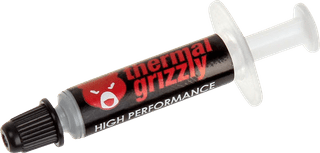
Suitable for processors|Easy to dose|Included spatula
14,99
In stock
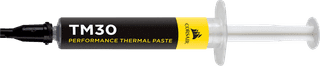
Suitable for processors|Easy to dose|Included syringe
14,99
In stock
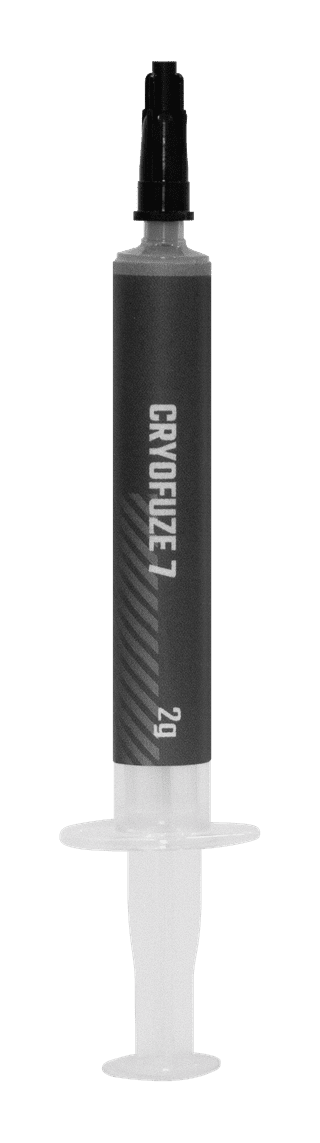
Suitable for processors|Easy to dose|Included syringe
11,99
In stock
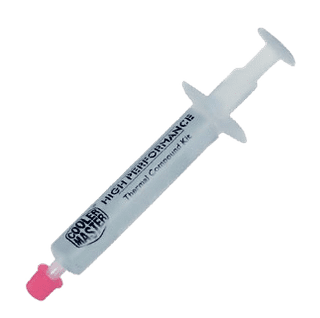
Suitable for processors|Easy to dose|Included syringe
12,99
Temporarily sold out