- Be the first to know when this product is in stock
This is the one
TP-Link Archer NX600
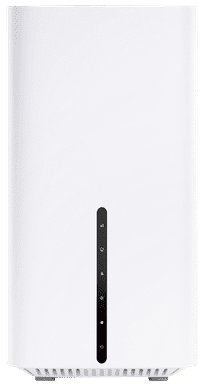
Fastest WiFi standard
Wireless AX (WiFi 6)Our digital expert will help you, but it can sometimes make mistakes, like humans do.
According to our router expert
Because this router works with a SIM card, you can easily install it anywhere.
Thanks to WiFi 6, you have faster and more stable WiFi than with WiFi 5.
Via the 2.5Gbps port, you can connect 1 device wired.
The SIM card for this router isn't included.
You can only use the WiFi 6 standard with devices that support WiFi 6.
Fastest WiFi standard
Wireless AX (WiFi 6)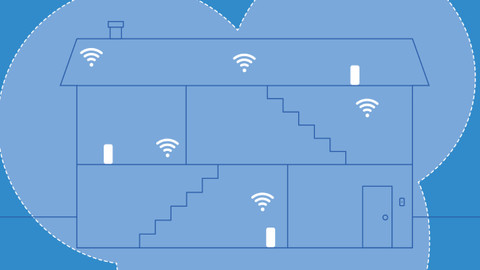
5 stars
1
4 stars
1
3 stars
0
2 stars
0
1 star
0
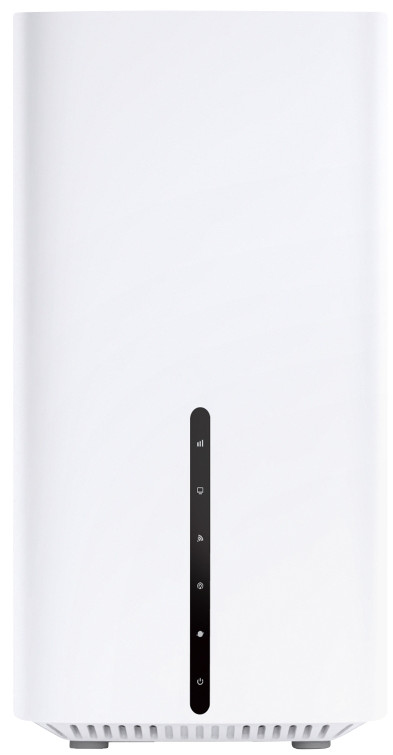
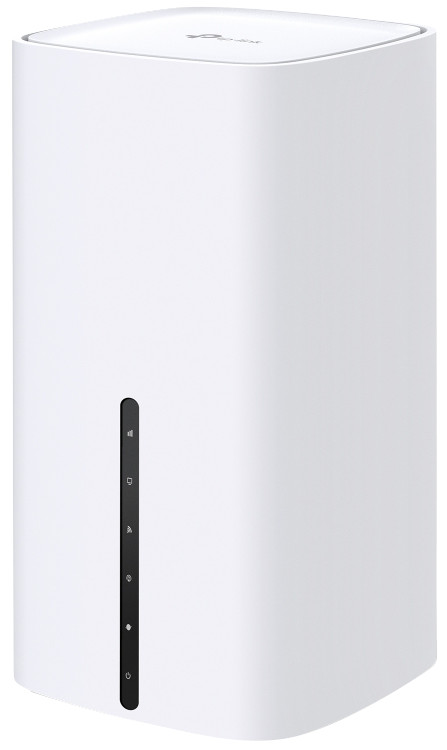
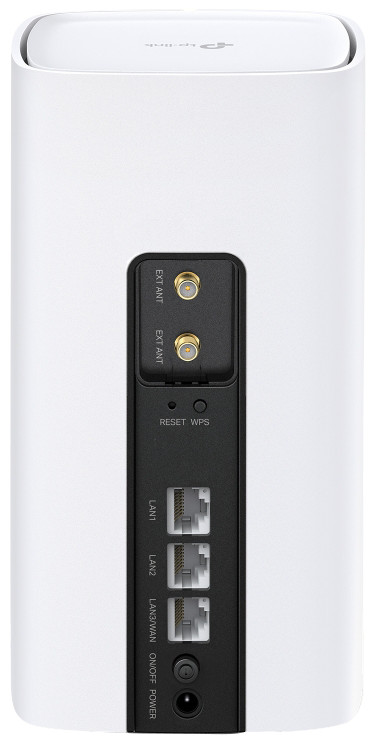
This router can be used to access the internet via the mobile 5G network in locations where no fixed internet is available. Once the router is configured, simply plug it into a power outlet, and your laptop can (automatically) connect to the router via Wi-Fi and start surfing. For example, if you want to use your laptop in the garden, where the indoor modem normally doesn't have Wi-Fi reception. Note that this requires a separate (data) SIM card (not included), which ideally should remain in the router. If you want to use your smartphone's SIM card, you can, but you don't actually need this device. You can also set up a Wi-Fi hotspot on your smartphone, which your laptop can then connect to. The router is compatible with 4G and 5G. It can also be used to connect the fixed internet modem at home to the router's (RJ-45) 2.5 Gigabit Ethernet port via a cable. The router can then choose to access the internet via the modem or 5G, depending on the set priority. For example, normally the modem's signal is used. If the modem's network is interrupted, the router will automatically switch to the mobile 5G network as a backup. The PC connected to the router can continue surfing without knowing which route the router uses to connect to the internet. Furthermore, the router's Wi-Fi signal can be extended using EasyMesh devices to provide Wi-Fi coverage throughout the home. The Wi-Fi network is Wi-Fi 6, but connecting the router to older devices that don't support Wi-Fi 6 is not a problem, although the maximum speed will be lower. If a PC doesn't have Wi-Fi, it's also possible to connect it directly to the router via a cable using one of the two available (RJ-45) 1 Gigabit Ethernet ports. Note that a PC receives both an IPv4 and an IPv6 address from the router. This can potentially cause problems, for example, when using a FortiClient VPN, which then stalls at 98% when establishing the VPN connection. The solution in such a case is to disable IPv6. The description below is based on using a Telenet data SIM card. Your experience with another provider may also be different. During the initial setup of the router, I was unable to connect to the 5G network. I had to manually adjust the settings via "advanced," after which I was able to connect. I've experienced a few instances where there was no 5G connection when starting the router. When logging in to the router, I received a message saying "SIM card error or no SIM card detected." After restarting the router, the 5G connection was restored. Below are some speed test results. This is just to give you an idea of what the actual speed might be like. A speed test is a snapshot and is also highly dependent on the router's location and the surrounding environment, such as the building's insulation. External antennas can be attached for improved 4G/5G reception. The tests below were conducted without external antennas. With full 100% signal reception, tested outdoors with the router (this is an indoor router; do not use it outdoors, this was just for testing purposes!), I achieved 301Mbps download and 38Mbps upload speeds. When testing indoors near a window, I achieved 203Mbps download and 31Mbps upload speeds. In the border region (75% signal strength), I achieved around 90Mbps download and 18Mbps upload speeds indoors. Roaming is not enabled by default on the router. It can be enabled in the settings if you want to use the router abroad. When I use roaming in France, the download speed seems to be limited to around 17Mbps download and 17Mbps upload.
Laurens
15 December 2025
Automatically translated from Nederlands
Product number | 969958 | |
|---|---|---|
Manufacturer code | Archer NX600 | |
Brand | TP-Link | |
Processing of your defect | Via Coolblue | |
Old product returned for free |
Type router | 4G or 5G router for at home | |
|---|---|---|
WiFi speed class | Basic | |
Living situation | Student room | |
Number of stations | 1 | |
Can be expanded with extra stations | ||
Built-in modem |
Fastest WiFi standard | Wireless AX (WiFi 6) | |
|---|---|---|
Frequency bands | Dual-band | |
WiFi speed | AX3600 | |
2.4GHz band speed | 1148 Mbit/s | |
5GHz band speed | 2402 Mbit/s | |
Number of WiFi antennas | 12 |
Ethernet speed | 2.5Gb Ethernet (2500Mbps) | |
|---|---|---|
Network connector | ||
Maximum ethernet speed | 2500 Mbit/s | |
Number of Ethernet ports | 3 | |
SFP/GBIC ports | 0 | |
PoE support | ||
USB port |
Highest type of mobile data connection | 5G | |
|---|---|---|
Maximum speed mobile internet | 4670 Mbit/s | |
Automatically switches to 3G/4G | ||
Mobile data connection | 4G, 4G+, 5G | |
SIM card slot |
Quality of Service (QoS) | ||
|---|---|---|
MU-MIMMO | ||
Seamless roaming | ||
Beamforming | ||
Port forwarding | ||
LACP Link aggregation |
Parental controls | ||
|---|---|---|
WLAN security | WEP, WPA, WPA-PSK, WPA2, WPA2-PSK | |
Firewall | ||
Firewall type | DoS | |
Guest network | ||
VPN support | ||
VPN server | ||
VPN client | ||
VPN passthrough |
Mounting possible | ||
|---|---|---|
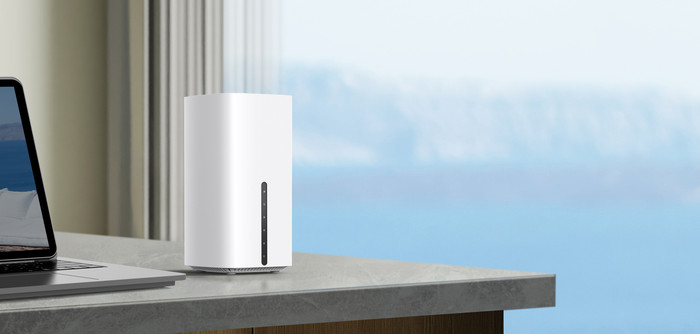
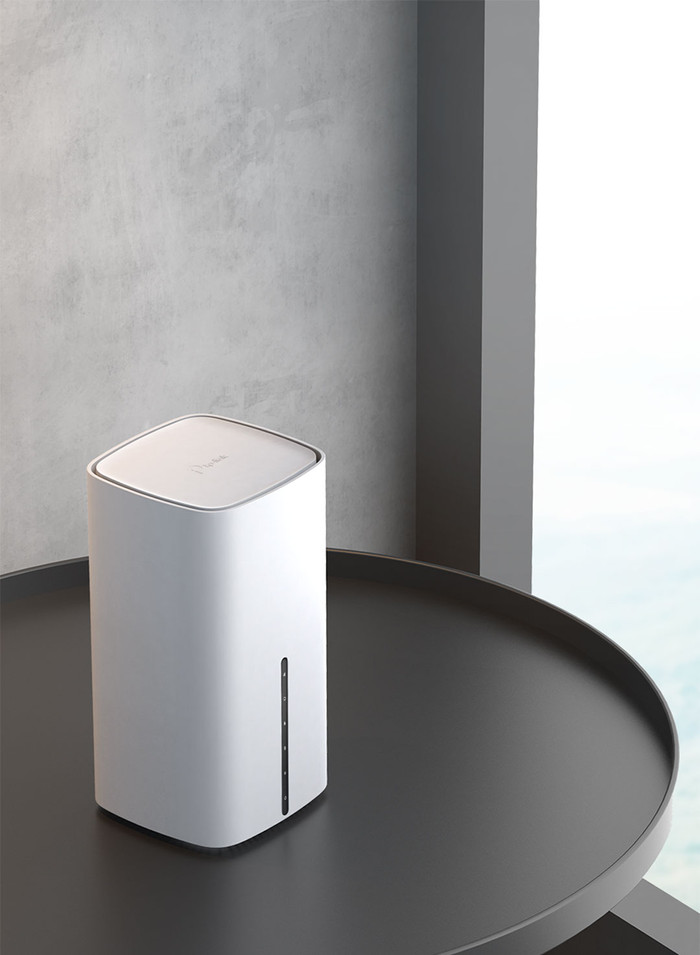
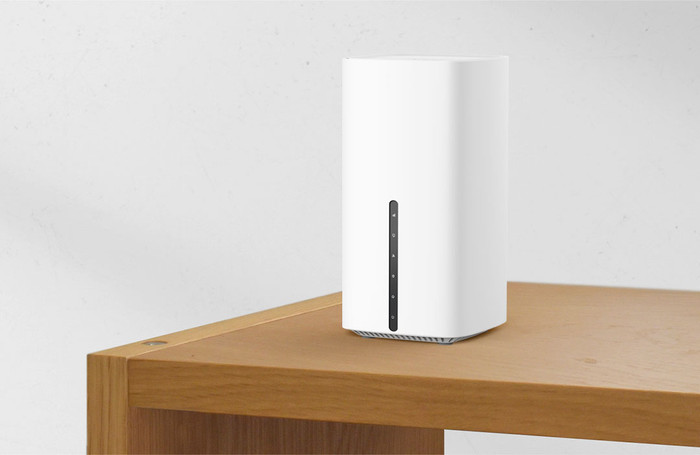
Width | 10 cm | |
Height | 19 cm | |
Depth | 10 cm | |
Weight | 0,61 kg | |
Color | White | |
Material | Plastic |
Power supply type | Power grid |
|---|
Coolblue takes care of everything, from taking out an insurance to repairs
For almost all accidents
More coverage in case of damage than your standard warranty
No deductible
First, add your router to your shopping cart. On the next page, choose the Protection Plan below. You always have a 30-day return window and pay no deductible in case of damage.
2-year Protection Plan
8,99
one-time3-year Protection Plan
15,99
one-time