Network routers
TP-Link
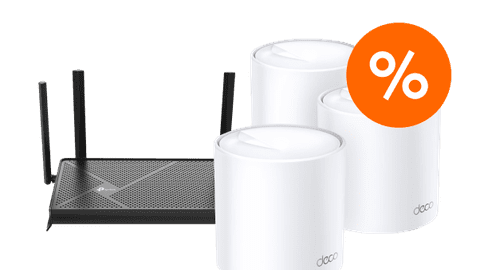
TP-Link has a suitable router for every situation. Thanks to the app, you can quickly install the routers and they're easy to use.FRITZ!Box
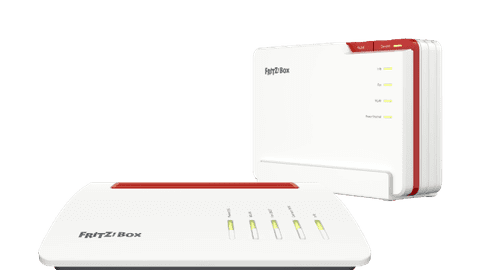
You can easily expand FRITZ!Box routers with extra WiFi stations or repeaters, so you have stable internet anywhere in your house.NETGEAR
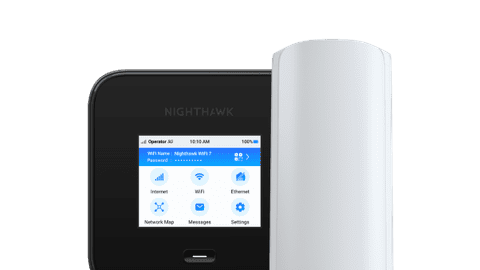
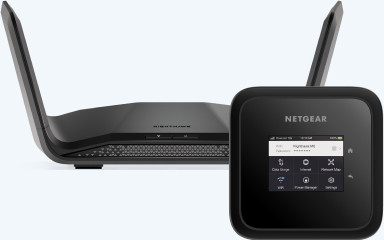
With the NETGEAR routers, you always have the fastest connection and you can effortlessly go online with multiple devices.Starlink
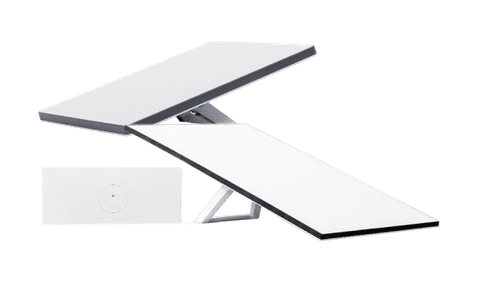
The Starlink routers connect with a satellite. This way, you have internet anytime, anywhere, even in case of a power outage.
Router of this moment
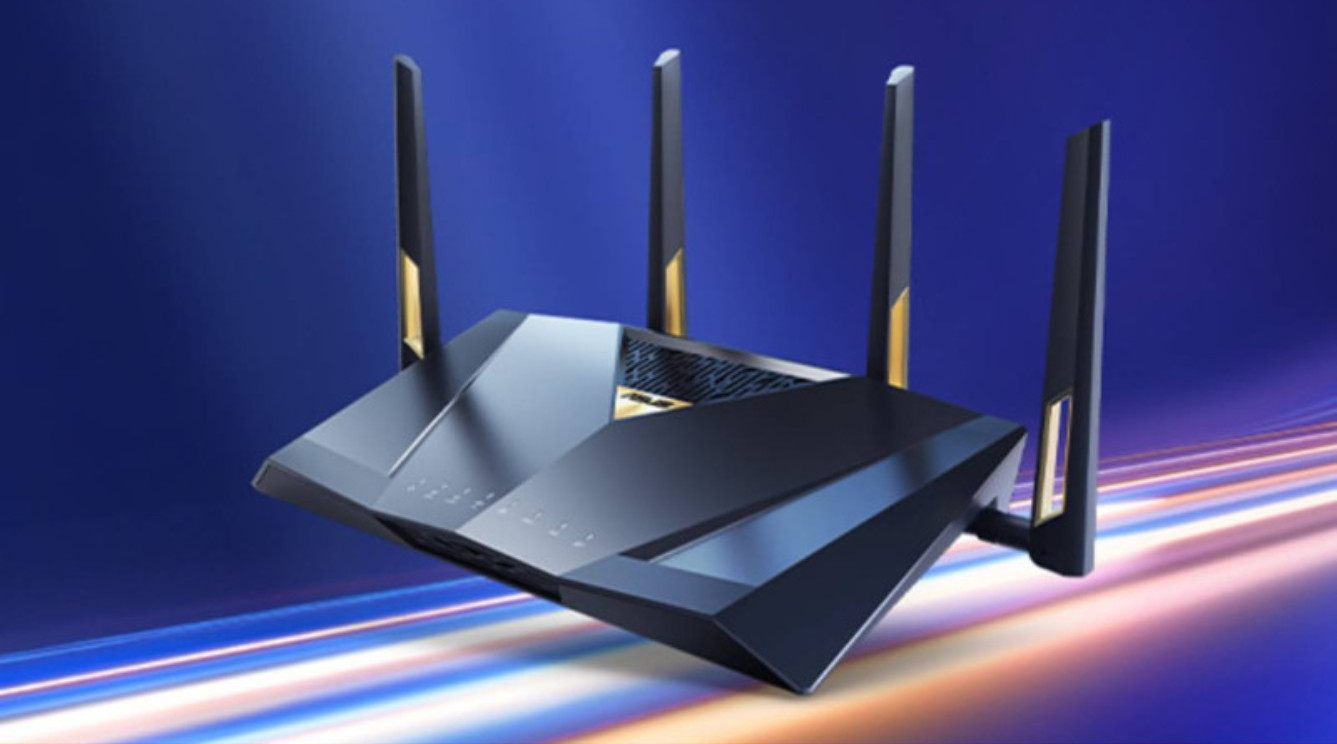
Superfast and stable internet in your house
This fast WiFi 7 router provides a strong and stable connection in your house. Your internet keeps working well when you game, stream, or use many devices. For the highest speed, connect your devices with a cable to the fast ports.
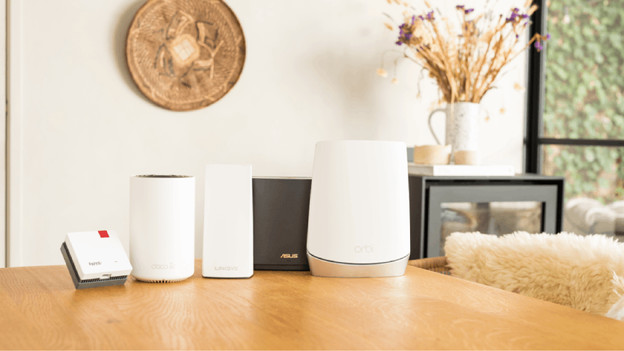
Mesh WiFi router
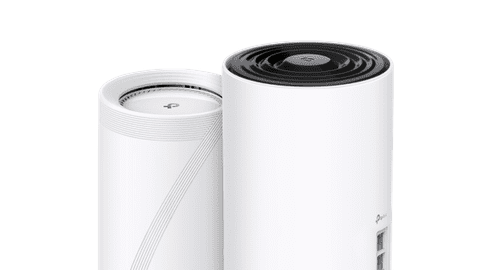
Mesh routers ensure a strong WiFi signal in your whole house. A mesh pack has multiple stations that wirelessly connect to each other. That way, you also have coverage in places where you don't have a signal with just 1 router, such as the attic or in the garden. Your devices switch automatically to the strongest WiFi point. This means that your phone doesn't switch between WiFi channels.
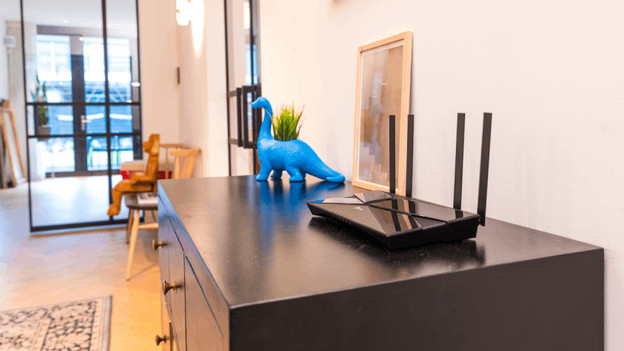
WiFi router
WiFi routers ensure a better and more stable WiFi signal than the provider's router or modem. This often creates a weak WiFi signal or doesn't reach the maximum speed of your data plan. With a separate router, you can get the most out of your internet connection. You can choose a model that suits your use, whether you mostly send emails or stream and game with multiple people at the same time.
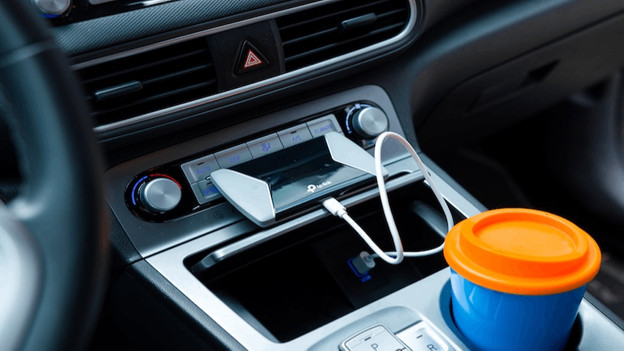
MiFi router
MiFI routers provide WiFi while on the go via the mobile network. You can place a SIM card with a mobile data plan in the device and create your own WiFi network. Unlike regular 4G and 5G routers, MiFi routers have a built-in battery. That's useful if you travel often or don't have a socket nearby like on the train, in the car, or on vacation. You can connect multiple devices at once and stay online everywhere.






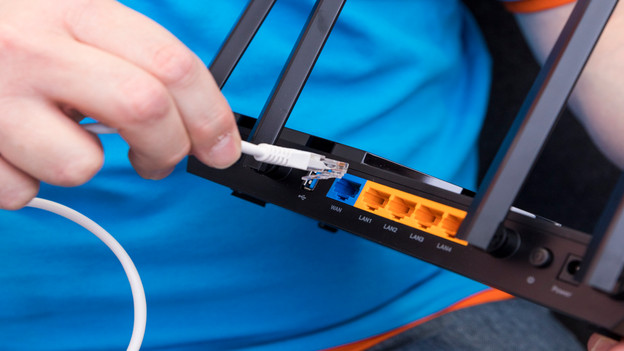
How do I install my router?
You can install a router almost always yourself. Connect the router to your modem or internet connector and put the plug in the socket. After that, open an app or browser to set up your network. Choose a clear WiFI name and a strong password. Most routers guide you step by step during the installation. Within a few minutes, you're ready to go online with all your devices. That way, you can have internet that works properly again quickly.
Router for your usage situation

Gaming router
Play online games often? Choose a router that provides a low ping and high speed. That way, you can play without slowing down and respond just a bit faster than your opponent. Keep the special functions like Quality of Service (QoS) in mind to give your gaming traffic priority. That way, your connection stays stable, even when others use the internet.

Outdoor router
Also want WiFi in the garden or on the balcony? Choose a waterproof expansion for your mesh system that you can place outside. That's useful for streaming music from your garden, for your smart garden lights, or for a camera near the shed. Many outdoor routers work with PoE, so you only have to connect 1 cable for power and internet.

Business router
Work a lot from home or have a small office? A router with stable and safe internet is important. For example, choose a support for VPN and multiple WiFi bands. That way, you can keep work and private life separated and your files stay secured well. That's also nice for online meetings.
FREQUENTLY ASKED QUESTIONS
What's a mesh WiFi system?
A mesh WiFi system consists of multiple stations that work together. As a result, you have 1 large WiFI network in your house. Your devices switch automatically to the strongest point.
Where do I place my router?
Place your router in a central place in your house, on a cupboard, but rather not behind the TV or in a closet. That way, the signal reaches the farthest.
What's the difference between 2.4GHz and 5GHz?
2.4GHz reaches farther, but is a bit slower. 5GHz is faster, but reaches less far. Some devices only support 2.4GHz. You can set this via the settings of your router.
What's the difference between WiFi 6, WiFi 6E, and WiFi 7?
WiFI 6 is faster and more stable than older WIFI versions. That's mostly useful when you're online with many devices at once. WiFi 6E is the same as WiFi 6, but with an extra WiFi band (6GHz). That way, you're less bothered by busyness on the network. WiFi 7 is the newest version. That's even faster and responds faster. That's useful if you often stream, game, or work in the cloud at the same time. Note: your devices need to support WiFi 6E or WiFi 7 to really use it.
Which router works with KPN?
For KPN, choose a router that supports KPN and is suitable for an Ethernet connection. You connect mode routers to the existing KPN modem that you already own. Want to replace the modem? Choose a router with a built-in fiber optics modem. Make sure whether it works with the KPN fiber optics connection first.
Which router works with Ziggo?
A router with an Ethernet WAN port is often compatible with a Ziggo modem. You can connect the router and modem to each other with a network cable. If you want to completely replace the modem, choose a router with a built-in modem. Make sure it works with the Ziggo modem and register your connection information with Ziggo first.


Advice on Network routers
Can't choose? View the advice from our expert.