Written by Uhro
Edited on
27 July 2026
·
15:53
Which WiFi extender do you need for your KPN Box?
If you have a DSL or fiber optics connection from KPN, you receive a KPN Box. This modem has built-in WiFi, but the signal isn't equally strong throughout the house. With a WiFi extender, we mean different solutions such as a mesh system, powerline adapter, access point, or WiFi repeater. In this article, we'll explain which solution suits you best.

Mesh WiFi system
With a mesh WiFi system, you can provide fast and stable internet on multiple floors. You connect the first mesh point to your KPN Box with a network cable. You can distribute the other points throughout your house, where they connect wirelessly to the first point. That way, your devices automatically switch to the strongest WiFi point. This is a good choice for a townhouse or a small freestanding house.
Powerline adapter
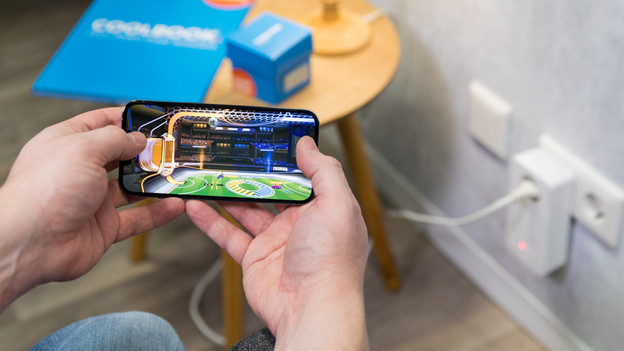
Powerline adapters provide additional WiFi hotspots via the power cords in your home. Connect the first adapter to your KPN Box with a network cable. Plug the second adapter into a socket in the room where you want better WiFi. It'll create a new WiFi hotspot there. Keep in mind that the speed and stability depend on the quality of the power network of your house.
Access point
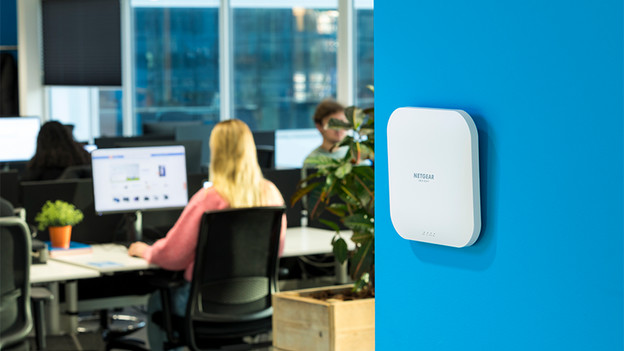
With an access point, you get full control over your KPN WiFi network. This is a good choice if you already have some experience or enjoy learning more about it. You connect an access point to your KPN modem via a network cable. Choose this option if you want maximum speed and stability and don’t mind running cables.

Extend KPN FRITZ!Box
Do you rent a FRITZ!Box from KPN? There are more ways to extend the WiFi signal than just the options above. For example, choose a FRITZ!Repeater to extend the WiFi signal. Unlike regular repeaters, these are connected to your FRITZ!Box via mesh. This way, you'll have fast and stable WiFi in your whole home.
Article by Uhro
Router Expert.