FRITZ!
FRITZ!.
I feel a connection.
View all FRITZ! products
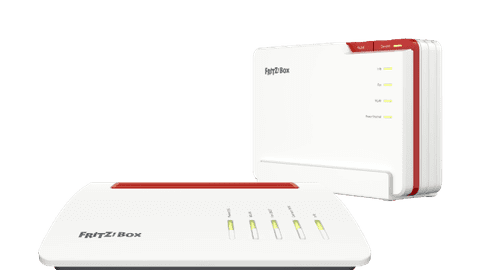
FRITZ!Box routers
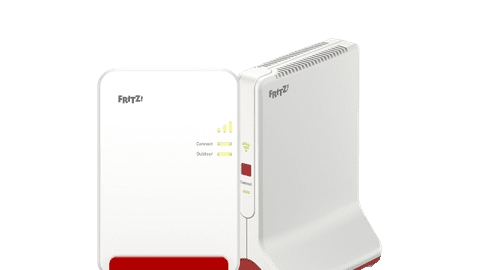
Improve the internet from your provider with a FRITZ!Box router.FRITZ!Repeaters
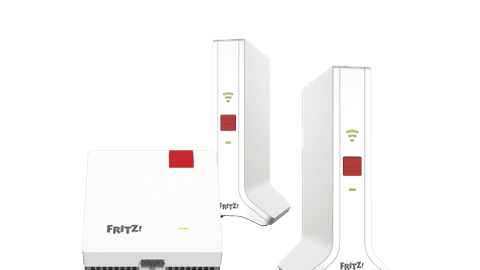
Expand your network and extend the signal of your router.FRITZ!Mesh
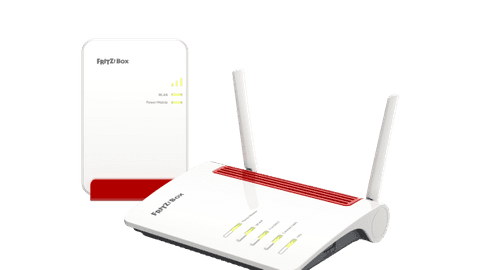
Place multiple WiFi points in your house and spread the WiFi signal through your entire house.FRITZ! 4G and 5 routers
Set up a WiFi signal anywhere via a mobile data connection.
Local development
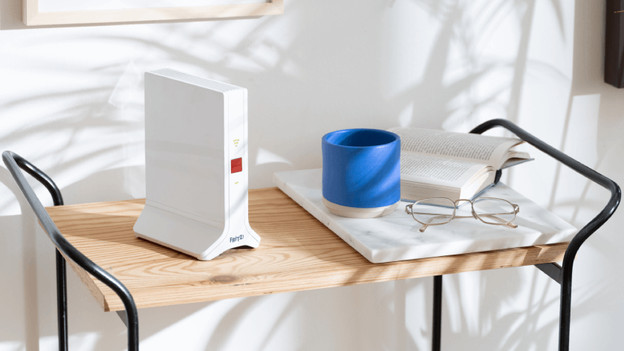
FRITZ! is a German brand and is developed in Berlin. The products comply with strict European guidelines. You'll get a 5-year warranty on your FRITZ! routers and WiFi extenders and they update automatically. Via your smartphone, you can set your network and connect all your FRITZ! devices to each other without needing an extra subscription. They have extra options for security, such as a built-in firewall and encrypted WiFi. This way, everyone can go online safely in your house.
A large WiFi network
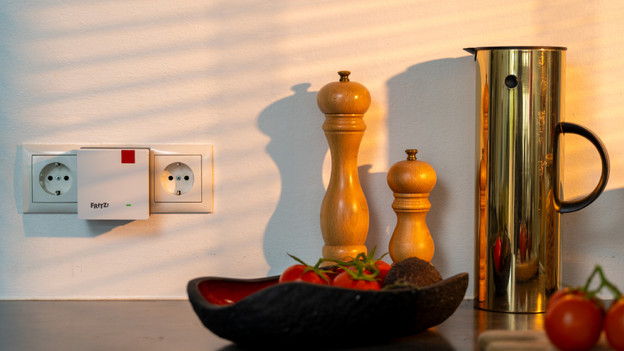
The routers, repeaters, and mesh sets from FRITZ! all work in 1 ecosystem. You can connect your router or main station to the modem from your provider with a cable. This'll become the 'Mesh Master'. You can easily connect the rest of the stations with the press of a button That way, you can set up a large network in your house. Connected devices automatically connect to the WiFi point with the strongest signal, without you having to re-enter your password. Via the FRITZ!App WiFi, you can find the best spots for your router and WiFi stations.
Set up via the FRITZ!Apps
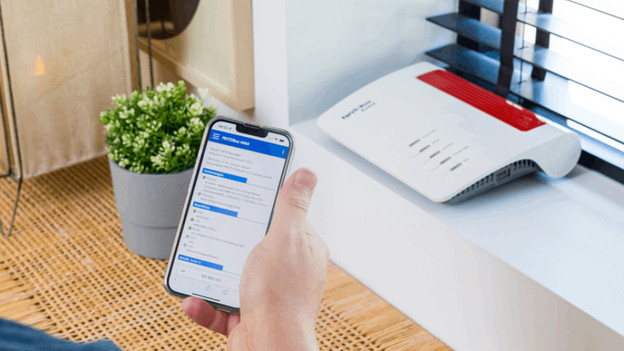
There are various apps you can use for your FRITZ! network. With the MyFRITZ!App, you can install and manage your routers and mesh systems. You can create a network for guests and see which devices are connected to your network, for example. Via the FRITZ!App WLAN, you can find the best spot for all your WiFi points. Want to use your smartphone as landline phone? You can download the FRITZ!App Fon. There's also the FRITZ!App SMart Home, which allows you to manage your other FRITZ! smart devices.
How do WiFi 6 and WiFi 7 differ?
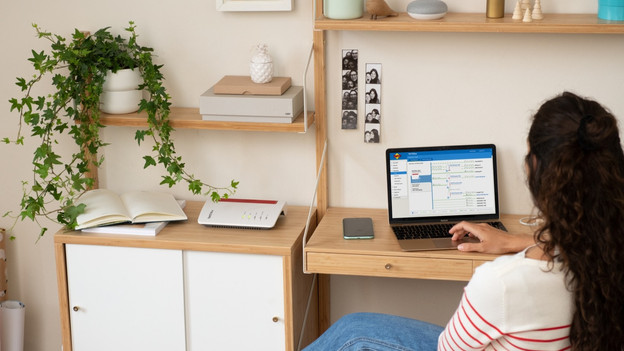
WiFi 6 and WiFi 7 both are fast WiFi standards. For most houses where you go online with a few smartphones, laptops, and smart home devices, WiFi 6 is enough. Already have lots of devices that use WiFi and want to use them at the same time? Choose WiFi 7. You can distribute your internet traffic better with WiFi 7, so your devices are less likely to interfere with each other. Make sure your devices support WiFi 7 to use all the advantages of this WiFi standard.
View this FRITZ! router as well
Extend your WiFi signal
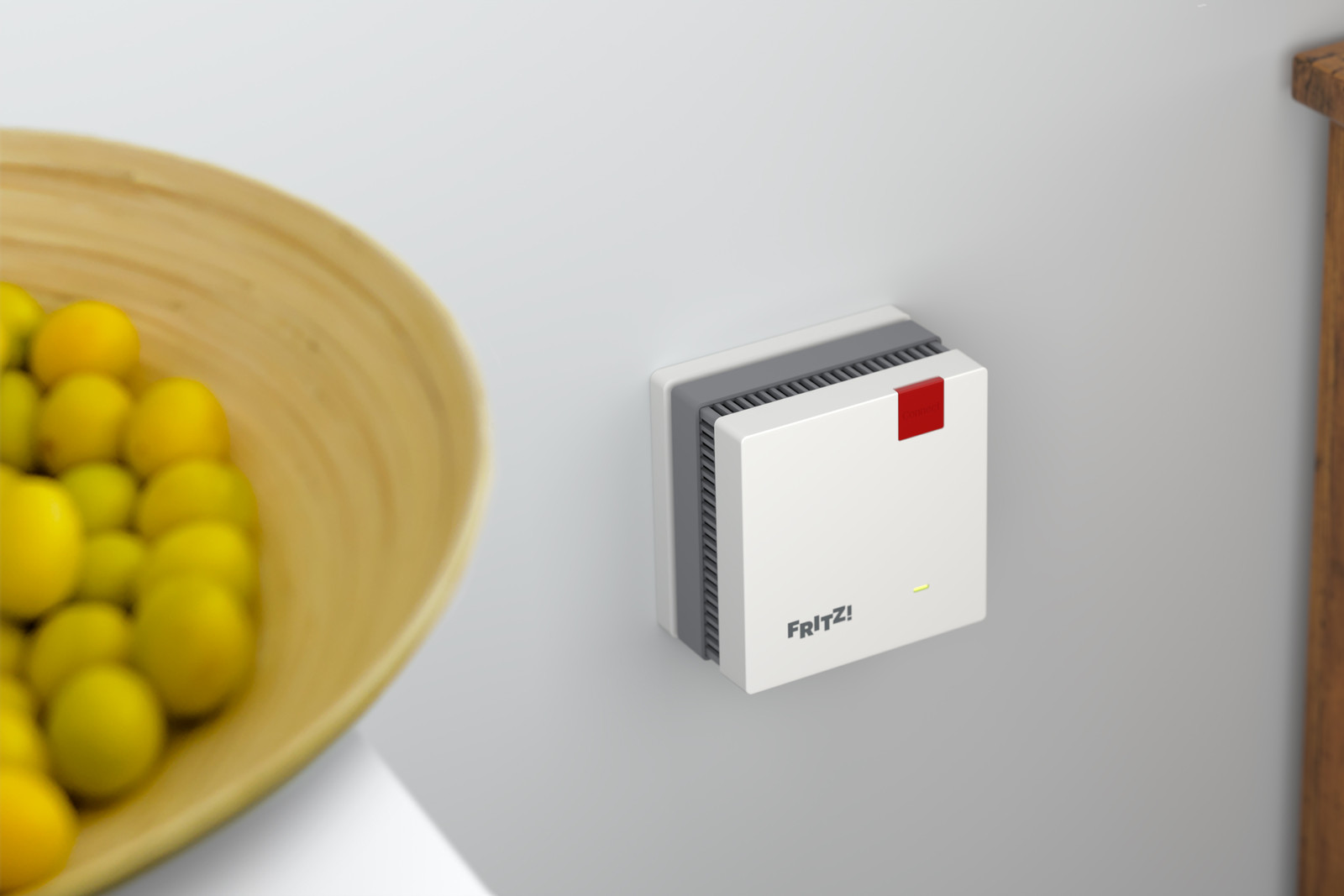
You can connect this mesh WiFi set to any router, but it works best with a FRITZ!Box. They extend the WiFi signal of your router. With the extra WiFi points, you have a stable connection anywhere. Even in the attic.
What's FRITZ! Mesh WiFi?
Choose your own modem
In the Netherlands and Belgium, you can choose a modem yourself. You don't have to use the modem from your provider. You can connect the FRITZ! routers directly to your fiber optics, cable, or DSL and have built-in settings for all large providers. That way, you can easily replace your modem with a FRITZ! router. This means you need less devices for a good internet connection. You can extend the WiFi signal throughout your entire house with extra FRITZ! WiFi points.
FAQ
What's the difference between a repeater and a mesh system?
A separate repeater extends the signal of your router. A mesh system has multiple WiFi points, which you place throughout your house. That way, you can extend the network to every corner of your house.
Does FRITZ!Mesh only work with a FRITZ!Box router?
No, the repeaters in a FRITZ! mesh set also work with other routers. They do work the best with a FRITZ!Box router, because you can control the entire network via 1 app and set up extra functions.
Where do I place a FRITZ!Repeater?
You always place a WiFi repeater in a spot where the signal of your router is still strong enough. If it's too far away, it can't extend the signal well. With the FRITZ!App WLAN, you can find the best spot for your repeaters.
How do I connect a FRITZ!Box?
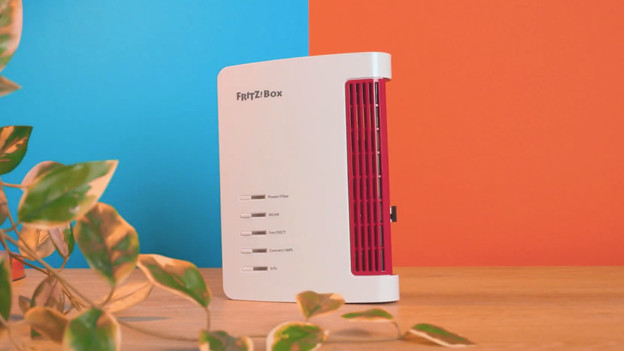
The installation of FRITZ!Box routers is very easy. You place the router, connect it to power, and your network and router start working. You then just set up the WiFi on your devices.
Do my FRITZ!Box, repeater, and mesh set work together?
Yes, all your FRITZ! network devices work together in 1 ecosystem. With the MyFRITZ!App, you have an overview of all your FRITZ! devices. With this, you can see which devices are connected to the internet, for example. You can easily expand your system with extra mesh station, repeaters, and powerline adapters.
Can't choose? View the advice from our expert.