Reolink
Compare the different Reolink doorbells
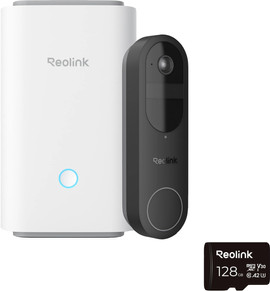
- Reolink D340B + Home Hub 1
The hub has an expandable storage, so you can store all your recordings in 1 place.
In your house, you can hear a clear bell signal via the hub when someone rings the doorbell.
The battery drains faster with lots of movement, so you'll have to charge it often.
You can expand your Reolink system with extra cameras and doorbells, which you can all control from 1 app.
Retail price239,99From
169,-
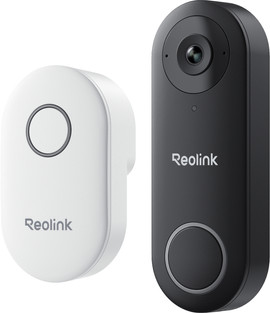
- Reolink D340B 2nd Generation + Chime
You can easily mount the wireless doorbell without having to change anything about your existing wiring.
In your house, you can hear a clear bell signal via the Chime when someone rings the doorbell.
Bij veel beweging loopt de accu sneller leeg, waardoor je hem vaker moet opladen.
You can easily add this doorbell to your Reolink system and control everything in the same app.
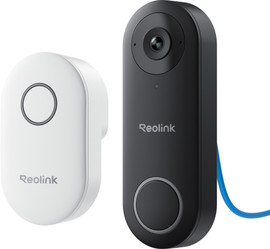
- Reolink D340W + Chime
You need a doorbell transformer or new wiring to connect this doorbell.
In your house, you can hear a clear bell signal right away via the Chime when someone rings the doorbell.
The doorbell is continuously powered via the wiring, so you don't have to charge a battery.
This set doesn't contain a hub or extra cameras, so you can't build a complete system in one go.
Retail price139,99From
114,-
- Reolink D340P + Chime
You need a network cable that reaches your front door to connect and use this PoE doorbell.
In your house, you'll receive a notification via the app or recorder if someone rings the doorbell.
The doorbell is continuously powered via the network cable, without a separate adapter or battery.
For central storage, you need a separate PoE switch or Network Video Recorder (NVR) that isn't included in this pack.
Retail price129,99From
99,-
Camera's voor binnen
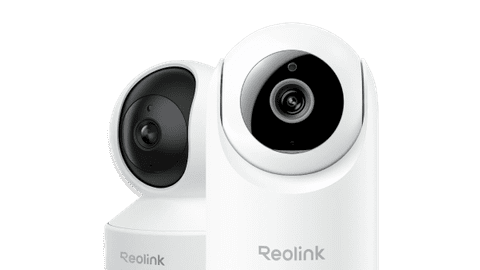
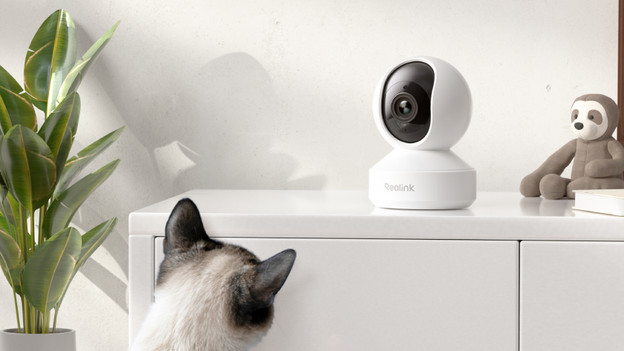
With a Reolink indoor camera, you can always see what's happening at home via the Reolink app on your phone. That's useful when you want to see if your kids are playing safely, your cat is still on the couch, or someone comes in unexpectedly. Thanks to the sharp image and night vision, you can recognize everything well. You receive notifications of movement and can watch along live. Compare all Reolink indoor cameras at a glance and easily choose the model that suits your house.
Bullet cameras
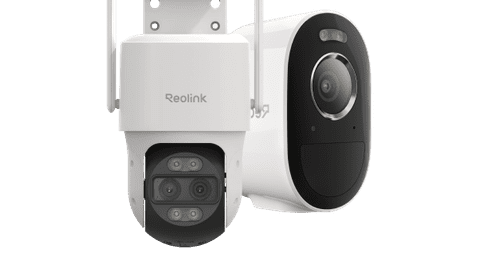
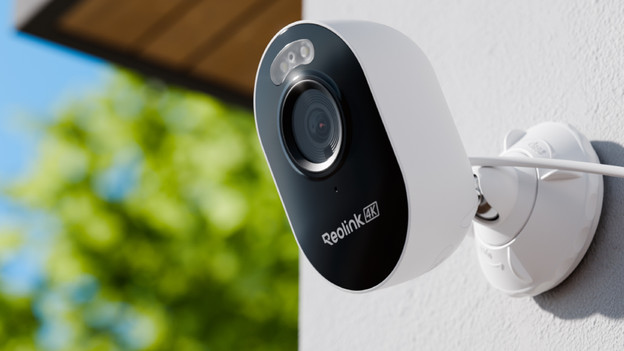
Reolink bullet cameras are ideal if you want to secure 1 fixed spot outdoors, like your driveway, front door, or garden path. You can easily mount the narrow casing to the wall and aim the Reolink IP camera at the exact place you find important. Thanks to the sharp image and night vision, you can also see who's walking by in the dark. Smart notifications in the Reolink app tell you right away when the Reolink outdoor camera detects movement.
Pan, tilt, and zoom cameras
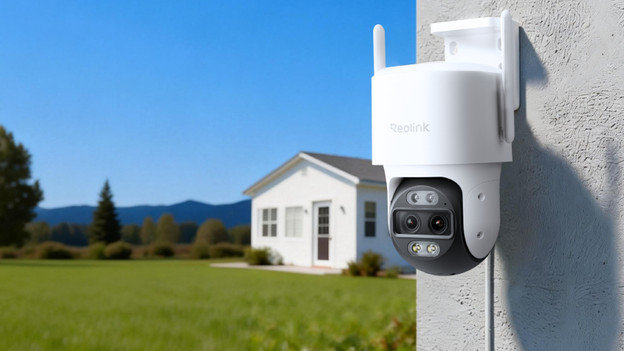
With Reolink Pan Tilt Zoom cameras, you can keep an eye on a large part of your garden or yard with 1 Reolink IP camera. The camera pans, tilts, and zooms automatically with movement, so people and vehicles stay in frame longer. In the Reolink app, you can even move and zoom yourself and review footage later. You receive a notification as soon as the Reolink outdoor camera sees something interesting.
What's the Reolink Hub?
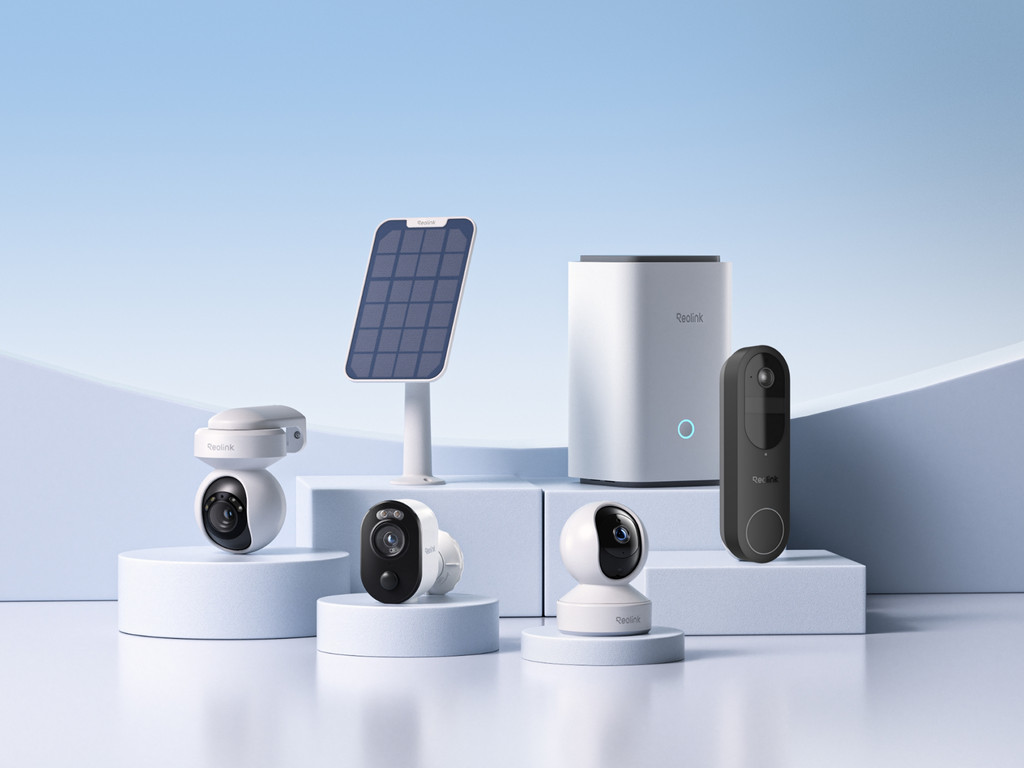
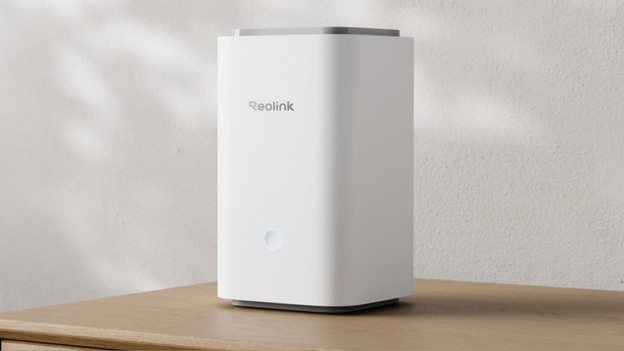
The Reolink Hub is the heart of your Reolink system. You can connect multiple Reolink IP cameras and your Reolink doorbell to it, so all your footage comes together in 1 place. The hub stores footage locally without an obligatory subscription, and has space to expand the storage later. Via the Reolink app, you can watch along live, review recordings, and easily manage all cameras in and around your home.
Never miss a visitor again
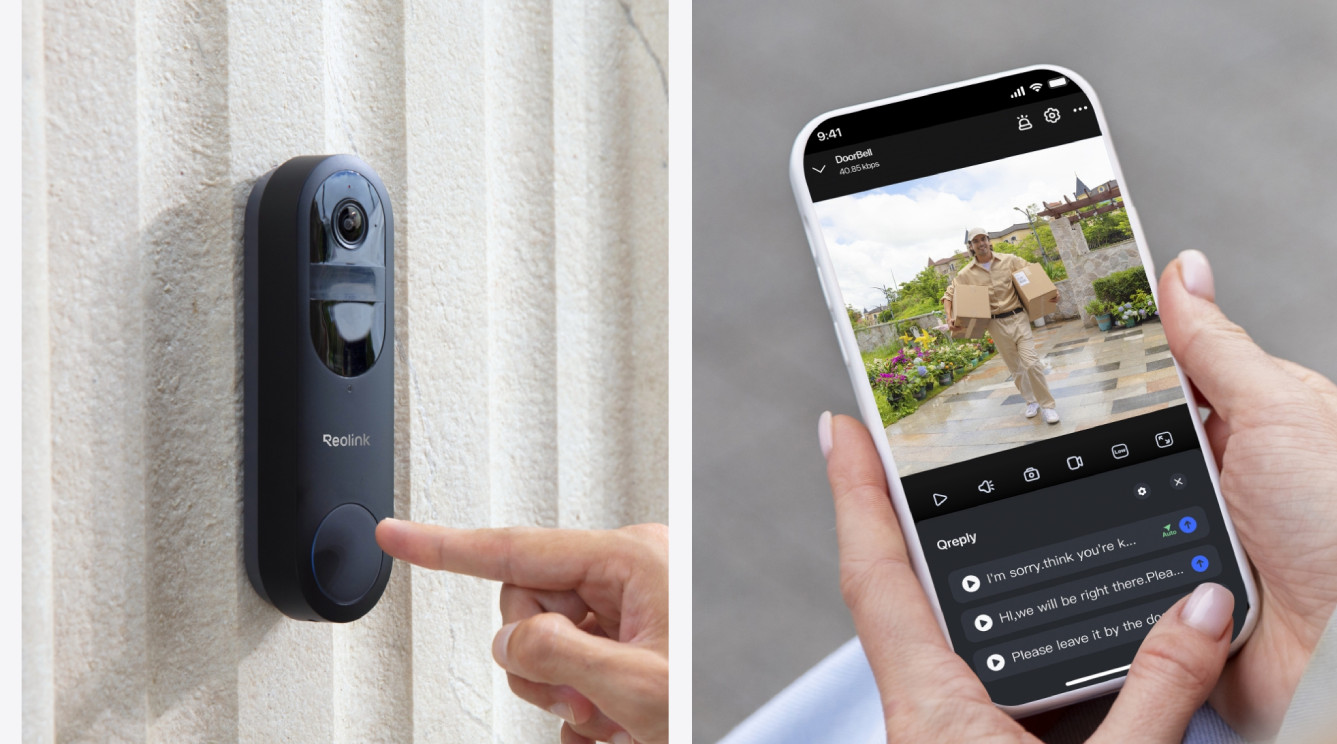
The best security for your house
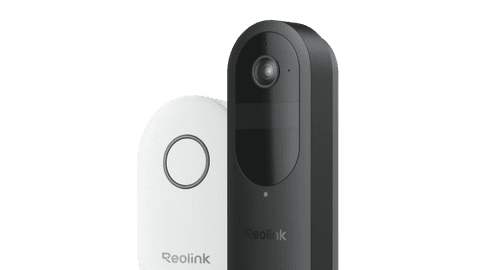
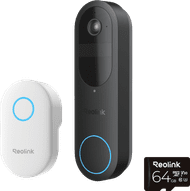
The Reolink D340B + Chime shows you who's ringing your doorbell and what's happening in front of your door in razor-sharp quality. Thanks to the SD card, you can review footage without monthly costs.
What are Reolink PoE cameras?
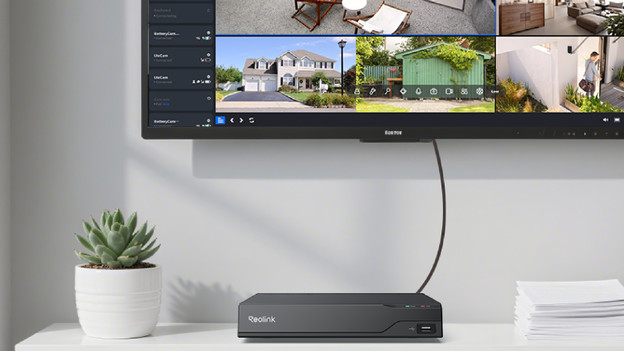
You can connect Reolink PoE (Power over Ethernet) cameras with 1 network cable. They get power and internet via 1 cable, so you don't need a socket next to the camera and the connection remains stable. That's useful when you want to secure a fixed spot, like your driveway, backdoor, or warehouse. You can connect the Reolink IP camera to a Reolink NVR (Network Video Recorder) or PoE switch and store footage locally. That way, you're in control of your data without an obligatory cloud subscription.
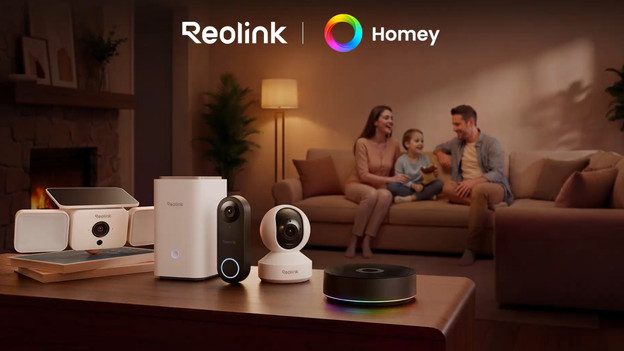
Connect your Reolink devices to Homey
Make Reolink doorbells and cameras even smarter with Homey. Add your devices in the Homey app and create Flows. For example, you can set your smart lights by the front door to turn on as soon as someone presses your Reolink doorbell. Or have your camera automatically zoom in when a person enters the frame, so you know exactly who’s passing by. Please note: Homey doesn't work with Reolink 4G cameras.
FAQ
What's Reolink?
Reolink is a brand that's been making smart cameras and doorbells to secure your home in a simple way with since 2009. Their focus is on high image quality and functions for a sharp price, with products you can install yourself.
Do I need a Reolink Hub?
Most Reolink products work without the Hub as well. Some sets only work with a Hub, but we'll always sell them together in that case.
How do I store the Reolink footage?
You can do this with an SD card in the camera or doorbell itself, on the Reolink Hub, or in the cloud. You have to pay a fixed monthly amount for cloud storage.
How do I connect an Reolink camera?
Some cameras work with a plug. Most cameras work with a battery that you have to recharge from time to time. Other PoE cameras work with a PoE cable. You need an adapter for this.
Does Reolink work with my WiFi network?
If your WiFi network is strong enough to watch or download a video in the installation sport, your network is usually strong enough to mount a camera or doorbell.
Do I install the Reolink myself?
Yes, you can easily install the Reolink yourself. To mount cameras and doorbells, you do often need a drill.