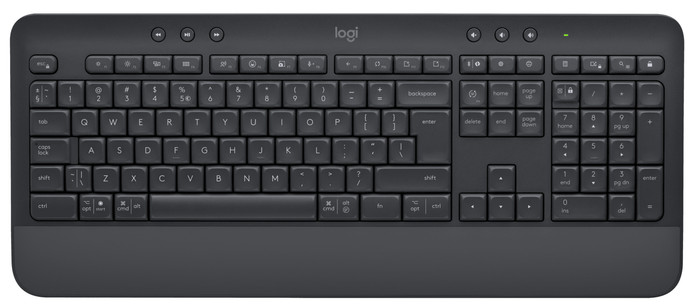
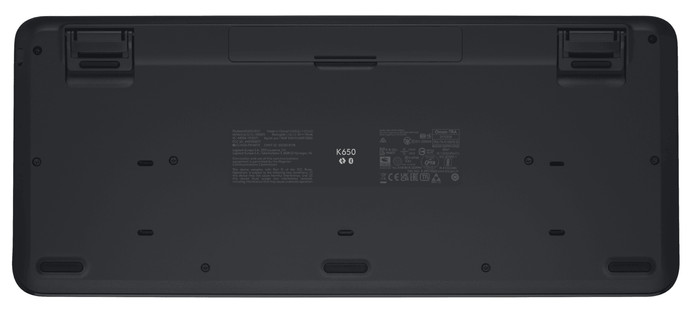
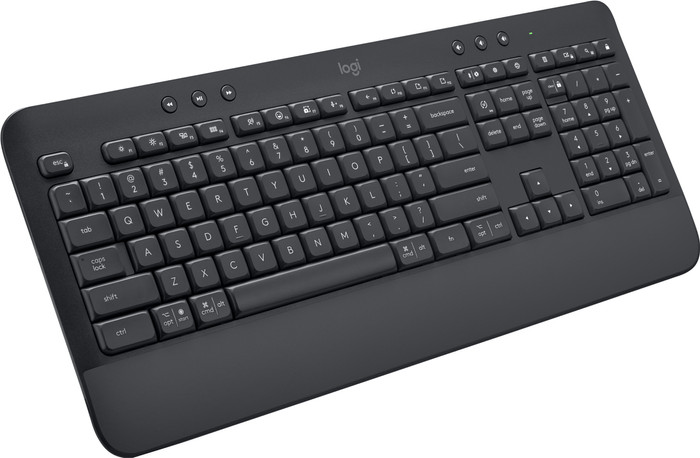
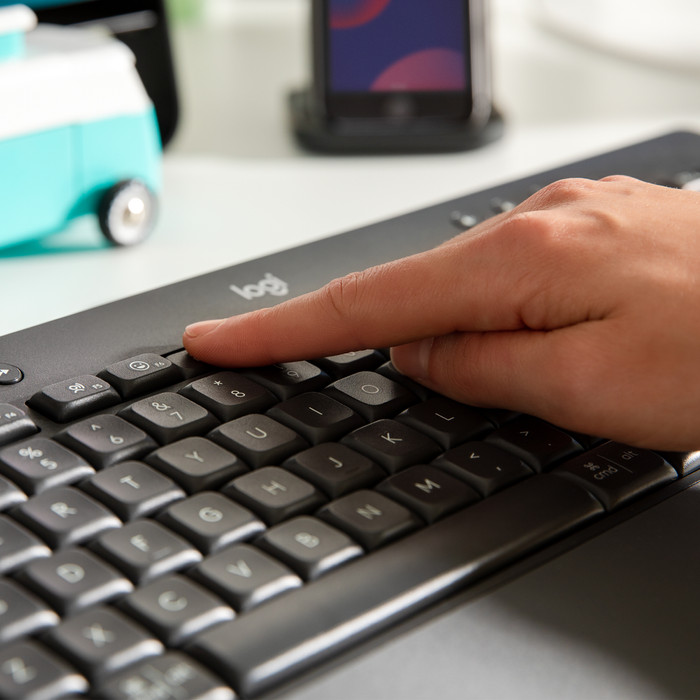
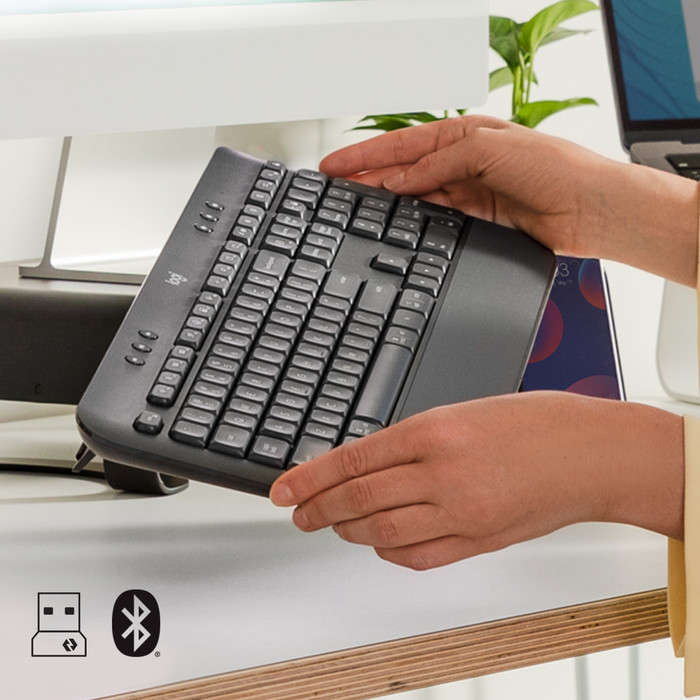
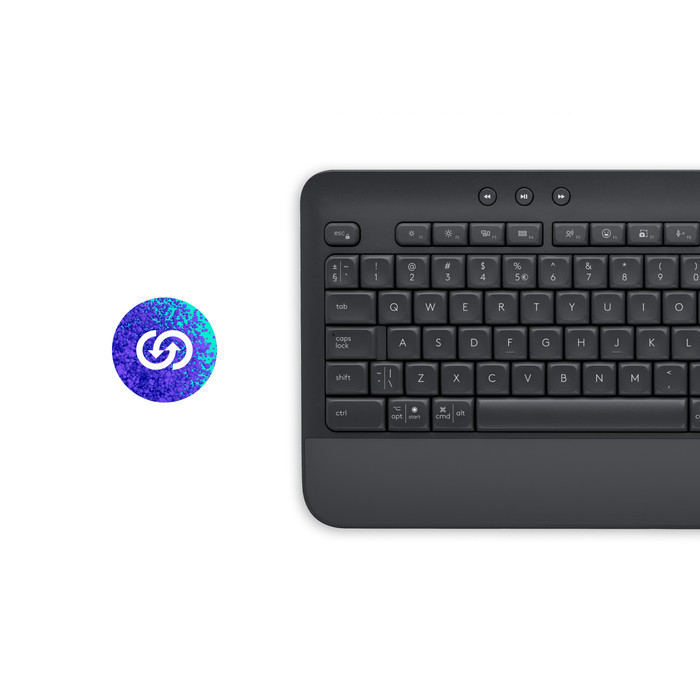
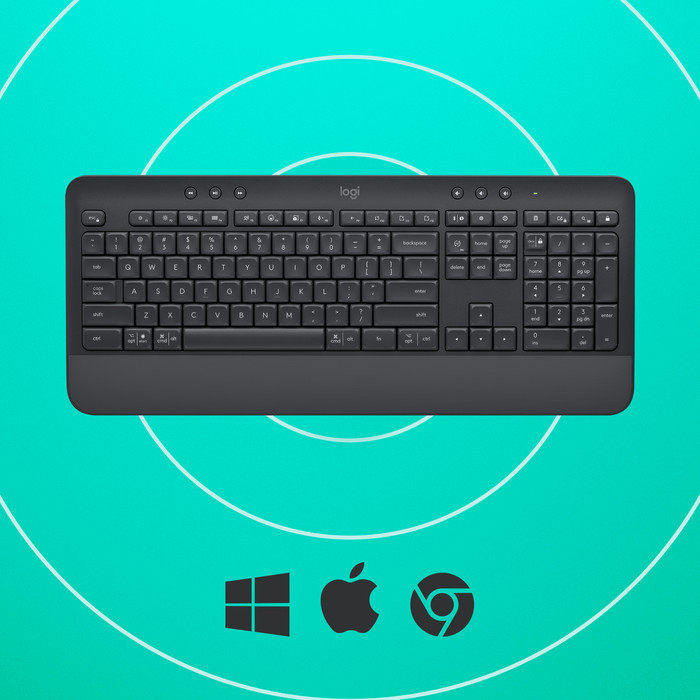
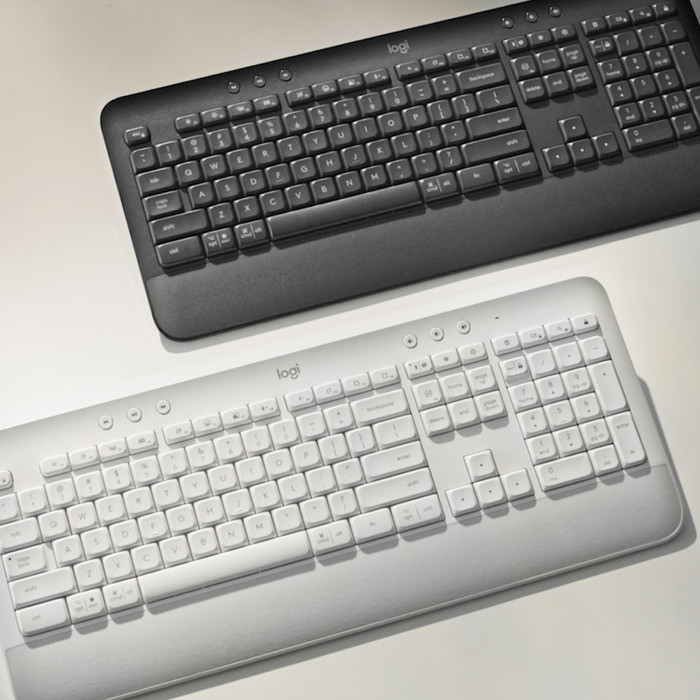
The keyboard is very pleasant to type on. The keys have a spring so that the keys "push back" a bit and therefore do not fall down when pressed. As a result, the typing sound is also very quiet, despite the fact that the distance from the keys to the bottom is slightly higher than with the flatter keyboards. It took a while to figure out how to connect the keyboard, but that was actually because I thought "too difficult" myself. Pairing is dead simple ("Oh, you just have to turn on the keyboard!"), but I was already searching like a chicken without a head for keyboard combinations and all kinds of buttons to activate pairing. All not necessary. You turn on the keyboard by sliding the slider on the right side of the keyboard upwards. There are also many useful functions under the function keys (F1 to F12 and beyond) in the keyboard, such as the button for dictation (there is a microphone in the keyboard) and calling up emojis (instead of Windows key + ". "). Dictation works great, by the way. You can just talk while you are behind the keyboard and the text will be typed automatically. You can also use the microphone (and "mute" it with the microphone button) for video chats. With Fn+Esc you can turn the functions off and on. But you can also change the functions under the function keys if necessary and replace them with other functions. You do this with the Logi Options+ program that you can install. In that program you can also see how much battery you have left.