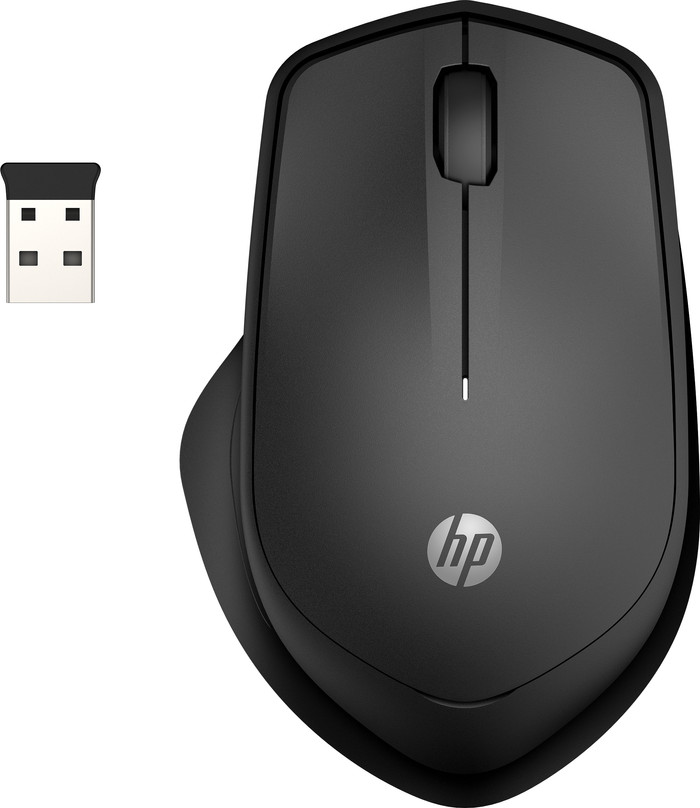
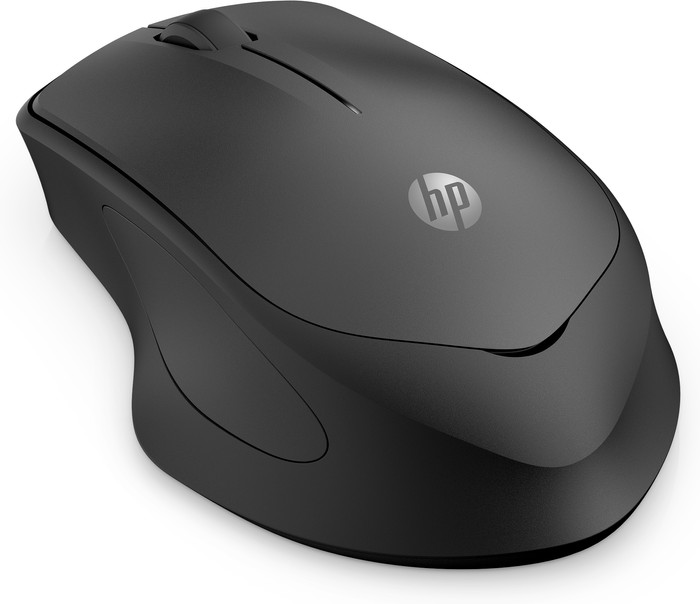
I find the HP 280 Silent Wireless Mouse to be a comfortable, quiet mouse that is suitable for both home and office use. I connect this mouse to my laptop via a USB-A receiver and it works on batteries.
First impression
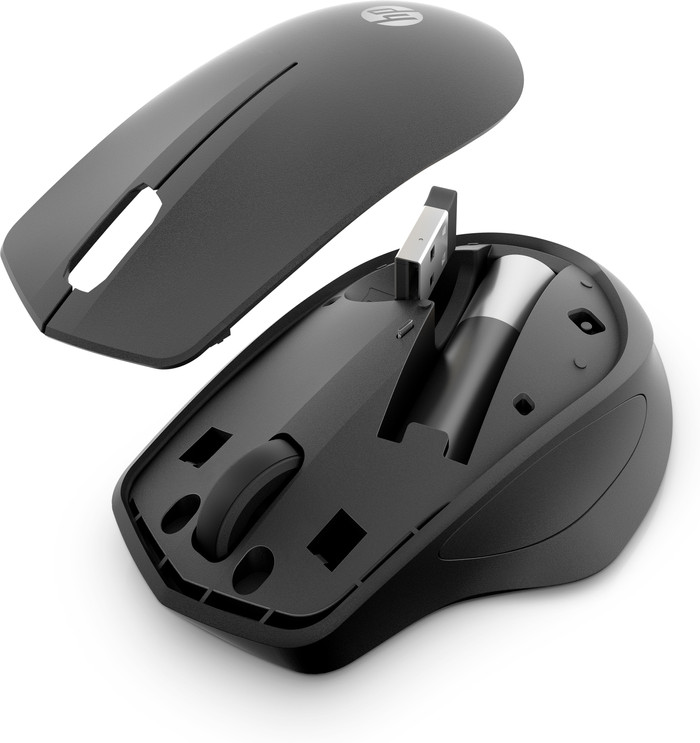
In the packaging I find exactly what I need: the mouse, batteries and a small manual. The USB receiver is in the mouse, which is a handy storage place. When I take the mouse to another place, I don't worry about losing the receiver.
To work
Installing the mouse went smoothly. There is a small slot on top of the mouse, which makes it easy for me to remove the top of the mouse. Fortunately, this goes smoothly and without problems and the mouse is ready for use in a short time. This takes some getting used to compared to other mice. Usually the bottom has to be opened for the battery and the receiver. I plug the USB-A receiver into my docking station, since I work on a MacBook without USB-A connections. With a Windows laptop, the receiver can be plugged directly into the laptop. I turn on the mouse by sliding the slider at the bottom to 'on' and the mouse is immediately connected. It can hardly be easier. For laptops without USB-A ports, it would have been nice if the HP 280 could also be connected via Bluetooth.
Work comfortably
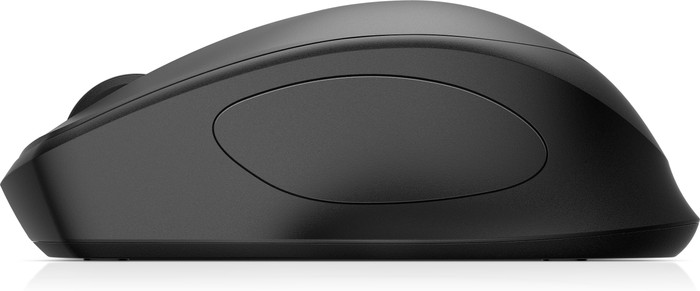
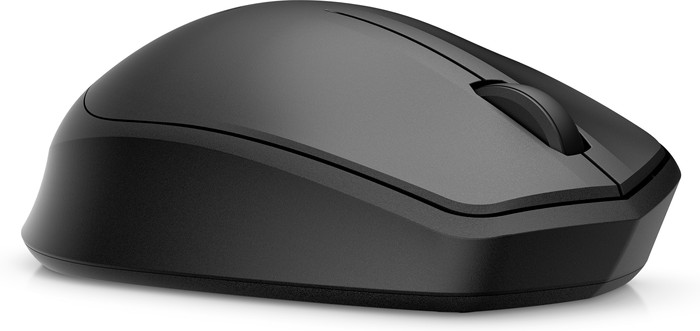
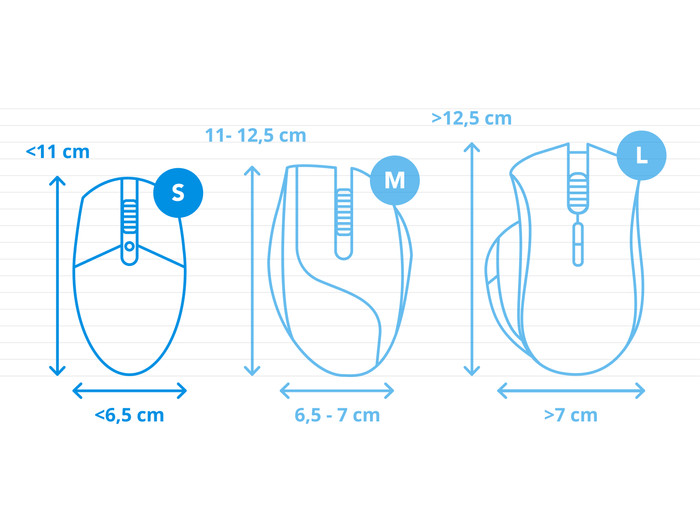
The first thing I notice when using the mouse is that it fits comfortably in the hand. It's a light, medium sized mouse. As the name suggests, it is indeed quiet. I can scroll and click endlessly without disturbing my colleagues. That makes this HP 280 mouse a suitable model for the office. While it's not quite ergonomically designed, its shape is more ergonomic than symmetrical mice. As a result, I keep my hand in a comfortable position while working. The thumb rest is also a nice addition. With this mouse I can easily work a whole day without getting a cramp in my hand. The comfortable design and the silent click make this the ideal mouse for any workplace.