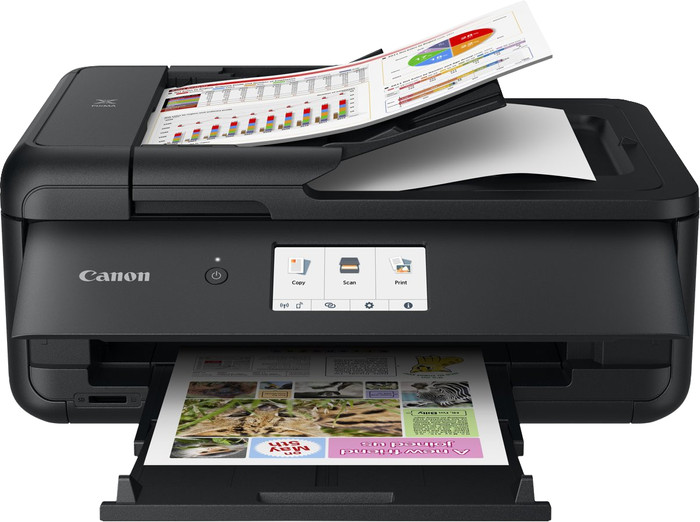
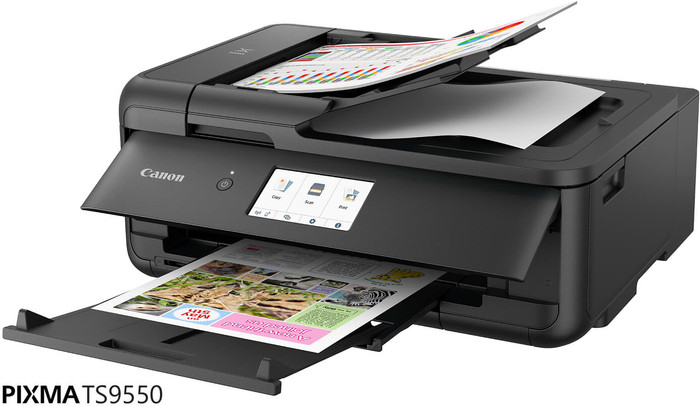
You can print, scan, and copy with this all-in-one printer.
With the automatic document feeder, you can scan or copy a large stack of paper in one go.
You can save on paper thanks to the automatic duplex printing function.
If you want to scan or copy in duplex in one go, choose a printer which supports DADF.
Description
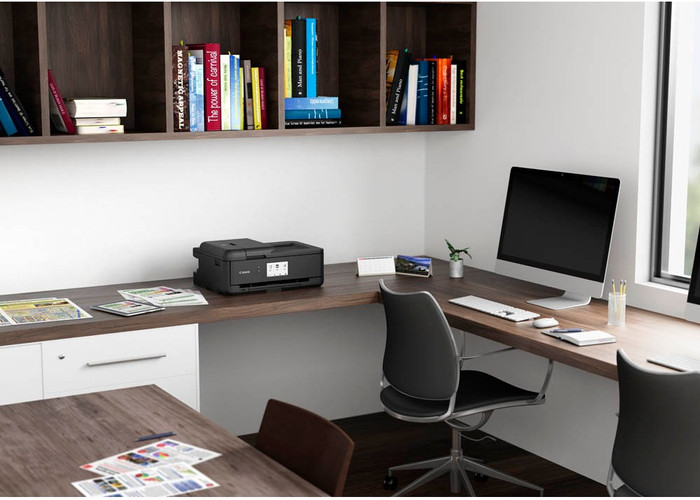
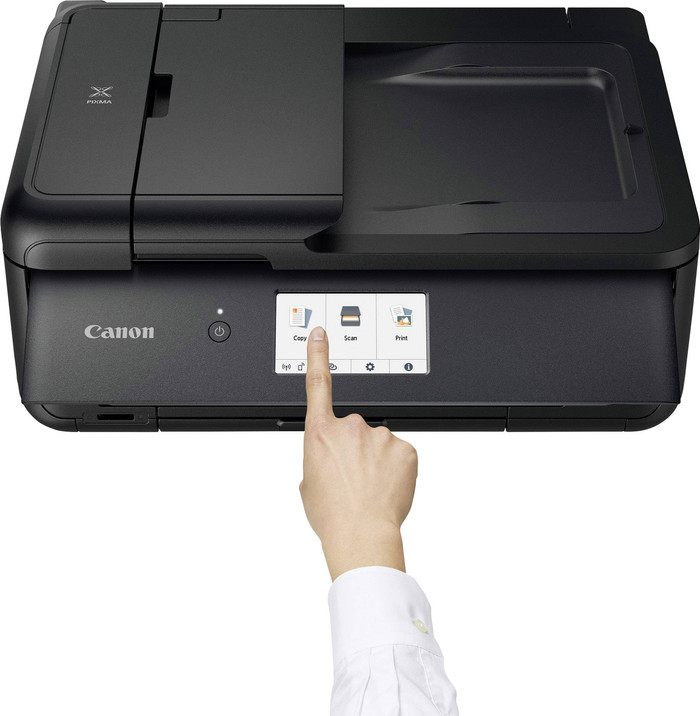
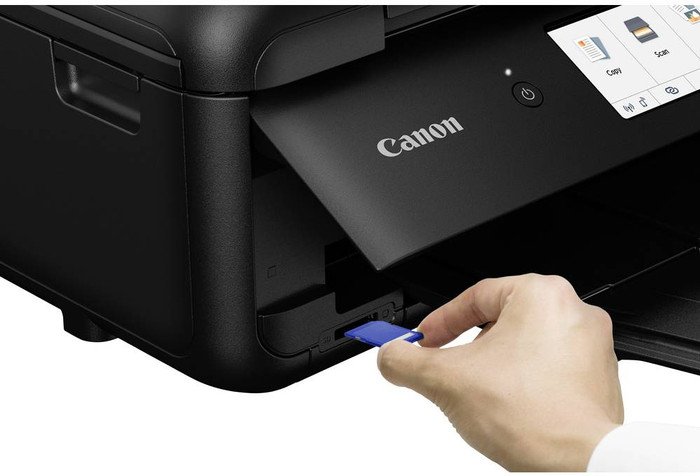
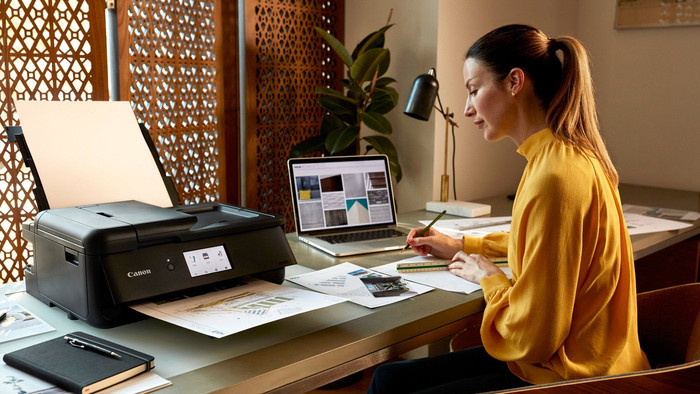
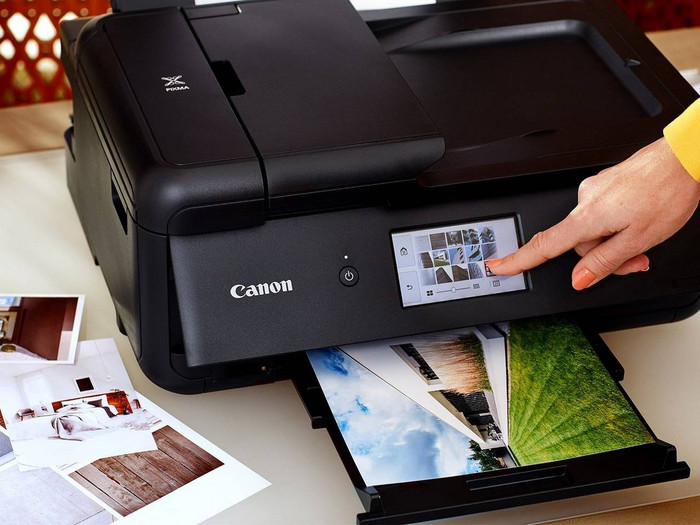
The Canon PIXMA TS9550a is a compact business A3 All-In-One Inkjet printer for printing your documents on A3 and A4 paper. You can use duplex printing for A4 and automatically scan a stack of A4 sheets thanks to the automatic automatic document feeder (ADF). This printer also supports borderless printing, so the entire sheet is covered. Plug the SD card into the memory card slot and you can directly select which images to print on the large 10.8cm color touchscreen. You can also use the display to adjust the settings of your scans and copies to your liking. Use duplex printing to save on paper with this printer. You can also use the Canon app for your smartphone and tablet to print directly via the cloud. This way, your documents will wait for you when you walk into the office.
Note: want to print a photo on photo paper? Place the back (with the logo) upwards in the printer.
Good all-around home A3 printer for occasional use
Good print (photo) quality, up to borderless A3
Quiet
Almost the same size as an A4 printer
Goes through ink fast - high price per page
After reading through tons of reviews I decided to buy this printer for following reasons:
can print A3
very good photo quality (also borderless A3)
I don't print too often (< 50 pages per month) so running costs are not the priority. You can also buy unoriginal inks for less than 50% of the price.
Print quality of photos on photo paper is very good, although the default prints turned to be a bit dark for me. So I needed to do Manual color adjustment in Printing preferences and a few test prints.
Regarding A3 printing, I don't need it often, but when I do (photos or just some craft material for my son), it's great to have that option.
ADF (automatic document feeder) for scanner is also a nice add-on, although it's only for A4.
The printer is relatively quiet during operation, so you don't bother the whole family in the evening.
I was also positively surprised by the size of the printer which is just slightly larger than my old A4 all-in-one.
Michal
3 December 2024
Review is 4,4 out of 10.
4,4/10 ()
Works if you only want to print
When it prints, it prints well
For most things that go wrong, you can quickly google a manual
Scanning not working (just not responding)
I opted for a slightly more expensive printer, hoping it wouldn't have any common problems (e.g., it prints but doesn't scan), but unfortunately, that's not the case. I might still get it working, but overall, the ease of use is a 1/5 rating.
Anoniem
11 October 2025
Automatically translated from Dutch
Review is 8,0 out of 10.
8,0/10 ()
Good deal!
Very easy to print with, even from your phone
The printer cannot be placed against the wall with its back if you want to print A3.
Great machine. And although it can print A3, it's not a huge beast.
Rianne
23 August 2025
Automatically translated from Dutch
Specifications
The list with properties are filtered when you type