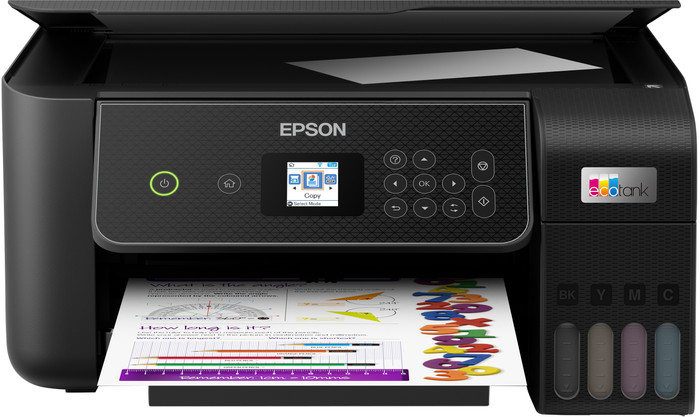
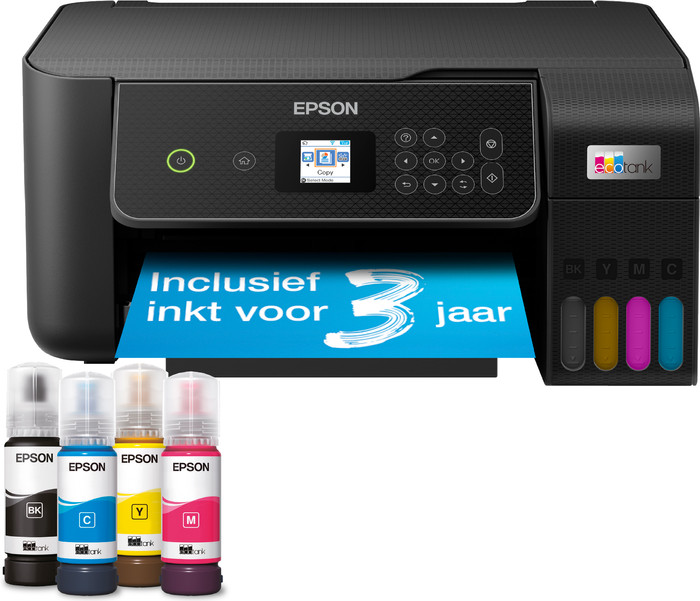
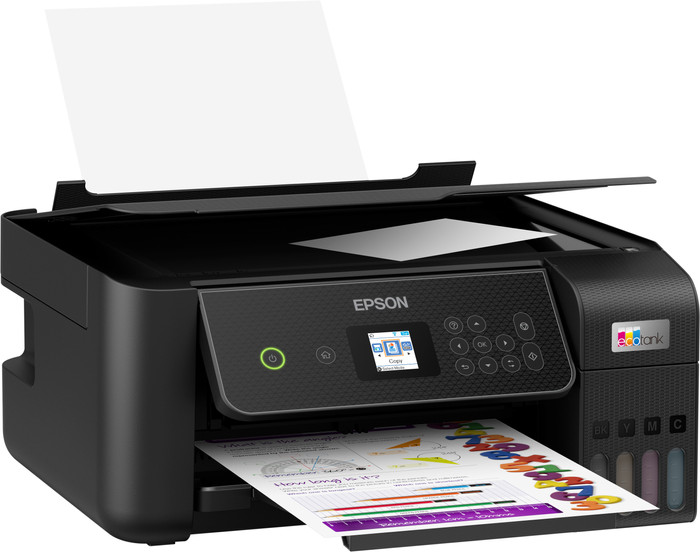
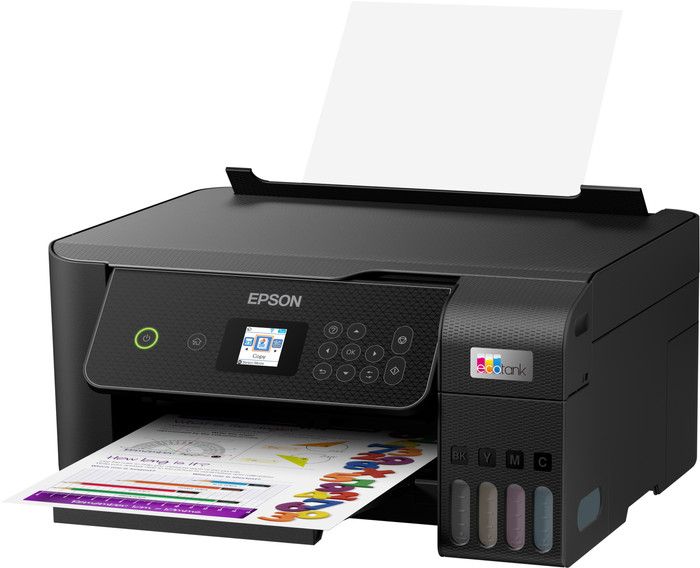
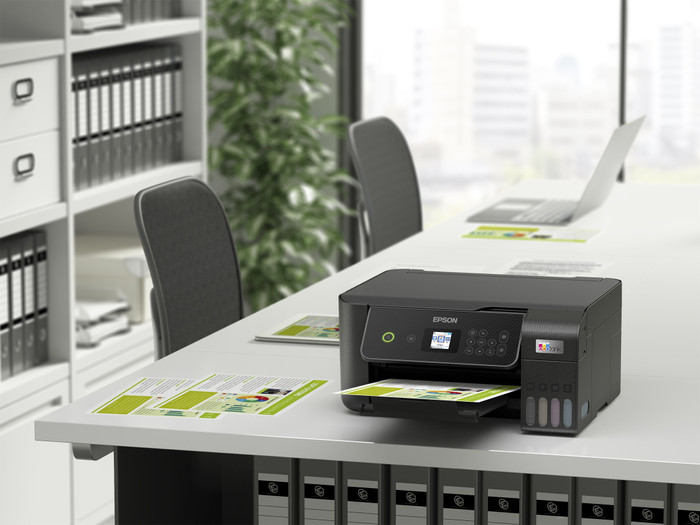
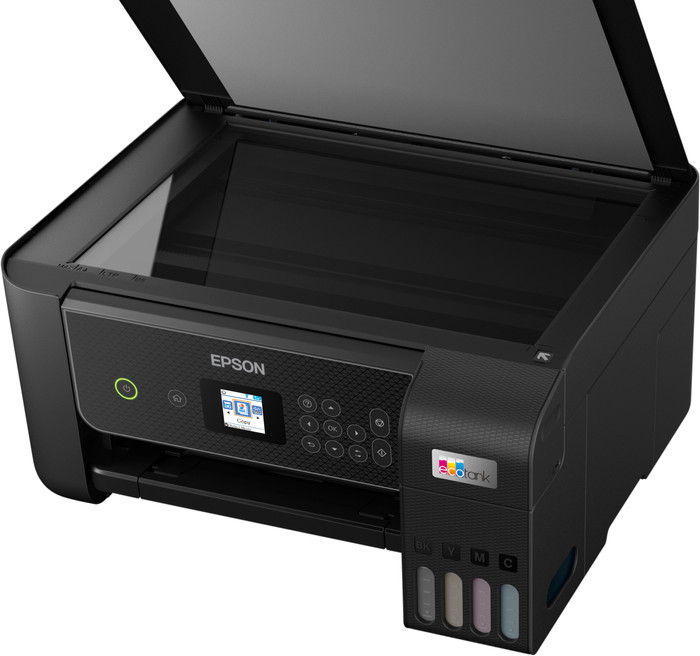
With the Epson EcoTank ET-2871 I save a lot on my consumable costs thanks to the ink tanks and I print documents sharply. I do not automatically print double-sided with this printer.
Low running costs
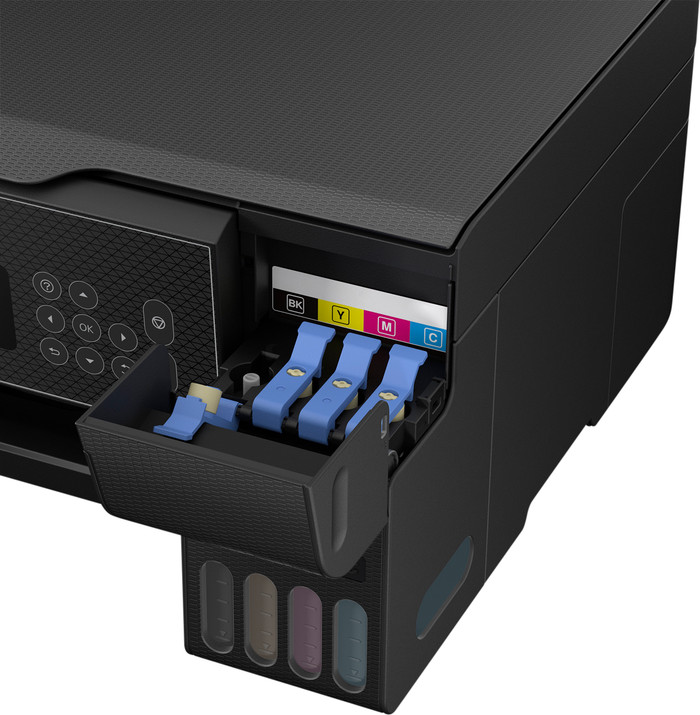
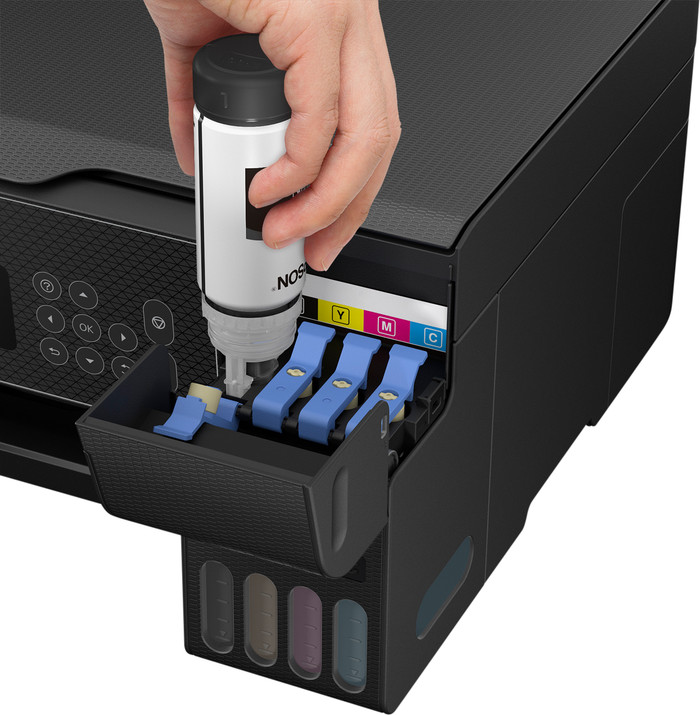
This printer does not use cartridges, but has an ink tank that I fill with ink from bottles. Filling the ink tanks is very easy. I place an ink bottle on the attachment and the ink automatically flows into the tank. I was afraid of stains on my desk, but ink automatically stops flowing from the bottle when the tank is full. The biggest advantage of these ink tanks is that they are much cheaper than cartridges. With one set of ink bottles you can print approximately 4,500 pages in black and white and 7,500 in color. I print about 300 pages and after this I see no difference in the ink level. This makes the printer economical to use if you print a lot.
Small size and easy connection
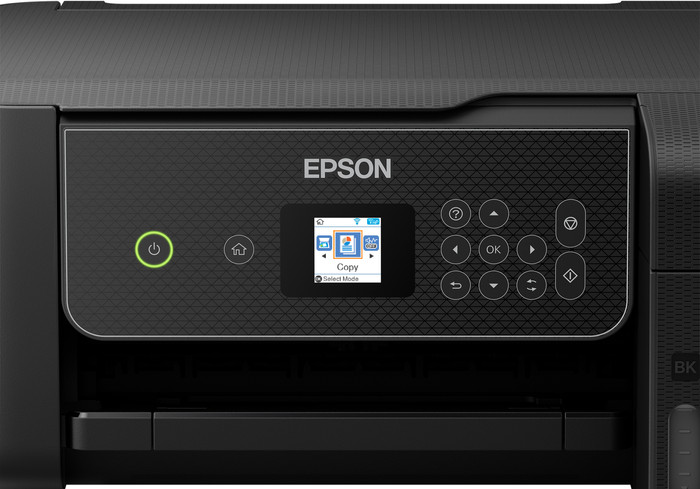
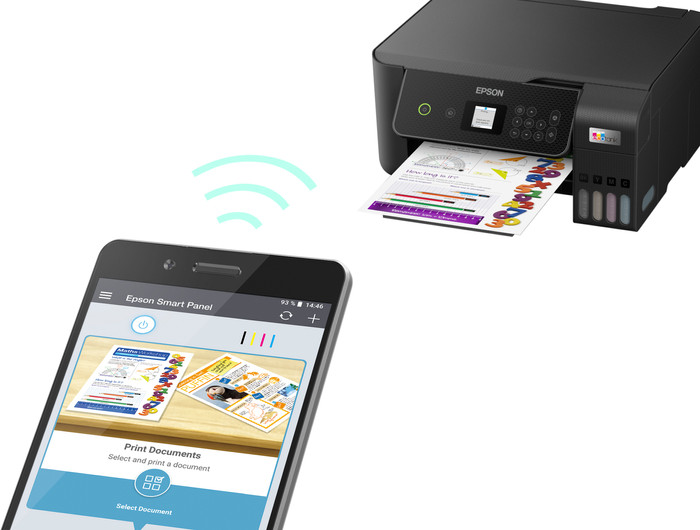
What I like about the printer is that it is compact and light. The light weight of the printer makes it easy to unpack. Due to its compact size, the printer fits easily on my desk next to my laptop and monitor. Connecting the printer to my WiFi network also goes smoothly. I connect my smartphone directly to the printer's own WiFi network. I scan a QR code on the printer's screen and am then immediately connected. My laptop does not have a USB input to which I connect the printer, but this is not a problem. I print via Apple AirPrint and the Epson Smart Panel app. I can copy or scan at the touch of a button via the LCD screen. The printer does not automatically print on both sides, so I only print single-sided documents.
High print quality
The printer is on the slow side. Printing a 10-page color document takes about 2 minutes. A full-page image is ready after a minute. I often print small documents myself, so I don't mind waiting a while. If you often print reports with many pages, I would choose a faster printer. The quality of text and color documents is good. The printer has a high print resolution of 5,760 by 1,440 dpi. This also allows me to print images sharply. With the standard print settings, I think the colors look a bit dull on the paper. After I choose the high print quality, I do get vibrant colors.