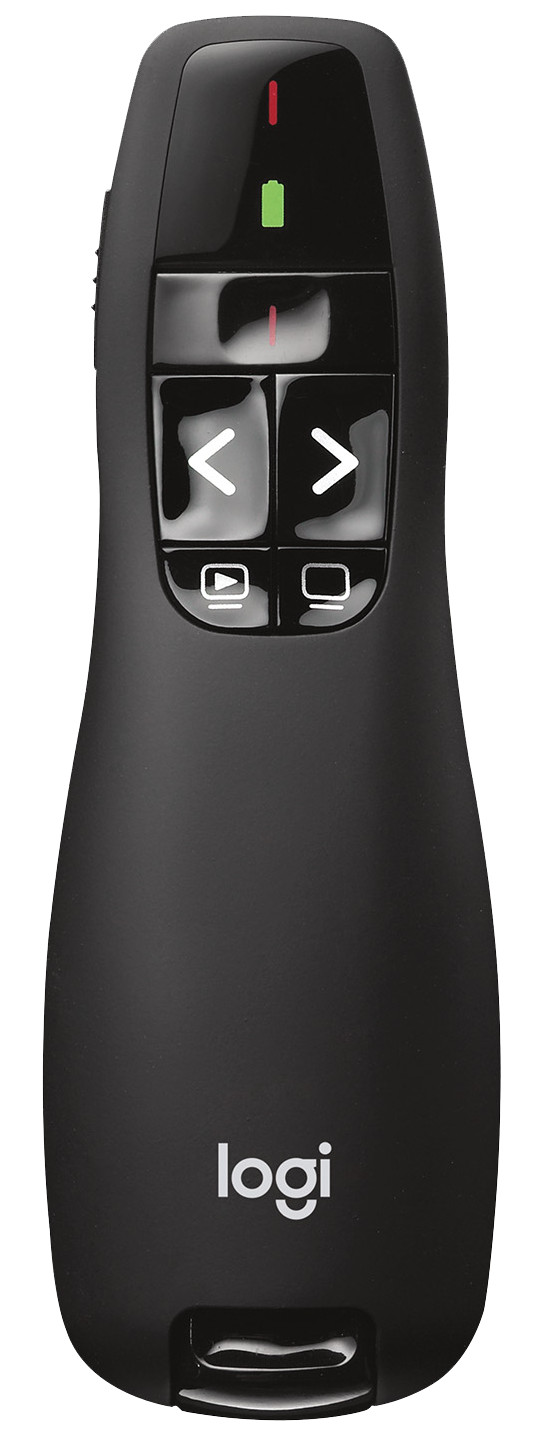
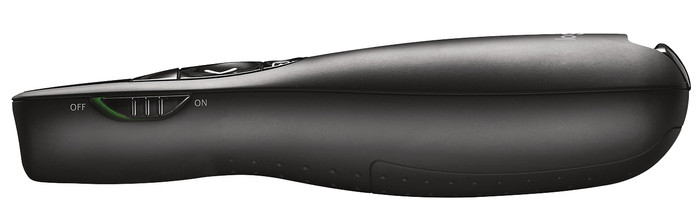
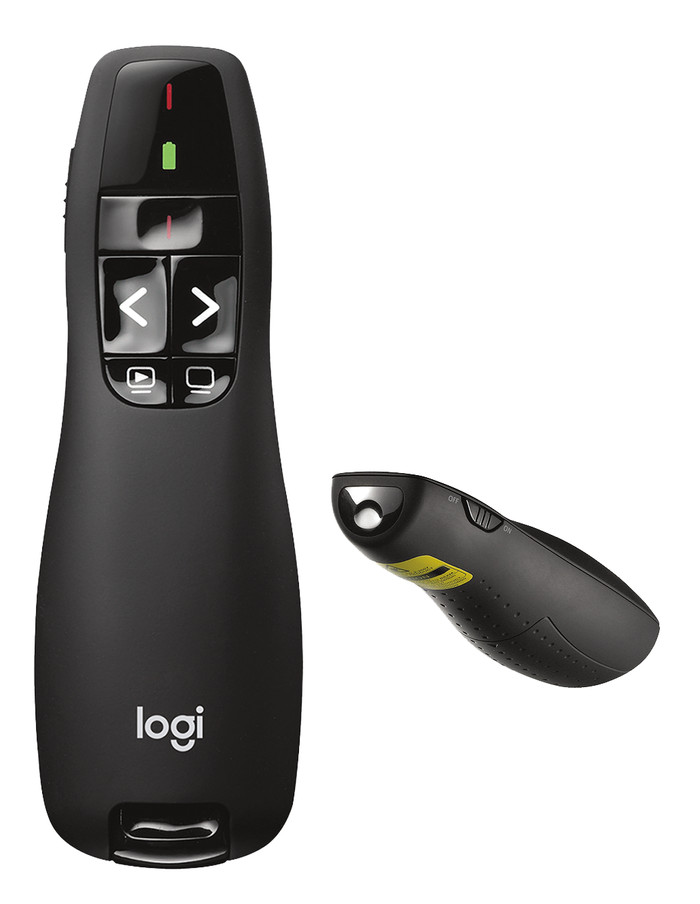
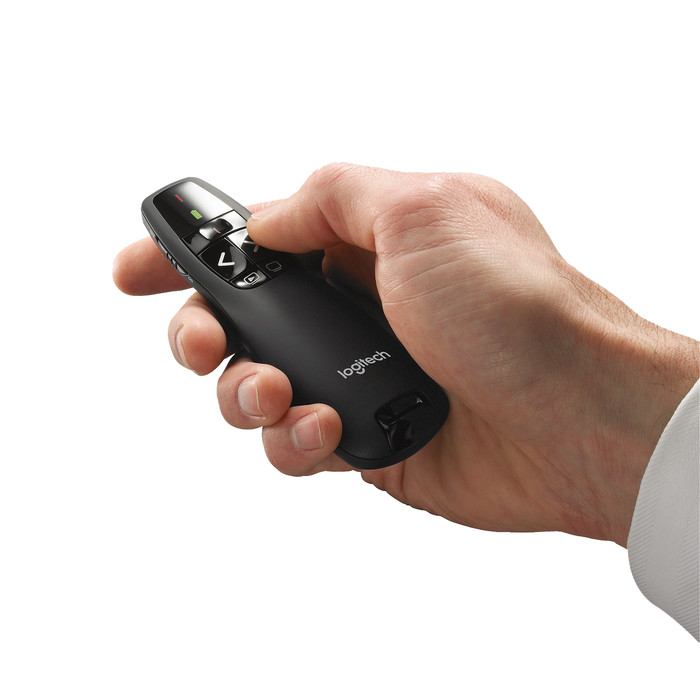
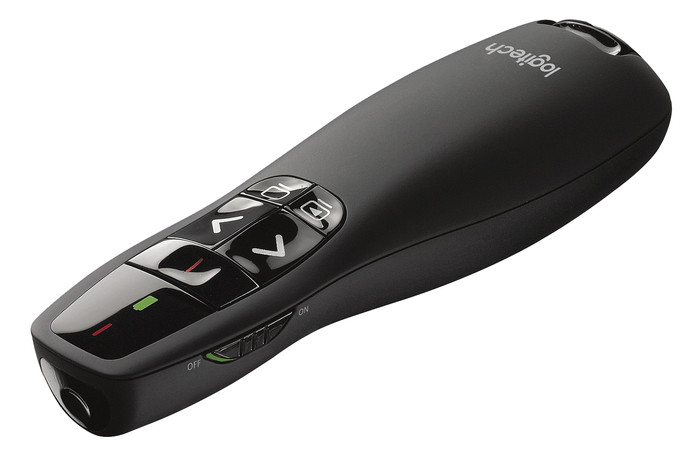
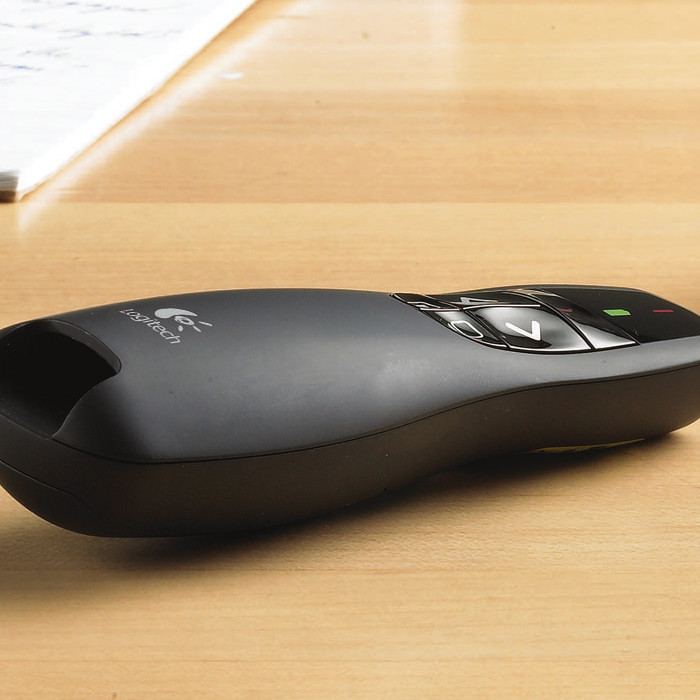
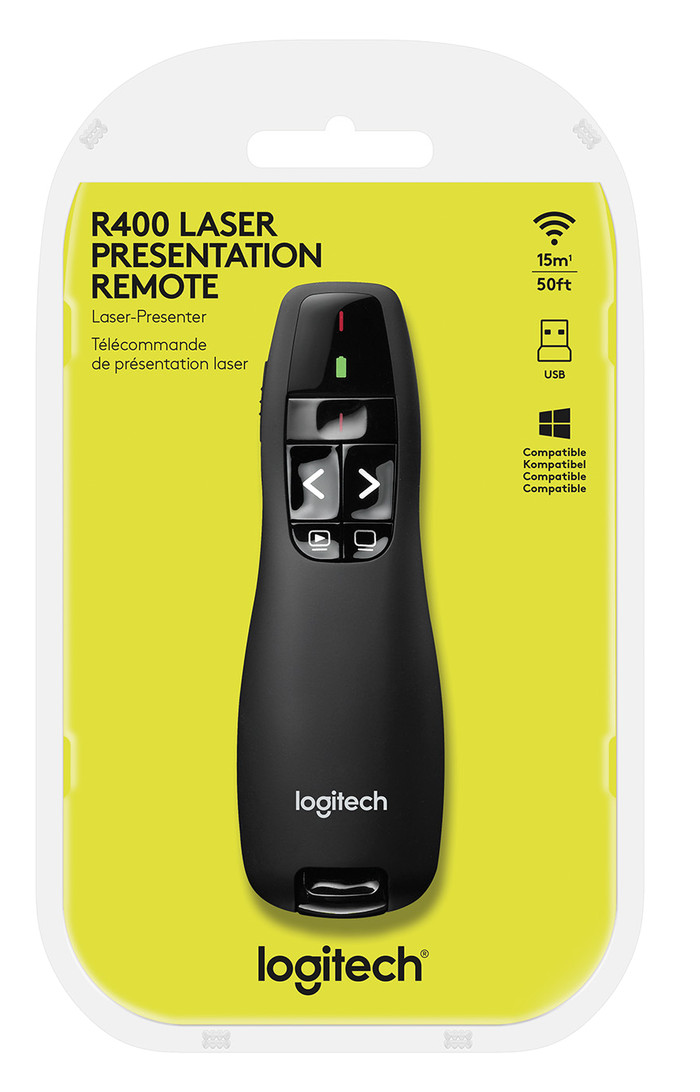
Bought Logitech R400 with a lot of doubts. Because the packaging states: Windows suitable (no Mac).
After some positive reviews, I took the plunge. . .
My previous 'presenter' (other brand) 20 years old, had lost its way.
R400 connected to MacBook Pro.
You will immediately receive an error message 'cannot find keyboard'. Next you will be asked: Press the button on the right, directly next to the (left) shift key.
Voila, problem solved.
Immediately performed the following Tests 1,2,3.
- MacBook with presentation in Open Office. = OK
- MacBook with presentation in Keynote. = OK
- PC under Windows Vista in Powerpoint. = OK
Test 3 Powerpoint went by far the best. That's what the R400 was made for. A TEN with a pencil.
Test number 1 and 2 get more than a pass from me. Scrolling forwards and backwards in the presentation is smooth, without stuttering or lag.
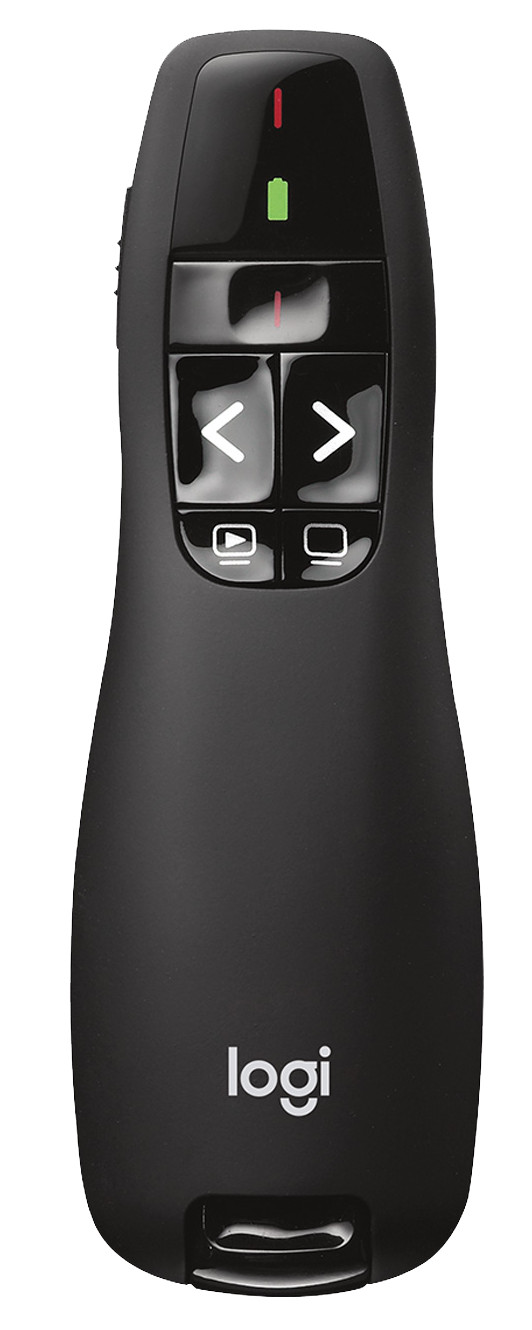
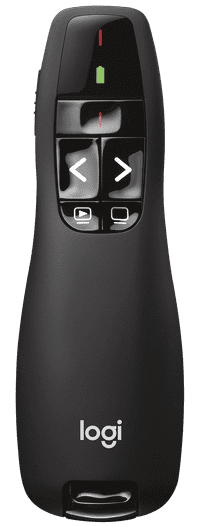
Button right below 'Black screen' responds on/off without any problems.
'Start-the-presentation' button (bottom left) works a little less well, but I never use it. So for me everything works.
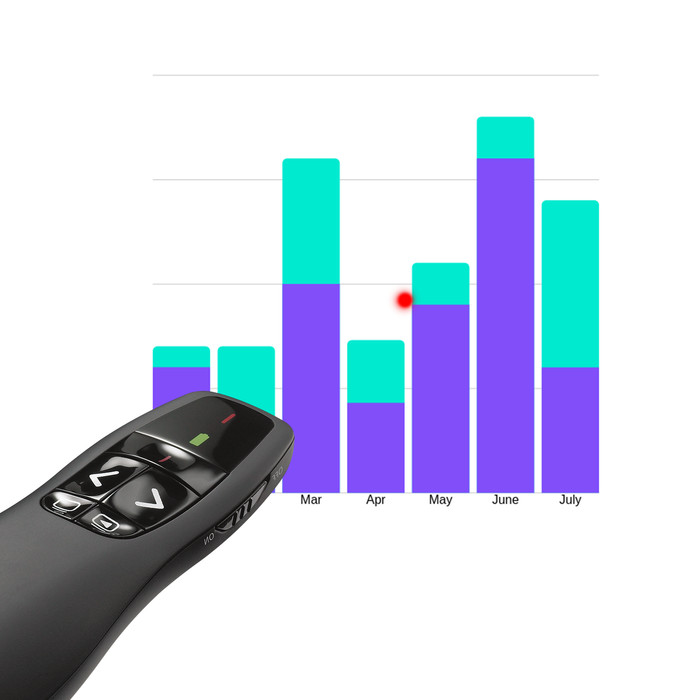
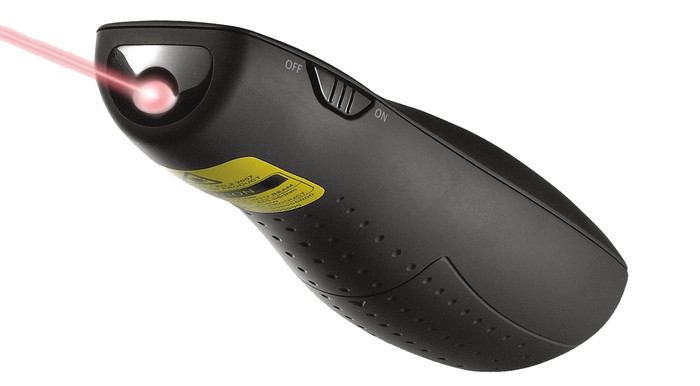
Great, now I only have 1 device in my hands, because the arrow pointer is built-in.
The red laser arrow tested at a distance of 6 meters from the projection screen. Fine !