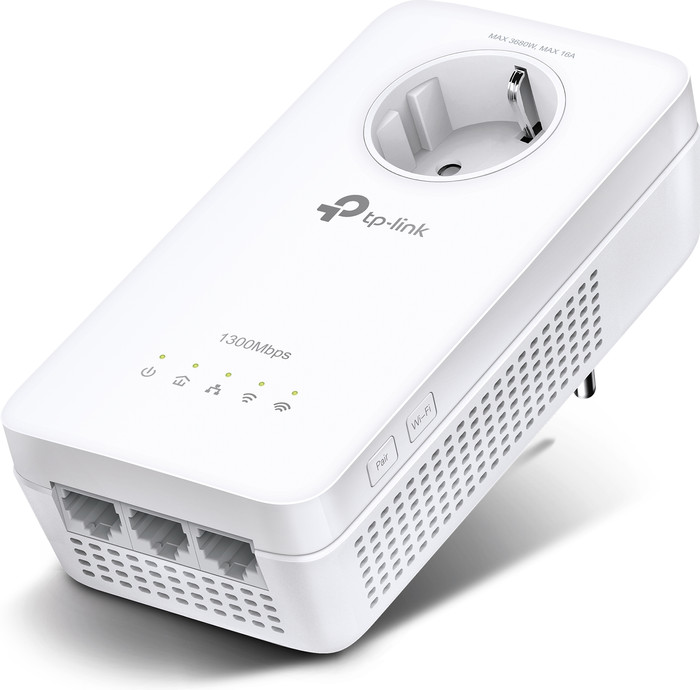
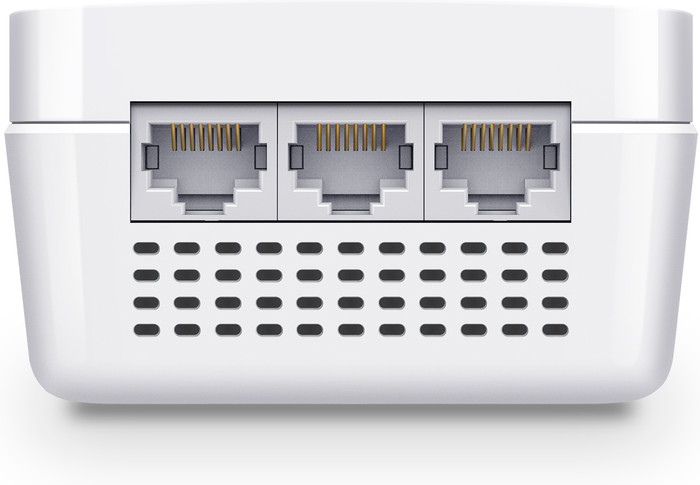
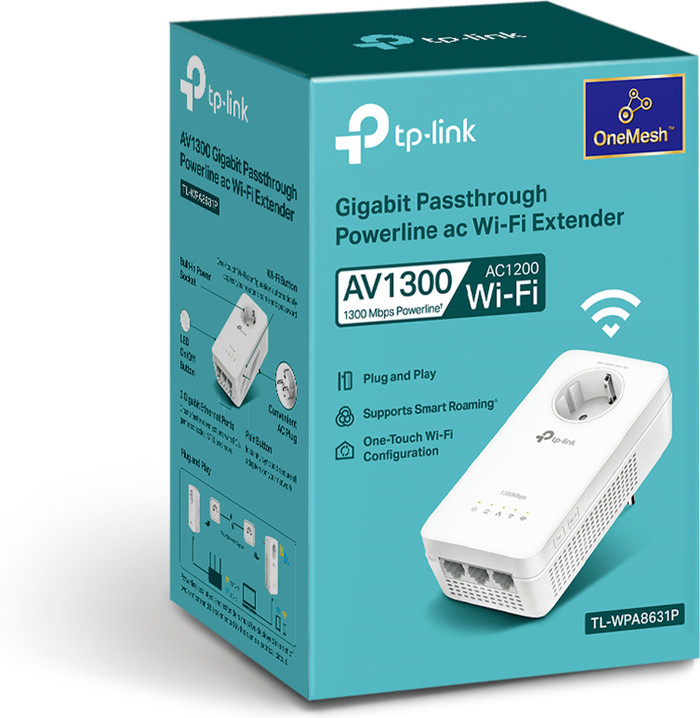
I was surprised how quickly I got the whole thing installed and working. Just follow the steps in the included mini manual and the case was online. First have it paired to the same group, and then connect the extender in the right place. Despite the fact that it is on a different power group, the connection was quickly online. In addition to Wi-Fi, the extender also has 3 Ethernet ports available, so an extra switch is not quickly needed.
I set up the Wi-Fi manually, so I didn't test the cloning. There I found out that ease of use also comes with a price: For 5GHz Wi-Fi, only the first 4 channels are available. If you want to use 80 MHz channel width for high Wi-Fi speed, then all 4 are immediately used up. Does your neighbor have the same device, or do you have several, and the coverage of those devices overlaps too much? Then you will have to go back to 40MHz or 20MHz channel width. If you set everything to "auto", it will probably be fine, but you will almost certainly never achieve the advertised Wi-Fi speed.
On connections via the powerline I get a maximum of 200Mbps. On the one hand that is still quite neat via multiple power groups, on the other hand the web interface claims that I should be getting 600Mbps at that moment. This is more of a general powerline adapter problem. Where you really need fast connections, it's still better to just lay network cables.
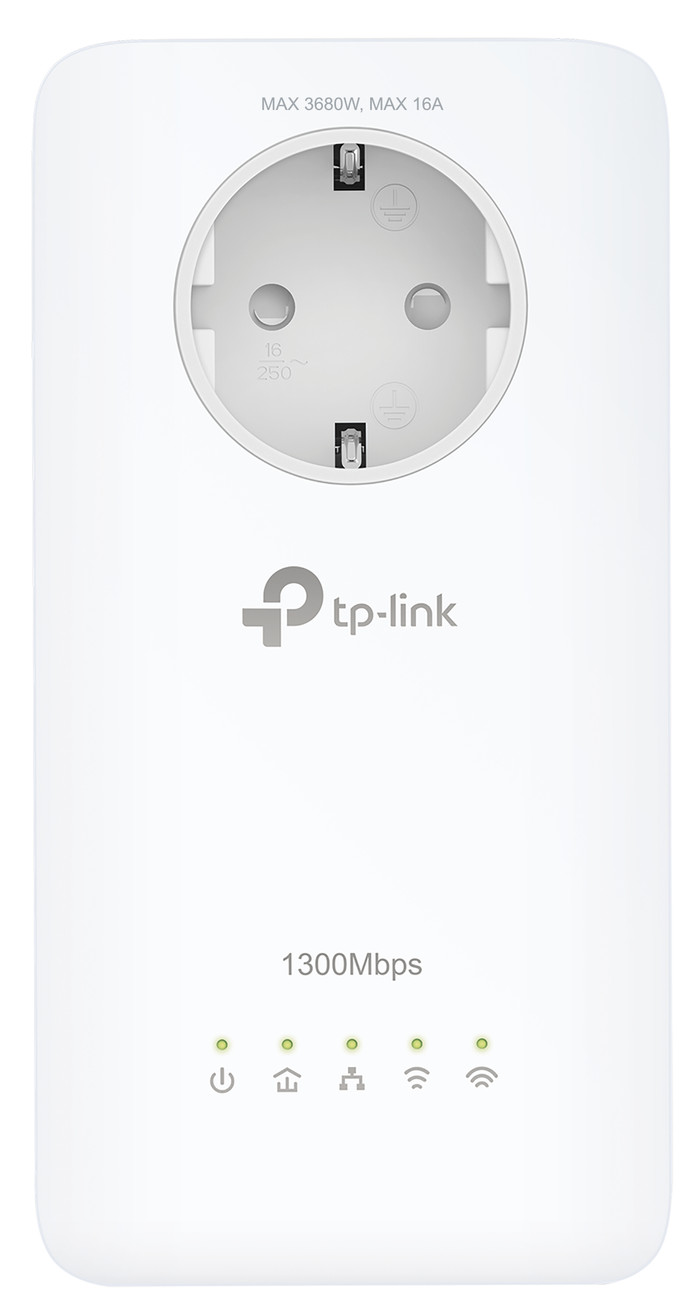
Finally, a point of irritation with the design: TP_LINK proudly reports that you do not lose a wall socket, because the adapter also has one itself. But if your wall sockets are above each other instead of next to each other, the top one can no longer be used for a plug with an earth connection. In my case not really a problem, but still sloppy. So pay attention to the orientation of the wall sockets you want to plug it into.