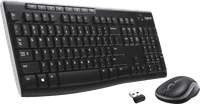
Unboxing: (unpacking)
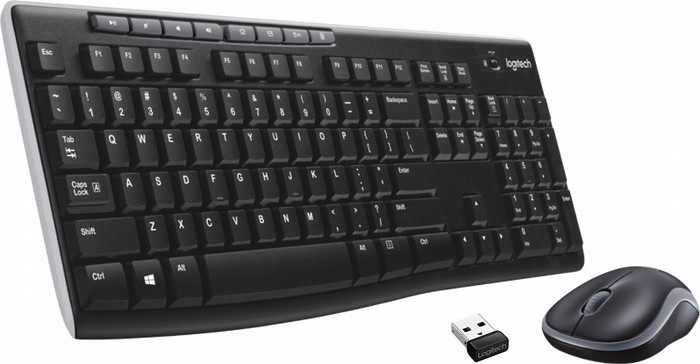
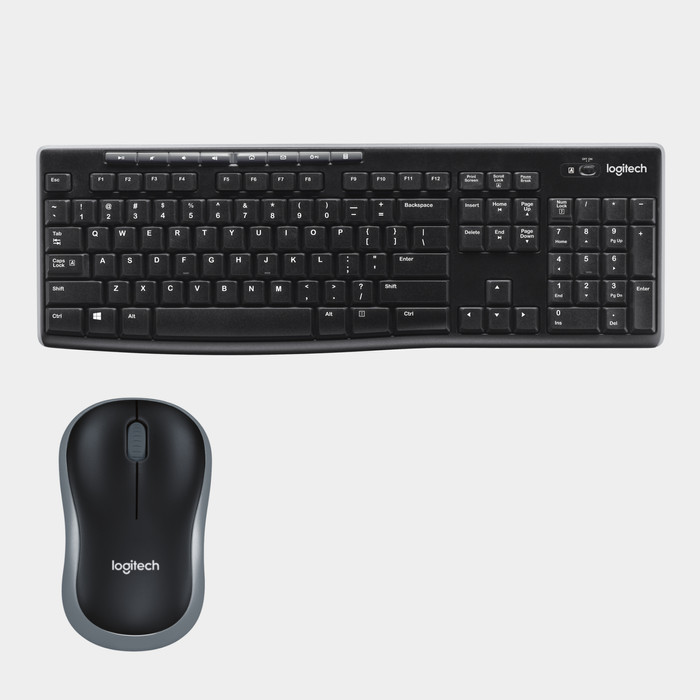
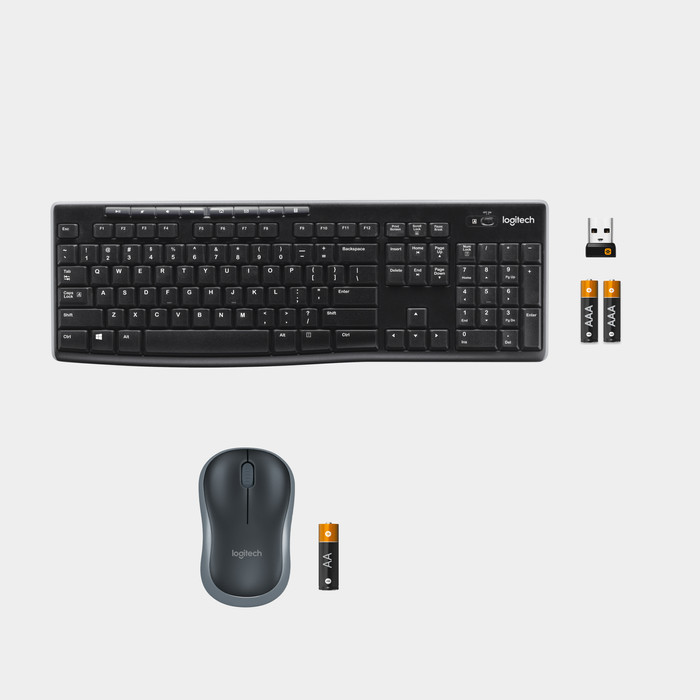
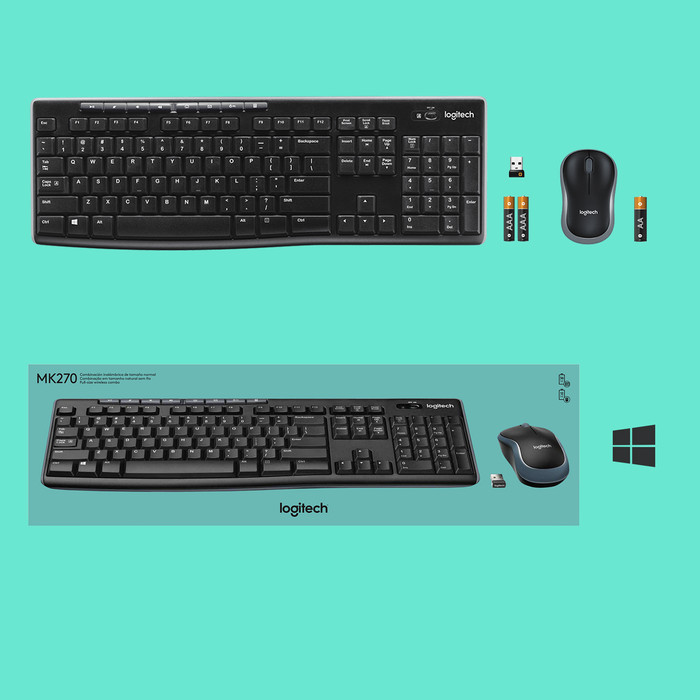
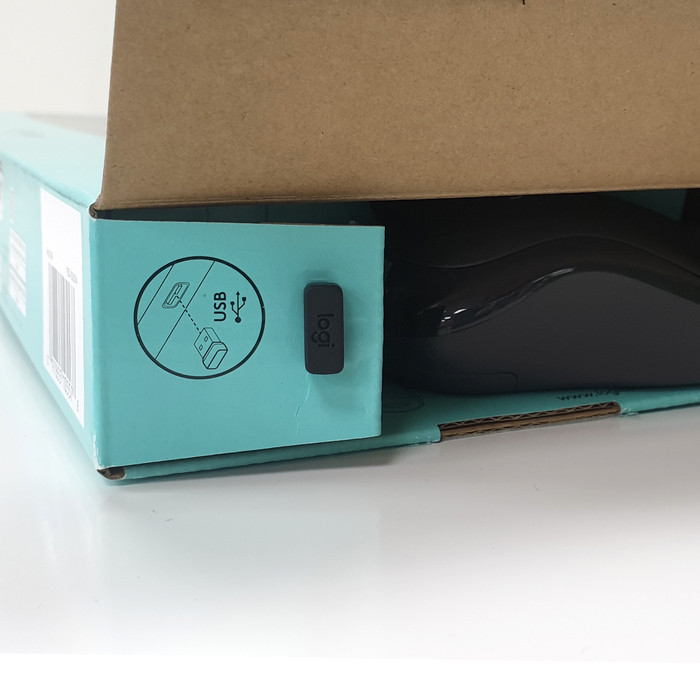
The keyboard, as you would expect, comes in a long box. Here we find the keyboard, some paperwork, the mouse, and the wireless receiver.
Connecting:
The connection is done according to the Plug & Play principle. This means that you only have to plug the small wireless receiver into the USB port of your computer or laptop. The keyboard and mouse will work immediately as soon as you have turned on both devices with the on/off button.
My usage situation:
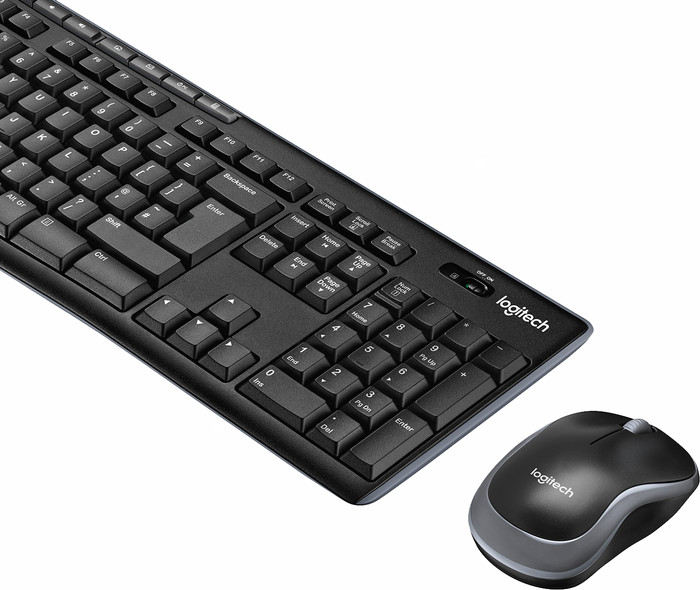
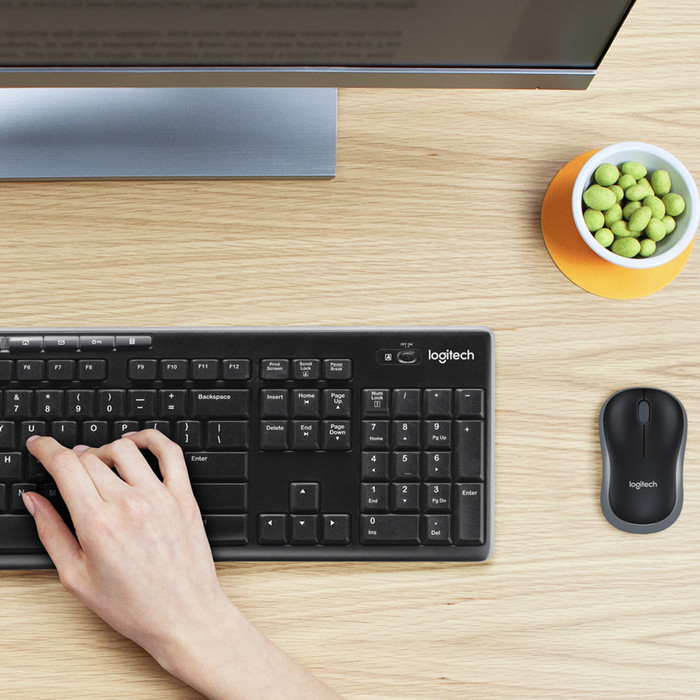
I use this keyboard and mouse combination with my PlaySeat. Now connoisseurs may be thinking: Why didn't you go for the Logitech MK400? It's much more compact! That's true, but I wanted a numerical part for the games I play and I don't like touchpads. The MK270 was compact, but complete as I described in the pros and cons.
The keyboard:
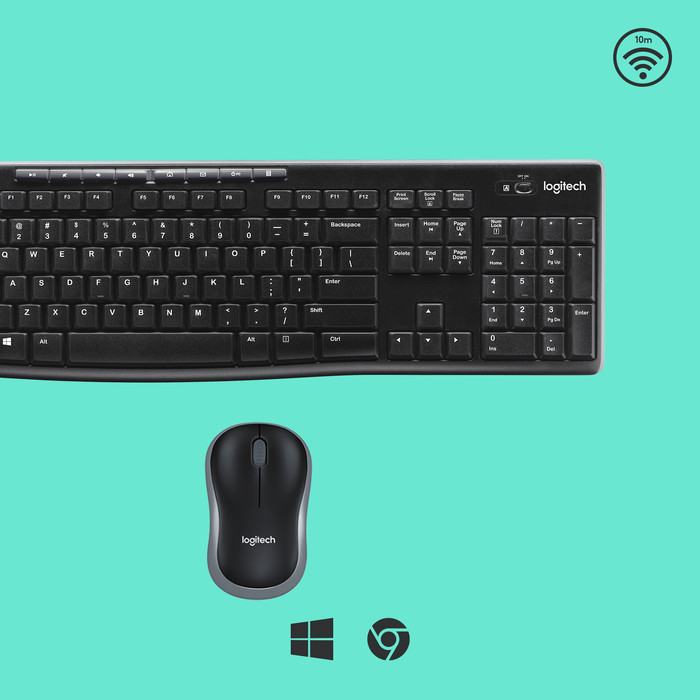
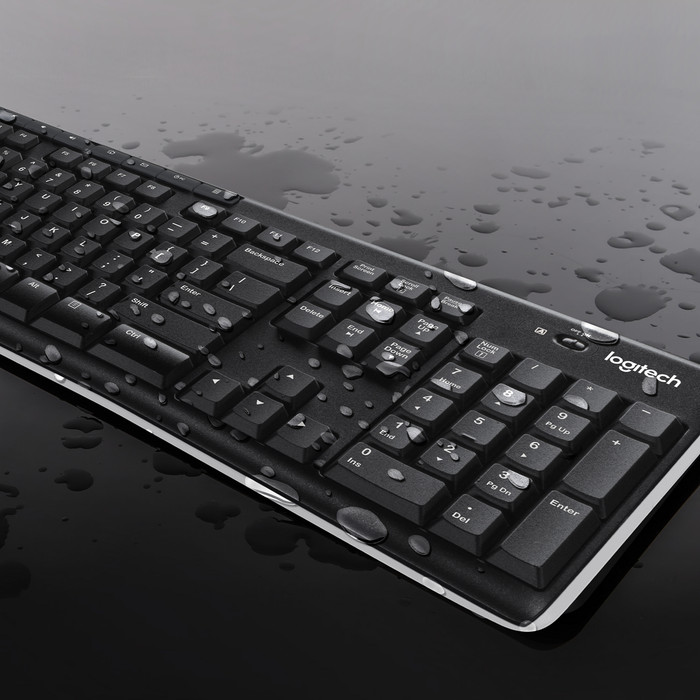
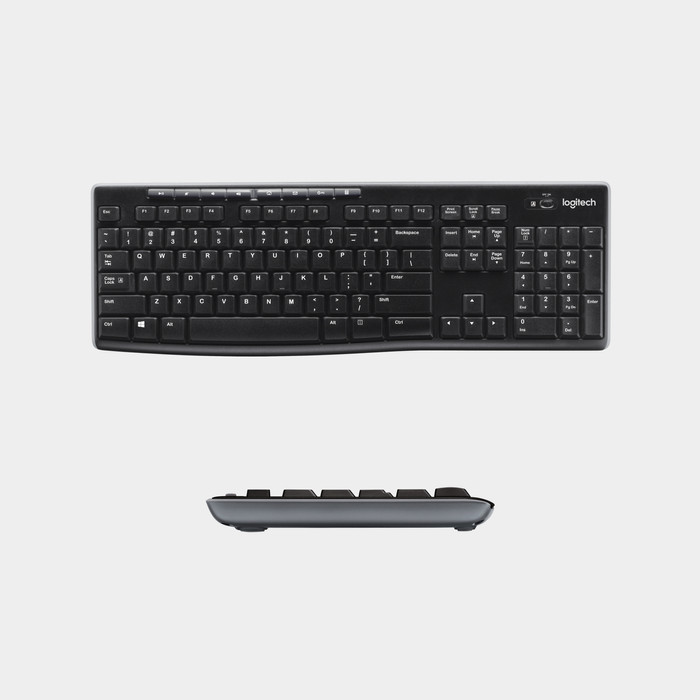
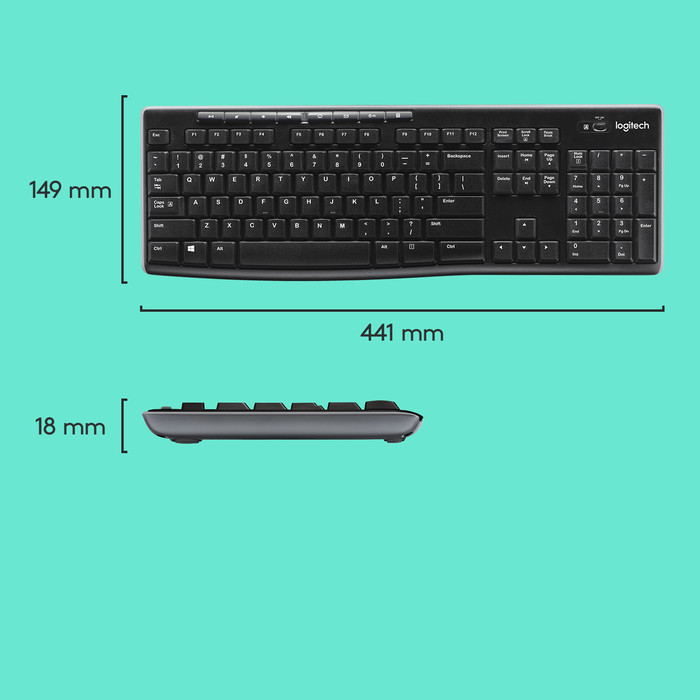
The keyboard itself doesn't type particularly well, but it doesn't type so badly that I want to throw it out the window either. Typing is a bit like that on a laptop. On top of the keyboard you will find several media buttons, namely: (from left to right) Play/pause, mute sound, decrease volume, increase volume, open Internet, put the PC to sleep mode, and finally open the calculator. At the bottom you will find the cover where you can replace the 2 batteries and the legs with which you can raise the keyboard up to 8°. Note: I did most of my typing with the keyboard resting on my lap. This would probably have affected the typing experience.
The mouse:
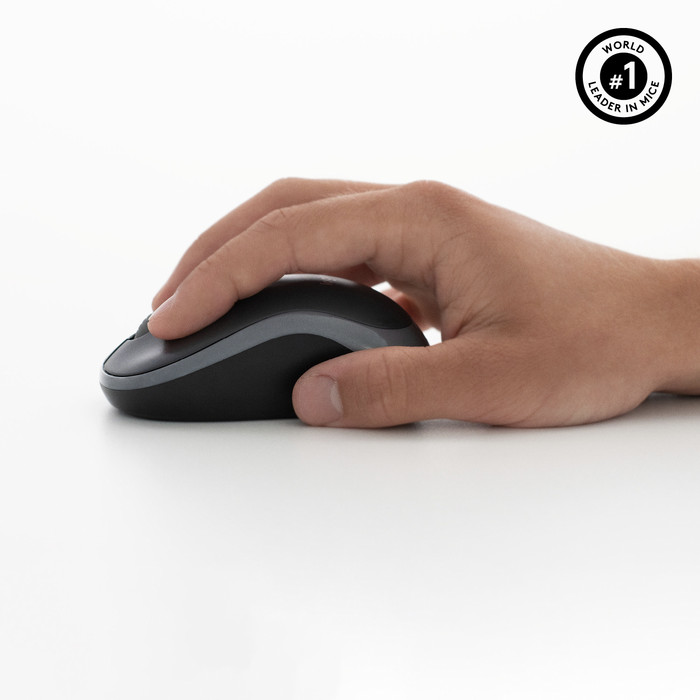
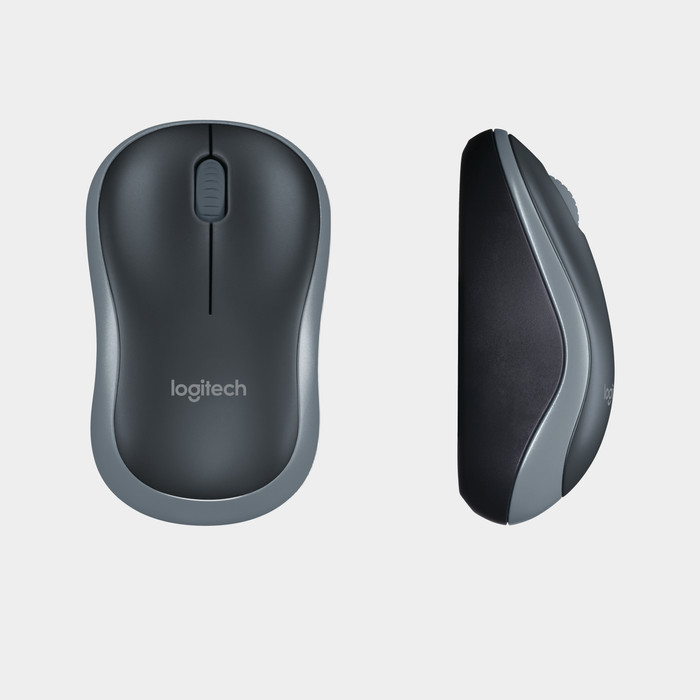
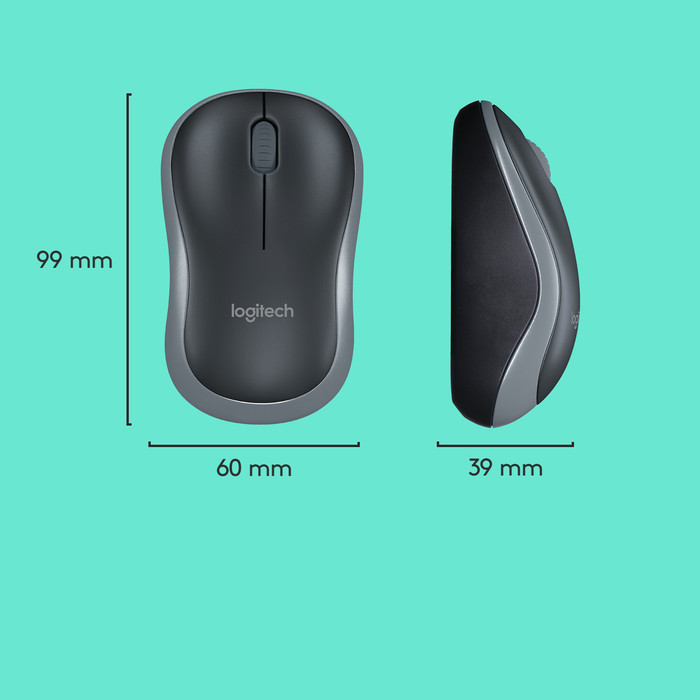
I was particularly surprised by the mouse. The mouse is compact, yet comfortable to use. Of course it's not as comfortable as a full-sized mouse, but you can work with it for a while. The mouse has no special buttons, except the left and right mouse buttons and the scroll wheel. At the bottom, the mouse has an easy-to-remove cover, where you can replace the battery and store the receiver in case you take the mouse and keyboard somewhere. I found this very useful myself.
Other points:
I had some range issues myself. My computer is less than 2 meters from me, under the desk, but the range was still poor. I should mention that the computer is quite well protected. Fortunately, I was able to solve this by laying a USB extension cable in my direction. Furthermore, nothing is mentioned about software, but after looking around on the Logitech site, I still found software. It is up to you to decide whether to install this software. It's not required, but I do recommend it because this software comes with a few useful features, such as showing on the screen when the caps lock and numeric part are turned on/off.
Conclusion:
In my opinion, this is a great wireless mouse and keyboard set for the computer or laptop. It types well, the mouse is compact yet comfortable, and the keyboard is compact yet with the features of a ''large'' keyboard. Unfortunately, I personally had some range issues, I am missing a light for the numerical section and while it is very nice that the receiver is so small, it is easy to lose. This has not happened to me yet, but be warned!