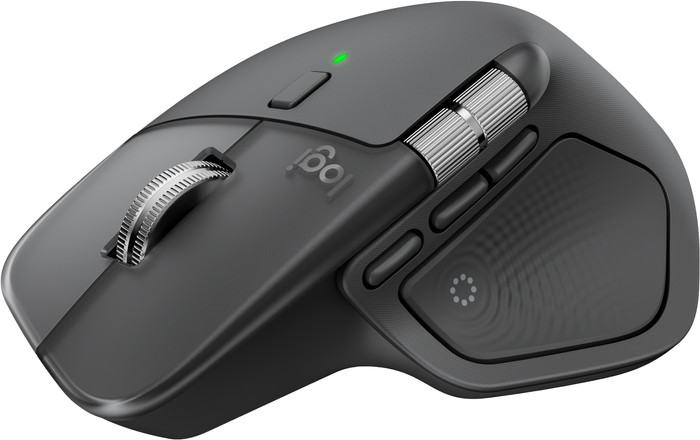
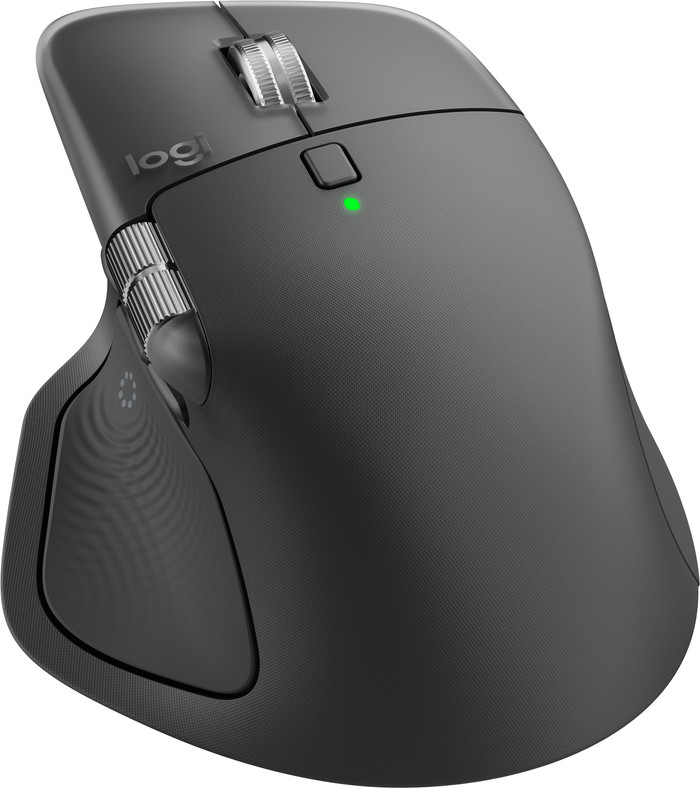
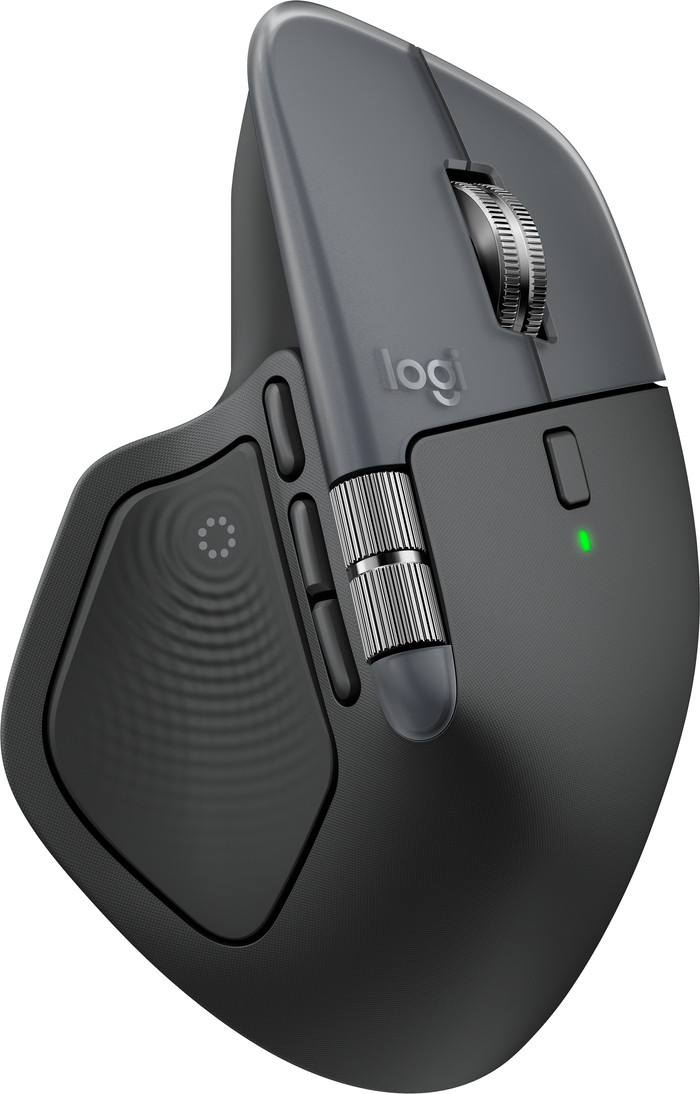
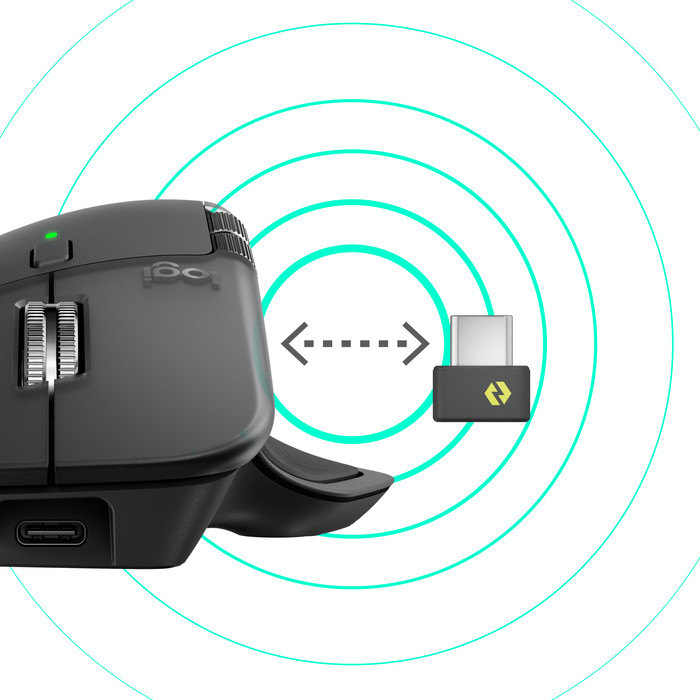
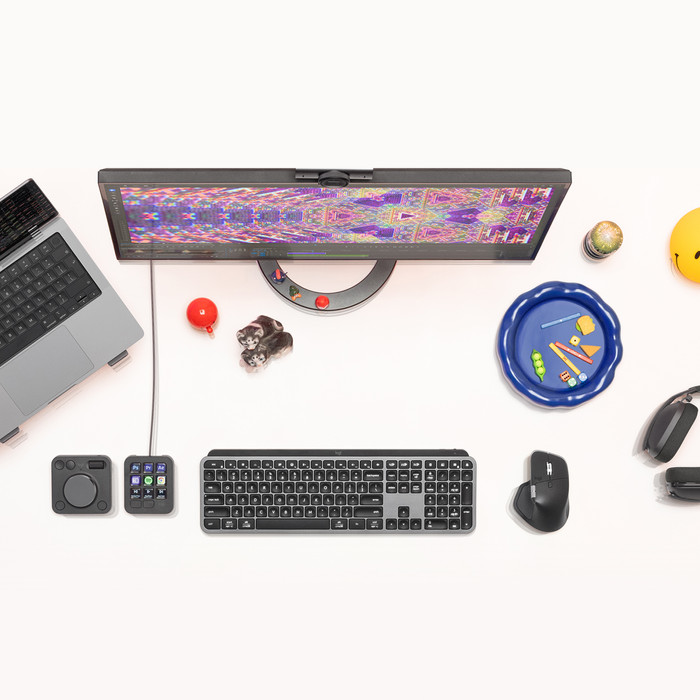
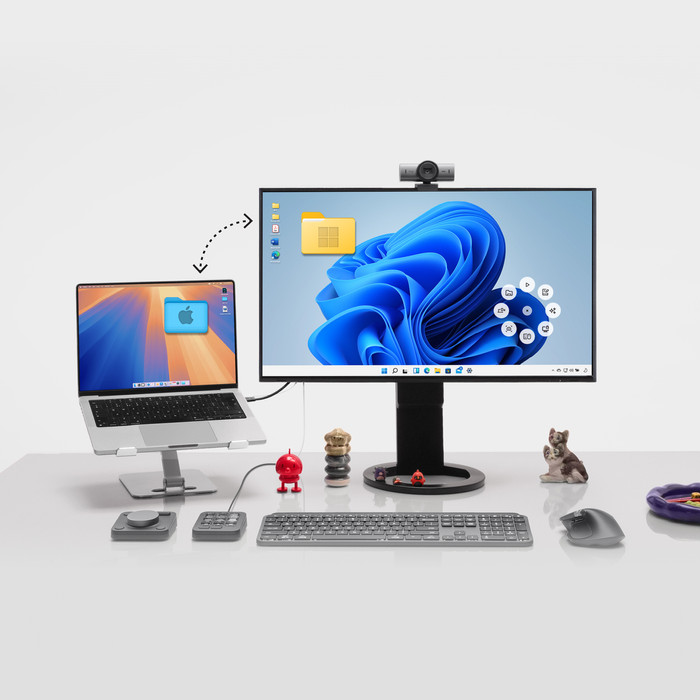
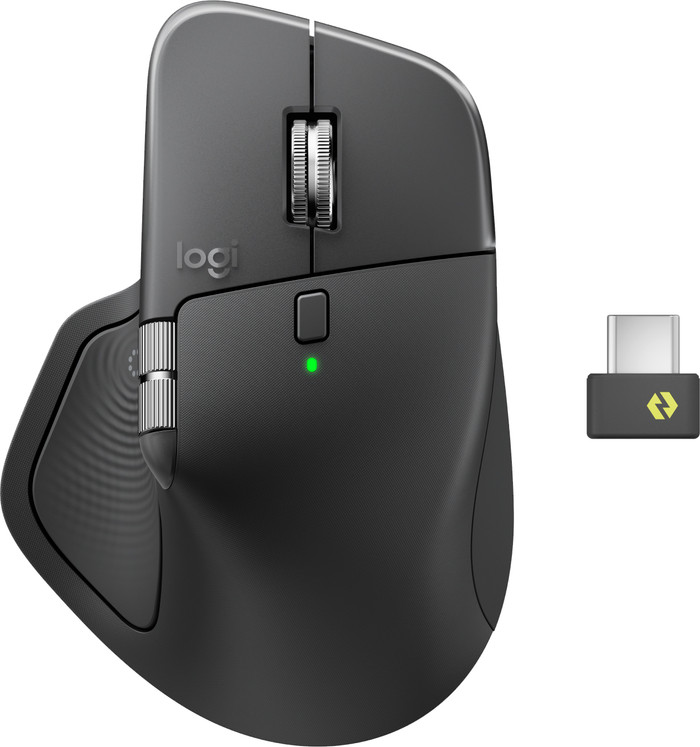
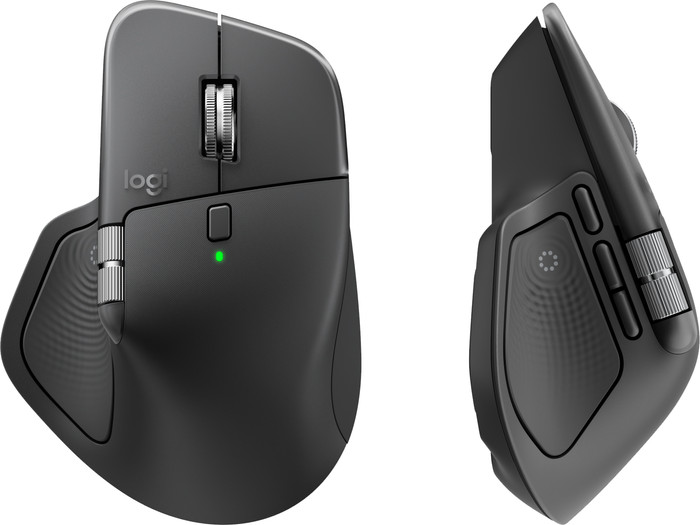
I bought this mouse to replace the Logitech MX Master 3S, which I've been a big fan of for years. When I first used the MX Master 4, I immediately noticed that it's a bit heavier and smoother than the MX Master 3S. Not a problem per se, as I still don't find it too heavy or slippery. However, I'm someone who regularly has to switch between laptops. And when lifting the mouse to toggle the Bluetooth switch, I find it much more comfortable with the MX Master 3S.
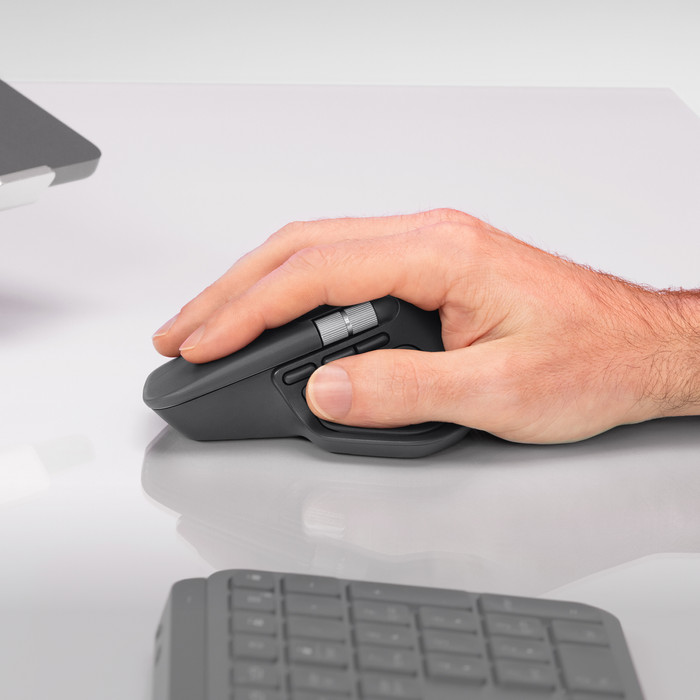
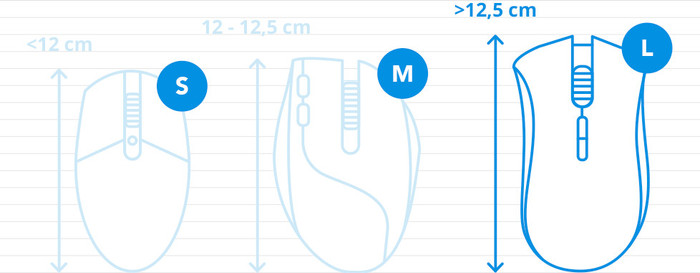
The MX Master 4 is also a bit larger than the 3S. I have smaller hands and therefore find the ergonomics less comfortable than with the 3S. But that's a personal preference, of course. I think the ergonomics of the MX Master 4 are slightly better suited to someone with larger hands.
The mouse is also very quiet. There's no audible click, and the scroll wheel is silent. That makes it a bit clinical for me, because I actually like a little sound to confirm my actions. The MX Master 3S is also very quiet, but it does provide a bit more feedback. Admittedly, you can work very quietly with the MX Master 4 :).
One thing that bothers me a bit is a slightly sharp edge at the top of the scroll wheel. With the new design of the MX Master 4, Logitech has chosen to place the left and right mouse buttons at that point. This is different from the MX Master 3S, which has a smooth surface at that point. Every time I scroll, I now feel a slight sharp edge. It's not extremely distracting, but it was more comfortable with the MX Master 3.
With the new design of the MX Master 4, the mouse slopes slightly less downward at the left and right mouse buttons. As a result, the mouse feels a little less curved compared to the MX Master 3S. I personally find that a shame, because it makes it slightly less ergonomic. But of course, this is also a personal preference.
The MX Master 4 is otherwise excellent to use, and the cursor is very accurate. Although the MX Master 3S is certainly just as accurate. My own experience with the MX Master 4 is that it moves a little more smoothly on a mousepad than the MX Master 3S. This may be due to the difference in weight. On a smooth surface, such as a smooth table, the MX Master 4 moves much more smoothly.
I personally find an extra button and the haptic feedback a bit unnecessary. But it's nice that it's included, and I'll see in the coming period whether or not I'll use it.
All in all, I find the MX Master 4 an excellent product. Only when I compare it directly to the MX Master 3S do I prefer the 3S. But perhaps that's just a matter of getting used to it.