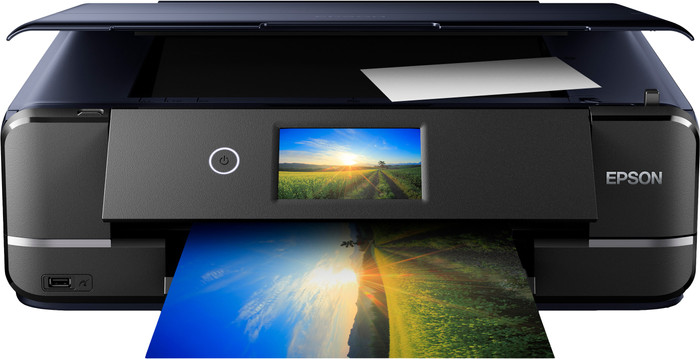
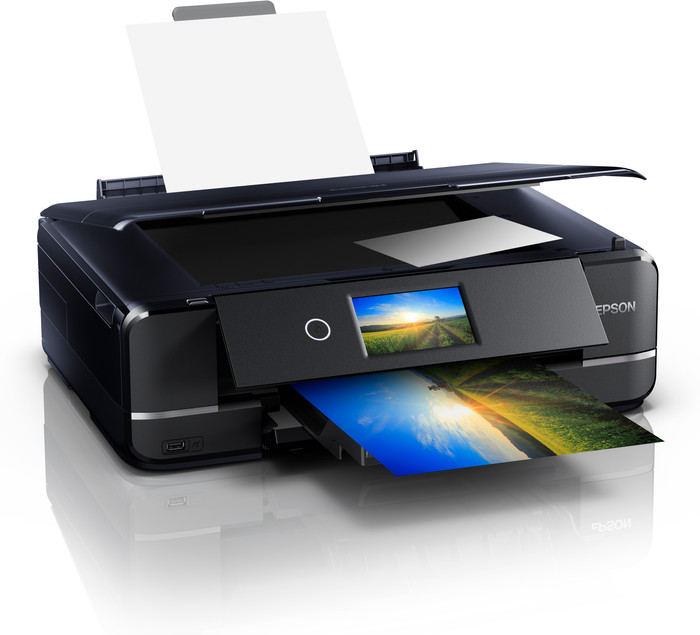
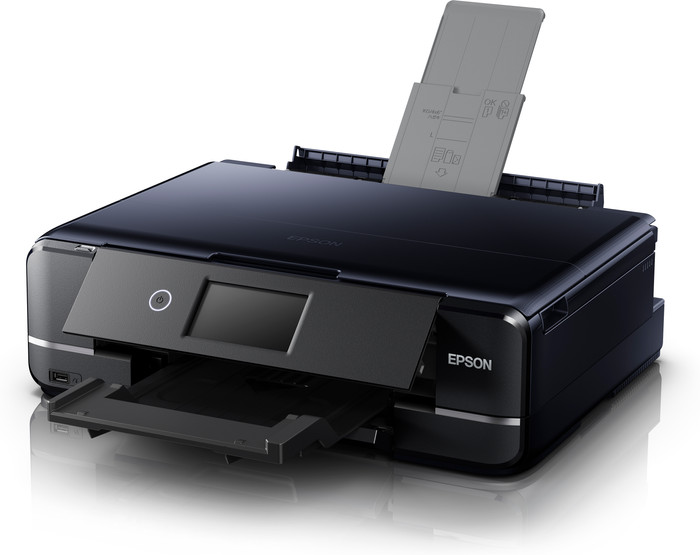
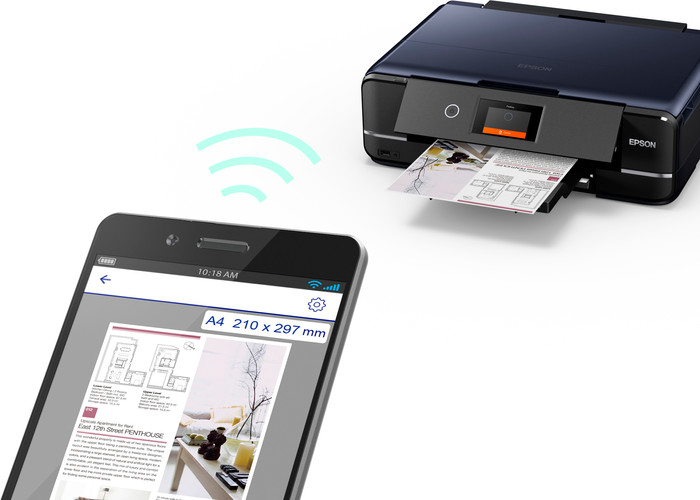
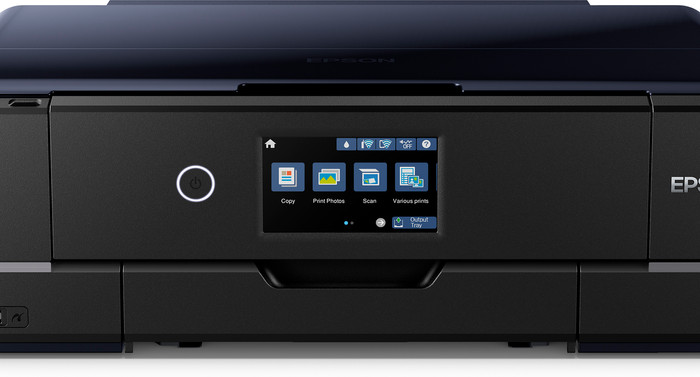
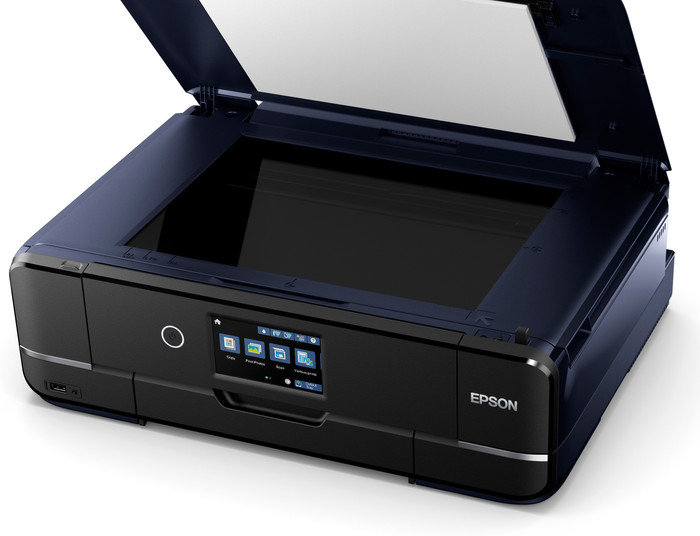
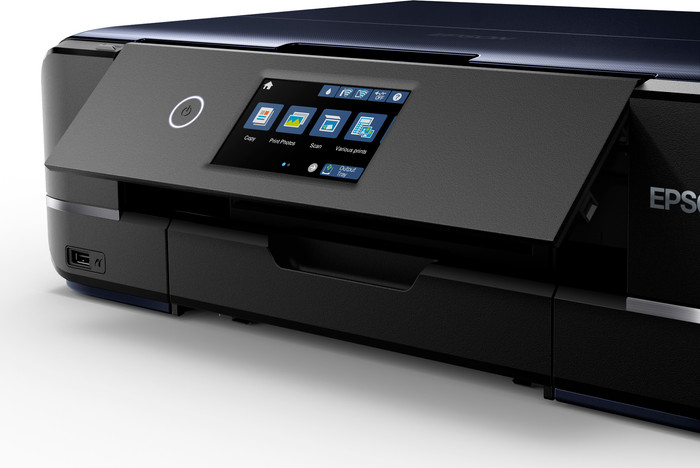
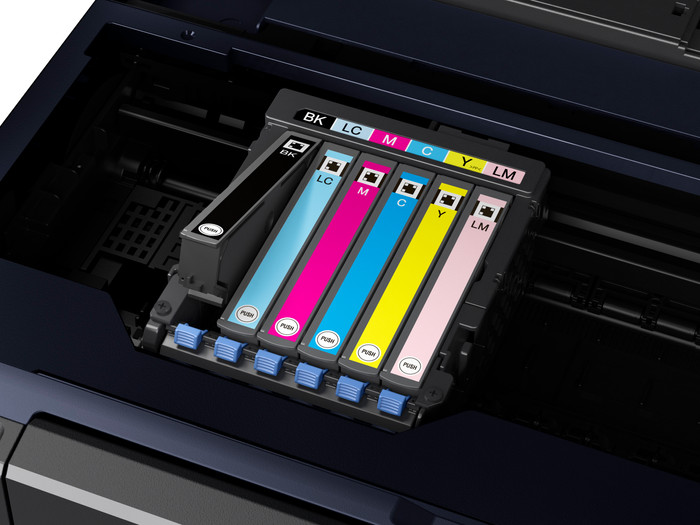
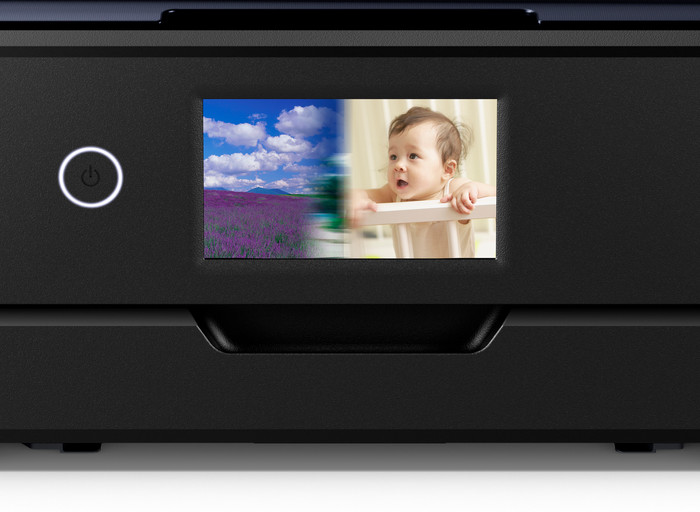
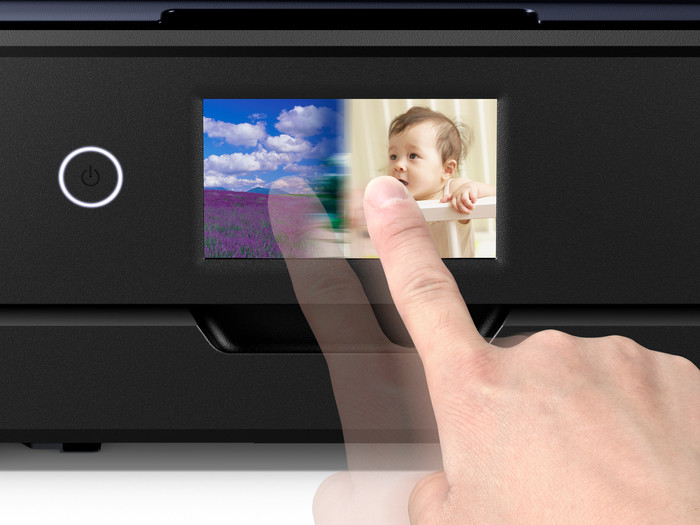
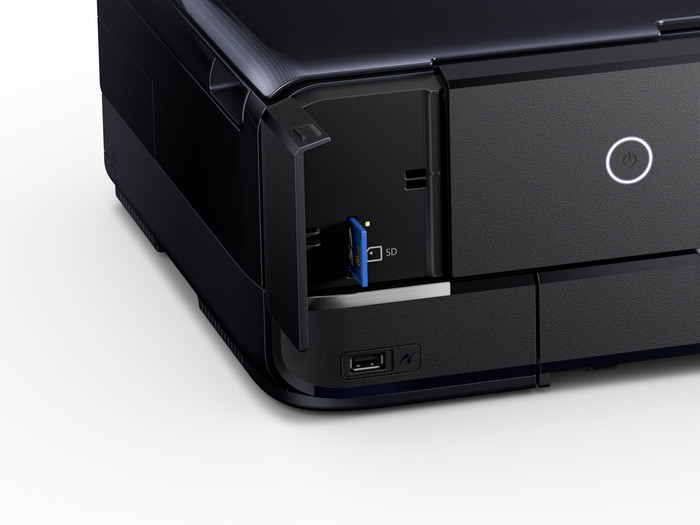
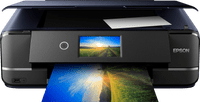
You can print, copy, or scan your photos with the Epson Expression Photo XP-970 all-in-one printer. Thanks to the 6 separate color cartridges, including light magenta and light cyan, your photos are even more detailed. You can select the photos you want to print right away via the built-in color touchscreen. You can store photo paper and standard paper separately in the 2 separate paper trays. The printer then automatically selects the correct paper. Printing larger and thicker sheets isn't a problem with the Expression Photo XP-970. You can print on paper up to A3 size. The flatbed scanner keeps your photos in place during scanning.
Note: do you want to print a photo on photo paper? Place the back (with the logo) facing upwards in the printer.