
Written by Chiara
Edited on
7 August 2025
·
13:03
What's Beko HomeWhiz?
You can connect a Beko washing machine with HomeWhiz to your smartphone or tablet. You can control your washing machine where and when it suits you best via the app on your mobile device. You can easily download extra programs, so you always wash your clothes with the right cycle. Read how HomeWhiz works and what you can use it for here.
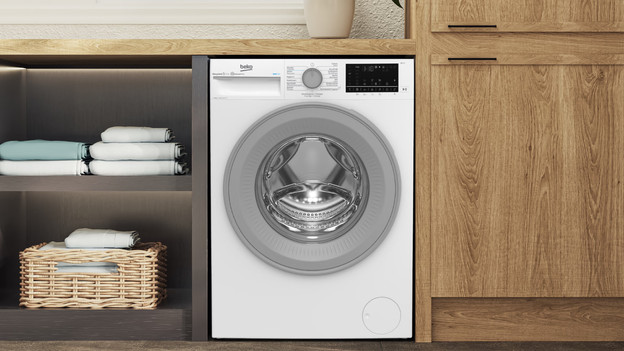
The advantages of HomeWhiz
If you connect your Beko washing machine to the HomeWhiz app, you save time and your clothes last longer. You can easily program the machine to your wishes. Want your laundry to be ready when you get home after a long day of work? With the touch of a button, you can turn on the appliance from wherever you are. You'll receive a notification when the laundry is ready, so you'll never walk to the appliance too early.
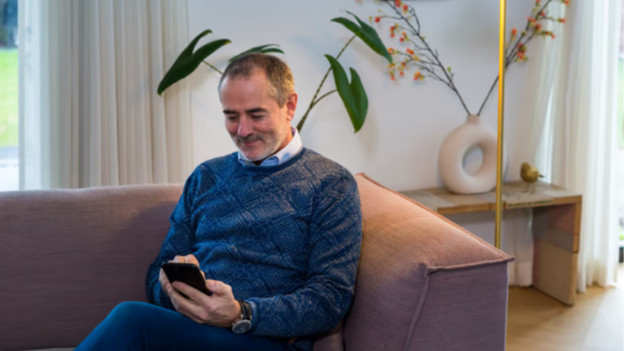
How does HomeWhiz work?
You can download the HomeWhiz app for iOS via the app store Google Play store for Android. Open the app on your smartphone or tablet and add the washing machine. You can do this by entering the product number in the app. Then, follow the steps in the app. Your washing machine is now connected to your phone or tablet. You'll receive an overview of all wash cycles. Choose the best cycle for your favorite sweater and you'll receive a notification when it's done.
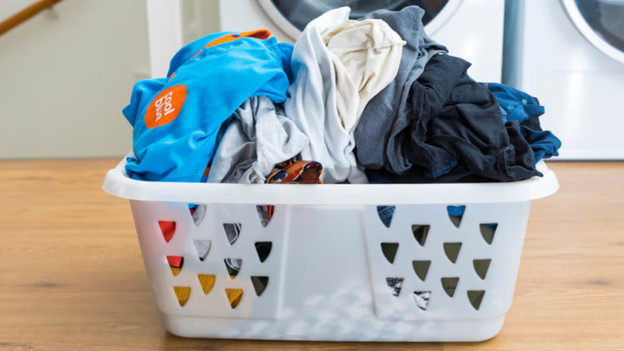
Customize cycles with HomeWhiz
You can easily adjust any wash cycle to your liking via the app. This way, you can choose a higher or lower temperature for your shirts at the touch of a button. Do you see that the laundry finished earlier than planned in the app? Click the pause button. You can turn the appliance back on when it suits you better. That way, your clothes won't remain wet in the machine for an unnecessarily long time. If you want more cycles to choose from, download cycles in the app that aren't on the machine. With the HomeWhiz app, you can easily choose a suitable cycle for your laundry.