Written by Elaine
Edited on
23 November 2023
·
08:13
How do you choose a drawing tablet?
Drawing tablets are available in different sizes and with various functions. This means there's a suitable drawing tablet for every user type, but which one is the most suitable for you? In this article, we'll explain what you should keep in mind when choosing a drawing tablet.
Choose drawing tablet
Before you buy a drawing tablet, it's important to ask yourself the following questions:
- Do you want a tablet with or without screen?
- How precisely do you want to work?
- Which size do you need?
- Do you want extra functions, like multi-touch and programmable buttons?
- Do you want a wired or wireless drawing tablet?

Do you want a drawing tablet with or without screen?
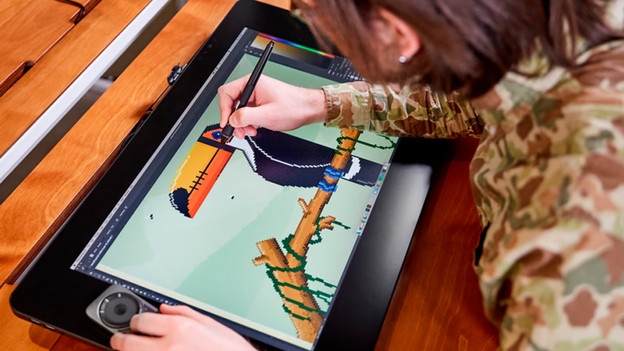
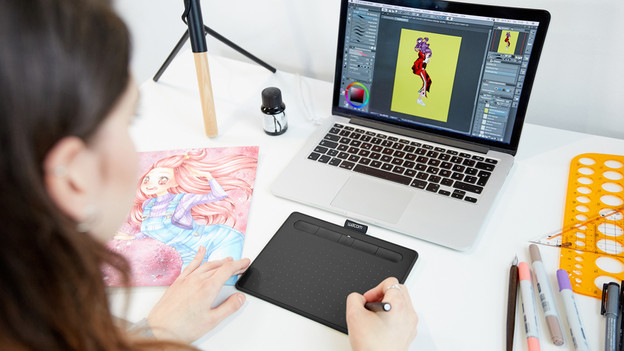
There are drawing tablets with and without a screen. With a drawing tablet without screen, you only see what you're drawing on your computer screen. These types of drawing tablets are more affordable because they don't have a screen. Drawing this way might take some getting used to. A drawing tablet with a built-in screen is popular amongst graphic professionals. Because you don't look at the screen of your computer, drawing feels more natural. These types of drawing tablets are more expensive, but you can work more efficiently on them.

How precisely do you want to work?
How precisely you can work depends on the LPI resolution, the number of pressure levels of the pen, and more. The LPI resolution is expressed in lines per inch: LPI. This indicates the number of lines a drawing tablet can register in 1 inch. The higher the LPI number, the more details you can add to your drawings. Pressure levels indicate how sensitive the drawing tablet is to your touch. If you apply more pressure to the screen with the stylus, you draw a thicker line. The more pressure levels it has, the better you can vary with the line thickness.
Do you want extra functions, like multi-touch?
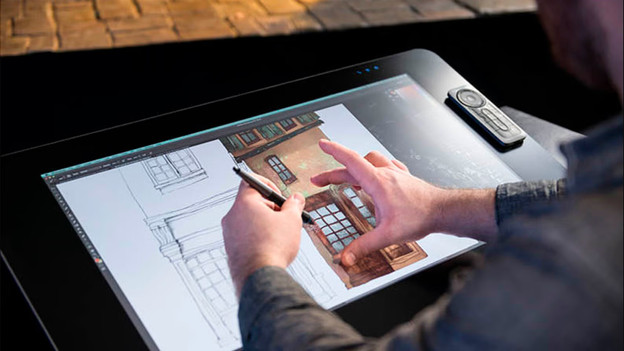
Many more expensive drawing tablets have various extra functions that make it easier to design. Think about multi-touch, where the screen supports multiple touches at the same time. You can zoom in while drawing or move your canvas, which is quick. Some drawing tablets have programmable buttons. You can use them to set your favorite shortcuts, so you'll always have them at hand. As a result, you only have to press 1 button to switch between different brushes or tools. Thanks to these types of functions, you can work more efficiently and smoothly on your designs.
What size do you need?
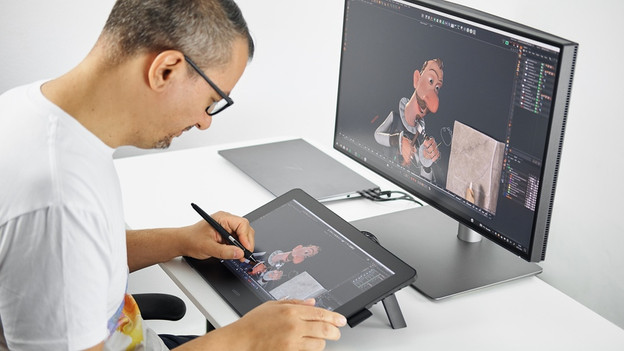
The best size for a drawing tablet depends on what you want to use it for. A smaller size is useful if you change your workplace often, such as 12 inches. A larger size is the best choice when you work on detailed illustrations. The larger the active drawing zone, the more room you have for the smallest details.
Do you want a wired or wireless drawing tablet?
You can often choose between a wired or wireless model with drawing tablets. An advantage of a wireless drawing tablet is that you're not bothered with cables on your desk. You can also easily take it with you. A disadvantage is that you have to charge the drawing tablet regularly. The advantage of a wired drawing tablet is that it's always connected to power and stays connected to your computer. You do need to use a USB port of your computer for it, which might be inconvenient if it doesn't have many ports.